Cyber week deals! Galaxy Watch8 Classic, Fold 7, S25 Ultra. Follow us on YouTube, TikTok, or LinkedIn
Last updated: October 6th, 2023 at 07:17 UTC+02:00
SamMobile has affiliate and sponsored partnerships, we may earn a commission.
Reading time: 2 minutes
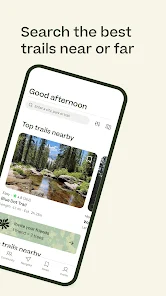
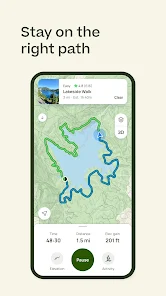
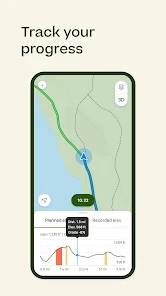
By pairing the AllTrails Wear OS app with an Android phone, users can see trails, progress, and other important data at a glance. You can select a trail from your watch, or you can select it from your phone as well. Once the trail has been selected, it will be visible on both the smartwatch and the phone. You will see the progress and how much distance you still have left in a small green progress ring. You can pause, resume, or end the trial at any time.
AllTrails+ members get some additional features. Apparently, they can use the AllTrails Wear OS app offline, and downloaded maps will be available to choose from. This is a nice feature to have since there is a good chance that the trail that you have selected might not have LTE coverage. It is also good for users who don't have an LTE variant of the Wear OS watch.
Do note that AllTrails isn't a health app, and it doesn't count your body metrics. In order to measure health stats like heart rate and burned calories, you need to select a workout on your Wear OS smartwatch. You can download the new AllTrails Wear OS app from the Play Store. You can use the MyFitnessPal app on your Galaxy Watch to log food and measure calorie intake as well as calories burned.