Last updated: April 27th, 2026 at 23:47 UTC+02:00
SamMobile has affiliate and sponsored partnerships, we may earn a commission.
If you're tired of entering your password, pattern or pin to unlock your Galaxy phone at home, there's an easy way to fix that.
Reading time: 4 minutes
Danny Dorresteijn / SamMobile
Half the time I want to use my phone, it isn't in my hand. It's on the wireless charger, or on my desk, or somewhere a little out of reach.
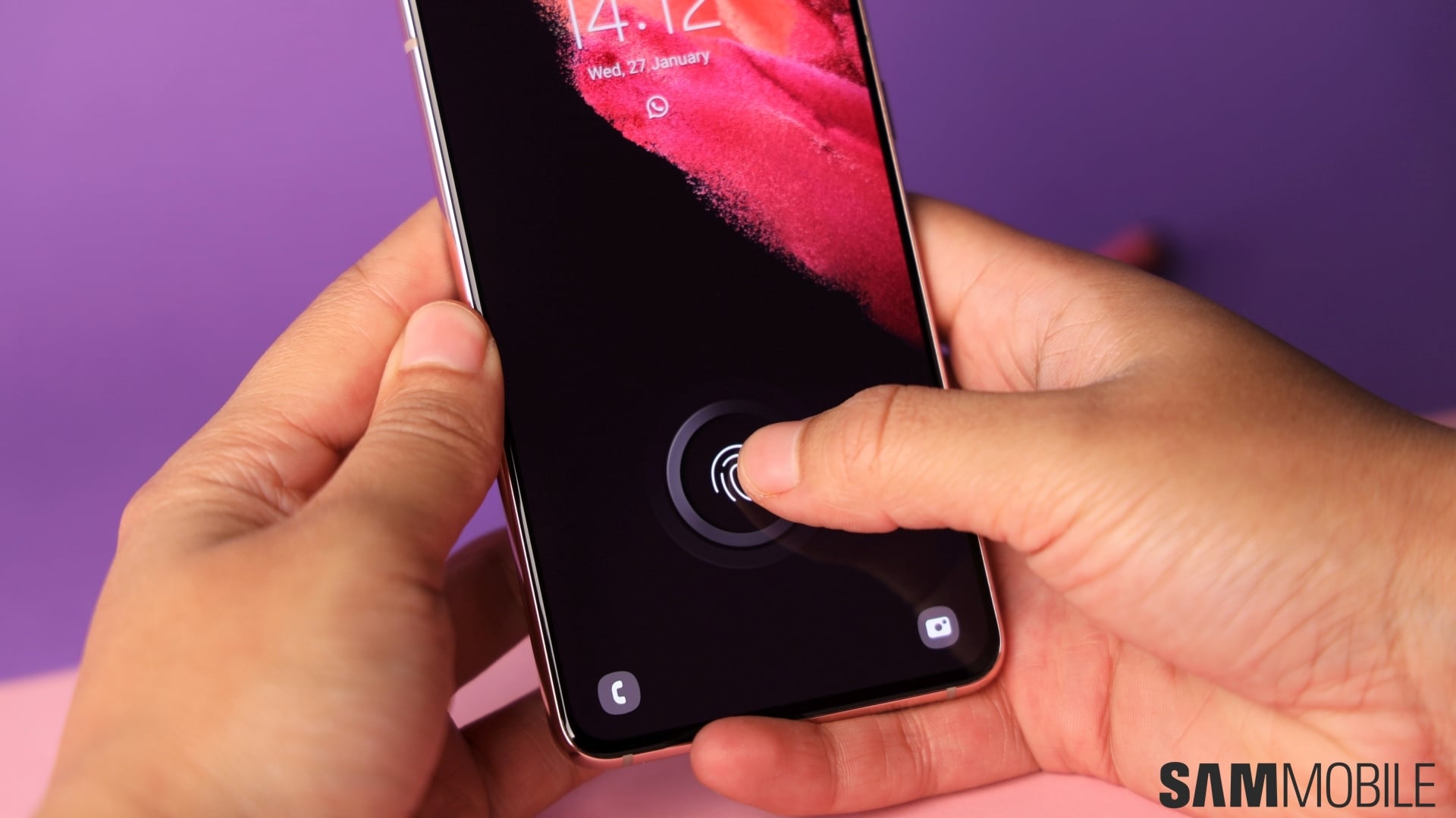
Unlocking the phone using biometrics can be pretty frustrating in these situations. I either have to plant my finger on the fingerprint sensor at an awkward angle, or pick the phone up and position my face in front of it for facial recognition. Most of the time, I end up falling back to entering my pattern.
That gets really tiring when you're unlocking your phone more than fifty times a day and it isn't in your hand. So I opened Samsung's Modes and Routines app and set up a routine to get rid of the annoyance.
Modes and Routines is a powerful automation app where you can set up routines that trigger actions when certain conditions are met — like when your phone is connected to a Wi-Fi network, plugged into a charger, in a certain location, or below a certain battery level. It comes pre-installed on every Galaxy phone, but most people never open it.
The routine I set up is simple: as long as the phone's connected to my home Wi-Fi network and connected to my Galaxy Watch, it stays unlocked. All I have to do is wake up the screen and swipe on the lock screen to get in. No more entering the pattern, which was the part that felt most inconvenient day to day, since I spend a lot of my day at home.
If this is something you go through as well, you can set up the same routine on your phone using the steps below.
Keep in mind that this is just the routine I use. You can choose from many different conditions to keep your phone unlocked, not just a connection to your Wi-Fi network or Bluetooth watch.
Android/Galaxy devices have a feature called Extend Unlock (previously called Smart Lock) that lets you keep the phone unlocked when certain conditions are met. But the only option in Extend Unlock that really works reliably for this is Trusted devices, which checks if your phone is connected to a particular Bluetooth device, like your watch.
The other options aren't great. On-body detection doesn't fit my use case, since I want the phone unlocked even when I'm not holding it. And Trusted places uses your location, which can be slow to register, especially indoors.
With Routines, the unlock kicks in the moment my phone connects to my home Wi-Fi. The watch condition is there as an extra security measure on top of that. There's also a built-in time limit: the Keep Unlocked action only stays active for four hours at a time after the conditions are met, so the phone won't sit there permanently unlocked.