Last updated: April 24th, 2026 at 12:36 UTC+02:00
SamMobile has affiliate and sponsored partnerships, we may earn a commission.
Looks better but reads worse? There's a solution.
Reading time: 3 minutes
Max Jambor / SamMobile
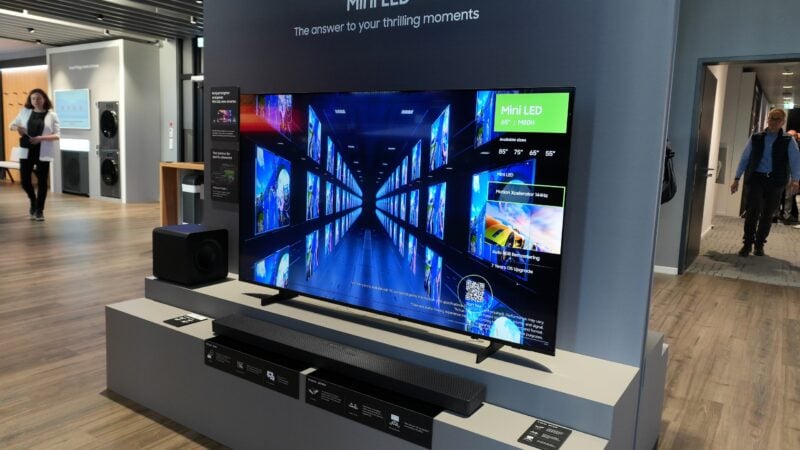
Samsung M80H Mini LED TV - Source: Max Jambor / SamMobile
Samsung's Tizen 9 update, also known as One UI Tizen, is rolling out to select 2023 TV models across more regions. We just received it on the QN90C Neo QLED in Europe.
The update’s main appeal is the refreshed user interface, which brings visual changes more in line with Samsung’s One UI design language on phones.
Fonts, pop-ups, icons, and settings menus have all been reworked. It’s a clean look overall, especially if you appreciate consistency between your TV and mobile devices.
That said, this new design direction comes with a trade-off. Nearly every UI element in Tizen 9 appears smaller than in previous versions.
On larger TVs or when sitting closer to the screen, this size difference might not stand out as much. But if your Samsung TV is on the smaller side, or your viewing distance is greater, parts of the interface can become difficult or impossible to read.
Most of us at SamMobile who received the One UI Tizen update ran into this issue, though your experience will depend on your setup. Screen size and seating distance will make all the difference.
Thankfully, you can increase the size of fonts, icons, and other UI elements through an accessibility setting. It’s not deeply customizable, but it does the job for most users. Here's how you can make this happen.
Enabling this option enlarges most interface elements, making them easier to read from a distance.
However, the implementation is fairly basic. You’re limited to the default size or a single larger preset, with no finer control or intermediate scaling options. Even so, it’s a practical fix in most situations.
If you’re still waiting for the One UI Tizen 9 update on a 2023 or 2024 Samsung TV, there isn’t much you can do to speed things up.
So far, the rollout has been slower and less consistent than expected across models and regions. Even users with the same TV model in the same country have reported different availability.
For now, your only options are to wait or check for updates manually from time to time. If you want to do that, see the steps below.
And if you’re considering one of Samsung’s 2026 TV models, those ship with an even newer version of One UI Tizen out of the box, with a stronger focus on agentic AI features aimed at improving the overall user experience. Check your local shop for more details on availability for 2026 models.
Mihai is a blogger and column writer at SamMobile. His first Samsung phone was an A800 which took a lot of beating, and a part of him still misses the novelty of the clamshell design. In his free time, he enjoys watching shows, documentaries, and stand-up comedy; listening to music, taking walks, and occasionally playing old(er) video games.