Epic deals Galaxy Z Fold7 and Galaxy S25 Ultra
Last updated: January 27th, 2026 at 13:04 UTC+01:00
SamMobile has affiliate and sponsored partnerships, we may earn a commission.
Users should be allowed to activate more than one screen to display workout metrics.
Reading time: 3 minutes
Galaxy Watches have excellent hardware and offer solid fitness tracking and smart features. They deliver reliable activity and workout tracking with clean visuals, but workout screen customization remains one area where they still feel limited.
This is one of the areas where not better hardware, but better UI design and more customizations are needed.
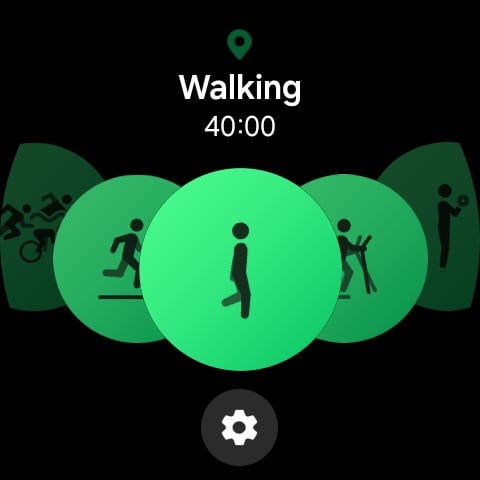
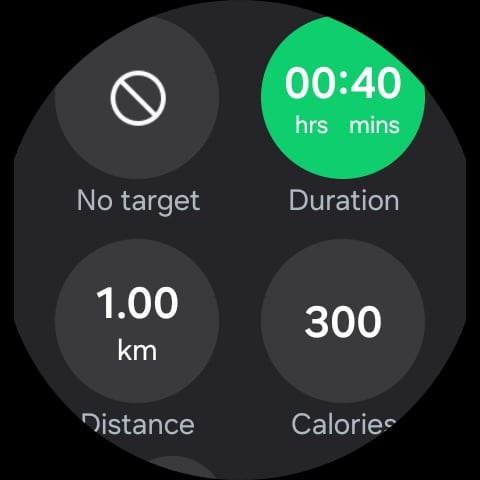
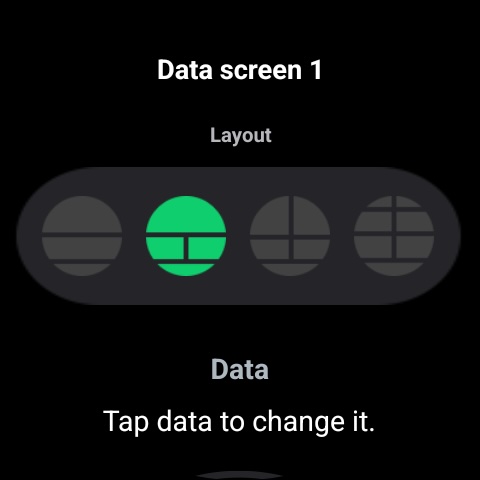
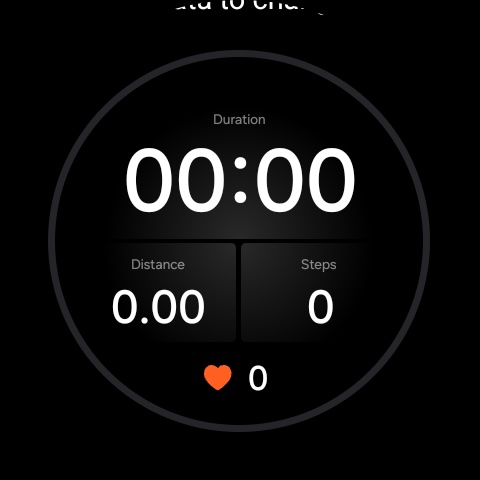
When you start a workout on a Galaxy Watch, you are presented with a default screen that displays a few predefined metrics, such as workout duration, current heart rate, and speed. The layout can vary depending on the activity or workout type. If you do not like the default workout screen, you can switch to a different layout.
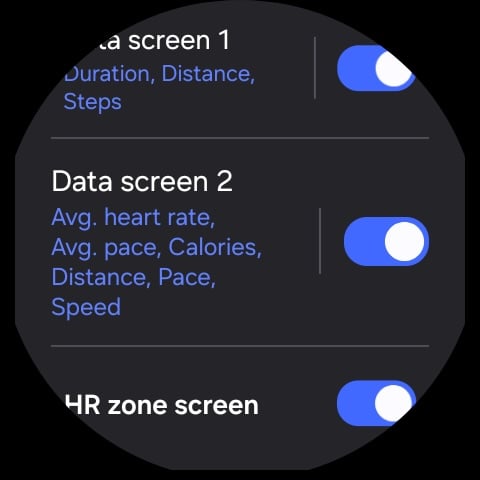
Depending on the activity, there may be three or four layout options available, and you can choose up to two screens and swipe between them during a workout. However, you cannot select more than two workout screens.
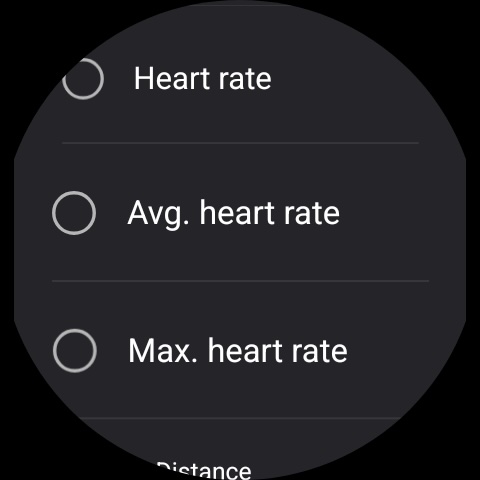
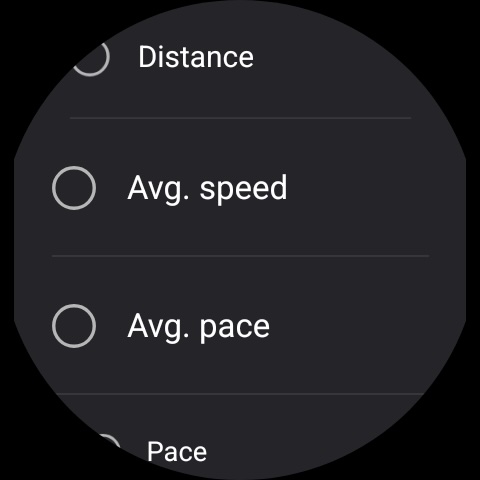
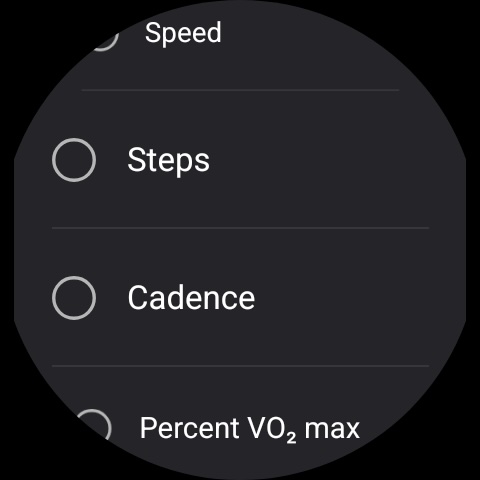
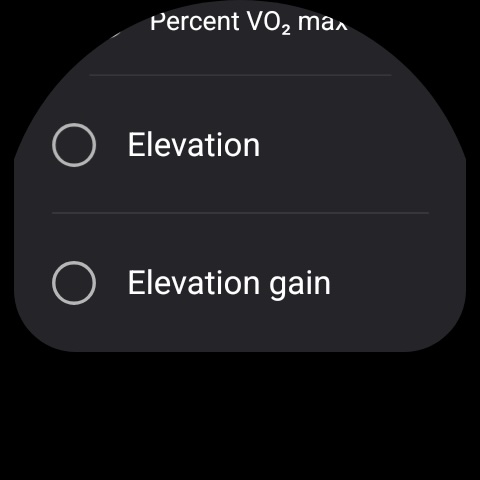
This limitation becomes obvious once you try to configure workout data in a way that makes sense for real world use. For example, it is not possible to set up three workout screens like the following:
In this scenario, the first screen provides a balanced set of critical metrics without sacrificing readability. Each data field would be large enough to glance at while running. The second screen is more information dense and focused on heart rate, pace, and speed. The third screen is dedicated to cadence and steps. Unfortunately, there is no way to configure workout screens this way on Galaxy Watches.
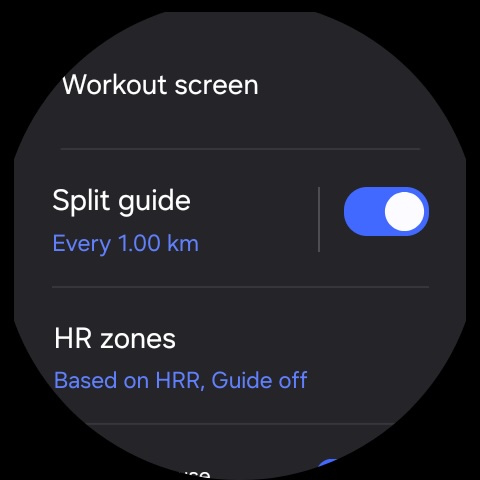
There is also no way to include segment related metrics on the workout screen. You can configure a Galaxy Watch to track segments, such as splits every ten minutes or each kilometer. The watch displays and reads out segment data after each split, but this information disappears after a few seconds. There is no option to review or return to those metrics during the workout.
These are fundamental statistics for runners and walkers alike, yet Galaxy Watches do not give users full control over how or where this information is displayed. For a platform that already tracks this data, the lack of presentation options feels like a missed opportunity.
This shortcoming stands out even more because Samsung excels at personalization in other areas. Features like the Quick Panel, watch faces, and tiles offer a high level of customization, making the limited workout screen options feel out of place.
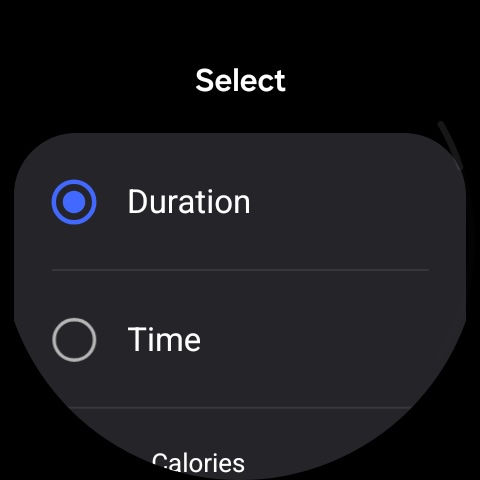
Samsung should allow users to enable more workout screens and freely choose which data appears on each one. Since customizing workout screens on a small watch display can be cumbersome, the company should introduce a dedicated workout screen editor within the Samsung Health app on phones. A phone based editor would make it far easier to select and organize data fields before starting a workout.
Galaxy Watches already have strong hardware and capable fitness tracking. With deeper workout screen customization, they could become significantly more powerful tools for fitness enthusiasts. The data is already there, and Samsung simply needs to make better software design decisions to unlock its full potential.