HAPPY HOLIDAYS – SamMobile. Awesome deals Galaxy Z Fold7, Watch8, S25 Ultra and S95F OLED TV
Last updated: December 27th, 2025 at 00:31 UTC+01:00
SamMobile has affiliate and sponsored partnerships, we may earn a commission.
These One UI 8.5 features could significantly improve daily productivity, especially for power users like me.
Reading time: 3 minutes
As someone who spends most of the day switching between documents, email, Slack, and several other apps on my phone and computer, software quality matters to me as much as raw specifications.
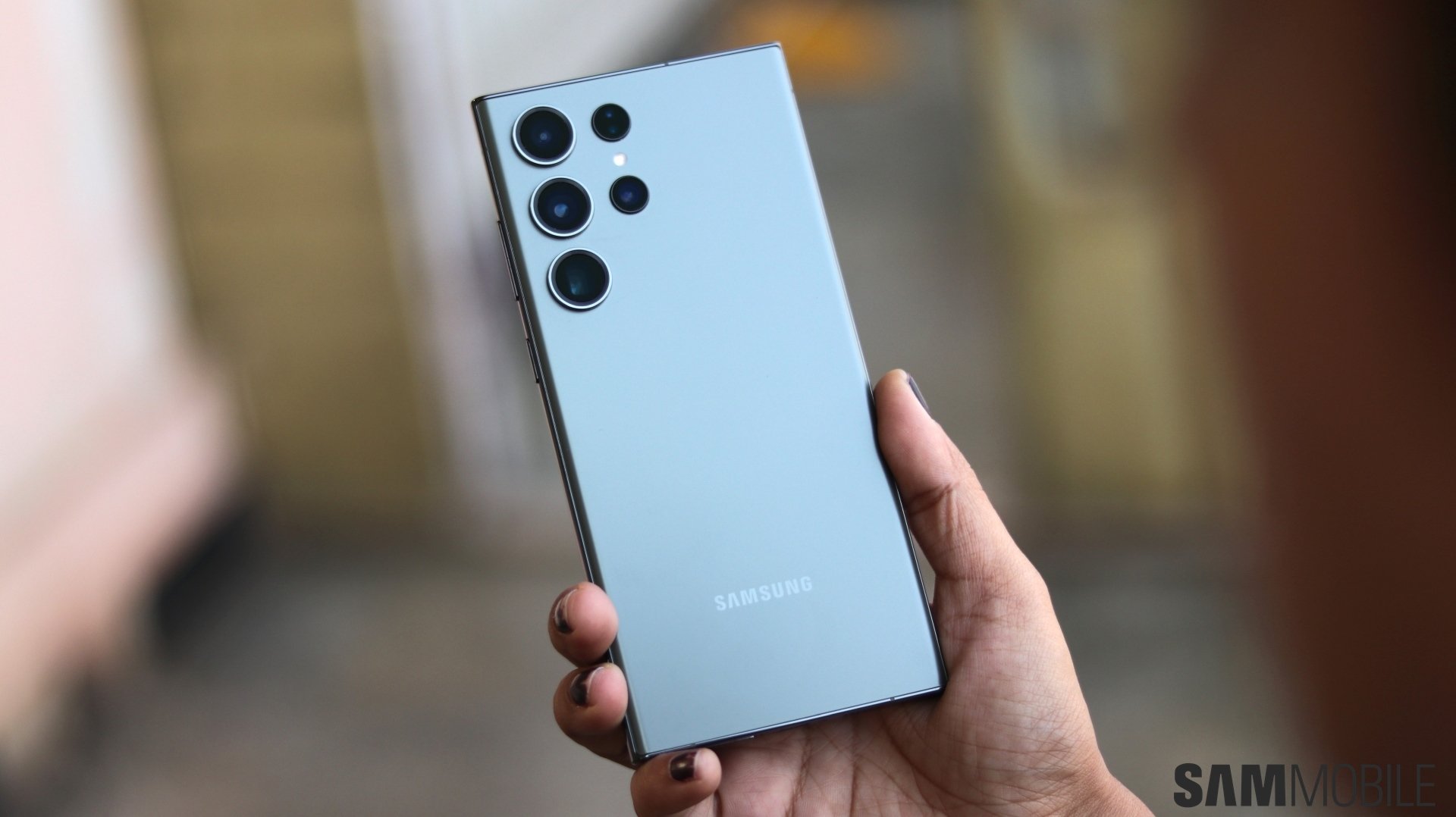
Almost three years after I purchased it, the Galaxy S23 Ultra still powerful enough for my needs, and bi-annual One UI updates keep it feeling fresh. This year, Samsung released two major One UI updates in quick succession, and in a couple of months, the company will release One UI 8.5.
With One UI 8.5, Samsung seems to be bringing some features that I've wanted for a long time. While none of them are headline-grabbing, they showcase the mature direction One UI is headed in, and there are four in particular that I'm genuinely waiting to use on my S23 Ultra.
The Quick Panel overhaul is easily the most exciting change for my daily use. Being able to add or remove any control, resize toggles, and even change the orientation of the brightness and volume sliders makes a bigger difference than it sounds.
The most important part, though, is what I can remove. Controls for Modes, Nearby Devices, and Smart View are useful, but not for everyone. And they are certainly not important for me. Clearing them makes space for other controls that I use more frequently.
This is the kind of customization power users have been asking for, and it will allow everyone to make their phones feel more personal.
My workday rarely follows a single clock. Our team is spread across continents, and embargoed stories leave no room for timing mistakes. Until now, that has meant relying on third-party apps or using Google Search.
One UI 8.5’s stock Clock app has a built-in time zone converter. It may feel like a small change, but it solves a real problem, at least for me. I don't have to switch to a third-party app or use Google. This convenience matters when I am double-checking publishing times at odd hours. It is one less mental step in an already busy workflow.
I copy numbers constantly to convert prices, note down my daily expenses, and create invoices. So, I have to frequently copy numbers and paste them into the Calculator app. The Calculator Nudges feature in One UI 8.5 suggests recently copied numbers as soon as you open the app, and it feels tailor-made for my habit.
Instead of jumping back and forth between apps, the number I need is already there, waiting. Features like this don’t demand attention and quietly save time throughout the day.
Screen recording is a regular part of my job, especially when I’m testing new One UI features, Samsung app updates, or comparing designs between newer and older versions of an app or One UI release. When recording the full screen, I often end up hiding notifications, phone numbers, and other personal info, or fixing things later by cropping the video.
Partial screen recording in One UI 8.5 fixes all of that. Being able to capture only the part of the screen that actually matters is a big win for me. It keeps recordings clean, focused, and immediately ready to share with teammates. If you regularly demo or document software, this is one of those small features that can end up saving a surprising amount of time.