Last updated: April 21st, 2020 at 14:12 UTC+02:00
SamMobile has affiliate and sponsored partnerships, we may earn a commission.
Reading time: 2 minutes
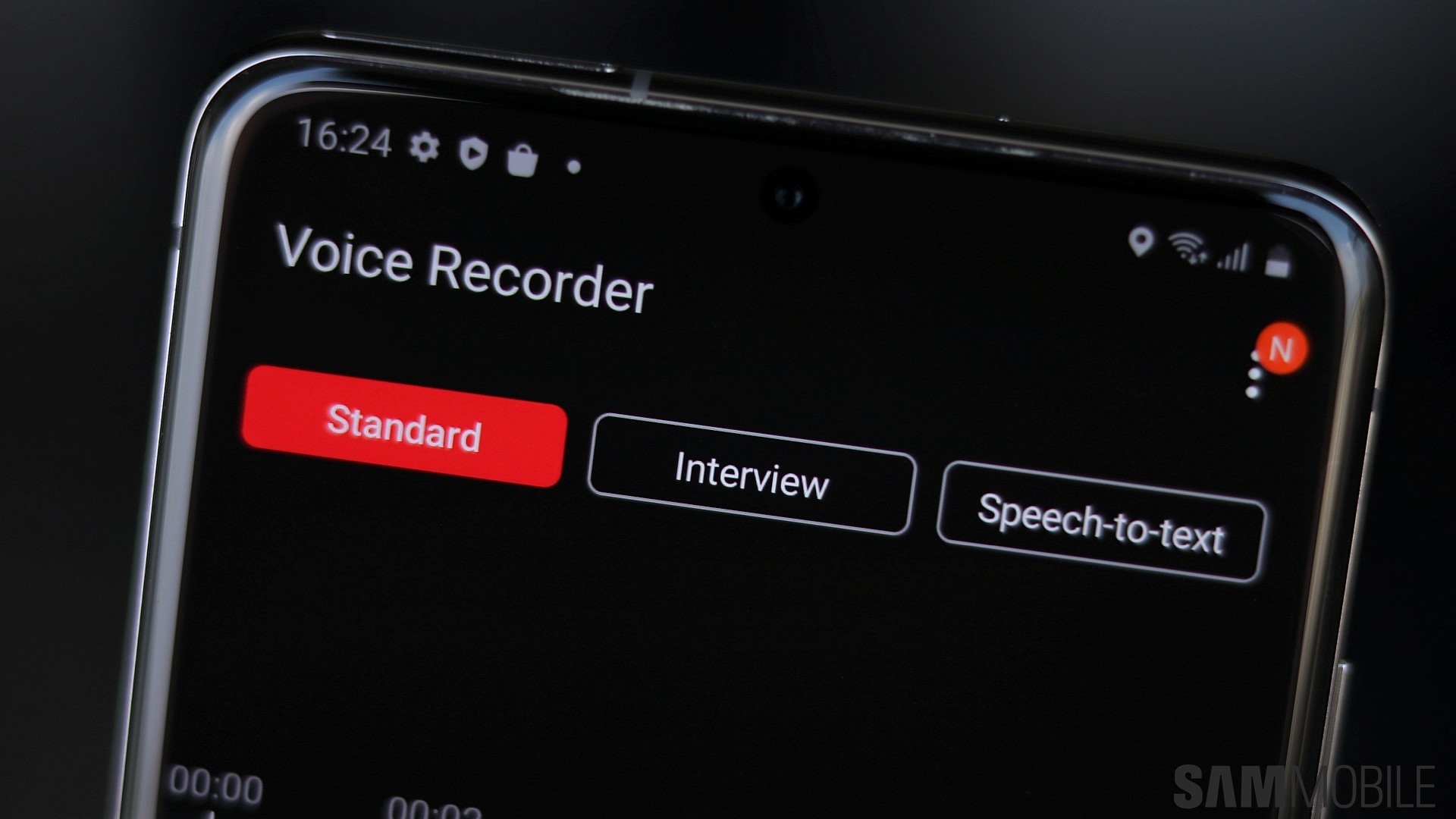
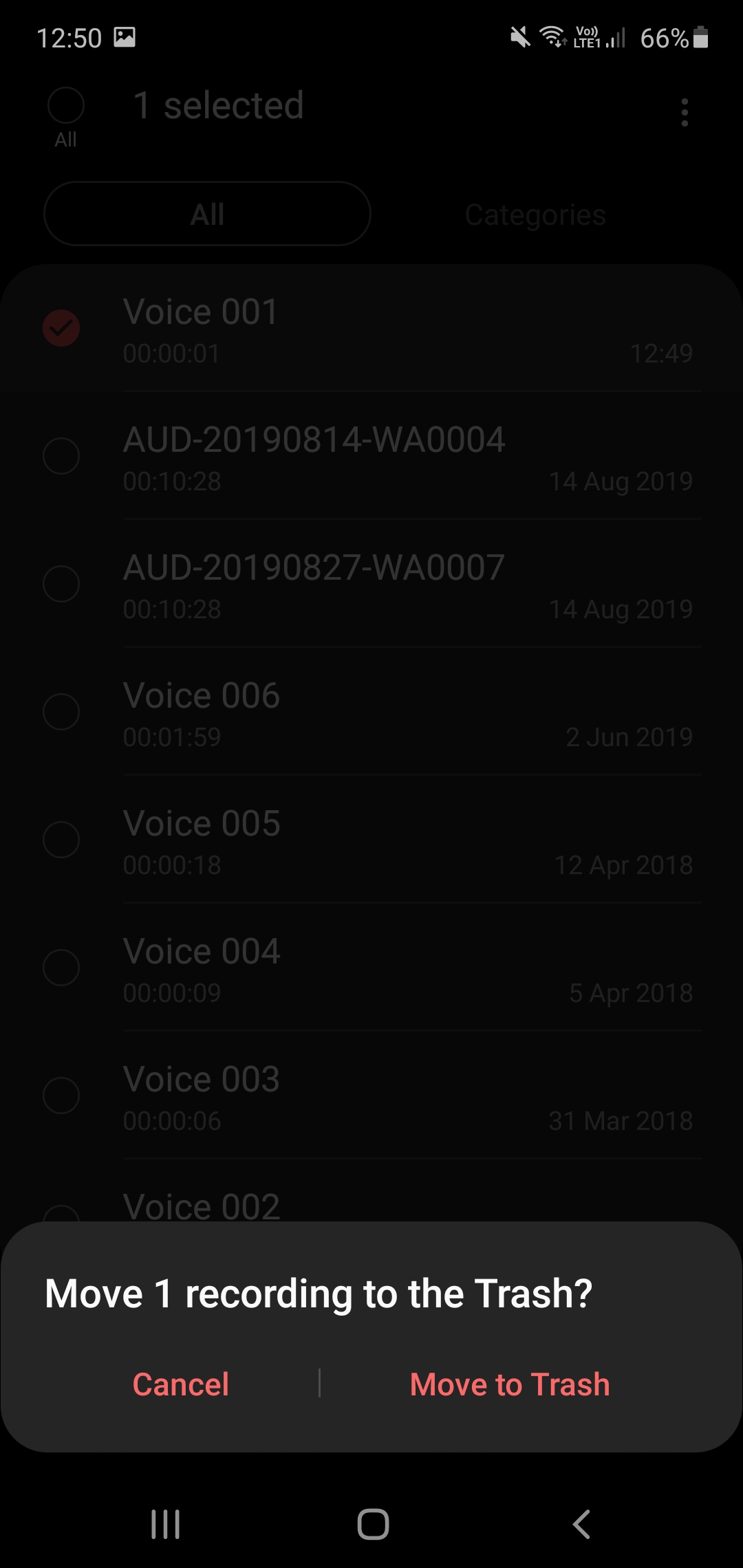
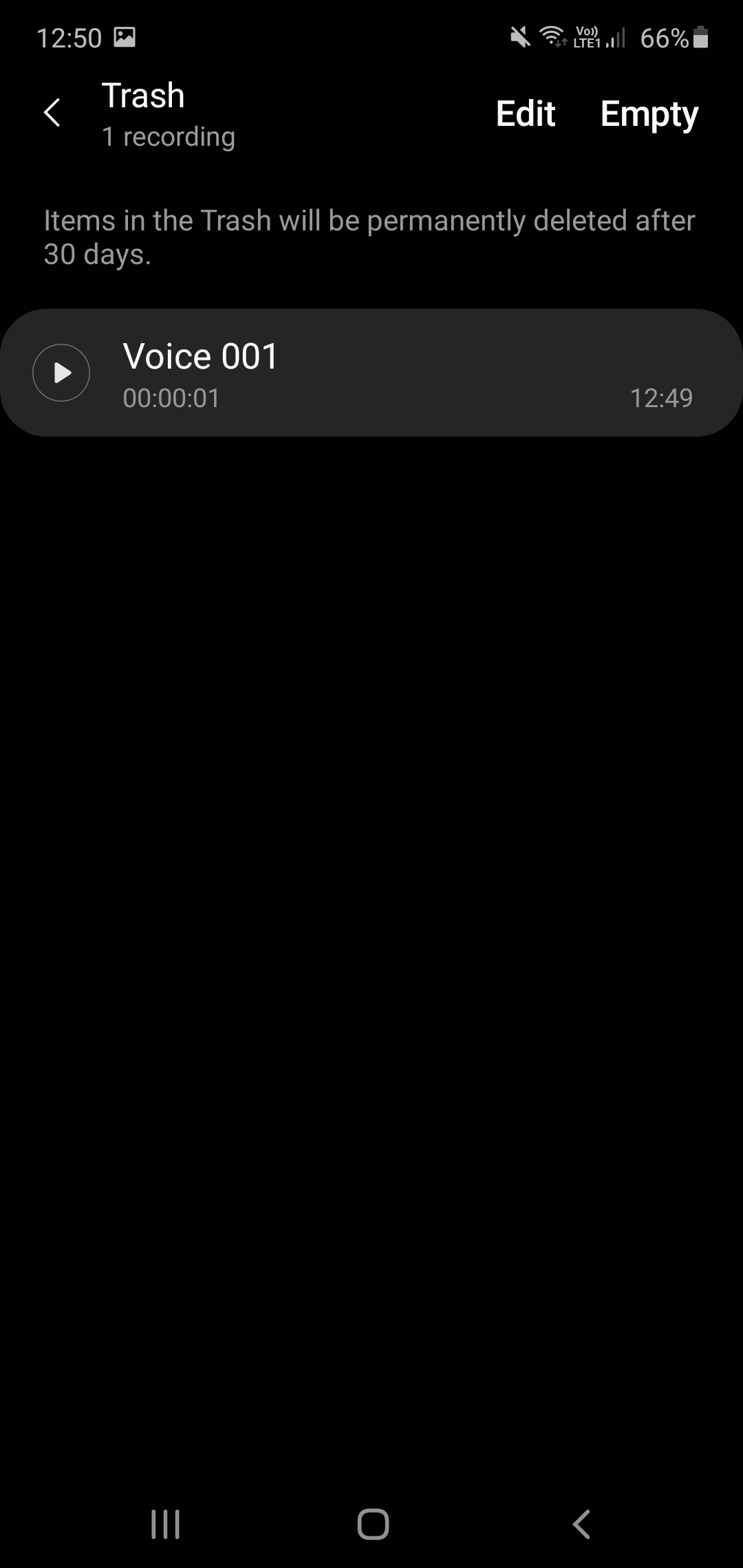
It allows users to undo select file deletions by changing the way this universally convenient functionality operates; instead of outright removing files when you tell it to, it schedules them for deletion. More specifically, it moves such recordings to a dedicated folder that eventually purges them from memory, allowing you ample time to restore them.
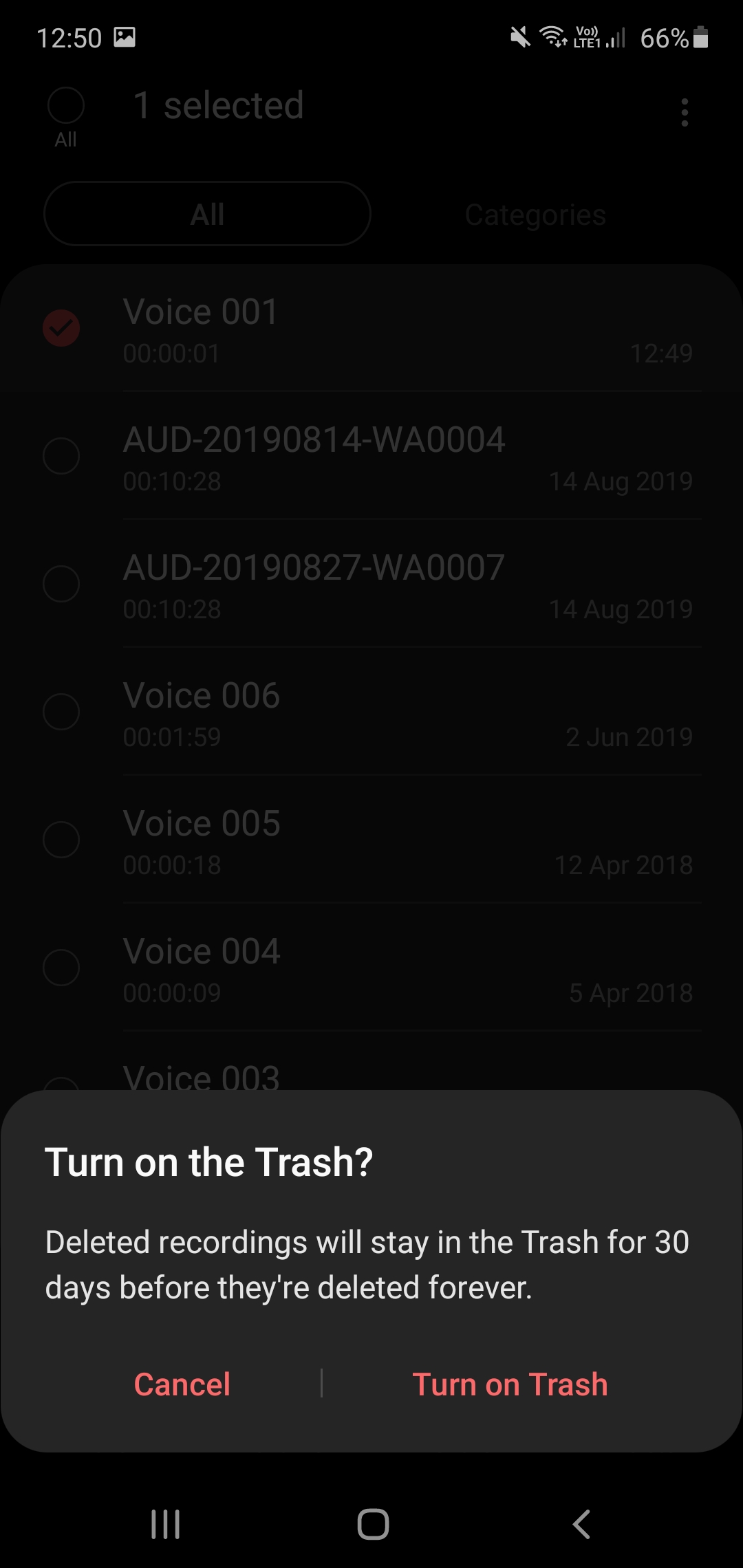
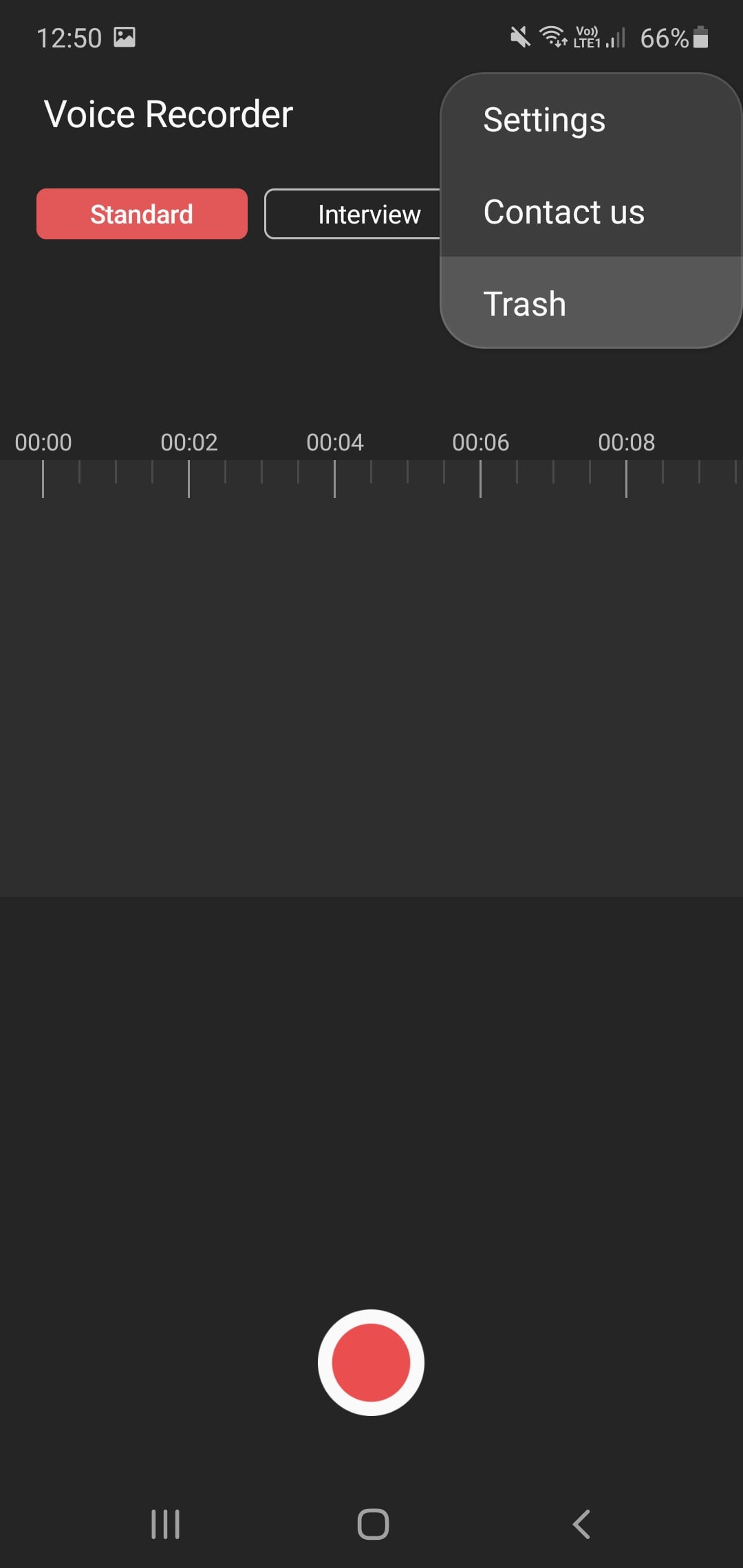
As has been the case with previous iterations of this functionality, Voice Recorder's Trash folder must be activated manually. You'll be asked whether you want to do so the next time you attempt deleting a voice recording. If you ever change your mind, simply tap the three-dot icon in the top-right corner and go to Settings, where you'll be greeted with a new Trash toggle. Likewise, that very same menu also contains the actual Trash folder which automatically deletes any files older than 30 days.
It remains to be seen whether Samsung eventually allows users to modify the duration of that recycling period but that probably won't be happening in the immediate future. Namely, Voice Recorder's new feature works exactly like it does in other Samsung apps that support it and has remained unchanged since the company began rolling it out a year and a half ago. Other than Trash support, the latest version of Voice Recorder also expands its tablet support to newer devices, according to the official changelog.