Last updated: March 14th, 2019 at 08:44 UTC+01:00
SamMobile has affiliate and sponsored partnerships, we may earn a commission.
Reading time: 2 minutes
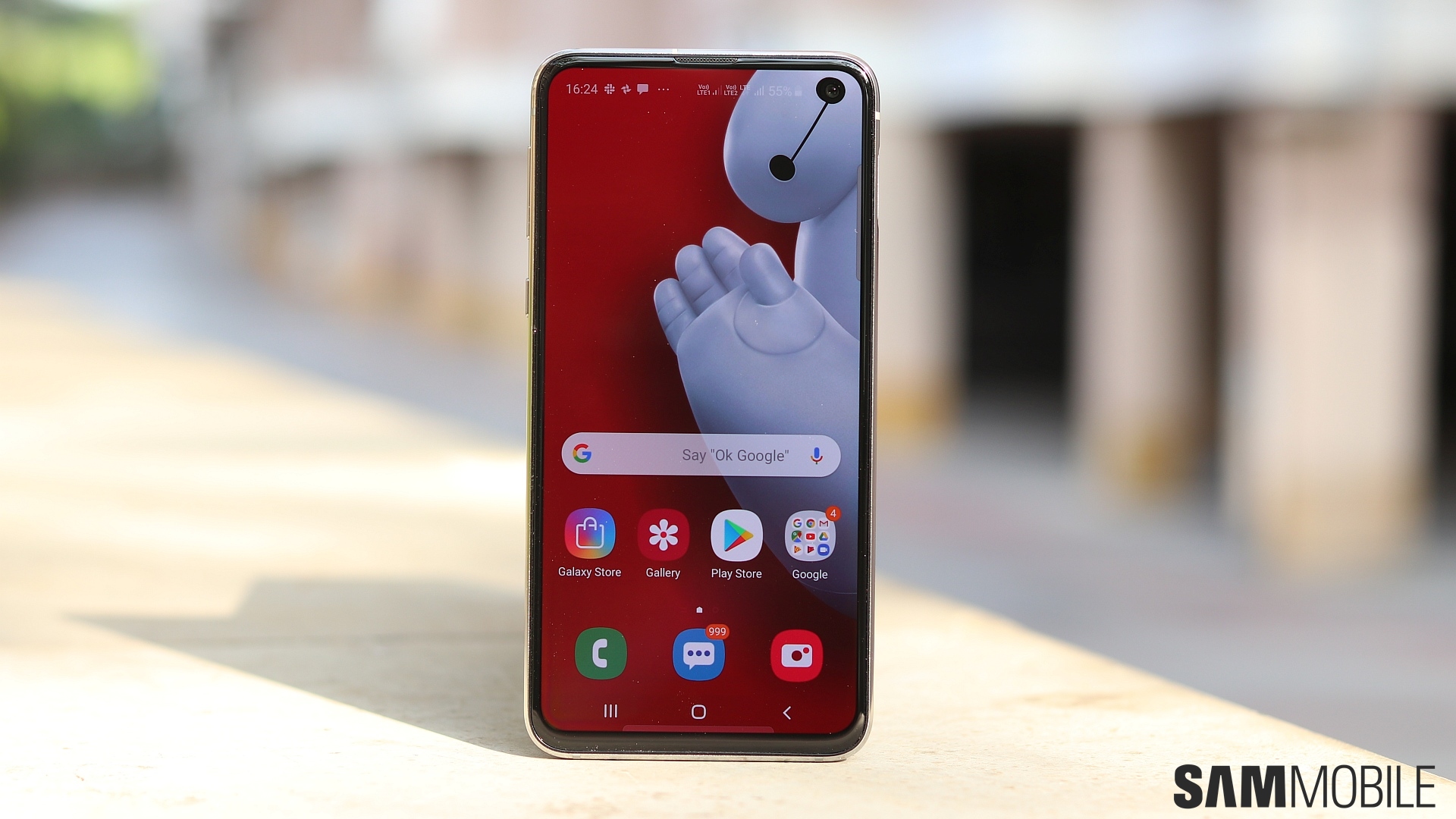
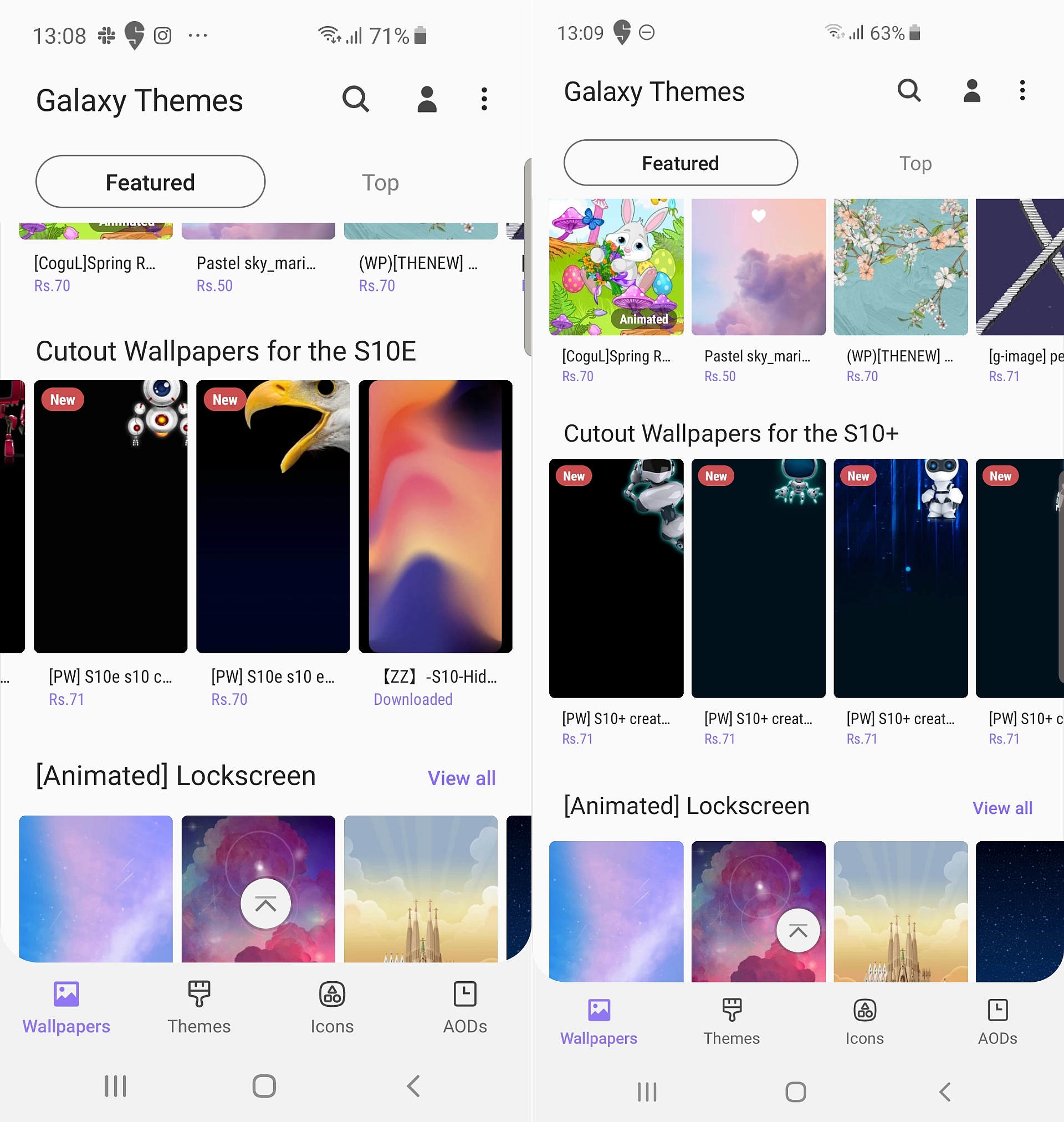
Most of the cutout wallpapers in Galaxy Themes right now seem to be paid options and can't be demoed before you purchase them. It's never a bad idea to support those who put in the hard work to create the wallpapers, themes, and icon packs you see in Galaxy Themes, but if you're not one to spend money on such things, you will have to wait for free options to show up. In fact, it's better to wait even if you're okay with paying, as there aren't a lot of wallpapers – free or paid – available to choose from at the moment.
Have a Galaxy S10e, Galaxy S10, or Galaxy S10+? Open the Settings app on the phone and tap Wallpapers and themes. You should see a section for cutout wallpapers by scrolling down a bit. Tap a wallpaper you like and then hit the Buy button to purchase it. You'll need to login to your Samsung account before you can make the purchase. Remember that Galaxy Themes has no refund policy, so once you've paid for a theme or wallpaper, you can't get your money back if you don't like it.
You can also check out this Reddit thread for some free cutout wallpapers.
[modelinfo model=”SM-G970F”]
[modelinfo model=”SM-G973F”]
[modelinfo model=”SM-G975F”]

Abhijeet's writing career started with guides for custom firmware for Samsung devices (including the original Galaxy S), and he moved to SamMobile in mid-2013 and worked up the ranks to Editor-in-chief. In addition to phones and mobile devices, his interests include gaming on both PC and console, PC hardware, and spending countless hours on YouTube watching videos on tech, movies, games, politics, and internet dramas.












