Last updated: November 23rd, 2018 at 13:46 UTC+01:00
SamMobile has affiliate and sponsored partnerships, we may earn a commission.
Reading time: 2 minutes
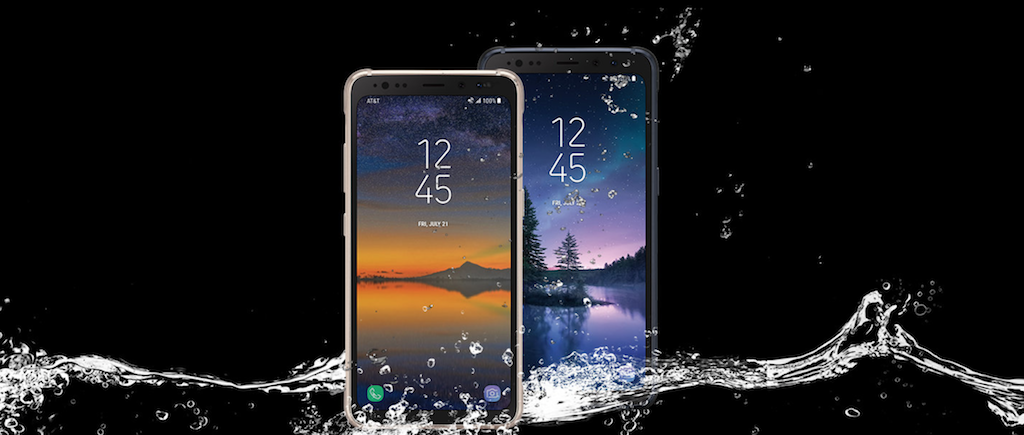
The update comes with the usual slew of bug fixes and system improvements in addition to the new security patch. If you own the Galaxy S8 Active, you should be able to download the update from the Software update menu of the phone's Settings app. Just tap the Download updates manually option in there and the update should show up after a few seconds. If not, you can download the complete firmware from our database and use a Windows PC to sideload it on the phone.
For details on the November 2018 security patch, you can check out this post. You can also see some of the new features and functionality that the Android Pie update will eventually bring to your Galaxy S8 Active in our One UI and Android Pie feature focus series of articles.

Abhijeet's writing career started with guides for custom firmware for Samsung devices (including the original Galaxy S), and he moved to SamMobile in mid-2013 and worked up the ranks to Editor-in-chief. In addition to phones and mobile devices, his interests include gaming on both PC and console, PC hardware, and spending countless hours on YouTube watching videos on tech, movies, games, politics, and internet dramas.













