Last updated: December 11th, 2017 at 19:14 UTC+01:00
SamMobile has affiliate and sponsored partnerships, we may earn a commission.
Reading time: 1 minutes
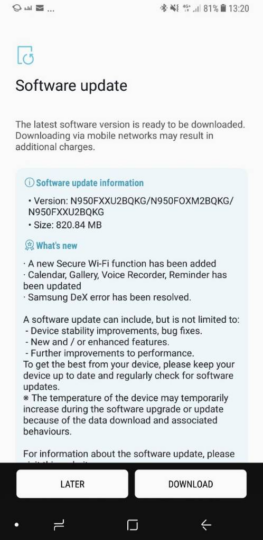
Here's the full changelog:
Secure Wi-Fi, as we recently noted, is Samsung's in-house VPN. It debuted on the budget-friendly Galaxy J series a while ago, providing users with the option to encrypt all outgoing Internet traffic, thus preventing applications and websites from tracking them as they surf the web on (unsecured) public Wi-Fi networks.
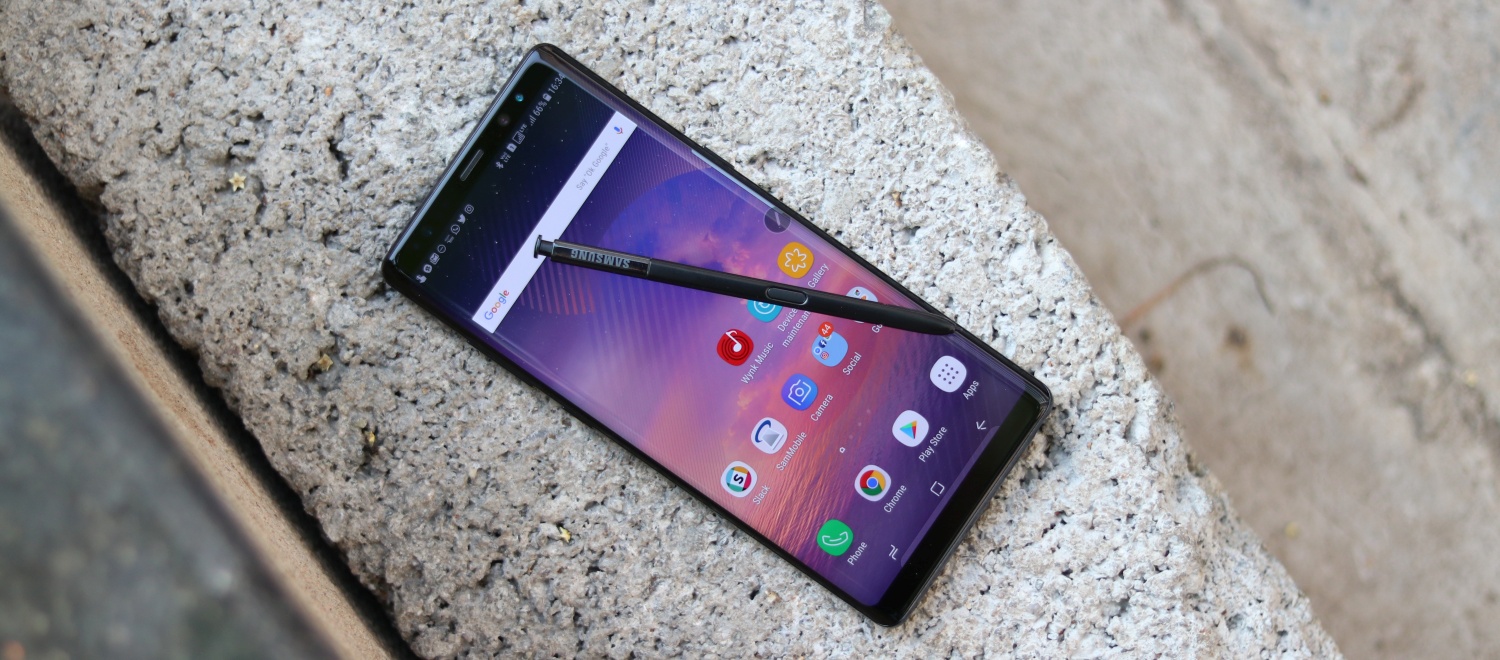
To check to see if the OTA is ready for your Galaxy Note 8, open Settings, select Software Update, then tap Download Updates Manually. Alternatively, you can always wait until you receive an alert prompting you to install the upgrade, though that could take longer to arrive—so we’d recommend opting for the former.