Last updated: October 4th, 2017 at 08:59 UTC+02:00
SamMobile has affiliate and sponsored partnerships, we may earn a commission.
Reading time: 2 minutes
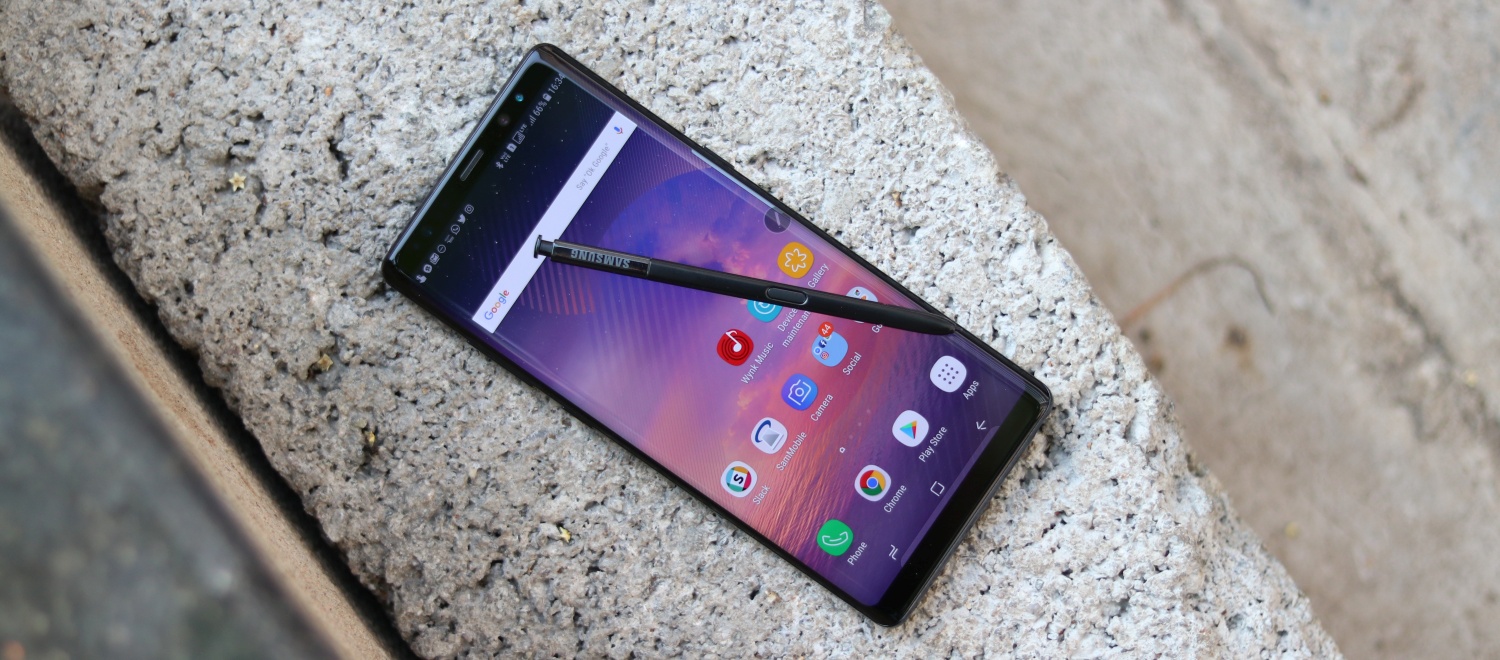
The video touches on the basics first, it shows how to set up the fingerprint scanner. That can be done by heading to the Lock screen and security menu in the settings app.
If you're one of those users who feel the fingerprint sensor placement could have been better then perhaps you might want to try another one of the Galaxy Note 8 security features. The Galaxy Note 8 is the second smartphone from Samsung to feature Face Recognition. The Galaxy S8 was the first device to offer this feature.
You can also configure the Face Recognition feature from the Lock screen and security menu in the settings app. It's also where the iris scanner can be configured. Like the Galaxy S8, the Galaxy Note 8 also has more security options than any other Android smartphone.
Check out the video highlighting these Galaxy Note 8 features down below.

Adnan Farooqui is a long-term writer at SamMobile. Based in Pakistan, his interests include technology, finance, Swiss watches and Formula 1. His tendency to write long posts betrays his inclination to being a man of few words.













