Last updated: May 18th, 2017 at 09:07 UTC+02:00
SamMobile has affiliate and sponsored partnerships, we may earn a commission.
Reading time: 1 minutes
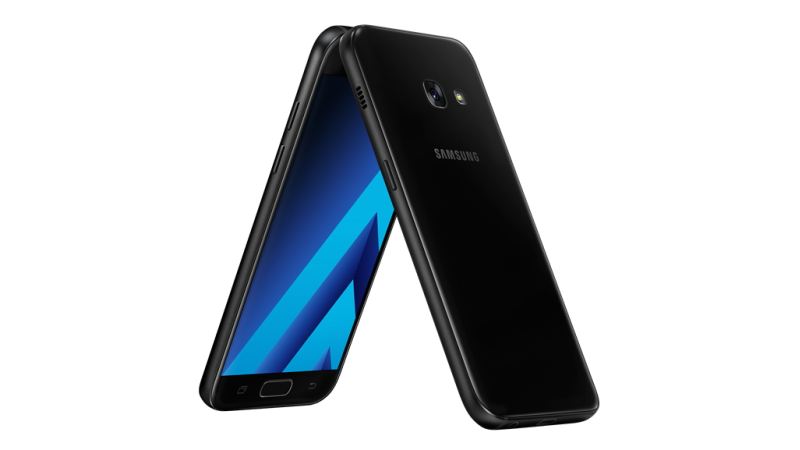
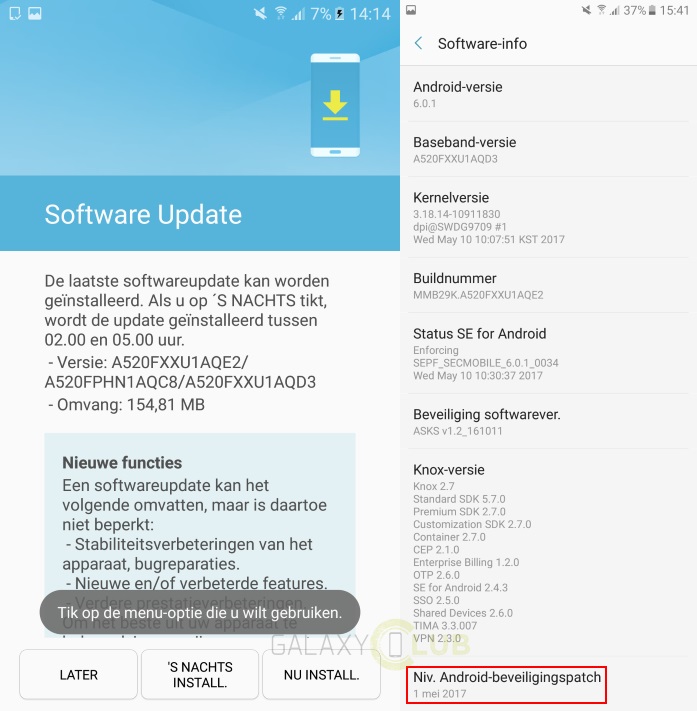
As the 155MB update has to reach quite a lot of units, it's making the rounds in stages — so it could take quite a while to arrive on your Galaxy A5 (2017). To see if the OTA is ready, open up Settings, then select the relevant option from the Software Update section. Alternatively, you can wait until you receive an alert instructing you to install the upgrade.