Last updated: March 19th, 2024 at 13:35 UTC+01:00
SamMobile has affiliate and sponsored partnerships, we may earn a commission.
Reading time: 1 minutes
Here's how:
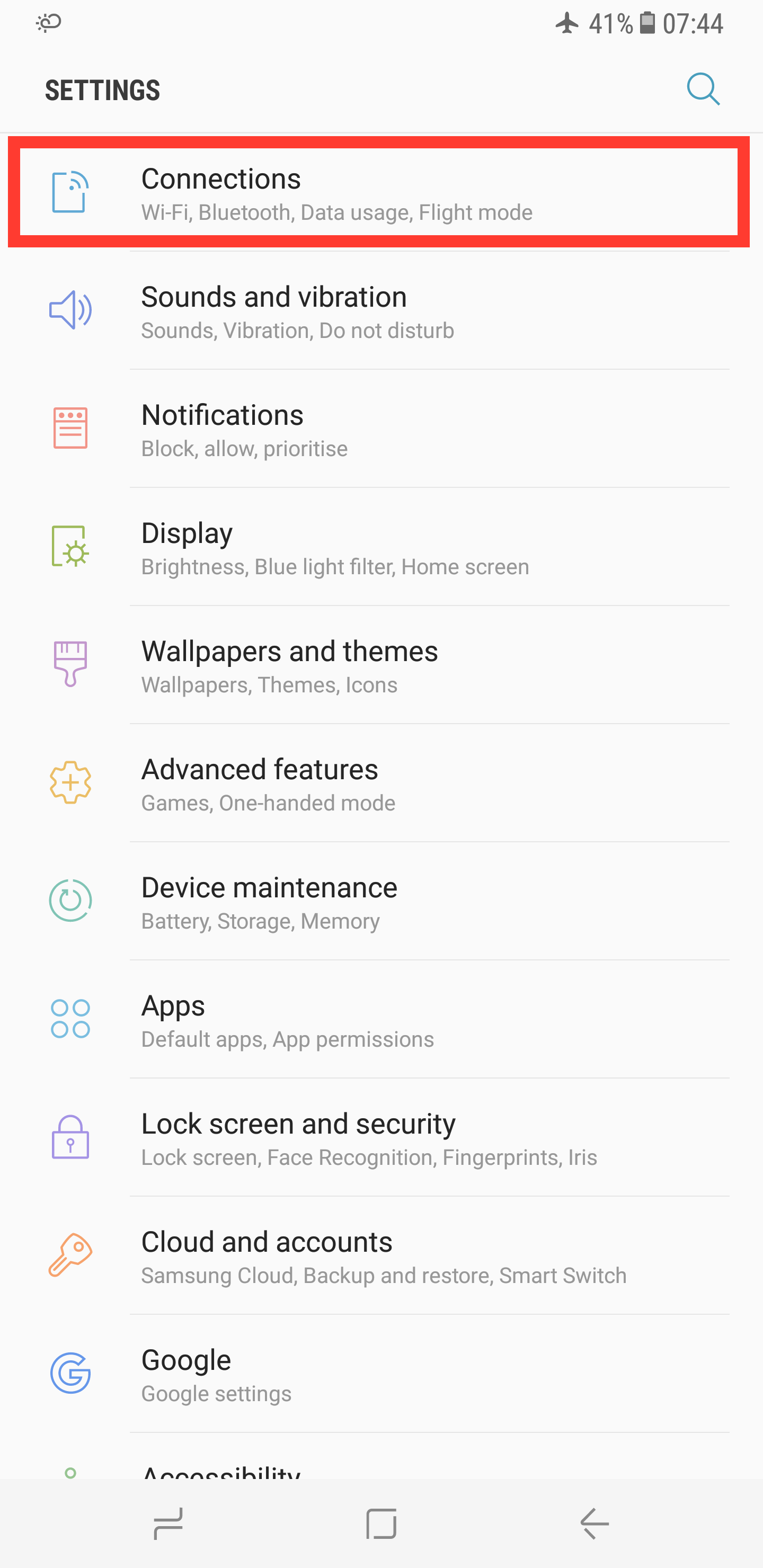
Step 1: Navigate into Settings and select Connections.
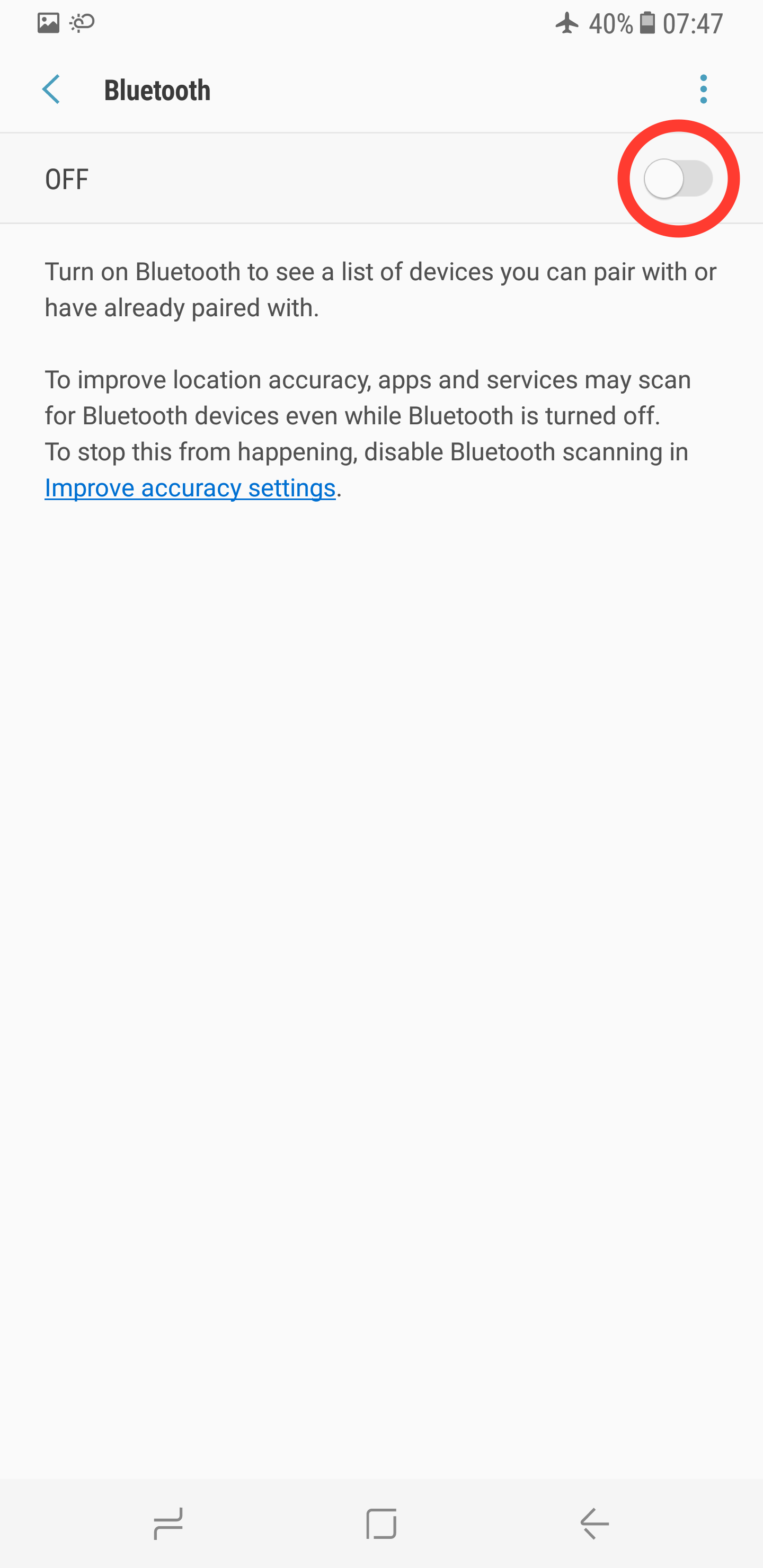
Step 2: Turn on Bluetooth.
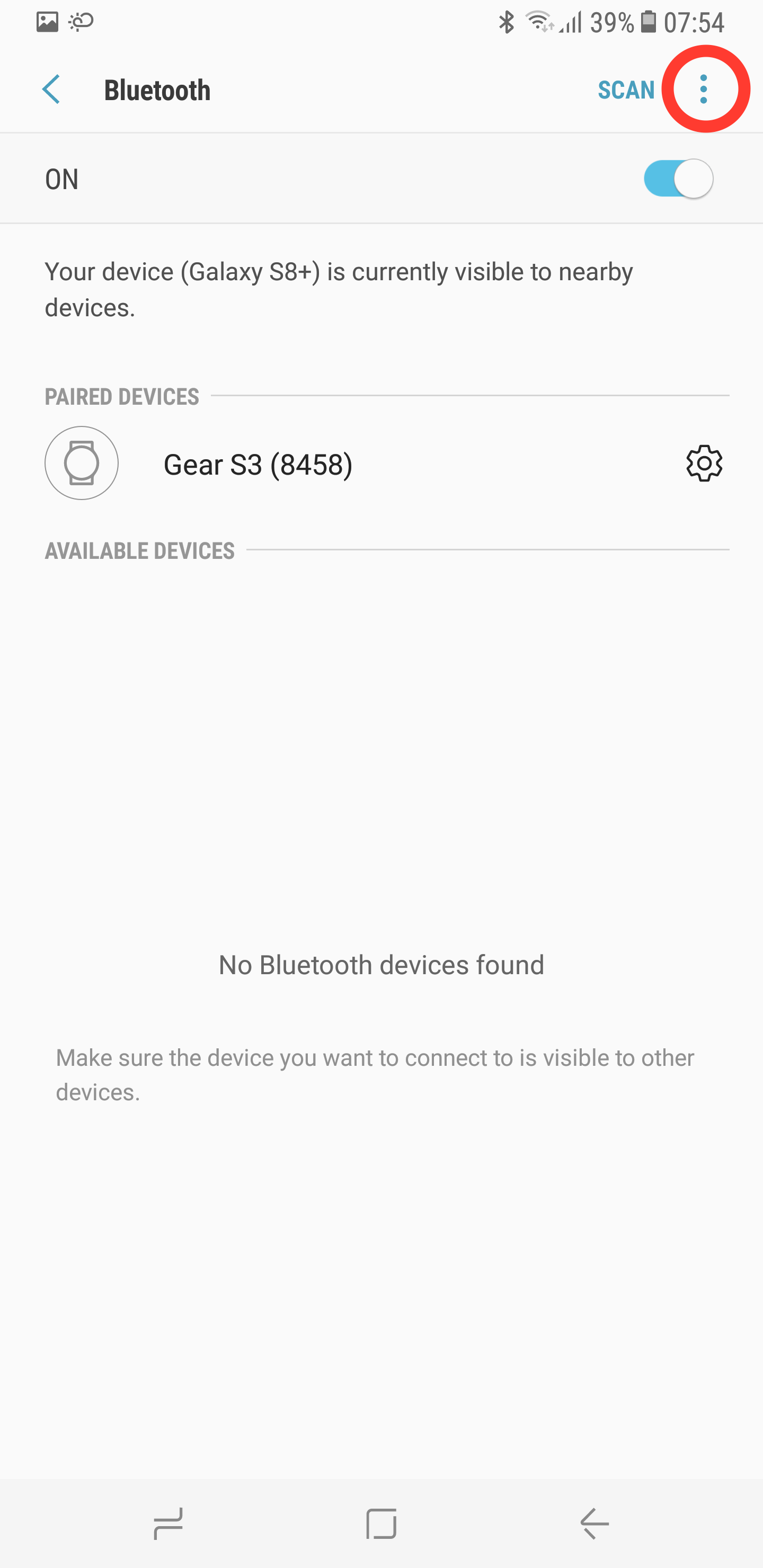
Step 3: Press the three dots in the upper-right corner.
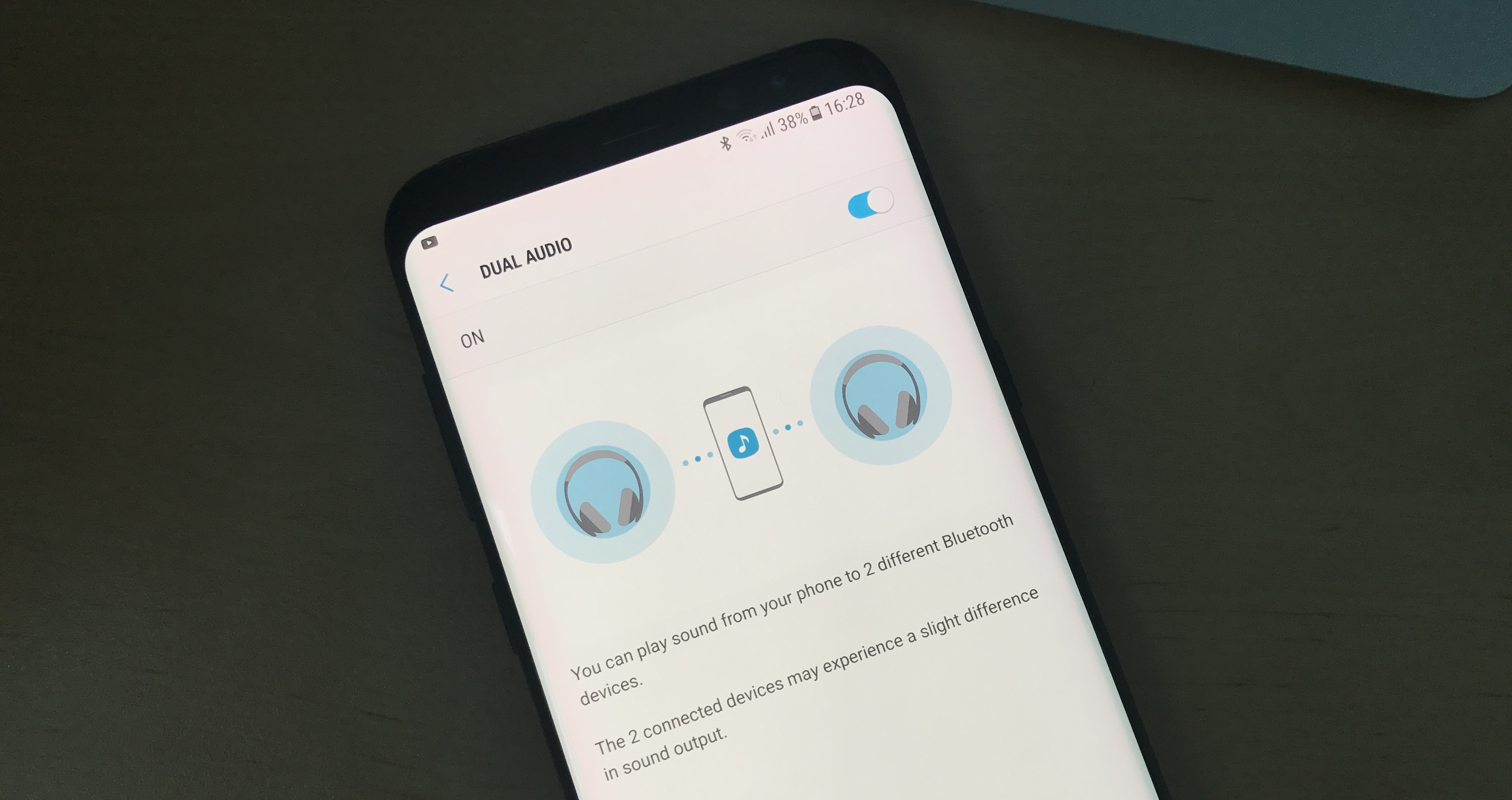
Step 4: Tap Dual Audio, then activate it.
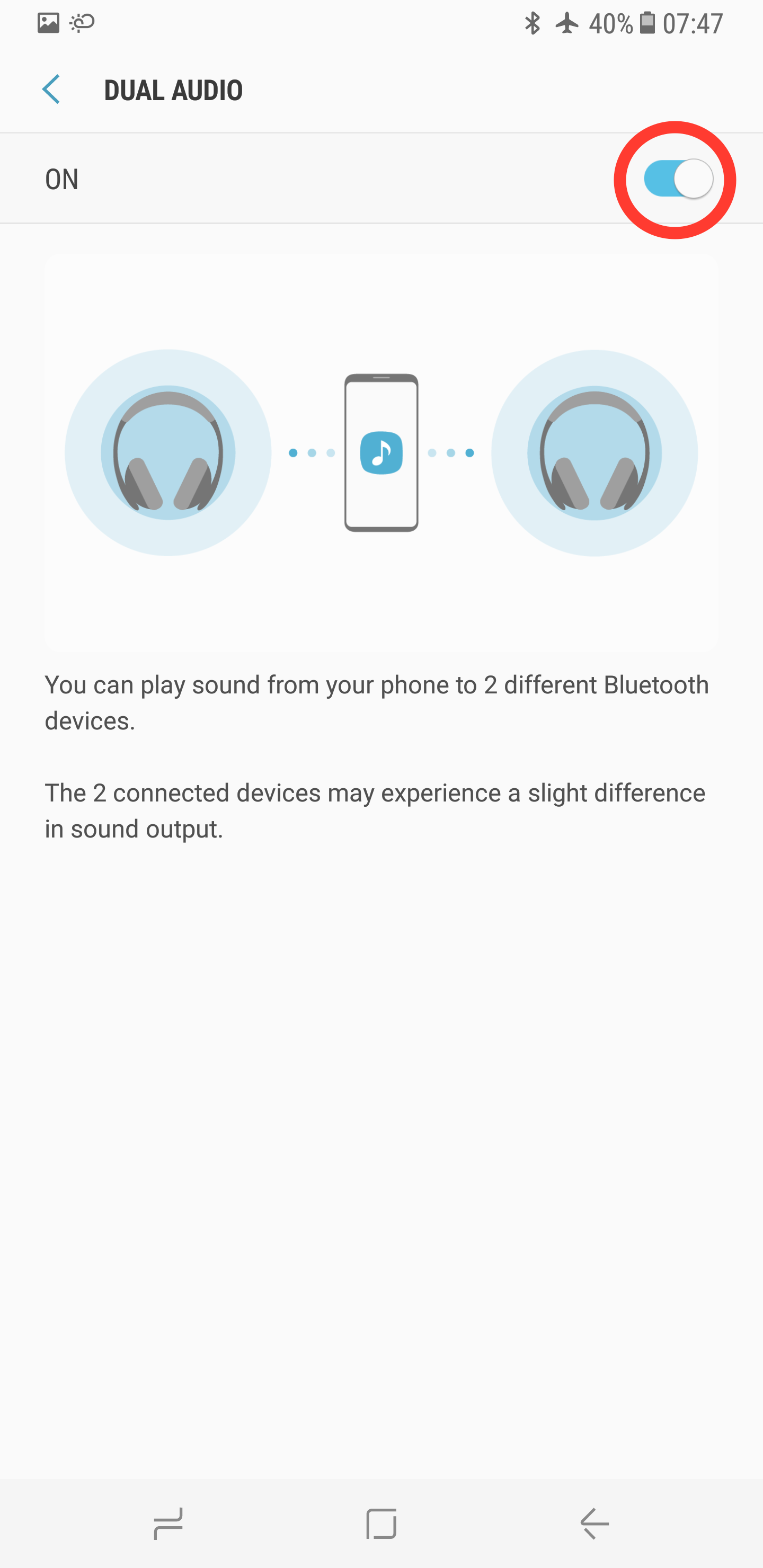
Now all you need to do is pair two sets of Bluetooth headphones (or speakers) to your smartphone, select them from this screen and you'll be good to go. It's really that simple. As always, if you happen to find yourself in a spot of bother, let us know in the comments section below and we'll do our best to get you back on track. Otherwise, be sure to check out our other Galaxy S8 tips and tricks.















