Last updated: April 21st, 2016 at 08:23 UTC+02:00
SamMobile has affiliate and sponsored partnerships, we may earn a commission.
Reading time: 1 minutes
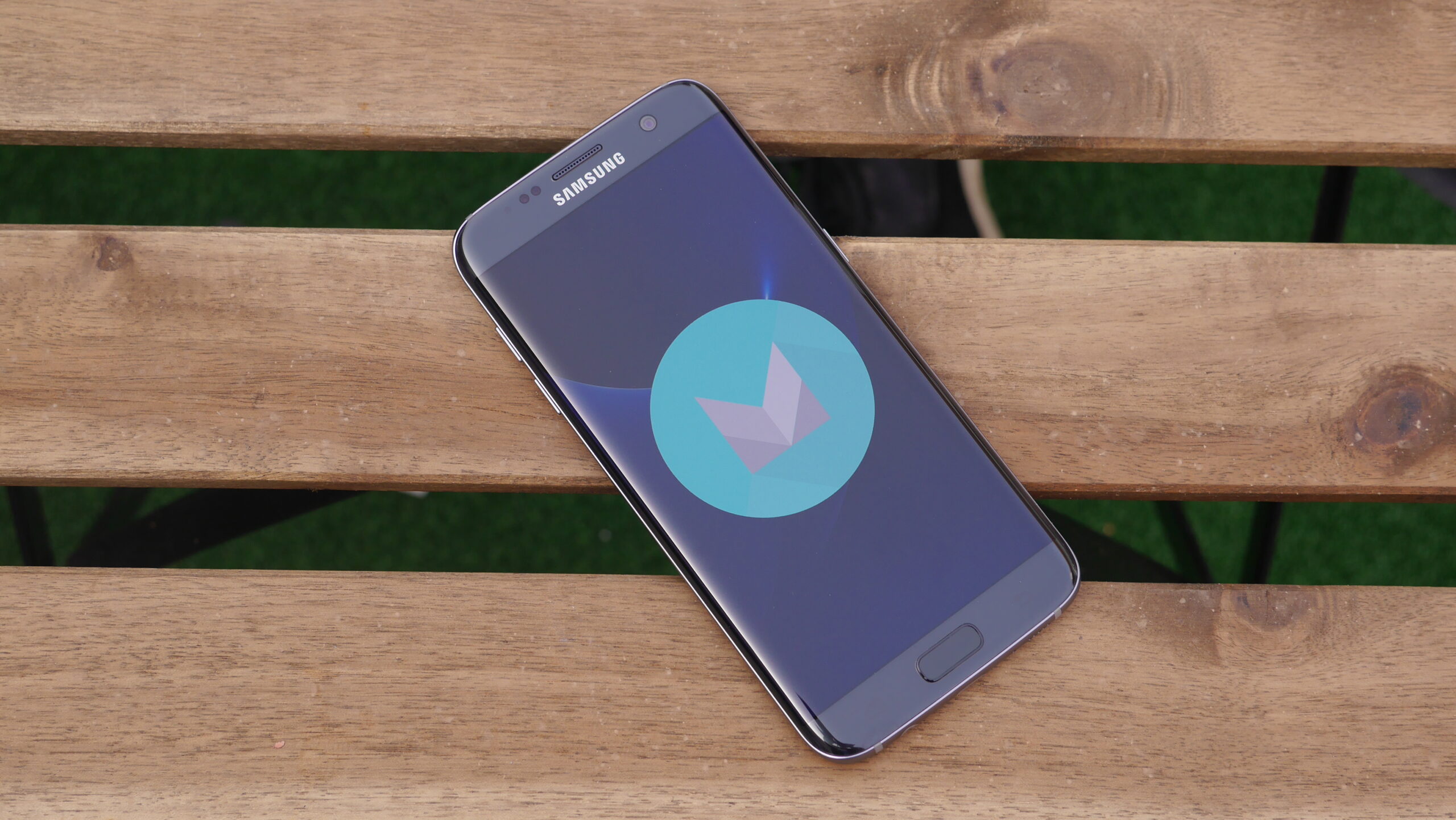
If you own either a Galaxy S7 or Galaxy S7 edge operating on AT&T and would like to see if the upgrade is ready for your device, simply head into Settings, followed by About Device, locate and select Software Update, then hit the Update Now button. Alternatively, you can wait until you receive a push notification prompting you to download and install the update from Samsung’s servers.













