Last updated: January 18th, 2016 at 11:09 UTC+01:00
SamMobile has affiliate and sponsored partnerships, we may earn a commission.
Reading time: 1 minutes
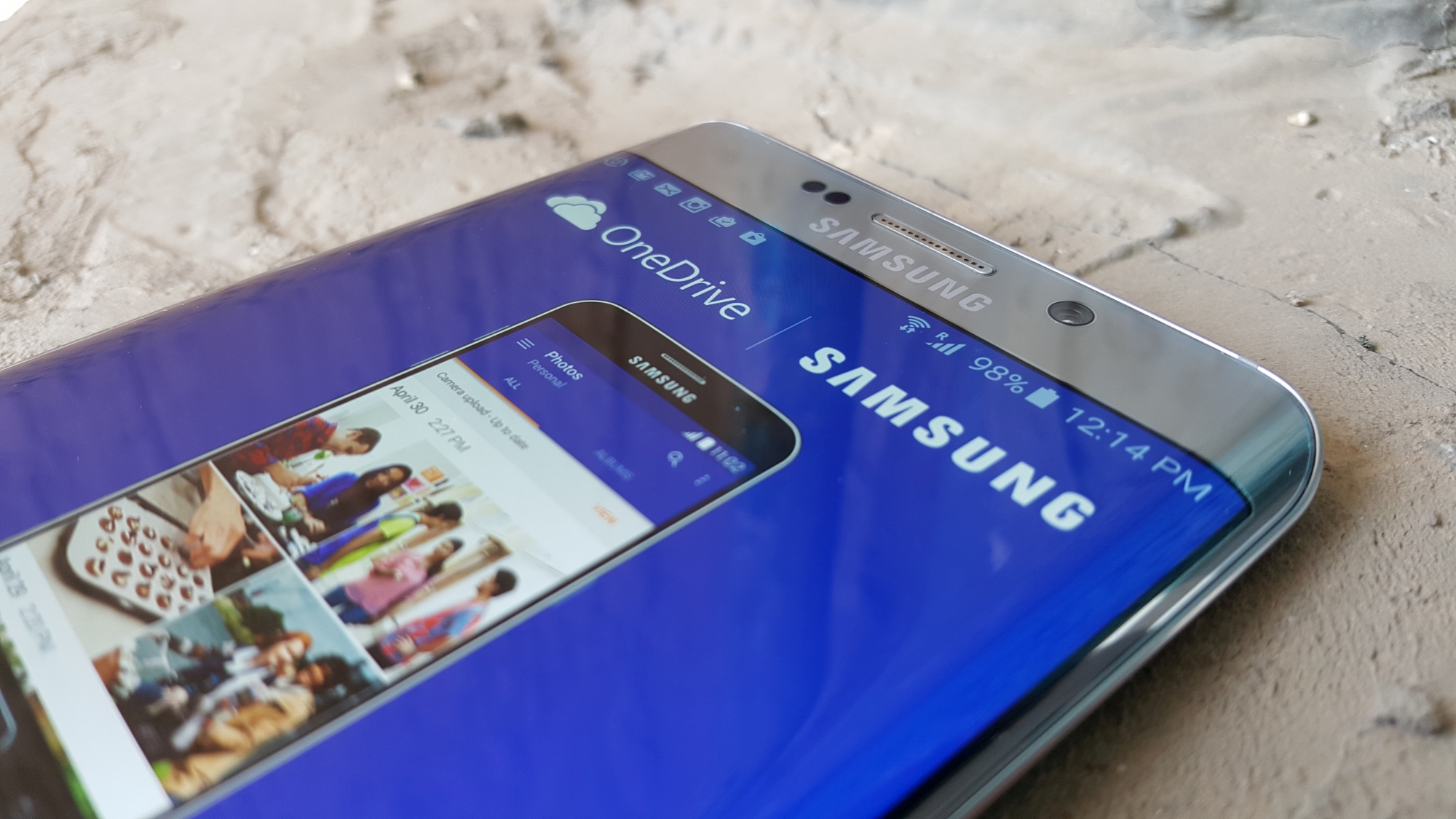
Getting the allocation applied to your account couldn’t be easier. All you have to do is locate and open the OneDrive app on your device, register or sign in to your existing Microsoft account, agree to all of the terms and conditions, then you should be good to go. To check that the storage has been applied, simply swipe in from the left of the app and tap Settings, then tap the Personal option. If your storage quota reads 115GB, you’re ready to start uploading.
If, for whatever reason, the credit wasn’t successfully added to your account, do be sure to let us know in the comments section below, and we’ll do our very best to help you out.















