Last updated: January 13th, 2016 at 18:49 UTC+01:00
SamMobile has affiliate and sponsored partnerships, we may earn a commission.
Reading time: 2 minutes
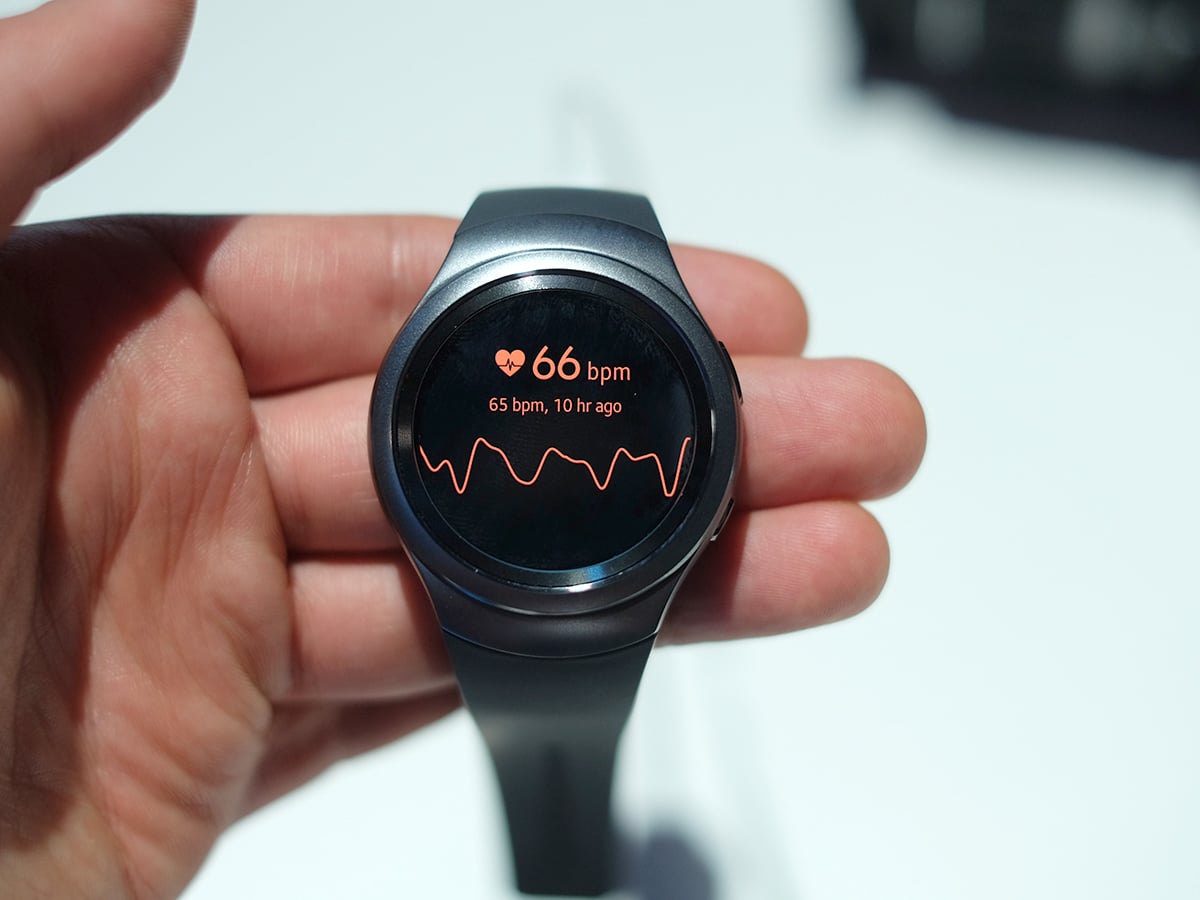
What is Auto HR? It is a feature within Samsung’s own pre-installed apps that allows you to set up the frequency with which the device monitors and records your heart rate automatically (without you touching the screen for each heart rate monitoring event). Unlike smartwatches of the past (and the present) that still rely on you to monitor your heart rate manually, Samsung’s Gear S2 allows you to “set it and forget it” when it comes to heart rate monitoring: you need set it once and let Auto HR do it’s thing.
Here’s how to set up Auto HR on your Gear S2:
Now, your Gear S2 will monitor your heart rate based on your frequency selection. You can still do it yourself, but it’ll be easier to keep up your exercise without frequently checking your wrist or tapping on the display when you’re active.















