Last updated: January 11th, 2016 at 18:40 UTC+01:00
SamMobile has affiliate and sponsored partnerships, we may earn a commission.
Reading time: 1 minutes
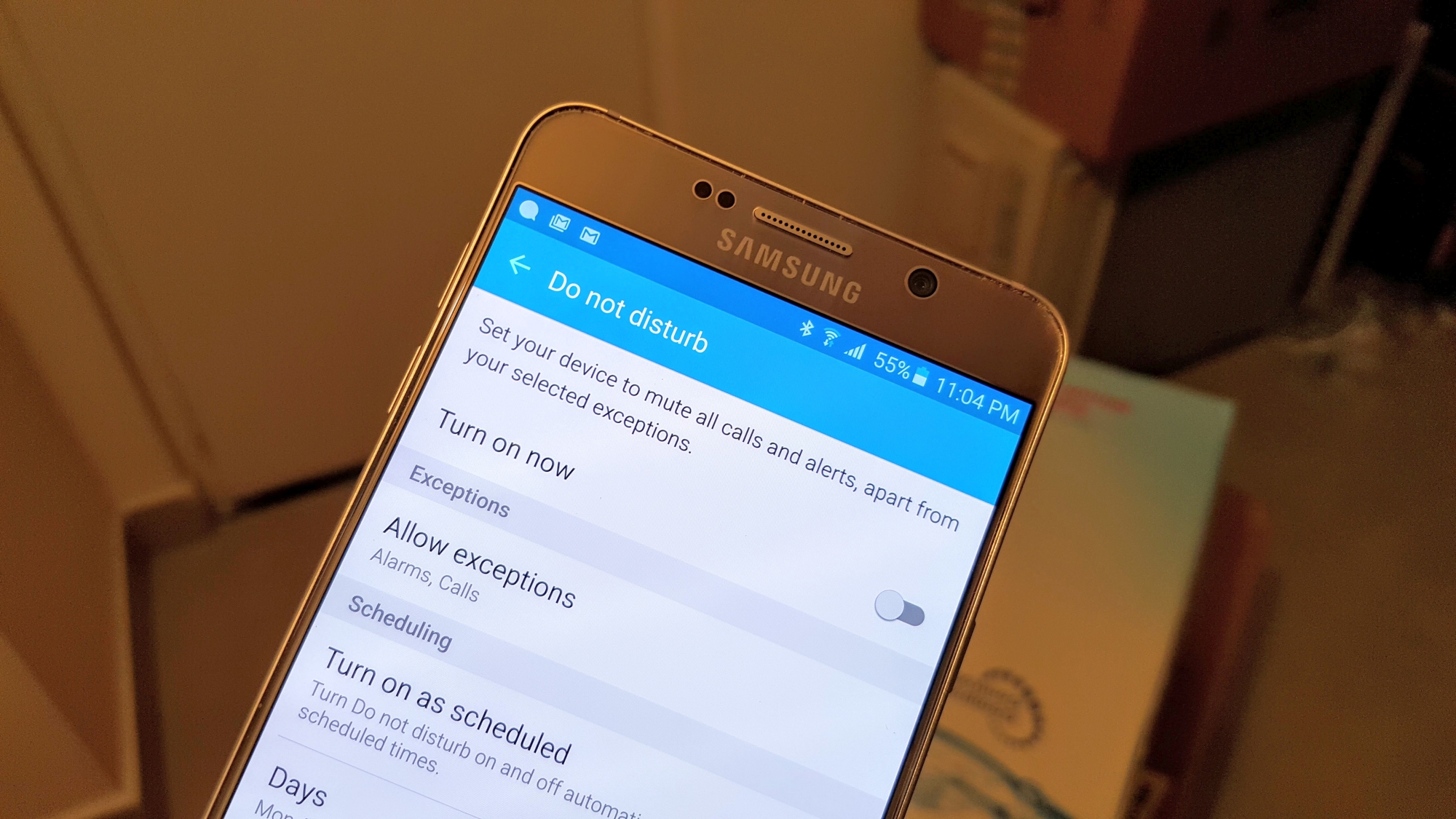
This hasn't happened before, and it's possible the latest update introduced the bug. I managed to fix it by manually turning Do Not Disturb on and off and also toggling the ‘Turn on as scheduled' to off and back on again. It's also possible this isn't related to the latest update and could be a general glitch in the software that won't happen again, but it's something that certainly managed to disturb me in the wee hours of the night.
Have you faced a similar issue on your Galaxy Note 5, or even the Galaxy S6 edge+ which shares its software with the Note 5? Let us know if you have by leaving a comment down below.

Abhijeet's writing career started with guides for custom firmware for Samsung devices (including the original Galaxy S), and he moved to SamMobile in mid-2013 and worked up the ranks to Editor-in-chief. In addition to phones and mobile devices, his interests include gaming on both PC and console, PC hardware, and spending countless hours on YouTube watching videos on tech, movies, games, politics, and internet dramas.













