Last updated: April 7th, 2021 at 11:42 UTC+02:00
SamMobile has affiliate and sponsored partnerships, we may earn a commission.
Reading time: 3 minutes
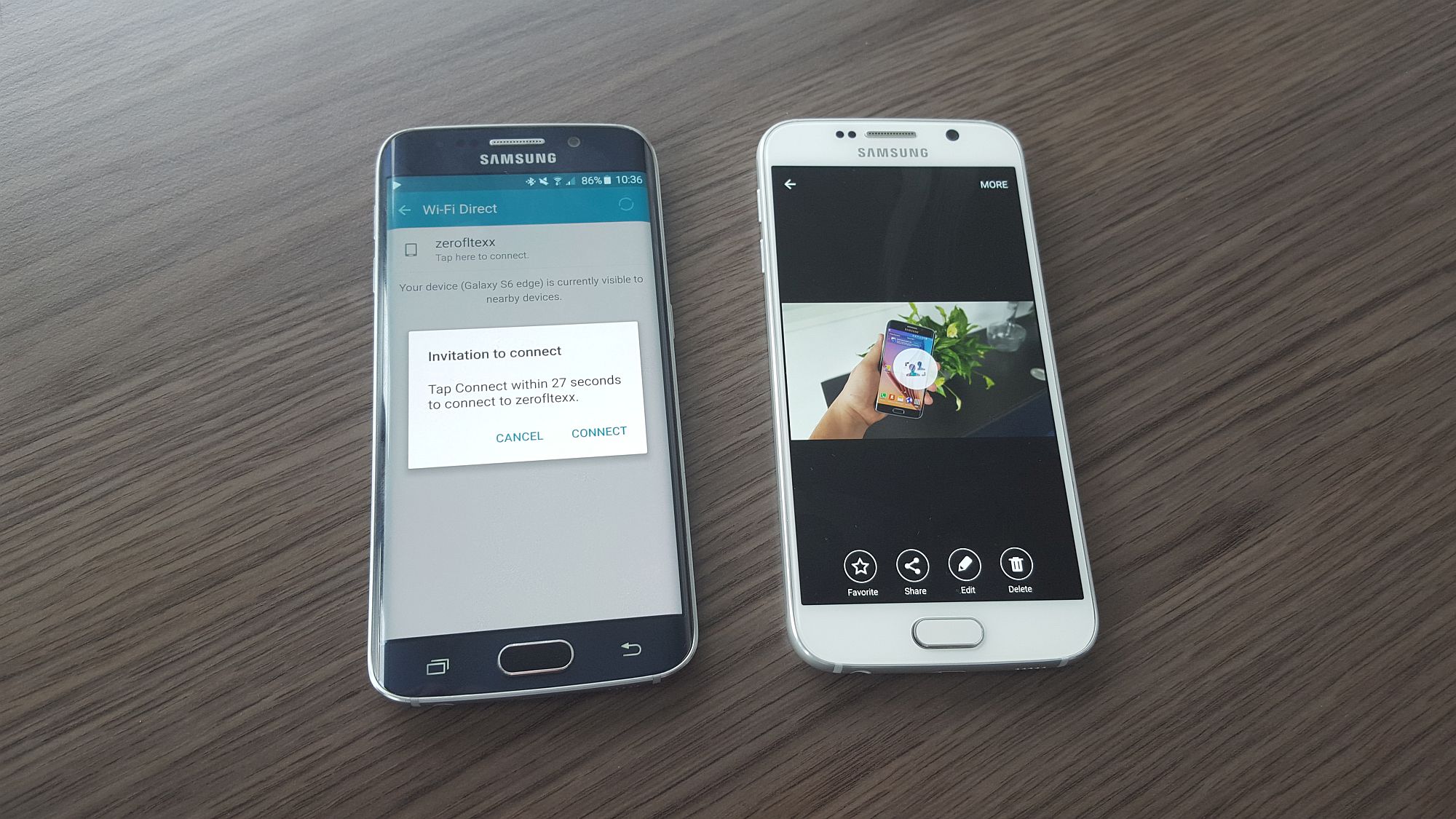
Samsung was the first to make Wi-Fi Direct work properly out of the box and has offered the option of transferring data between two Samsung phones or tablets via Android's sharing menu without the need for installing third-party apps, something that isn't possible on devices from major competitors. The company's implementation doesn't work with non-Samsung devices, but if you're moving data between two devices from the Korean manufacturer, Wi-Fi Direct is an extremely fast and convenient way of doing so.
The Galaxy S6 and Galaxy S6 edge are Samsung's latest flagship devices, and the lack of a microSD slot on the two makes Wi-Fi Direct an even more useful feature. How exactly do you use Wi-Fi Direct to connect and transfer media and other data between two phones? Read on to find out.
The type of content you can send and receive includes basically everything that you can select and share via the Android share menu, such as media files (photos, videos and music) from the gallery, files from the My Files app, and even links from apps like the browser, Play Store, and more.
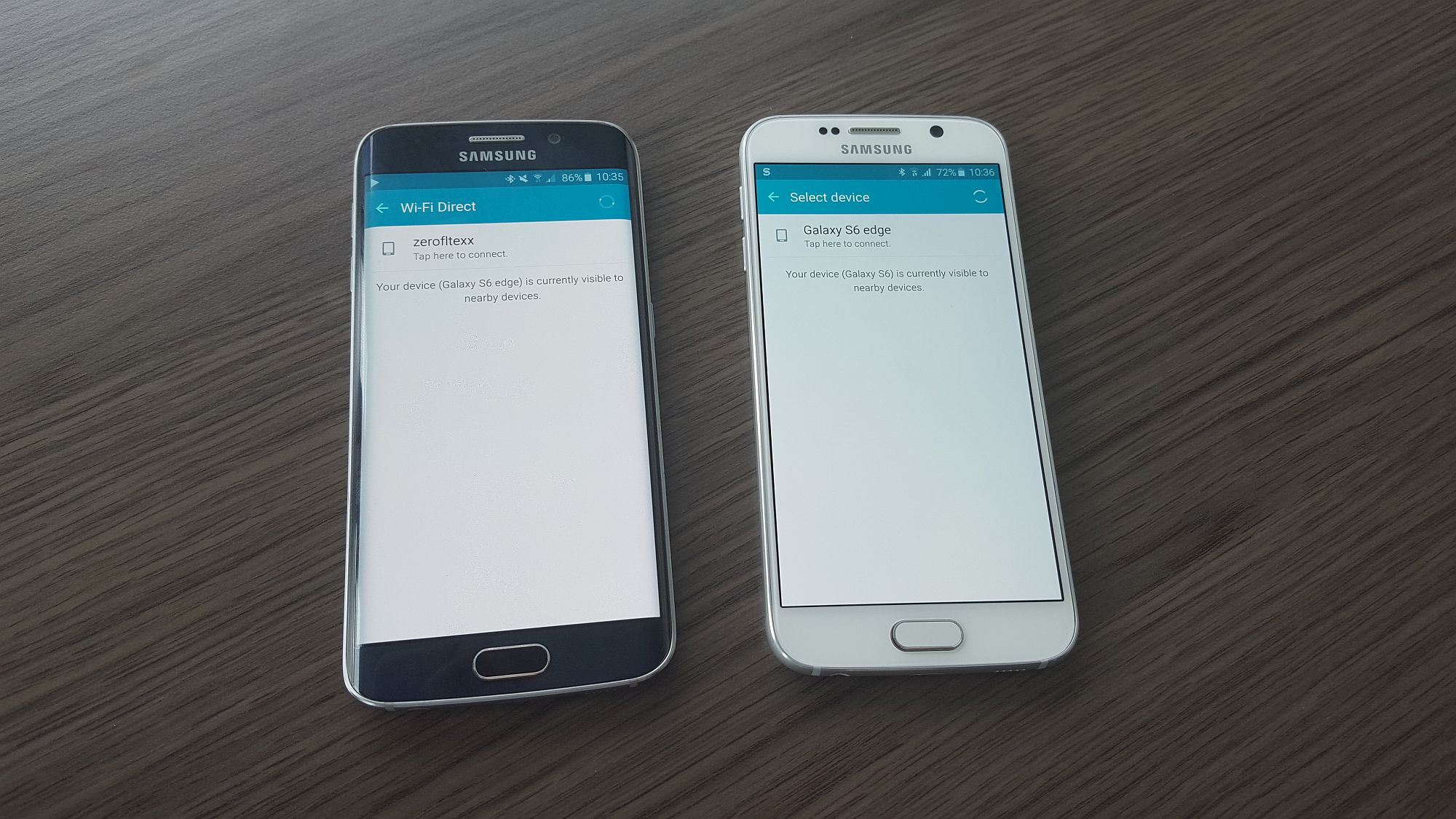
Here's how the transfer procedure works:
Go ahead and try it out on your Galaxy S6 or Galaxy S6 edge or any other Samsung device from the last year or so!

Abhijeet's writing career started with guides for custom firmware for Samsung devices (including the original Galaxy S), and he moved to SamMobile in mid-2013 and worked up the ranks to Editor-in-chief. In addition to phones and mobile devices, his interests include gaming on both PC and console, PC hardware, and spending countless hours on YouTube watching videos on tech, movies, games, politics, and internet dramas.














