Last updated: November 14th, 2019 at 10:06 UTC+01:00
SamMobile has affiliate and sponsored partnerships, we may earn a commission.
Reading time: 2 minutes
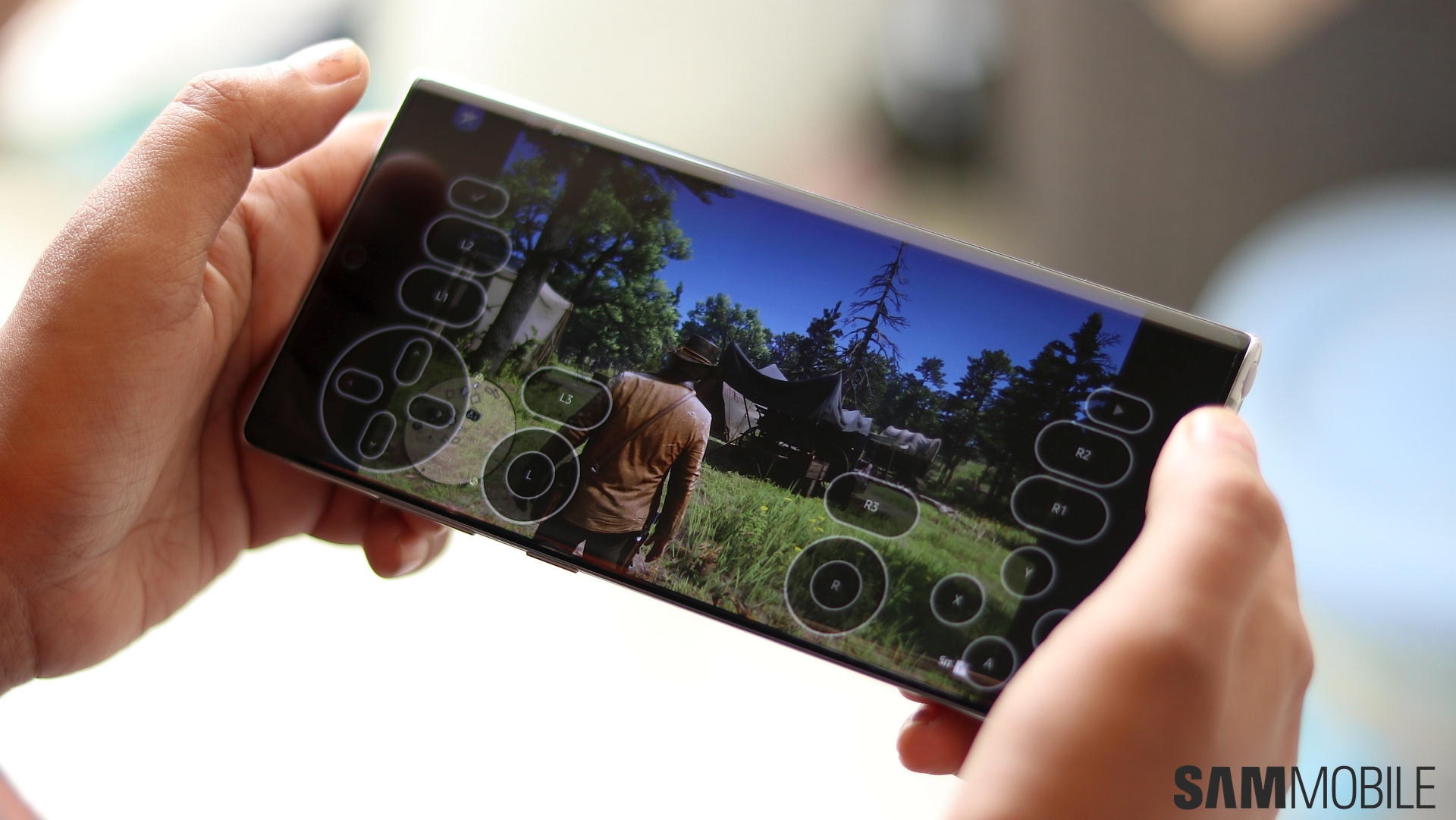
For those who haven't heard, the PlayGalaxy Link app allows Galaxy S10 and Galaxy Note 10 owners to stream games from their Windows 10 PC to their phone. It's similar to apps like Steam Link, which let you play games from your Steam library on your Android smartphone, only PlayGalaxy Link can also stream games over mobile data and doesn't require the phone and the PC to be on the same Wi-Fi network. PlayGalaxy Link has not been officially launched in all countries, but those interested in trying out its game streaming capabilities can use the Parsec app instead, which provides the backbone for PlayGalaxy Link.
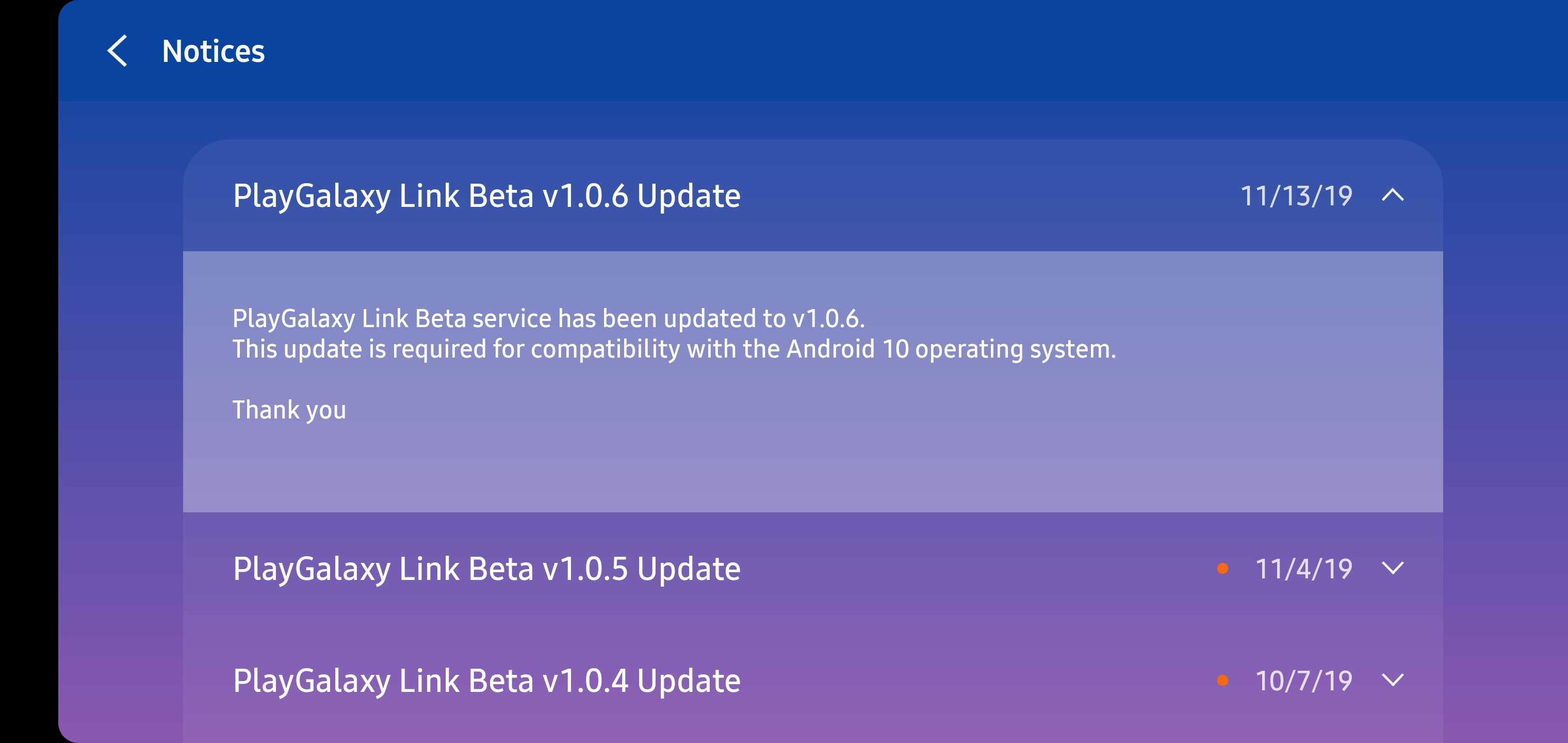
You will have to download the latest PlayGalaxy Link app from the Galaxy Store on your phone to run it on Android 10 and also possibly update the PlayGalaxy Link app on Windows. You should get a notification asking you to update the next time you open the app on both your phone and PC.

Abhijeet's writing career started with guides for custom firmware for Samsung devices (including the original Galaxy S), and he moved to SamMobile in mid-2013 and worked up the ranks to Editor-in-chief. In addition to phones and mobile devices, his interests include gaming on both PC and console, PC hardware, and spending countless hours on YouTube watching videos on tech, movies, games, politics, and internet dramas.














