Last updated: April 6th, 2026 at 08:11 UTC+02:00
SamMobile has affiliate and sponsored partnerships, we may earn a commission.
You need to switch to the Google Messages app.
Reading time: 2 minutes
Abhijeet Mishra / SamMobile
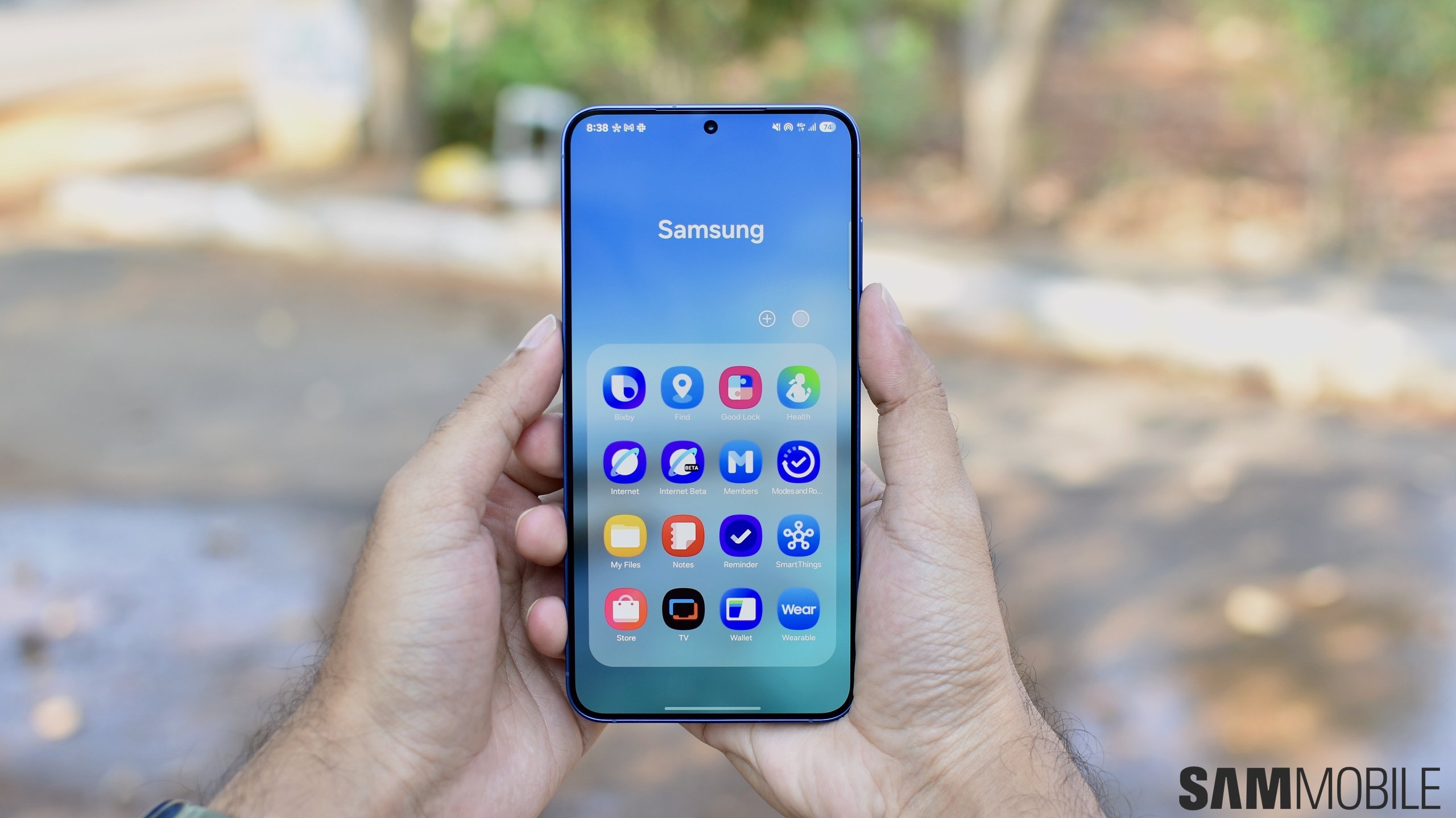
A few years ago, Samsung switched from Samsung Messages to Google Messages as the default messaging app on Galaxy phones, tablets, and wearables. Now, the company has confirmed that it is discontinuing the Samsung Messages app entirely.
Samsung has posted an ‘End of Service Announcement' notice on its website, revealing that the Samsung Messages app will be discontinued in July 2026. The company is also urging Galaxy users to switch to Google Messages for a more consistent messaging experience.
Over the past few years, Samsung and Google have worked closely to expand RCS availability on Android devices. As part of this collaboration, Samsung began making Google Messages the default messaging app on newer Galaxy devices.

Samsung
Samsung Messages discontinuation announcement on Samsung's website – Source: Samsung
To switch to Google Messages on your Galaxy device, follow these steps:
Note: If your device is running Android 12 or Android 13, the Google Messages app may not automatically appear in the home screen dock. You may need to manually drag it from the app drawer to the dock.

Asif is a computer engineer turned technology journalist. He has been using Samsung phones since 2004, and his current smartphone is the Galaxy S23 Ultra. He loves headphones, mechanical keyboards, and PC hardware. When not writing about technology, he likes watching crime and science fiction movies and TV shows.














