Last updated: December 17th, 2024 at 04:43 UTC+01:00
SamMobile has affiliate and sponsored partnerships, we may earn a commission.
Reading time: 2 minutes
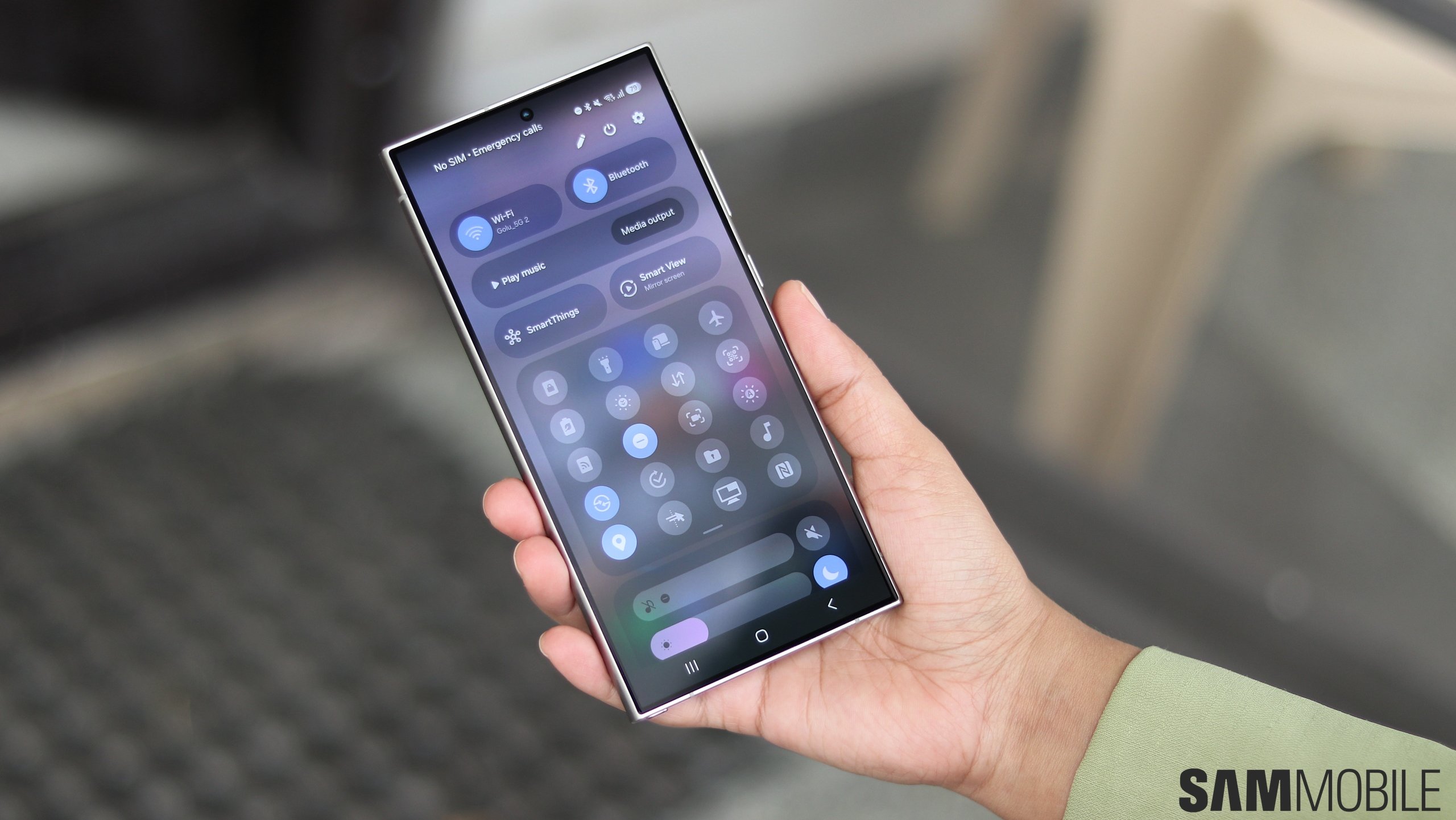
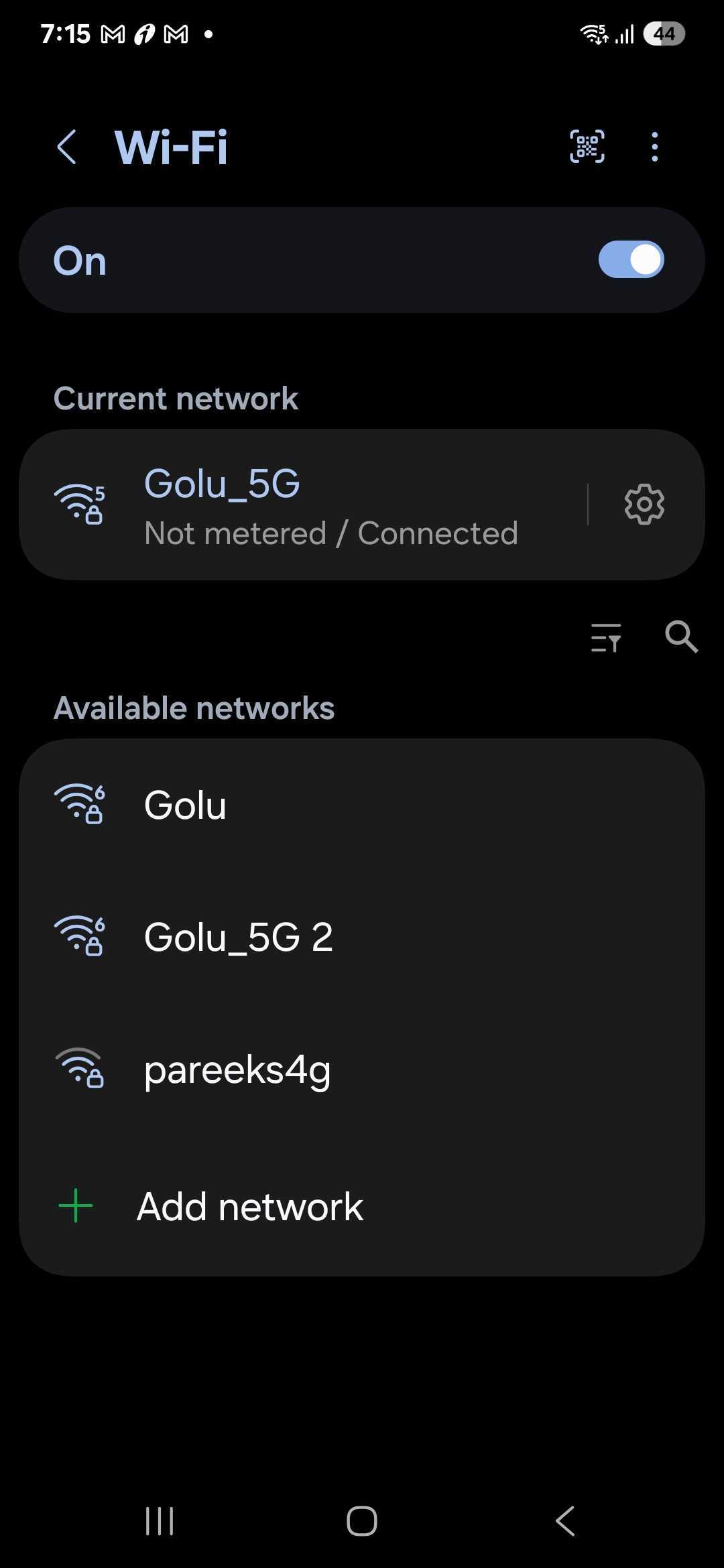
We have discovered that One UI 7.0 lets you filter available Wi-Fi networks by their properties. For example, if you want to see only secured Wi-Fi networks around you, you can do that by choosing the ‘Secured' filter. Similarly, if you want only to see Wi-Fi 6 networks, you can do that.
You can access the Wi-Fi Filter feature by navigating to Settings » Connections » Wi-Fi » More Options » Intelligent Wi-Fi and tapping the Intelligent Wi-Fi version number multiple times until the Connectivity Labs menu appears. Now, enable the Use filter menu toggle.
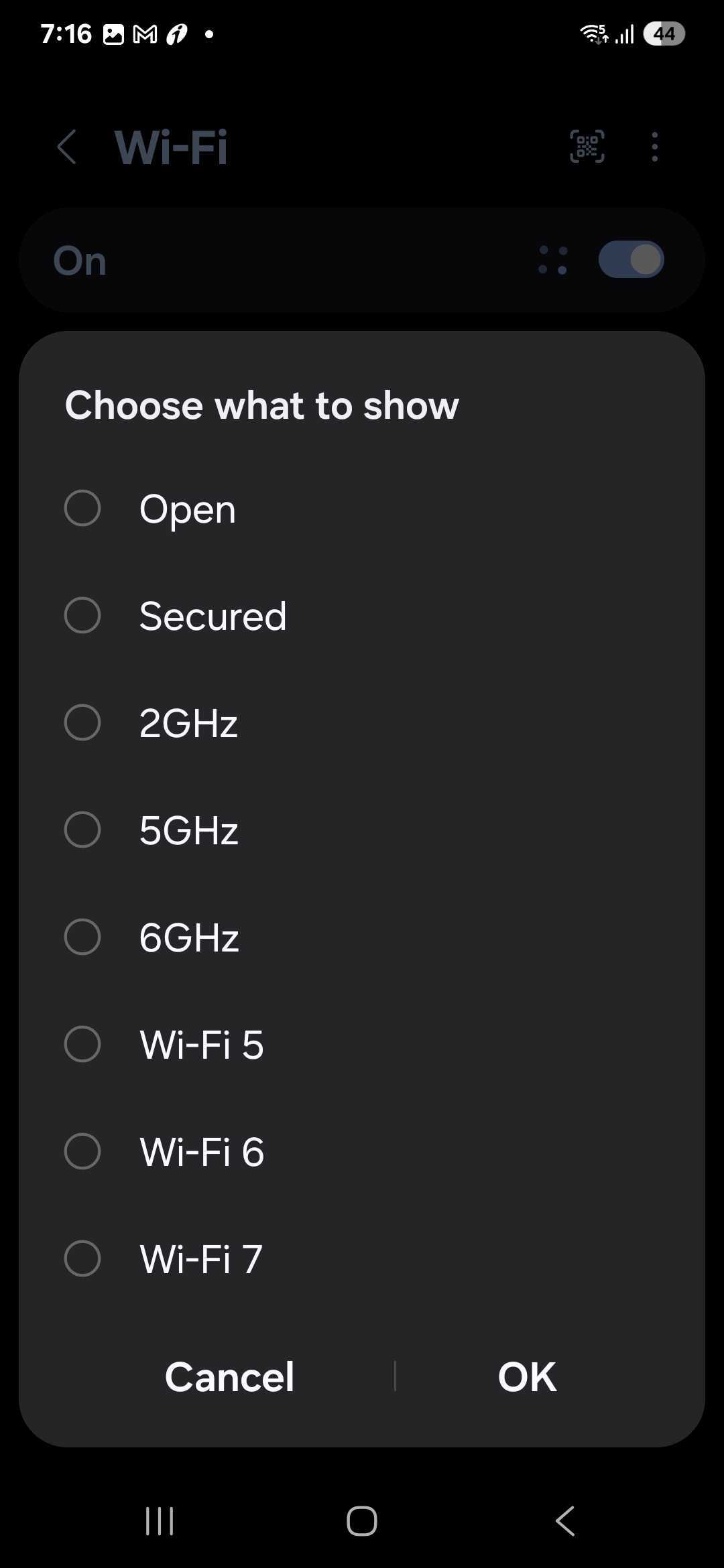
All the available filters in the Wi-Fi Filter feature are listed below.
These filters will appear based on your Galaxy smartphone's or tablet's Wi-Fi specifications. So, older phones will not have 6GHz, Wi-Fi 6, and Wi-Fi 7 filter options, while newer flagship phones like the Galaxy S24 Ultra have all the filter options.

Asif is a computer engineer turned technology journalist. He has been using Samsung phones since 2004, and his current smartphone is the Galaxy S23 Ultra. He loves headphones, mechanical keyboards, and PC hardware. When not writing about technology, he likes watching crime and science fiction movies and TV shows.














