Last updated: May 16th, 2024 at 11:56 UTC+02:00
SamMobile has affiliate and sponsored partnerships, we may earn a commission.
Reading time: 3 minutes
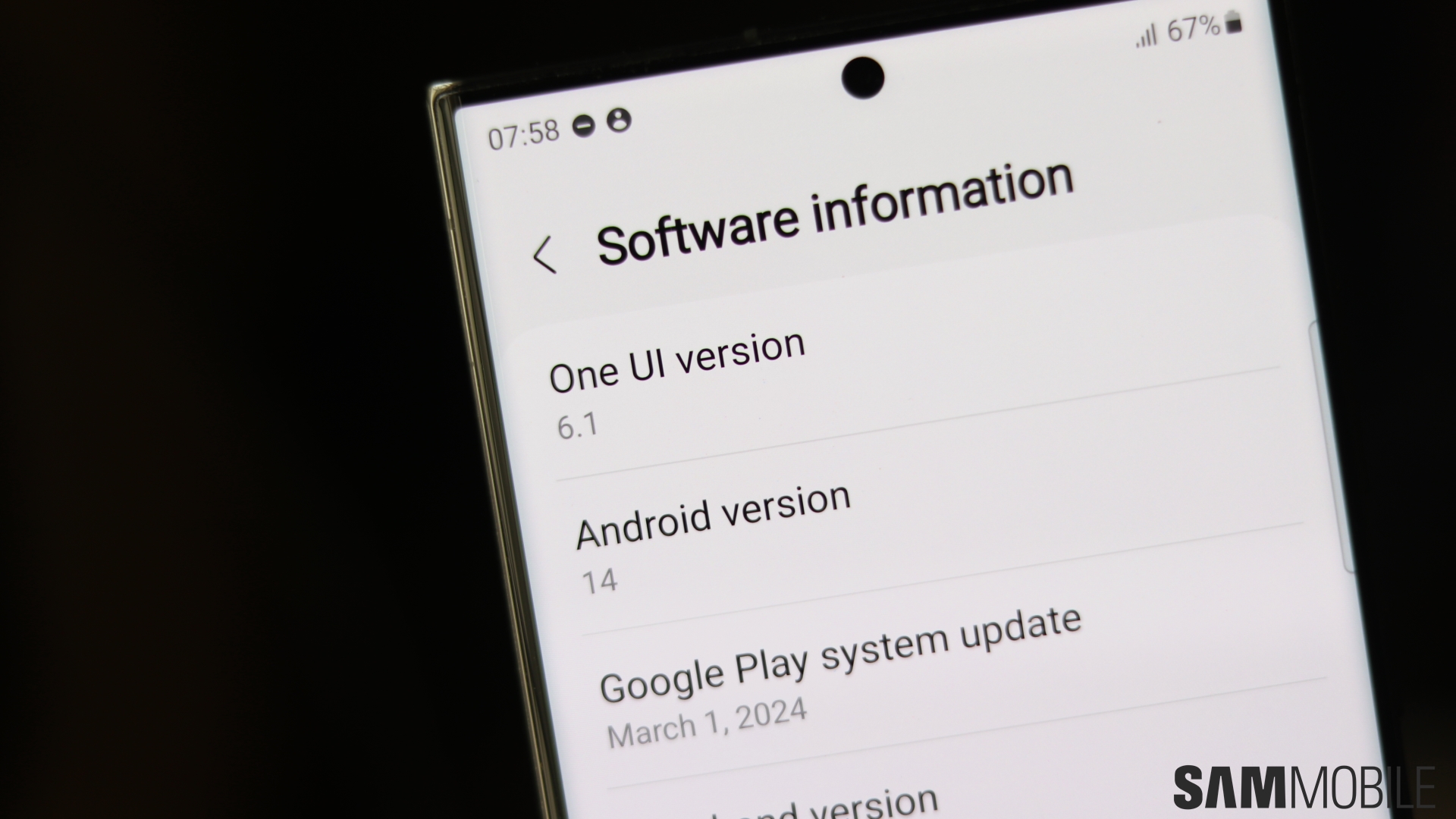
Just a few days after the One UI 6.1 update started rolling out, Galaxy Z Fold 5 and Galaxy Z Flip 5 owners began reporting higher battery drain. This is something we experienced on two Z Fold 5's and two Z Flip 5 units here at SamMobile as well.
While we had hoped that battery life would go back to pre-One UI 6.1 levels after a few days, that doesn't appear to be the case. Battery life is still notably lower than it was on One UI 6.0, both for us and many other users who continue to report the issue on various forums.
Owners of Galaxy S23 series phones also appear to be getting lower battery life, though the change isn't as drastic. Of all flagship Samsung phones launched in 2023, the Galaxy S23 Ultra seems to be the only phone unaffected.
As for Galaxy S and Galaxy Z smartphones launched before 2023 and select mid-range phones, we aren't seeing many reports of higher battery drain. In fact, battery life seems to have improved for some users after the update. However, One UI 6.1 hasn't been out long for these devices, so it's possible that users haven't had enough time to notice any battery life changes.
As far as we're aware, Samsung hasn't officially acknowledged the higher battery drain, so there's no telling if and when it plans to address the issue. We have reached out to the company and will let you know when we get a response.
When it does get around to it, Samsung will provide improvements via a new software update. Some phones, like the Galaxy S22 series, have received at least one new update after One UI 6.1, but those updates were focused exclusively on security enhancements.
Until a fix arrives, you will have to live with the poorer battery life if your device is affected. You can try steps like disabling power-hungry features like Always On Display and using power saving modes in the meantime to reduce battery usage.
You can also try clearing your device cache. A factory reset may help as well; just remember to backup important data using Samsung's Smart Switch app for Windows or Mac or using the Samsung Temporary Cloud Backup feature on the phone itself.

Abhijeet's writing career started with guides for custom firmware for Samsung devices (including the original Galaxy S), and he moved to SamMobile in mid-2013 and worked up the ranks to Editor-in-chief. In addition to phones and mobile devices, his interests include gaming on both PC and console, PC hardware, and spending countless hours on YouTube watching videos on tech, movies, games, politics, and internet dramas.














