Last updated: October 25th, 2019 at 09:33 UTC+02:00
SamMobile has affiliate and sponsored partnerships, we may earn a commission.
Reading time: 2 minutes
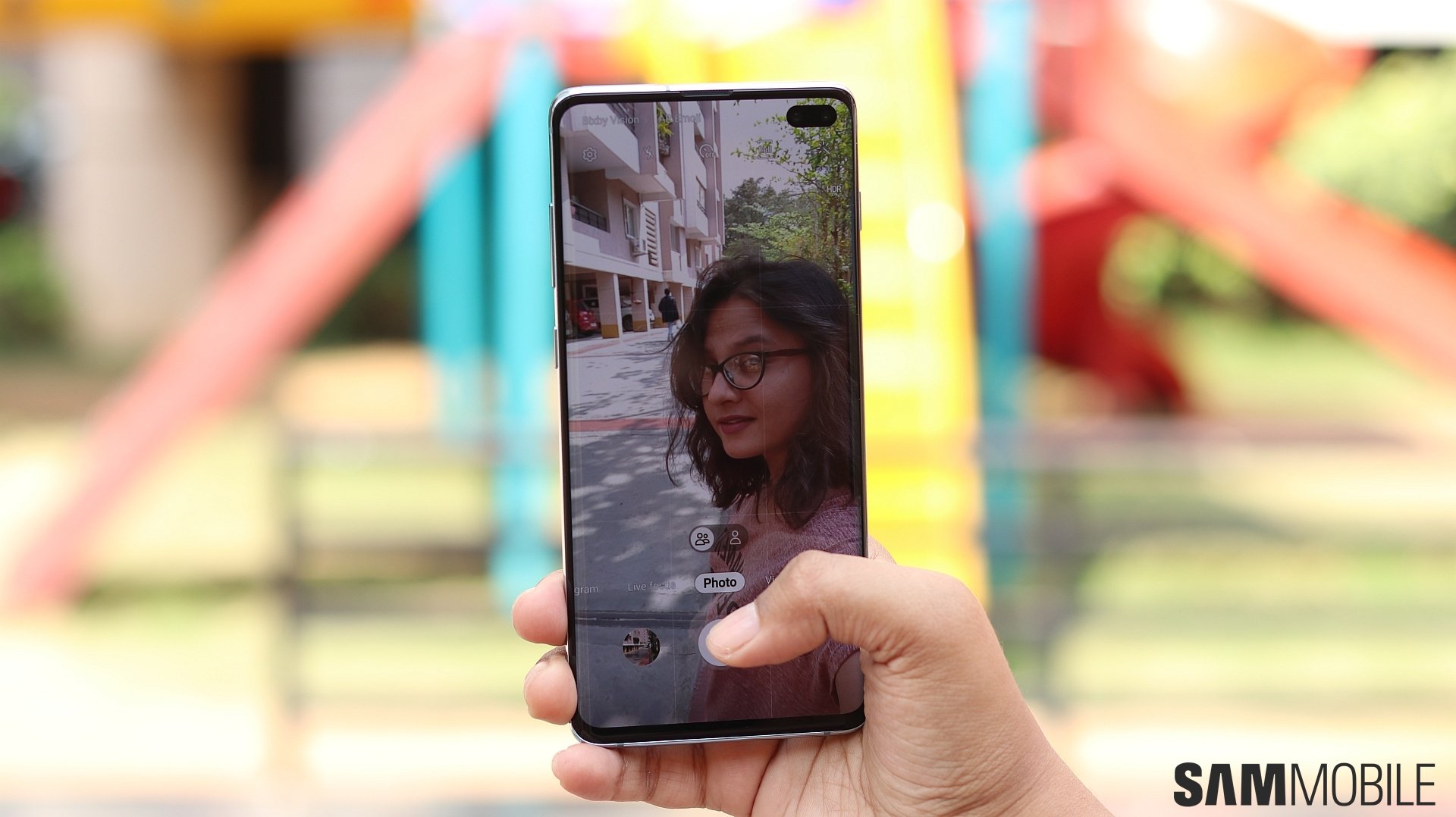
Our favorite phone maker has added a slow motion mode to the front camera with One UI 2.0 and Android 10. Like the slow motion mode for the rear camera, you don't get any customization options for slow motion videos with the front camera. You just hit the record button and go crazy, although you can edit recorded slow motion videos and reduce their playback speed to make everything even slower.
https://www.youtube.com/watch?v=22WdaiJAbcI
The slow motion videos we shot have a bit of jitter, but we're assuming Samsung will fix that for the stable Android 10 update. And, in case you're wondering, you cannot take Super Slow-mo videos with the front camera. That's okay, if we're being honest, since Super Slow-mo videos only capture very short moments, are hard to time right, and require well lit environments because of the high frame rate they are shot at.
What do you think? Do you see yourself taking slow motion videos of yourself with the front camera? Tell us in the comments, and don't forget to check out our One UI 2.0 feature focus series to discover more of what's new on Android 10 for Galaxy devices.

Abhijeet's writing career started with guides for custom firmware for Samsung devices (including the original Galaxy S), and he moved to SamMobile in mid-2013 and worked up the ranks to Editor-in-chief. In addition to phones and mobile devices, his interests include gaming on both PC and console, PC hardware, and spending countless hours on YouTube watching videos on tech, movies, games, politics, and internet dramas.














