Last updated: April 10th, 2024 at 10:42 UTC+02:00
SamMobile has affiliate and sponsored partnerships, we may earn a commission.
Reading time: 2 minutes
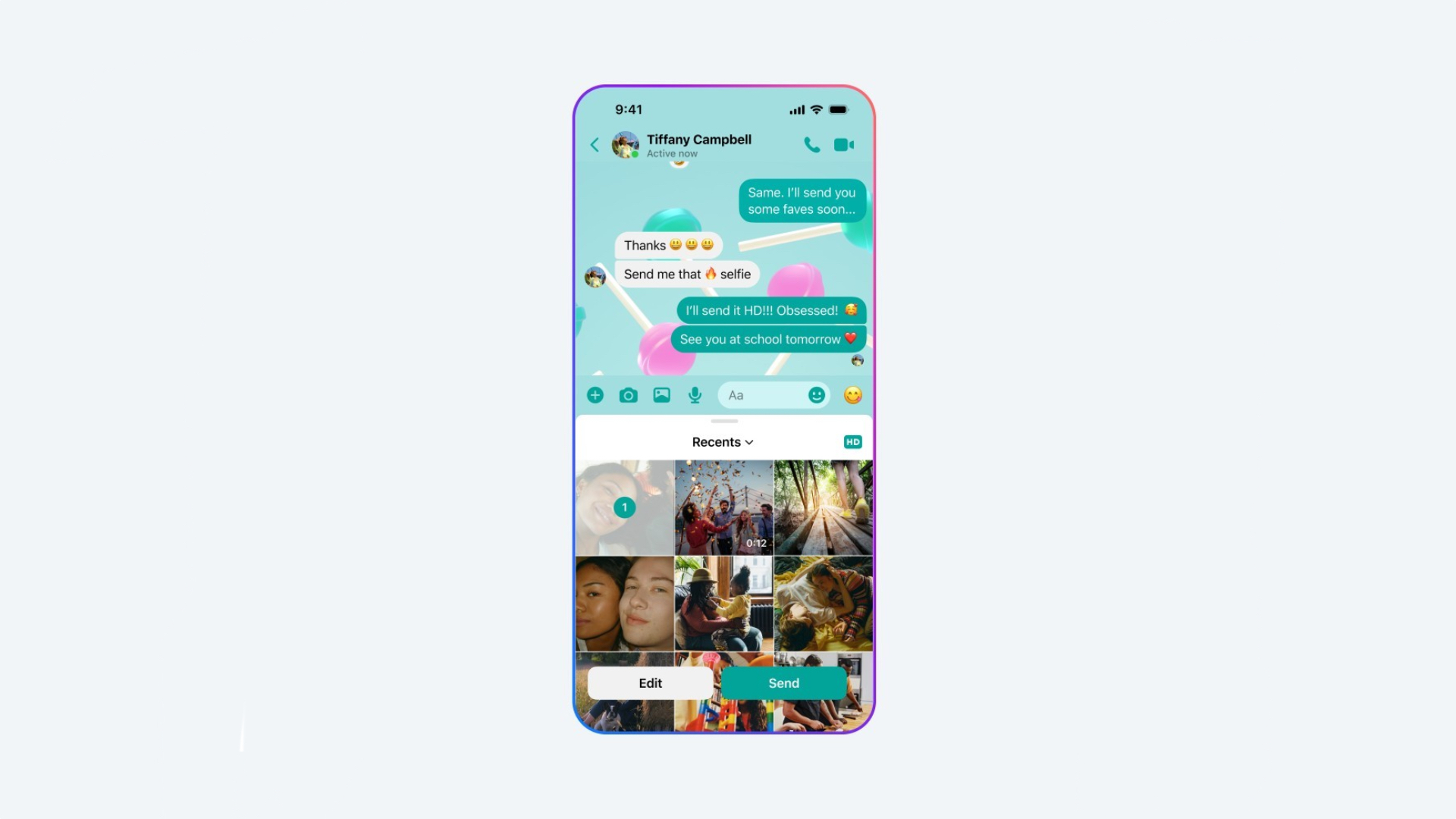
Facebook Messenger now lets you share images and videos in HD quality. Here, HD means 4K resolution for still images and HD resolution (1,280 x 720 pixels) for videos. This is exactly similar to WhatsApp, and you can enable the HD tag while choosing images or videos from your phone's gallery. When you receive HD images, you can see the HD tag on the top right corner of that image.
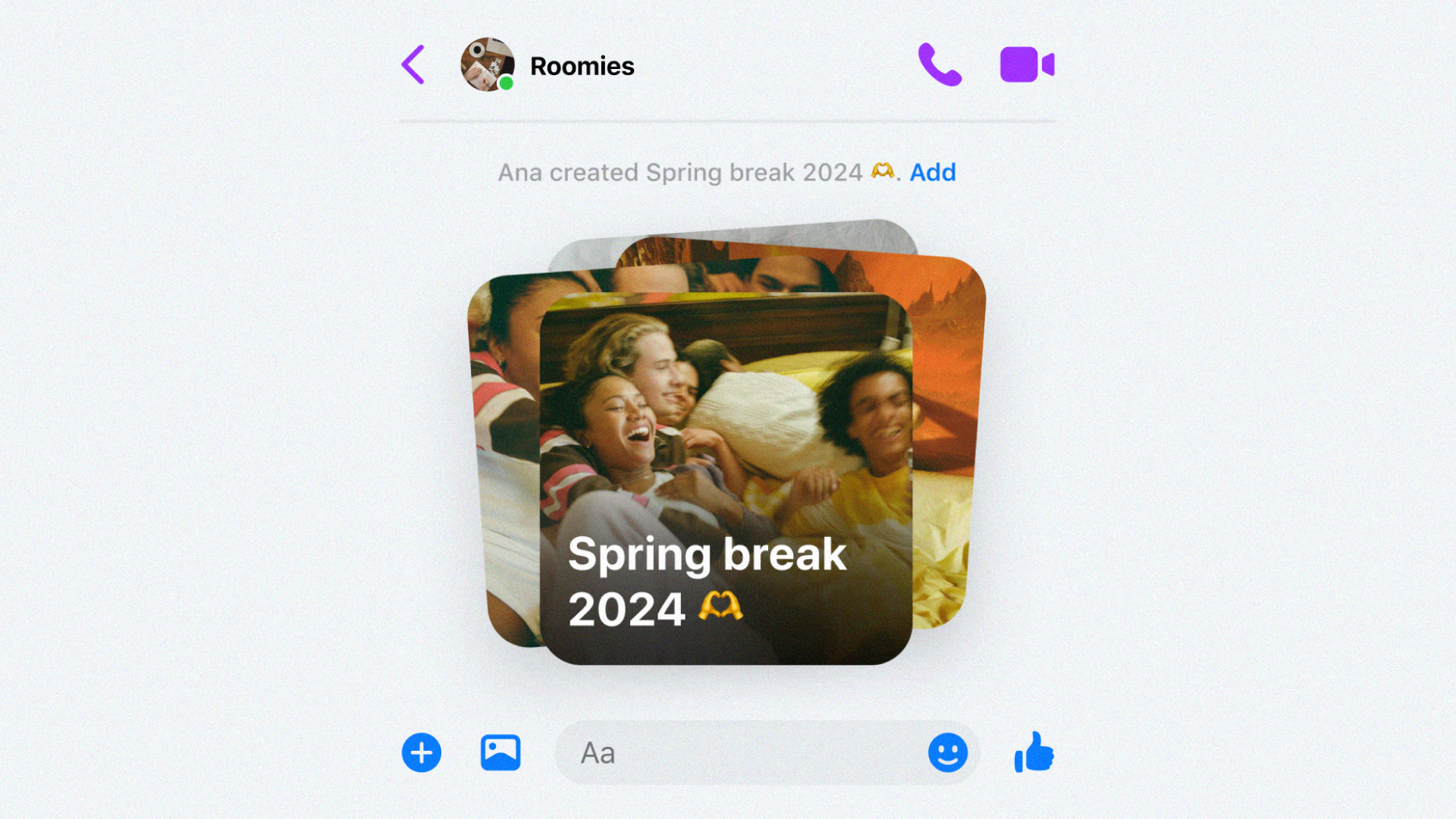
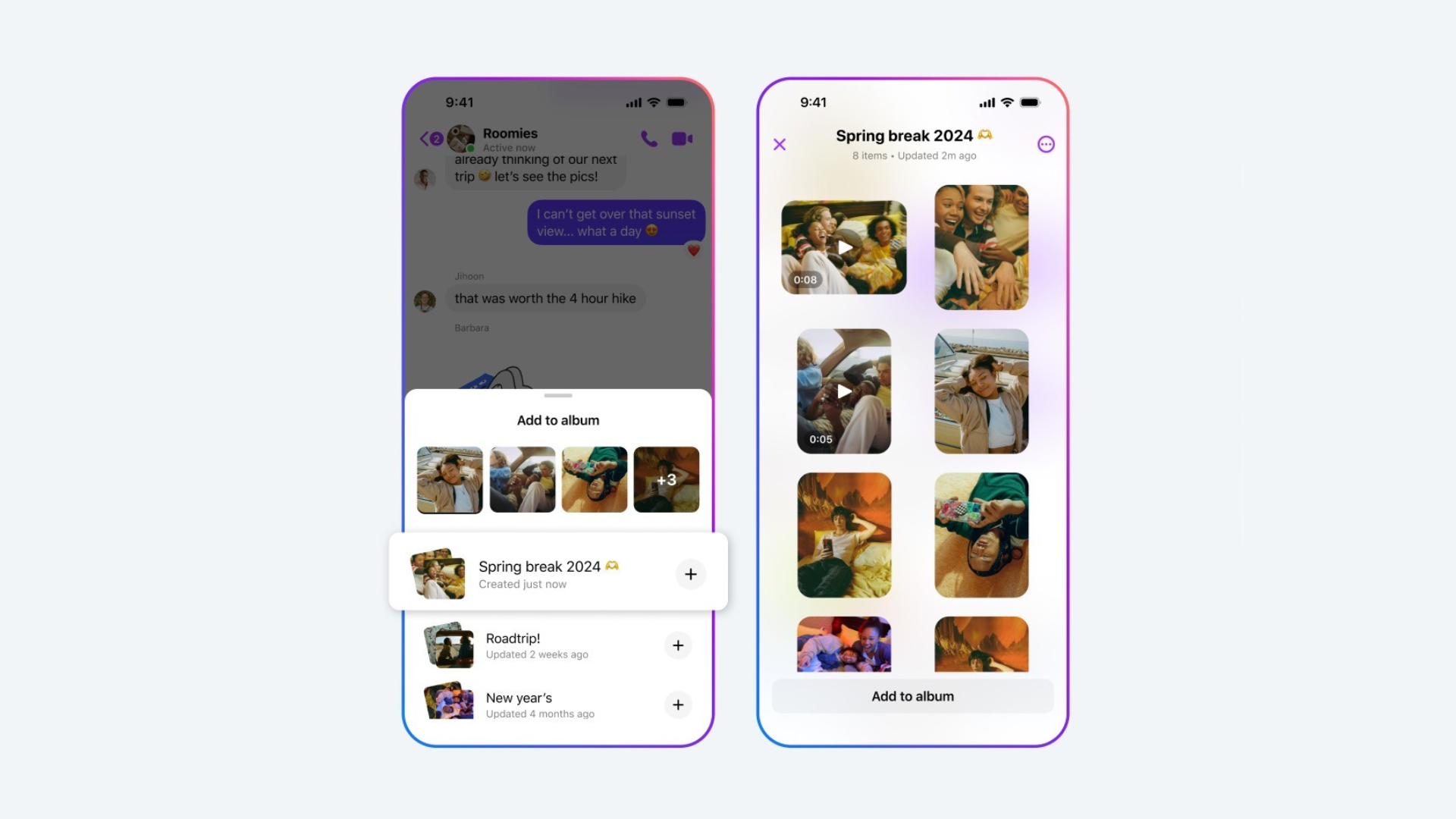
Facebook Messenger also lets you create Shared Albums with family and friends. In a group chat, when you select multiple images and videos from your phone's gallery, an option labelled ‘Create Album' appears. You can also long press an image in the chat to create a shared album with it. To add images and videos to an existing album, tap ‘Add To Album.' Everyone in th group chat can rename and edit existing shared albums. They can add, delete, download, or view images and videos in the album.
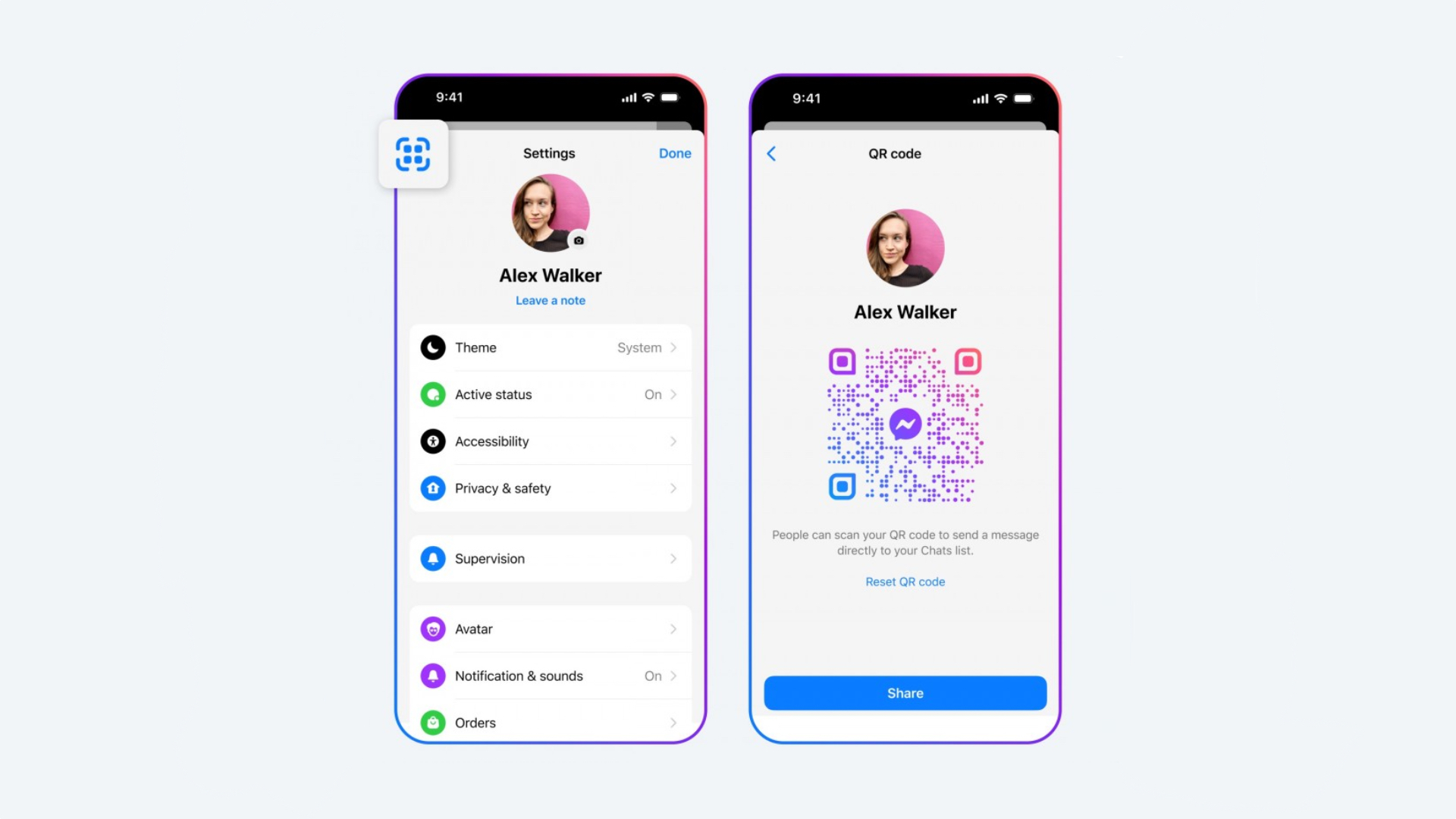
You can start chatting with people by adding them to Facebook Messenger using their QR code. Every Facebook Messenger user gets a unique QR code, which can be used to instantly start a chat with that person. You can share your QR code with others, making it easier to initiate chats. You can see an example in the image below.
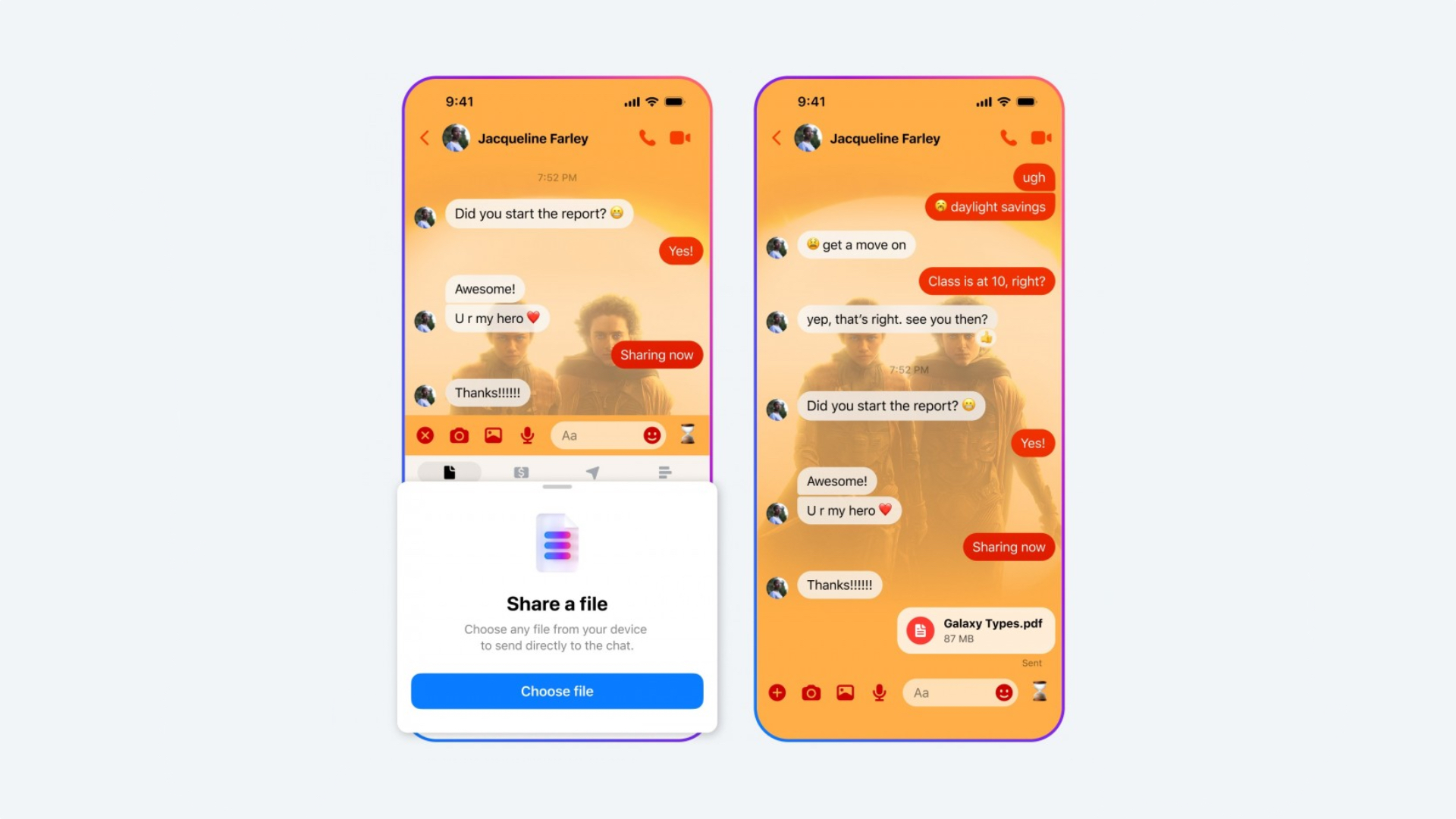
Meta has also made it easier to share large documents and files using Facebook Messenger. The messaging app now supports sending and receiving documents and files that are as big as 100MB in size. Most major document formats, including Excel, PDF, Word, and ZIP are supported. You can send files by clicking the + shaped button and choosing the ‘Share A File' option.
Watch our in-depth video below to understand all the AI-powered features that Samsung debuted with One UI 6.1. Those features are available on the Galaxy S23 series, Galaxy S23 FE, Galaxy S24 series, Galaxy Tab S9 series, Galaxy Z Flip 5, and Galaxy Z Fold 5.

Asif is a computer engineer turned technology journalist. He has been using Samsung phones since 2004, and his current smartphone is the Galaxy S23 Ultra. He loves headphones, mechanical keyboards, and PC hardware. When not writing about technology, he likes watching crime and science fiction movies and TV shows.














