Last updated: October 2nd, 2018 at 11:00 UTC+02:00
SamMobile has affiliate and sponsored partnerships, we may earn a commission.
Reading time: 2 minutes
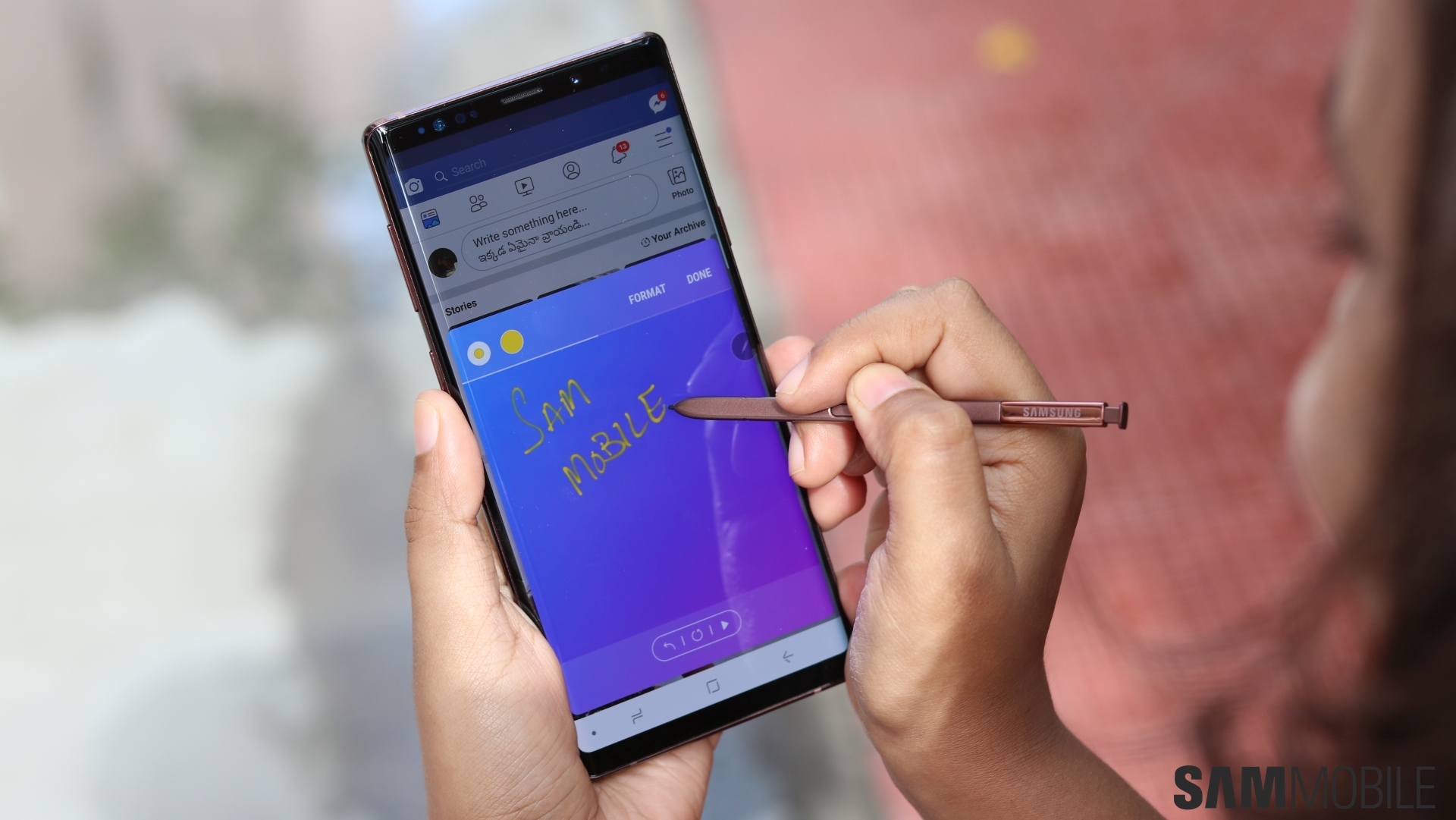
It works with native apps so the S Pen can be used to click photos, play/pause music and videos or even as a click during presentations. Samsung did say that it would provide developers with an SDK so that they can bring S Pen remote features to their apps. The SDK is available now.
We already have a detailed guide on how to select what a single and double press of the S Pen does in supported apps. The guide will also teach you how to launch an app by holding down the S Pen. The same method can also be used to launch various S Pen functions such as live messages.
The Bluetooth S Pen's compatibility has largely been limited to native apps so far. Samsung did say when the Galaxy Note 9 was launched in August that it would open the S Pen SDK to developers. This will enable compatibility with countless third-party apps. The company also wants business customers to utilize this feature for their applications.
Developers will now be able to add S Pen remote features to their apps using the recently launched SDK. It's accessible from Samsung's developer website. You can expect more apps to support the S Pen remote in the coming weeks.

Adnan Farooqui is a long-term writer at SamMobile. Based in Pakistan, his interests include technology, finance, Swiss watches and Formula 1. His tendency to write long posts betrays his inclination to being a man of few words.














