Last updated: September 19th, 2017 at 10:07 UTC+02:00
SamMobile has affiliate and sponsored partnerships, we may earn a commission.
Reading time: 2 minutes
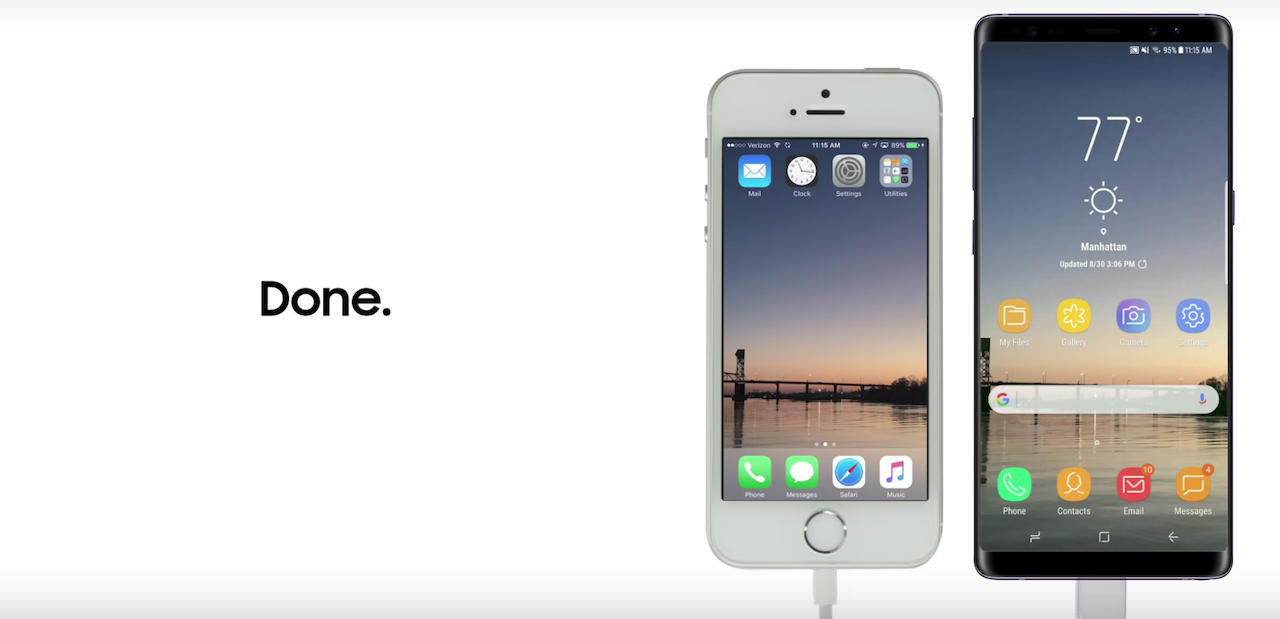
Samsung has posted a new video on its official YouTube channel. The video highlights the ease with which an iPhone user can transfer content from iPhone to Galaxy Note 8. It's focusing on the Galaxy Note 8 because the new flagship was just released. The same holds true for other Samsung smartphones as well.
Linking the two devices together to transfer content from iPhone to Galaxy Note 8 is simple enough. Use the iPhone cable and adapter included with the Galaxy Note 8 to connect the devices. Launch Samsung's Smart Switch app when prompted and then follow the onscreen instructions. It's as simple as that.
The timing on this can't really be a coincidence. Samsung is trying to capture the attention of iPhone owners who might be thinking about an upgrade. It would much rather see them switch to the Galaxy Note 8 instead of the iPhone 8. Once they see how easy it is to transfer content from iPhone to Galaxy Note 8, they just might.

Adnan Farooqui is a long-term writer at SamMobile. Based in Pakistan, his interests include technology, finance, Swiss watches and Formula 1. His tendency to write long posts betrays his inclination to being a man of few words.














