Last updated: March 30th, 2016 at 11:14 UTC+02:00
SamMobile has affiliate and sponsored partnerships, we may earn a commission.
Reading time: 2 minutes
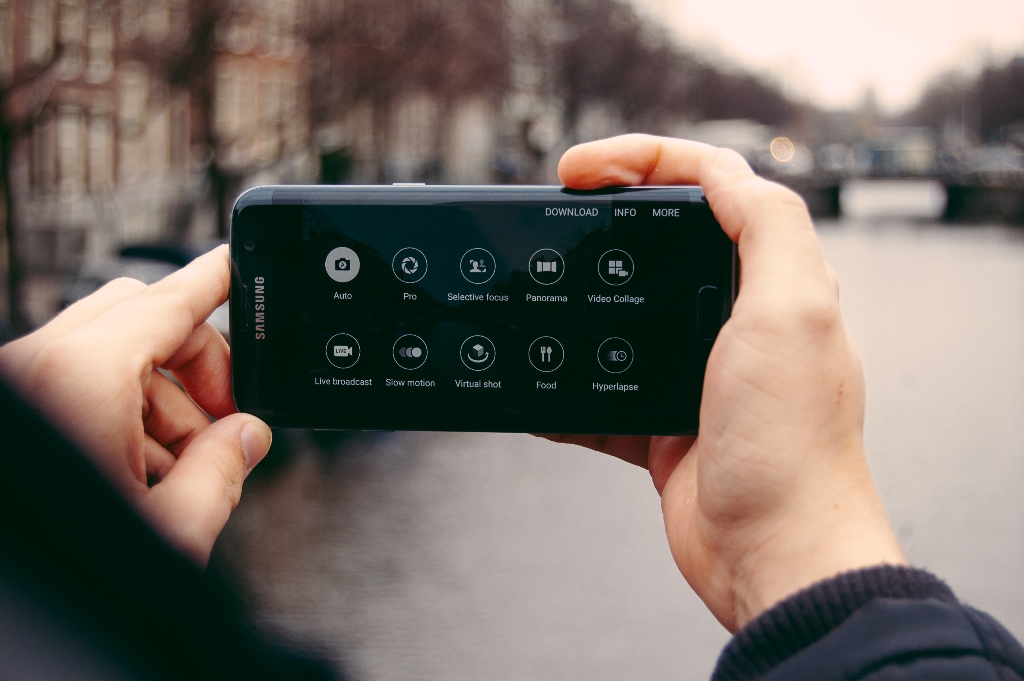
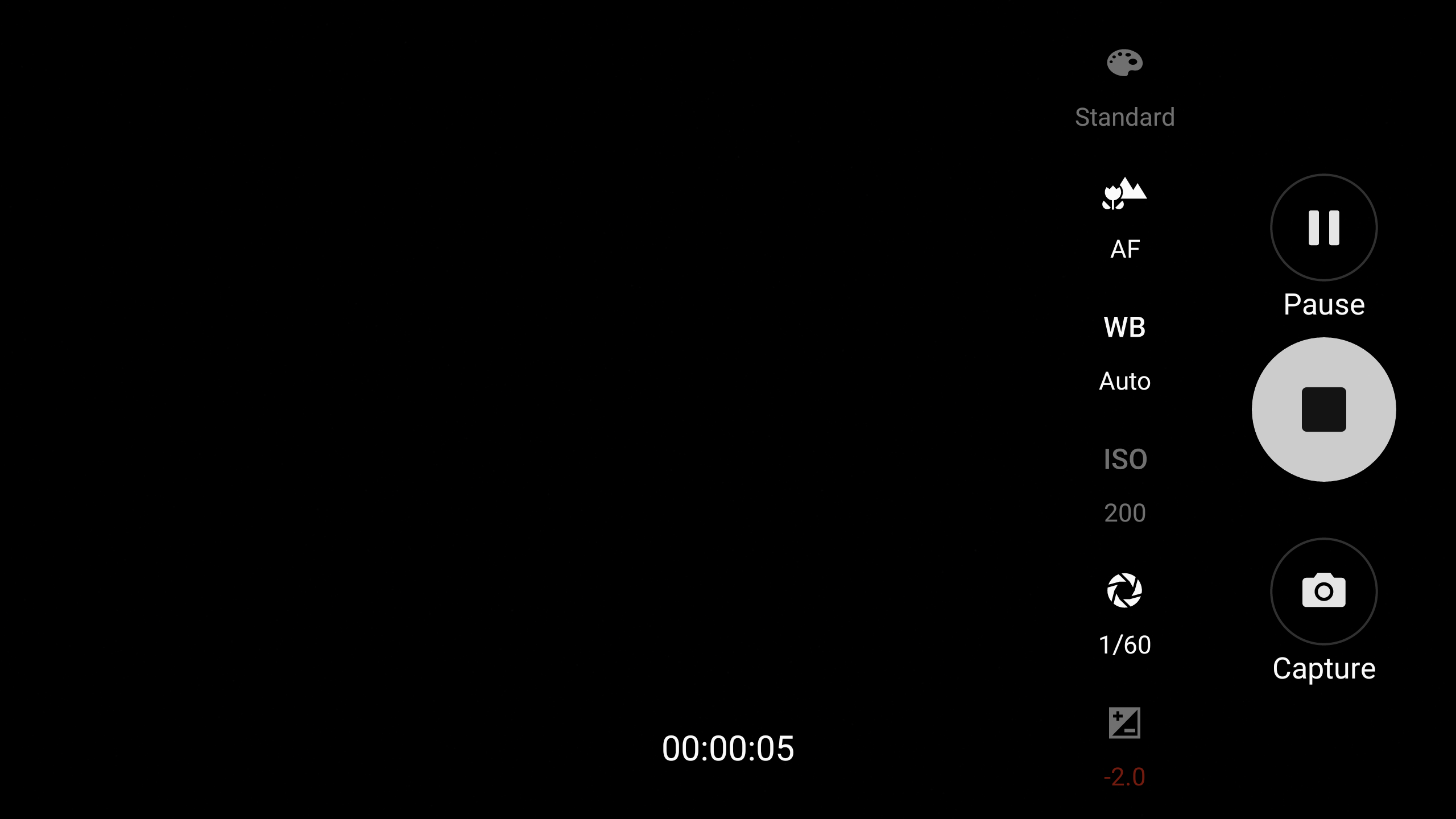
Once you activate the Pro Mode in the camera app (Galaxy S7 or Galaxy S7 edge), you can change the focus point and white balance on the fly as the video is recording. As for ISO, aperture and exposure values, those still need to be set before you start video recording. Moreover, there's a provision to apply live filters to a video. Keep in mind though that you won't be able to change the exposure value after setting a custom aperture value.
Neither the Galaxy S6 nor the Galaxy Note 5 have this feature despite getting the Android 6.0 update. However, the Pro Mode for video on the Galaxy S7 still isn't as advanced as the one found on the LG V10, which even lets you change the direction for audio recording. Have you tried the Pro Mode for recording videos on your Galaxy S7 or S7 edge?

Asif is a computer engineer turned technology journalist. He has been using Samsung phones since 2004, and his current smartphone is the Galaxy S23 Ultra. He loves headphones, mechanical keyboards, and PC hardware. When not writing about technology, he likes watching crime and science fiction movies and TV shows.














