Last updated: December 23rd, 2015 at 18:12 UTC+01:00
SamMobile has affiliate and sponsored partnerships, we may earn a commission.
Reading time: 3 minutes
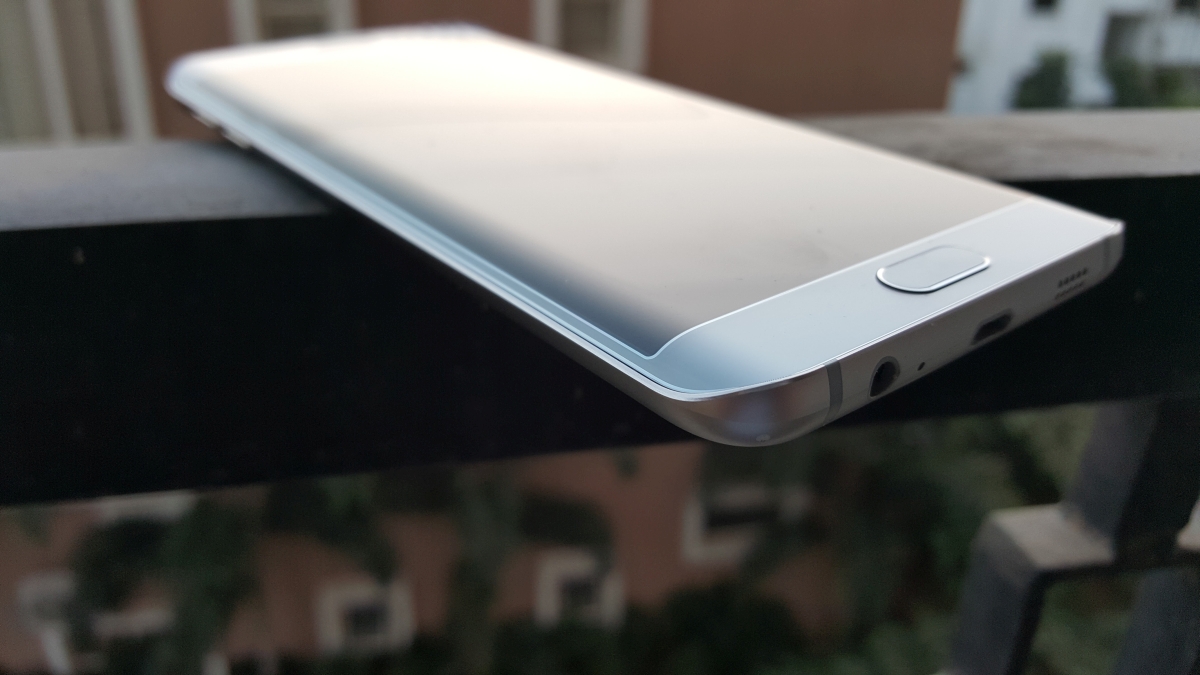
If you're in the UK and own any of the two devices, then you can get in on the action right away (do note that it is up to Samsung to accept your request for the beta). If you are confused, just follow our guide below to find out how you can participate and start using Android Marshmallow on your Galaxy S6 or S6 edge today!
Disclaimer: Unless you're using a locally bought Galaxy S6 or S6 edge in the UK, keep in mind that following the instructions below is something you do at your own risk. Don't blame us (or Samsung) if anything goes wrong!

For those not in the UK/with non-BTU Product Code:
You can get the firmware even outside the UK if you are so inclined, but there are a couple of prerequisites for that: You must have the SM-G920F/SM-G925F model of the Galaxy S6/S6 edge, and it must be unlocked. See that F at the end of the model number? That is very important – you cannot install the beta firmware on any other model of either device.
You must also install the BTU version of the UK firmware for your Galaxy S6 or S6 edge. Here's a link for the Galaxy S6 BTU UK firmware, and a link for the Galaxy S6 edge BTU UK firmware. To install the downloaded firmware on your phone, just follow the instructions in this video. Flashing this firmware should not wipe your data (nor void your warranty), but do a backup just to be safe.
Once your device has booted into the newly flashed firmware, just follow the guide above from step 3 to get the Android 6.0 software.
That's it. Let us know if you run into any issues by leaving a comment below!

Abhijeet's writing career started with guides for custom firmware for Samsung devices (including the original Galaxy S), and he moved to SamMobile in mid-2013 and worked up the ranks to Editor-in-chief. In addition to phones and mobile devices, his interests include gaming on both PC and console, PC hardware, and spending countless hours on YouTube watching videos on tech, movies, games, politics, and internet dramas.












