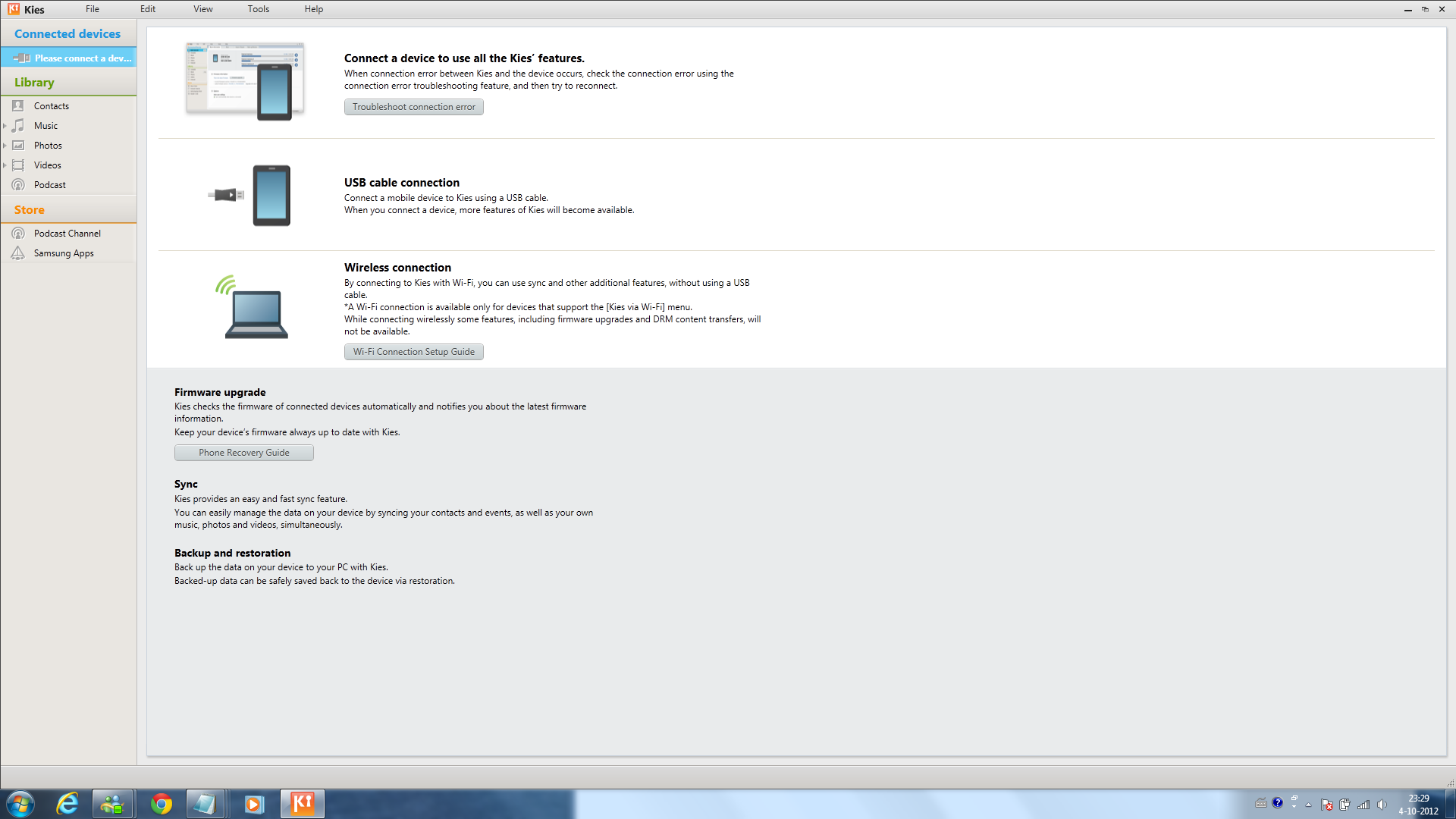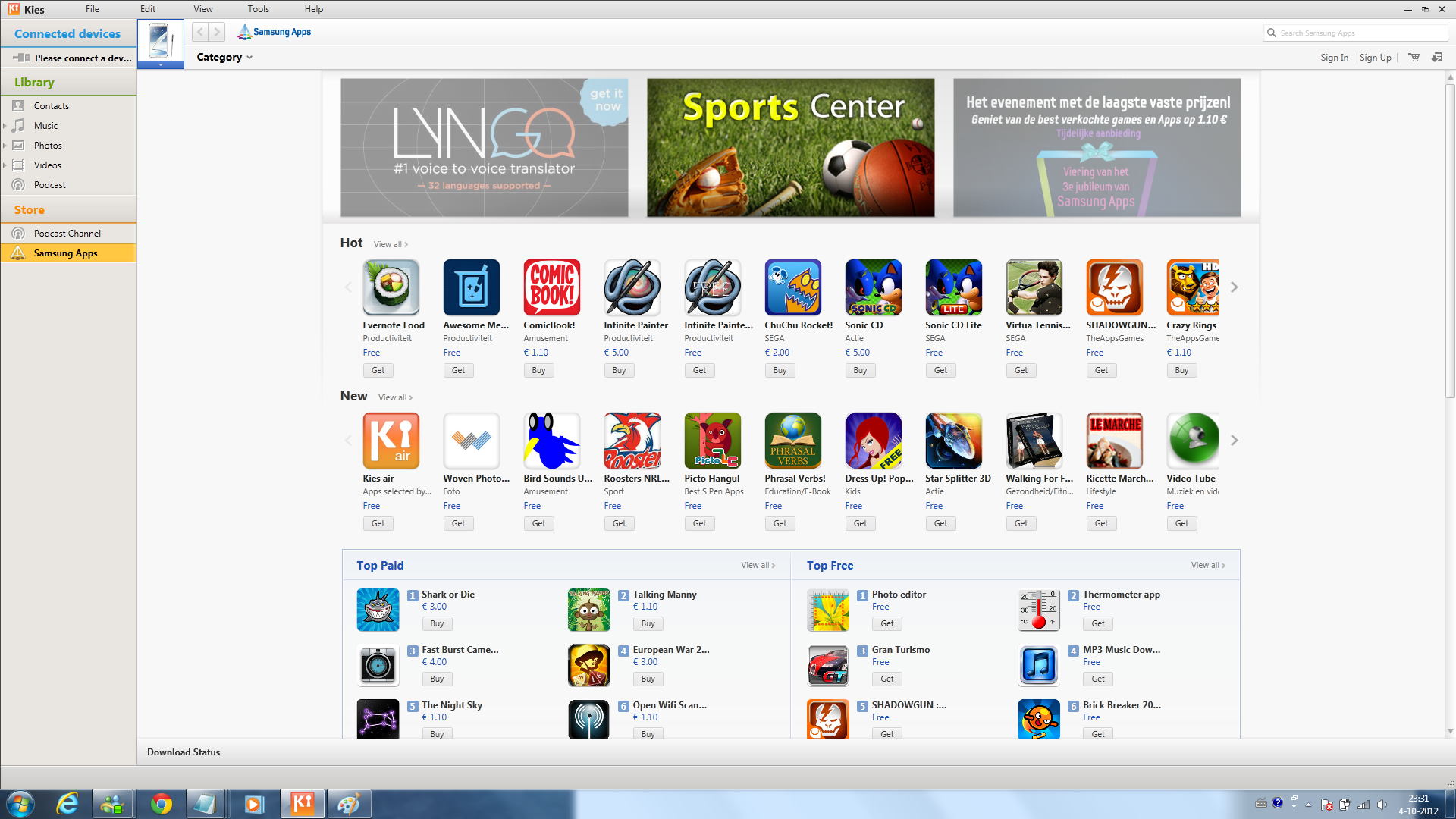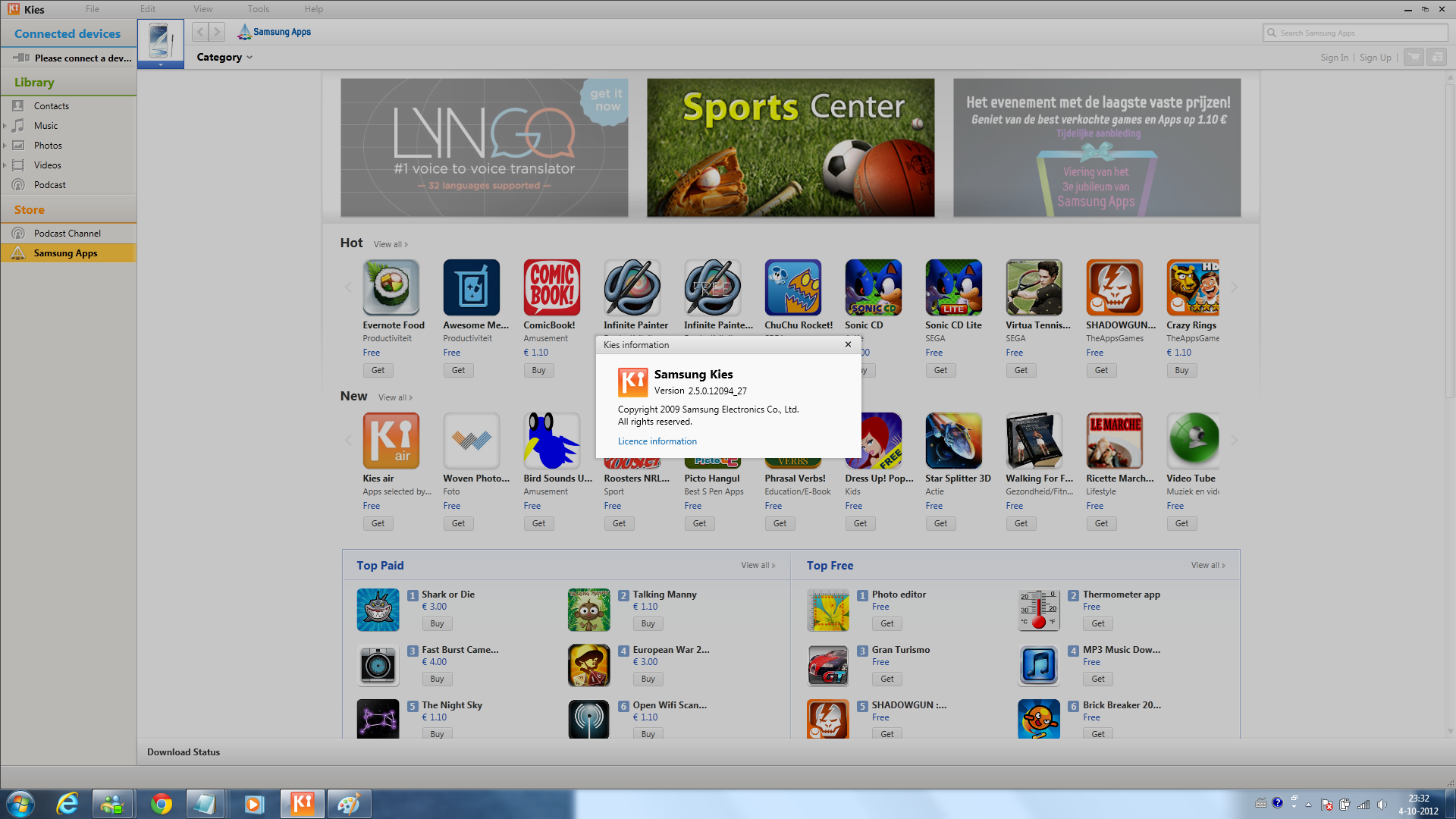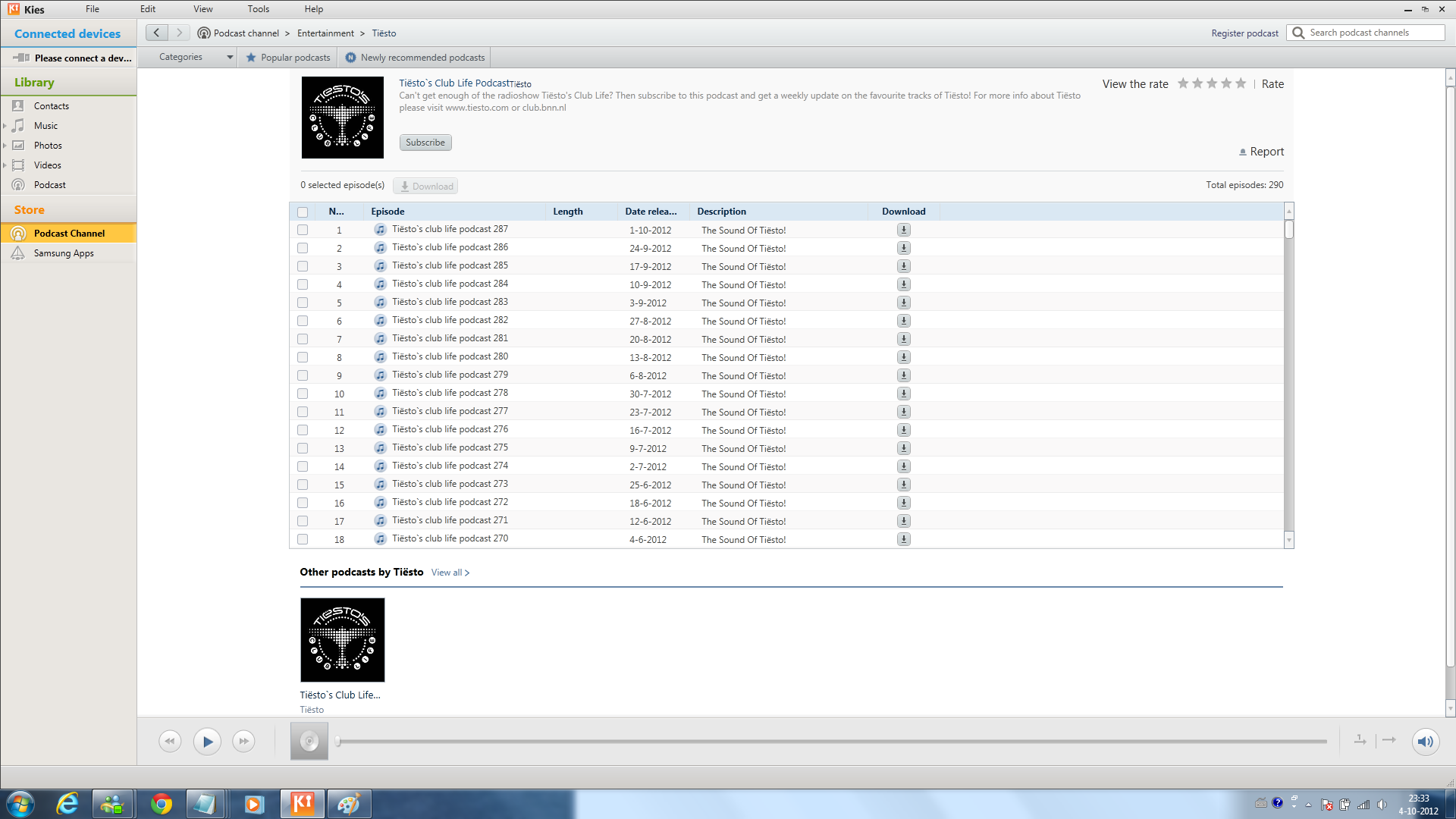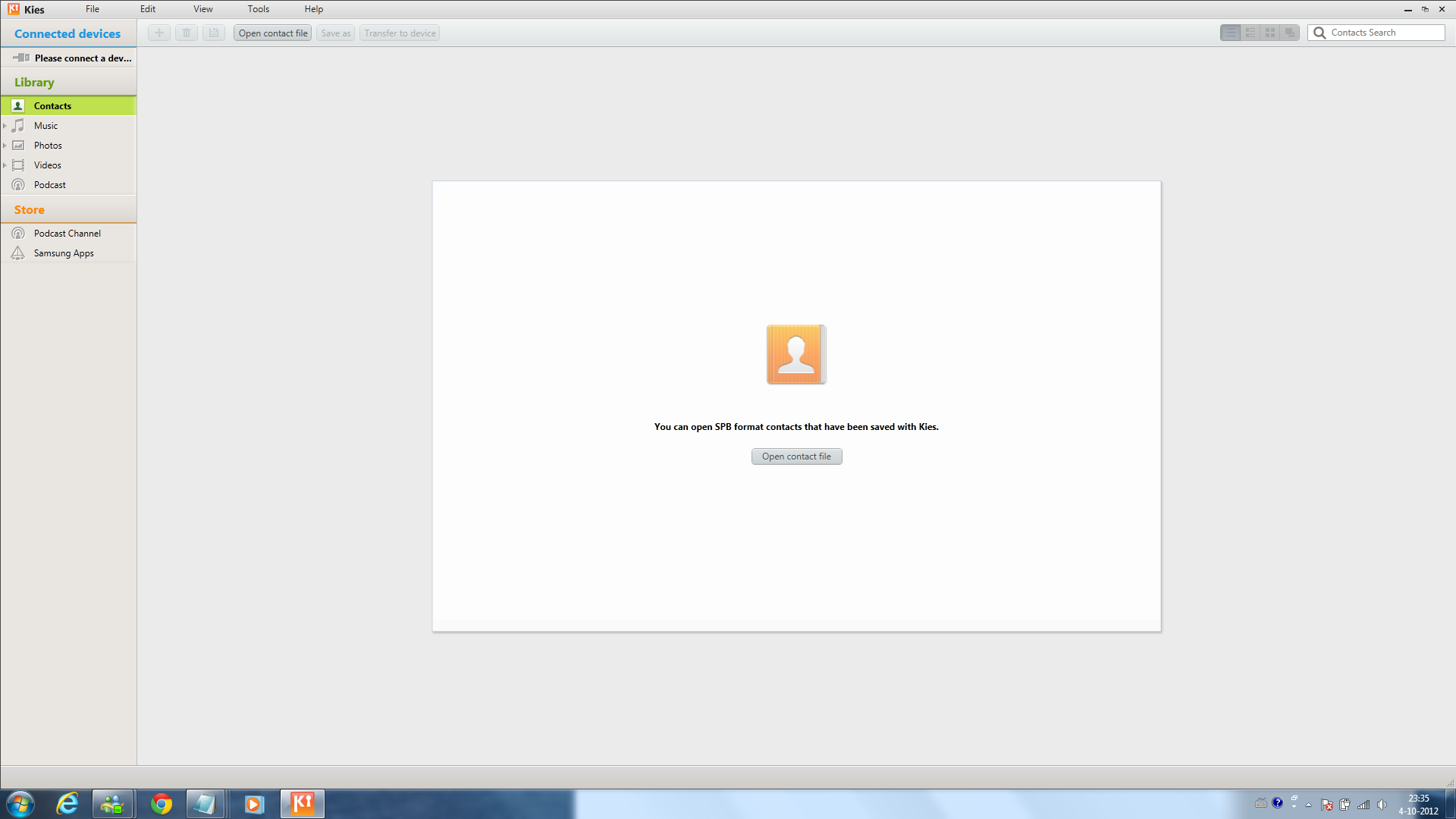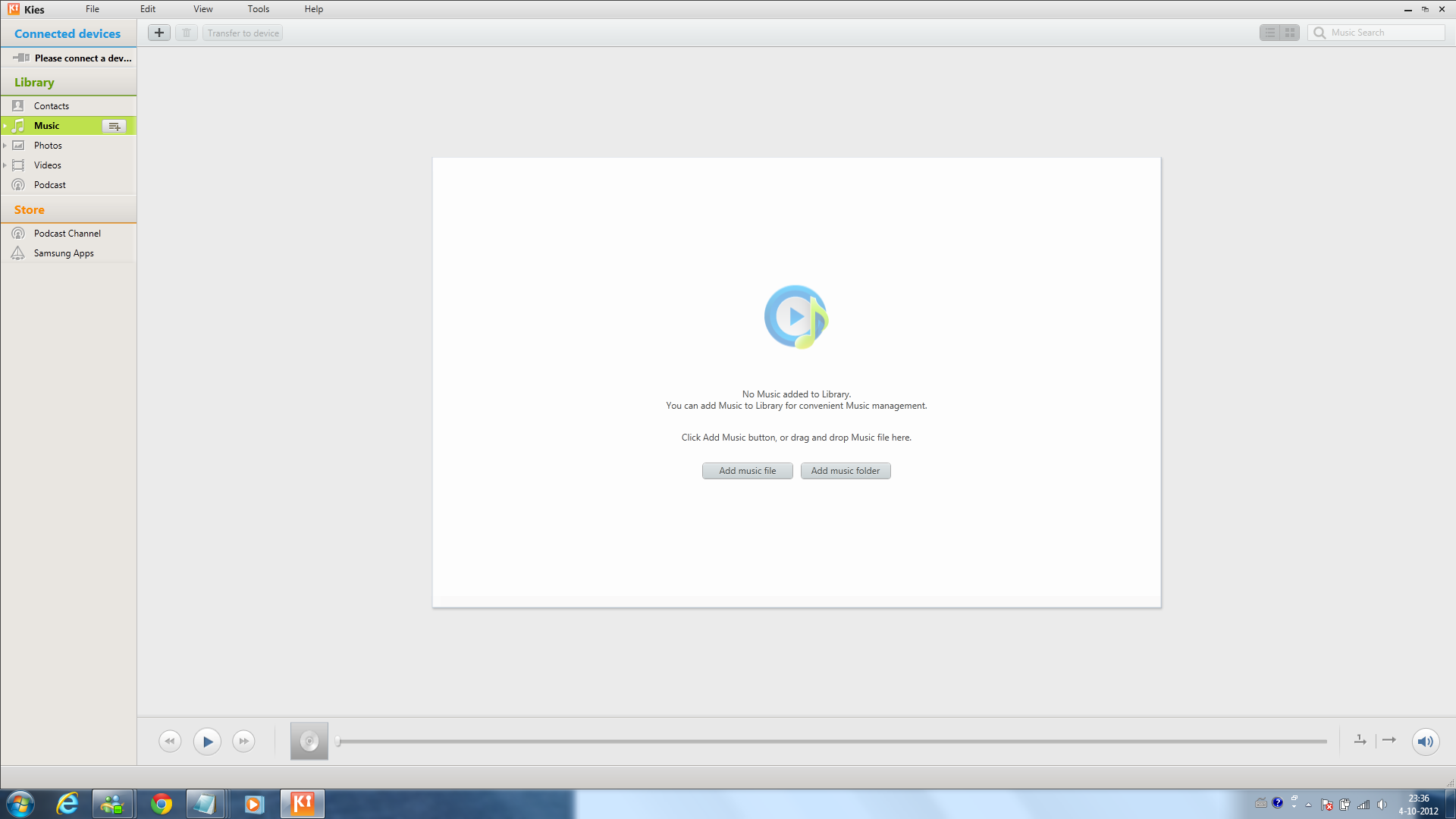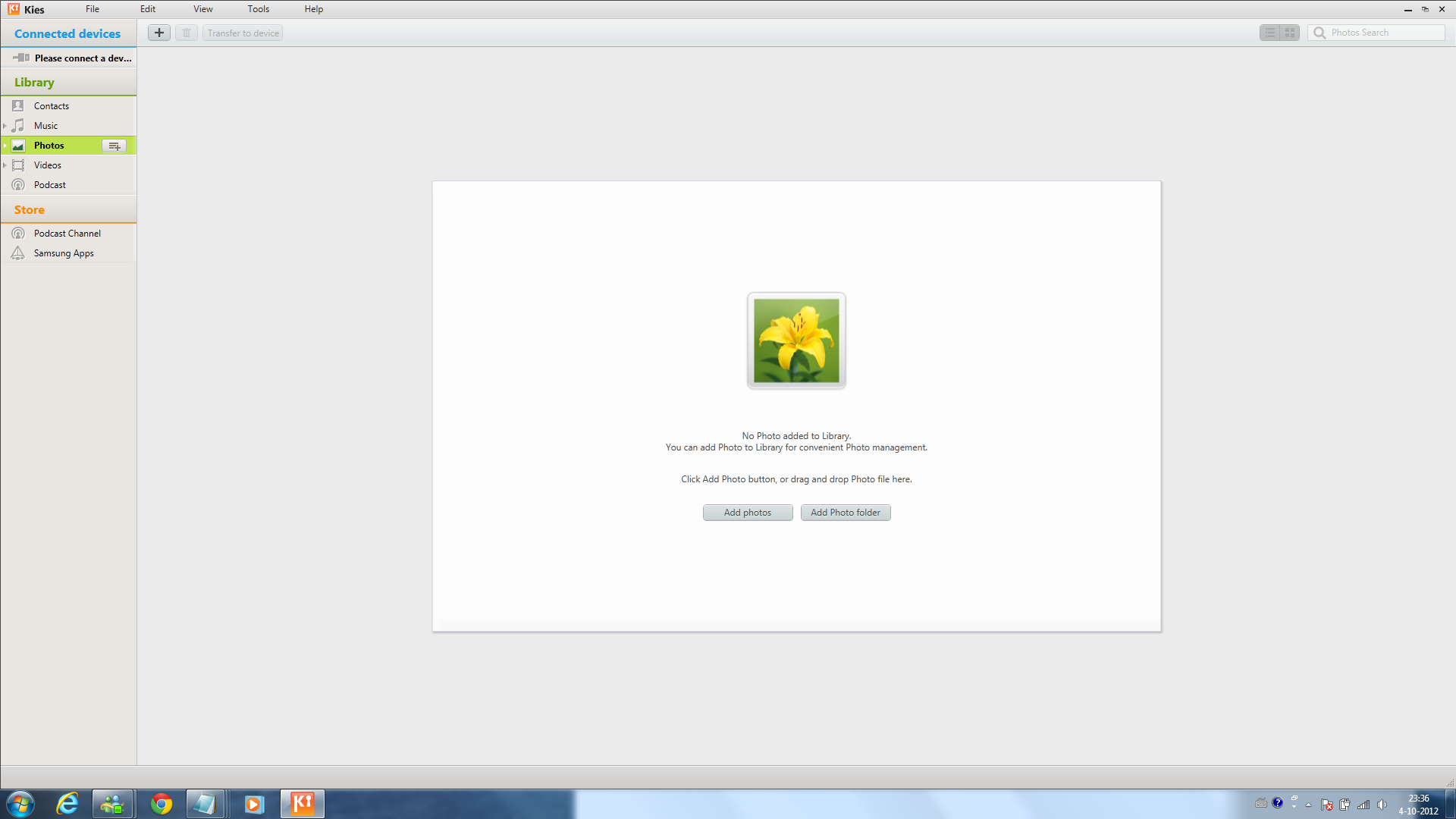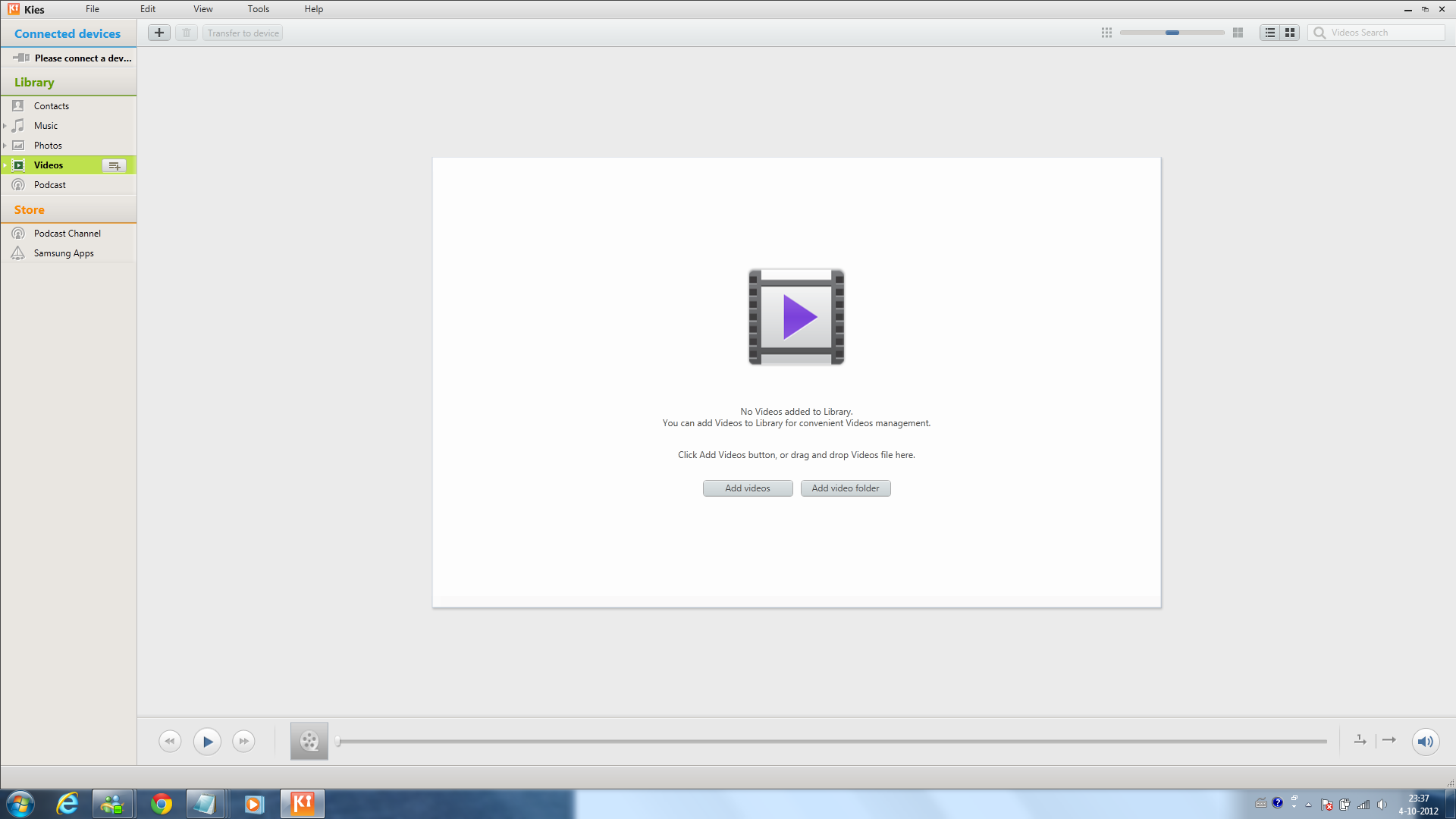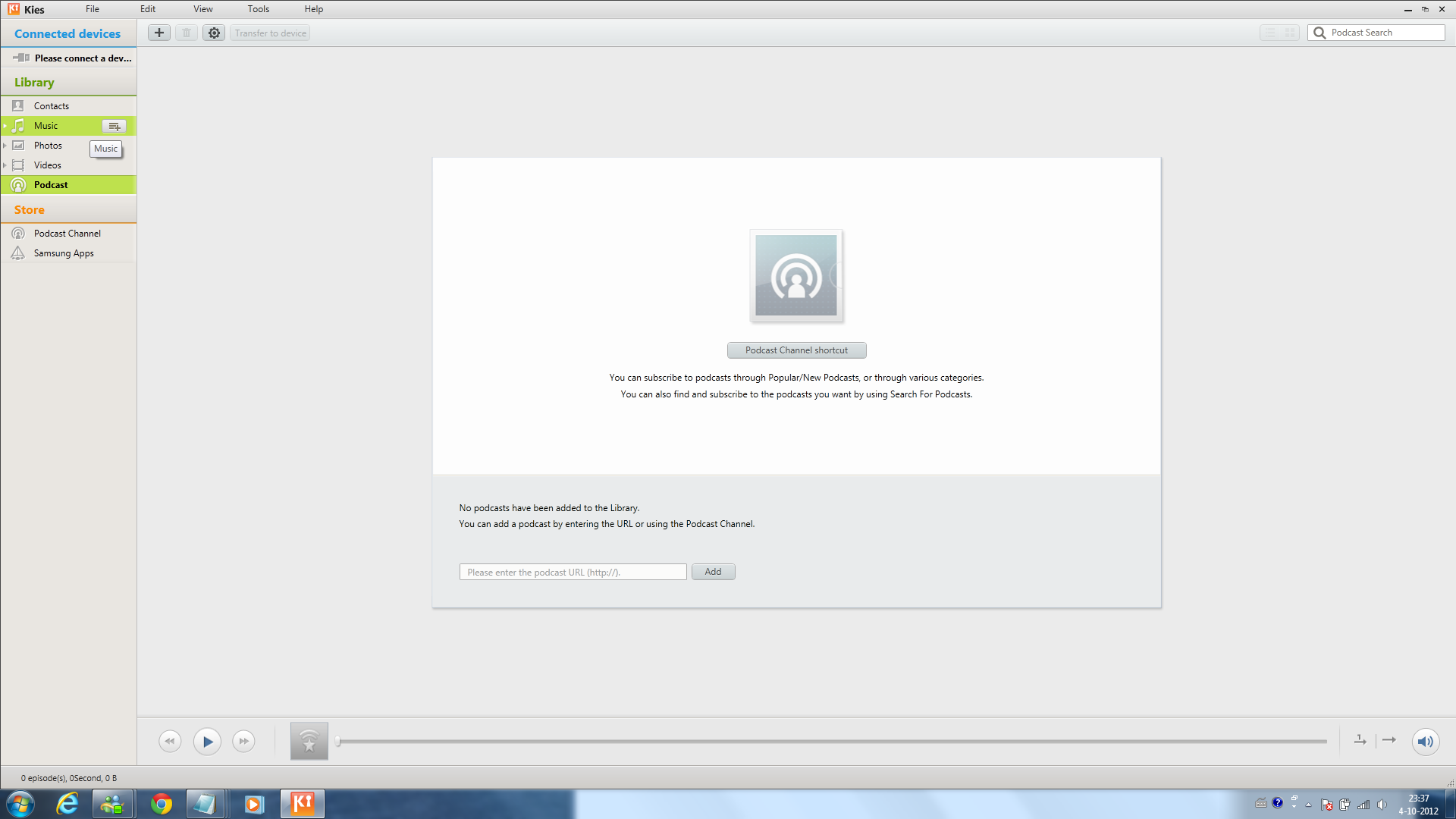
Fresh looking UI in newest version of Samsung KIES
Samsung just updated their own program Samsung KIES to version 2.5.0.12094_27.
The release date of this version is October 4 and looks really fresh in case of the old look.
Below a couple of screenshots.
PS. Samsung is busy with more but we can’t tell anything about that yet.

Nice looking… Pity Jelly Bean 4.1.1 UK was not released at the same time
Report this comment
Kiespdlr has stopped working error after upgrading to new version. Any ideas on how to fix it?
Report this comment
I’ve got the same error grim_23. But then KIES always sucked and was just for flashing firmware updates.
Report this comment
WTF I’ve got this message after updating Kies : A monitor program has been found running in your system . Please unload it from your memory, and restart the program..
WHAT MONITOR ????
Report this comment
Same KiesPDLR error here… What is this process for?
Report this comment
Mine is working fine, finally I can backup my apps to my pc!
Report this comment
same old connection error pre the last update worked fine have to let kies find connection faul then it works sometimes.
Report this comment
“KiesPDLR has stopped working” error message on my laptop too, running WIN7 as soon as i updated the application. Was perfect before this update. Never had any problem.
KiesPDLR is the one that takes care of firmware updates.
Hope Sammy gives a fix for this.
Report this comment
KIES -.- It’s just for firmware flashing, why the new UI? Samsung had better forcing their resources to debug and start rolling out Jelly for S3-S2 than making new user interfaces to KIES.
Report this comment
“KiesPDLR has stopped working” error message also for me… Hey hey Mr Samsung, we need a fix ^^
Report this comment
I don’t even get to see the new UI – it craps out with:
NET Runtime Event ID: 1026
Faulting application name: Kies.exe, version: 1.0.0.893, time stamp: 0x506569c0
Faulting module name: CliSecureRT.dll, version: 5.3.2.9, time stamp: 0x4e59450c
Exception code: 0xc0000005
Fault offset: 0x00014f04
(on Windows 8 RC x64)
Report this comment
In order to fix the KiesPDLR problem you have to edit the config file KiesPDLR.exe.config (typically C:\Program Files\Samsung\Kies\External\FirmwareUpdate\KiesPDLR.exe.config) and remove this line
this will force KiesPDLR.exe to use .net framework 2.0
NOTE: make a backup of the file before edit
Report this comment
In order to fix the KiesPDLR problem you have to edit the config file KiesPDLR.exe.config (typically C:\Program Files\Samsung\Kies\External\FirmwareUpdate\KiesPDLR.exe.config) and remove this line
“”
this will force KiesPDLR.exe to use .net framework 2.0
NOTE: make a backup of the file before edit
Report this comment
In order to fix the KiesPDLR problem you have to edit the config file KiesPDLR.exe.config (typically C:\Program Files\Samsung\Kies\External\FirmwareUpdate\KiesPDLR.exe.config) and remove this line
supportedRuntime version=”v4.0″ (including the brackets)
this will force KiesPDLR.exe to use .net framework 2.0
NOTE: make a backup of the file before edit
Report this comment
Thanks for the suggestion pheonix .. but unfortunately, that did not fix the issue..
but why would that cause a problem all of a sudden?
If its something thats causing the problem, why would it be there in the first place?
Any advice from Sammobile guys?
Report this comment
I was so happy when i saw an update last night when i was about to back up my phone thought it was ICS for MY GT-N7000 but turned out to be another Kies update wonder if am ever going to get official update from Samsung from GB to ICS
Report this comment
I have the same problem as others:
“KiesPDLR has stopped working” and in Application log:
Event ID 1000:
Faulting application name: KiesPDLR.exe, version: 1.0.0.1, time stamp: 0×50603547
Faulting module name: MSVCR90.dll, version: 9.0.30729.4940, time stamp: 0x4ca2ef57
Exception code: 0xc0000417
Fault offset: 0x0006ccb5
Faulting process id: 0x12c8
Faulting application start time: 0x01cda3310aad3dec
Faulting application path: C:\Program Files (x86)\Samsung\Kies\External\FirmwareUpdate\KiesPDLR.exe
Faulting module path: C:\windows\WinSxS\x86_microsoft.vc90.crt_1fc8b3b9a1e18e3b_9.0.30729.4940_none_50916076bcb9a742\MSVCR90.dll
Report Id: 48fca247-0f24-11e2-9ea8-028037ec0200
Samsung please correct the error once for all times!
Report this comment
Download Microsoft.Net Framework 4 and repair your previous Microsoft.Net Framework 4 version if already present and/or clean install Restart your system KIESPDLR.EXE problem gets solved
Report this comment
My failure is also tied to MSVCR90.dll
Neither repairing, nor clean install of .net 4 fixes the issue.
I’ve tried forcing it to use .net 2.0 via the config file as well.
Gonna try uninstalling kies and reinstalling a legacy version if I can find it. See if that works.
Report this comment
Using KIES on Win7 32bit, upgrading caused “KiesPDLR has stopped working” message.
Repairing/reinstalling .net 4 didn’t help
Enforcing to use .net 2 didn’t help
Uninstalling KIES, the reinstalling the latest downloaded version 2.5.0.12094_27 solved the problem for me.
Report this comment
“KiesPDLR” problem solved with a clean reinstall.
Report this comment
Uninstalling the existing version and installing the latest KIES solved the issue with “KiesPDLR”.
Report this comment
uninstall then clean reinstall was the only solution 4 me also. thanx to all espec WfromL | 06 October 2012 at 16:54 . i’m on win 7 64bit.
Report this comment
Since no one here is reporting a clean update, I’ll be the first one to say that both of the computers I’ve updated has gone through successfully.
Custom PC with Athlon II x4 630 with Windows 7 x64 = Update works as it should
Lenovo Z470 with Intel Core i5 with Windows 7 x64 = Computer had a hard time detecting the Samsung Galaxy Note GT-N7000 so I’ve updated it. The phone is still not detected after updating so I had to ‘troubleshoot’ the problem and it reinstalled all the Samsung drivers and it worked.
Report this comment
hello
i had this problem for many days now and unable to sync my outlook.
i have tried multiple times of uninstall and reinstall. i log in first into my pc, uninstall Kies, restart my pc and reinstall again but no change.. still keep getting the ‘Kies has stopped working’.. i do not understand the .net version or how to change the config files.. can someone please help me.. thanks
Report this comment
Yeah, this is so annoying! Someone mentioned that uninstalling .NET 4.X fixes KiesPDLR. But there shouldn’t be a need to do that.
Report this comment
Same problem here but it has also messed up my GSI9000 and the 2.5.6 firmware is very unstable. come on Samsung please fix this or you will be loosing customers
Report this comment
Looks like we customers are on the end of their stick and they really couldn’t care less. Been emailing them for a response since 29 Nov 2012, always promised a call back.
Can’t sync phone but do they care? NO!
Sham on you Samsung!
Report this comment