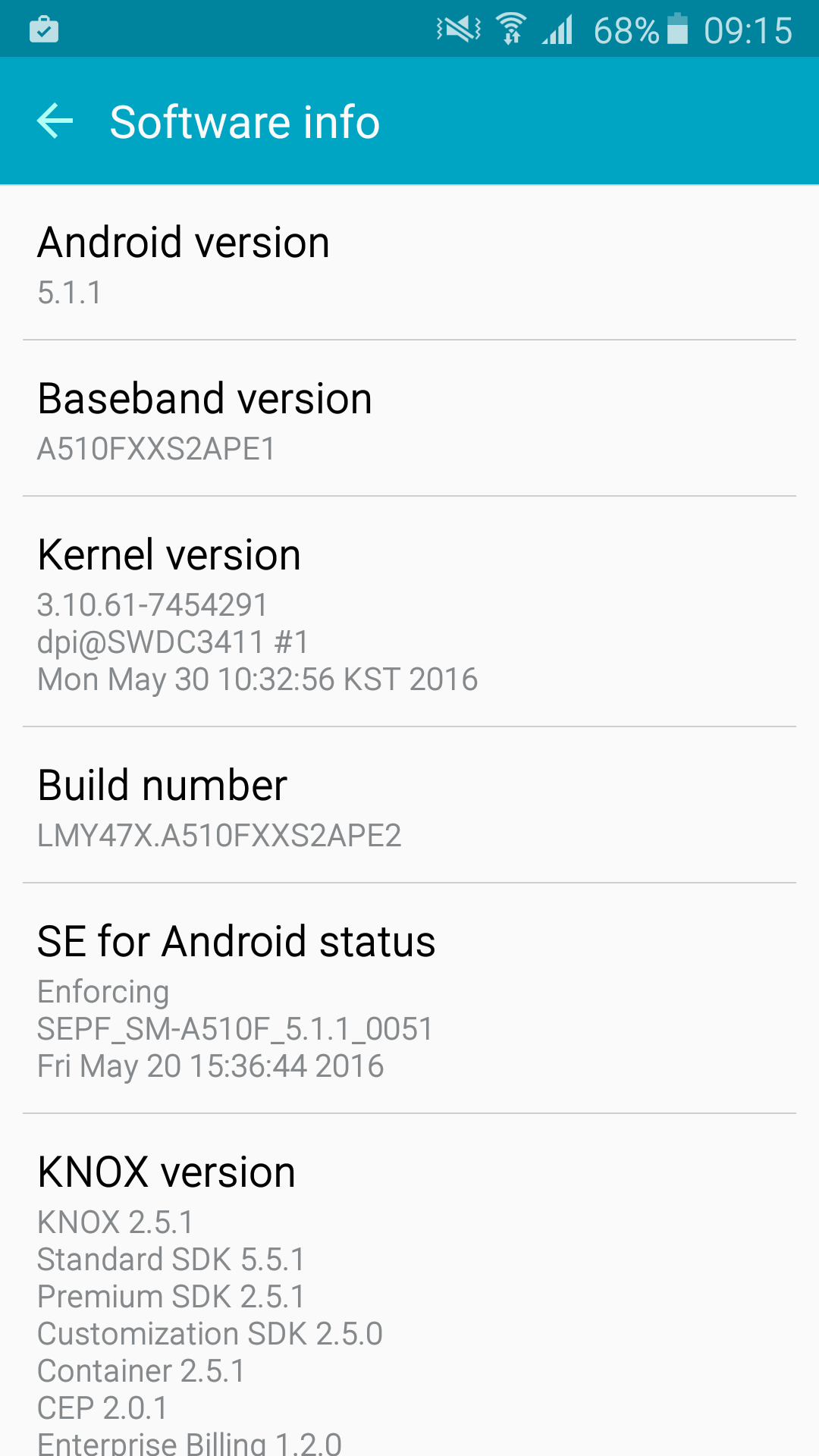
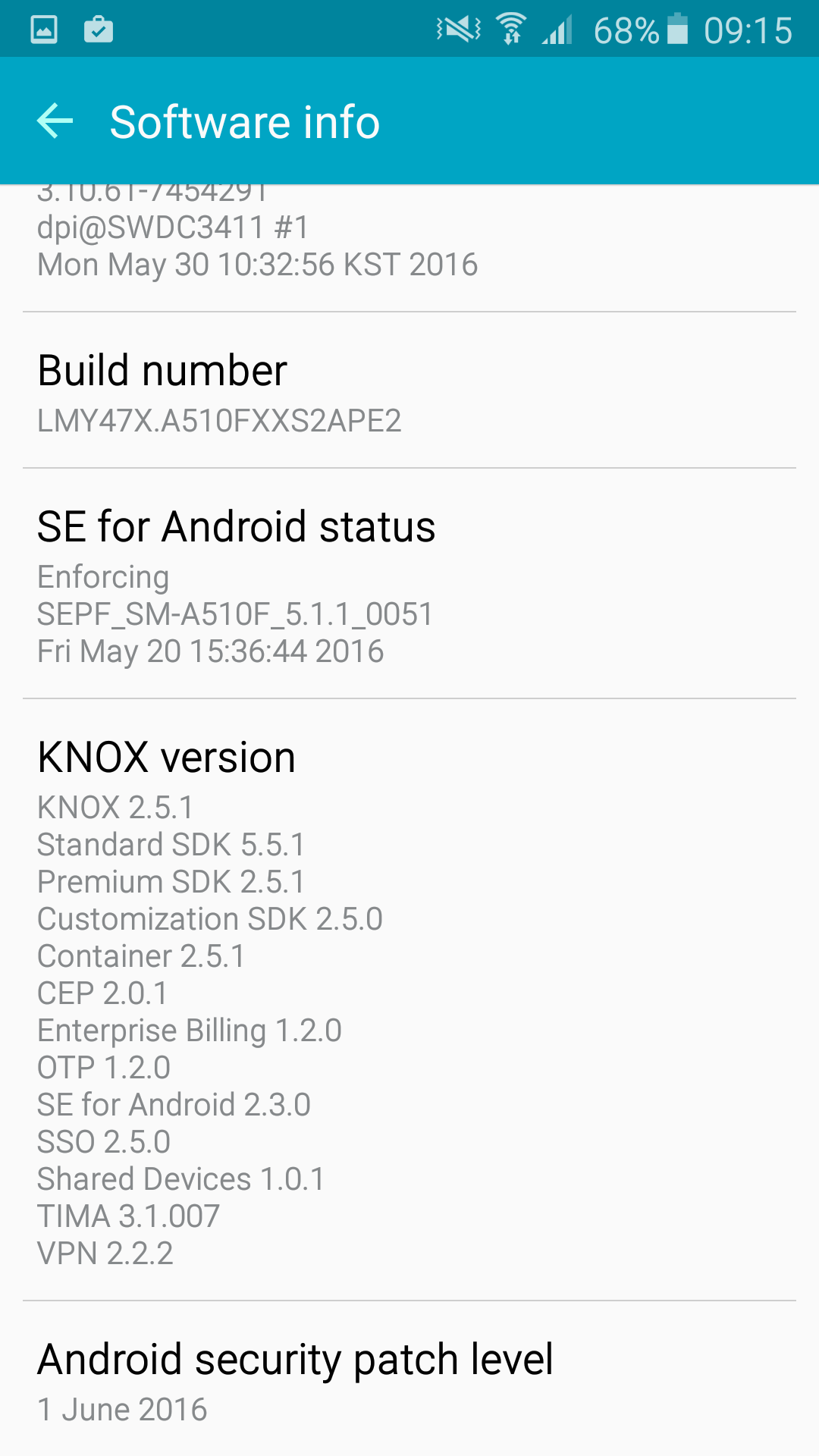
Last updated: June 15th, 2016 at 08:50 UTC+02:00
SamMobile has affiliate and sponsored partnerships, we may earn a commission.
Reading time: 2 minutes
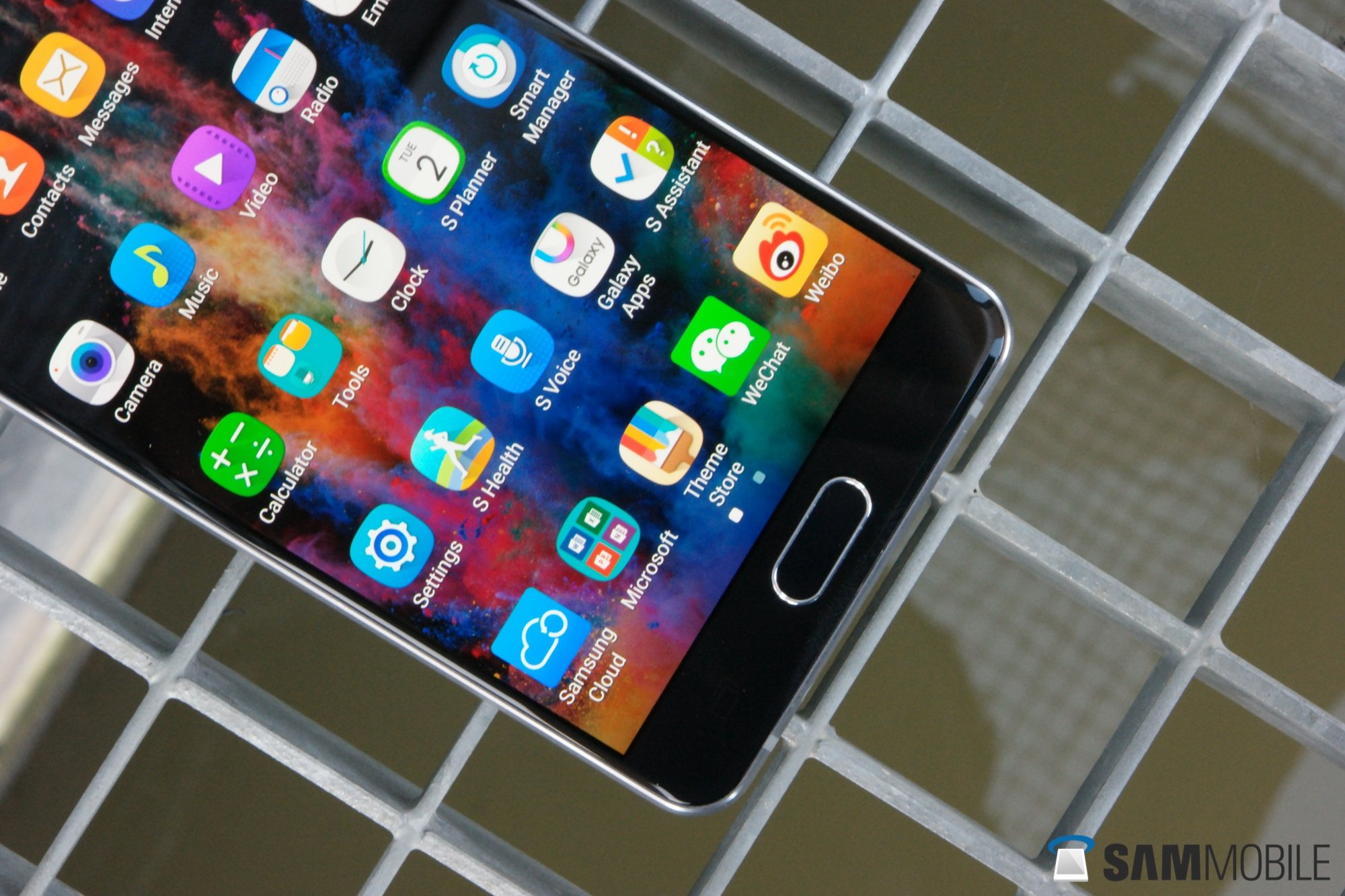
If you own a Galaxy A5 (2016), are located in Asia or Europe and would like to see if the firmware is ready to be installed on your device, you can do so by heading into the Settings screen, tapping About Device, selecting Software Update, then hitting the Update Now button. However, if you don’t feel like taking a tour through the menus, you could always wait until you receive a push notification prompting you to download the OTA. It’s worth noting that you will need at least 50% of battery and be connected to a secure Wi-Fi network in order to receive the alert, though.