Cyber week deals! Galaxy Watch8 Classic, Fold 7, S25 Ultra. Follow us on YouTube, TikTok, or LinkedIn
Last updated: May 21st, 2016 at 08:42 UTC+02:00
SamMobile has affiliate and sponsored partnerships, we may earn a commission.
Reading time: 2 minutes
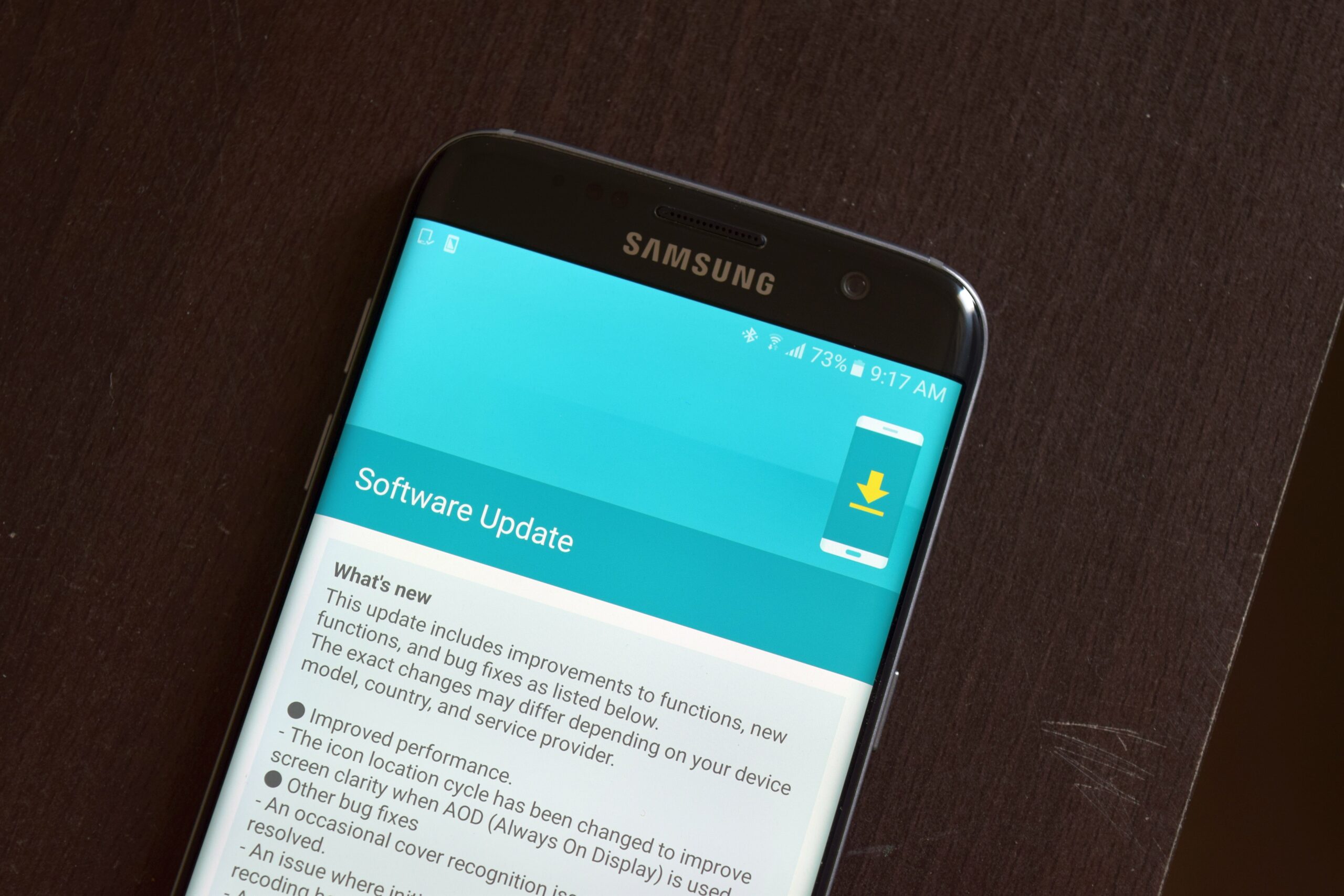
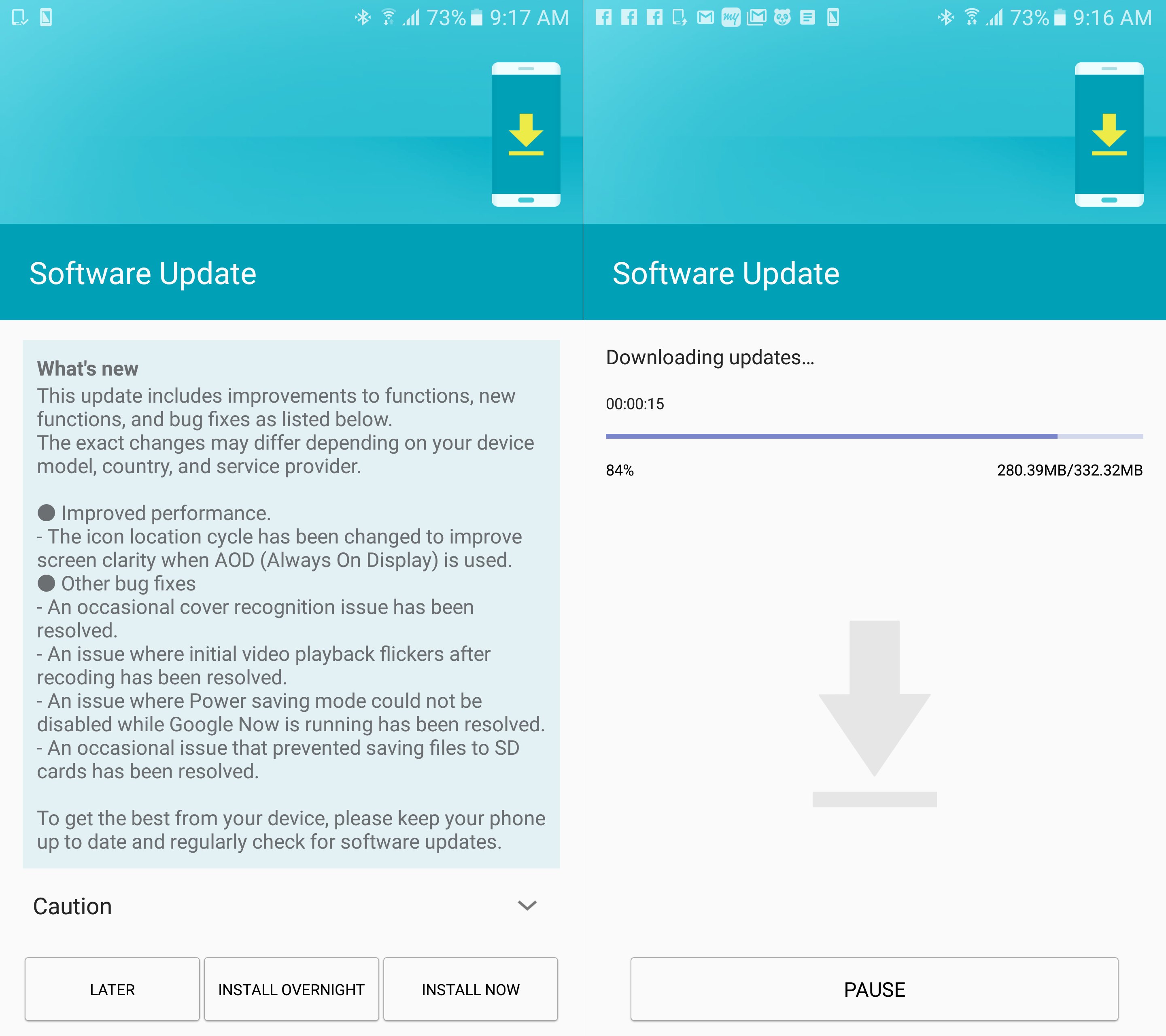
The changelog is very particular with what has been fixed – the update solves an issue with power saving mode not working when Google Now is running, recorded videos flickering in the first few seconds of playback, and the phone being unable to save files to the SD card. Always On Display has also received an improvement. Samsung says the “icon location cycle has been changed to improve screen clarity”; it's not very what effect this change will have, and we also wonder why it wasn't included in the separate update to the Always On Display feature.
Grabbing the latest update is no different than other times. Your Galaxy S7 or Galaxy S7 edge should be getting a notification for the OTA update (332 MB and 353 MB for the S7 and S7 edge respectively) at some point in the coming days, or you can skip the wait and head into the Settings » About device menu to download the update right away. Samsung Smart Switch doesn't seem to be rolling out the new firmware just yet, but that shouldn't be the case for long.
Abhijeet's writing career started with guides for custom firmware for Samsung devices (including the original Galaxy S), and he moved to SamMobile in mid-2013 and worked up the ranks to Editor-in-chief. In addition to phones and mobile devices, his interests include gaming on both PC and console, PC hardware, and spending countless hours on YouTube watching videos on tech, movies, games, politics, and internet dramas.