Last updated: March 30th, 2016 at 08:41 UTC+02:00
SamMobile has affiliate and sponsored partnerships, we may earn a commission.
Reading time: 2 minutes
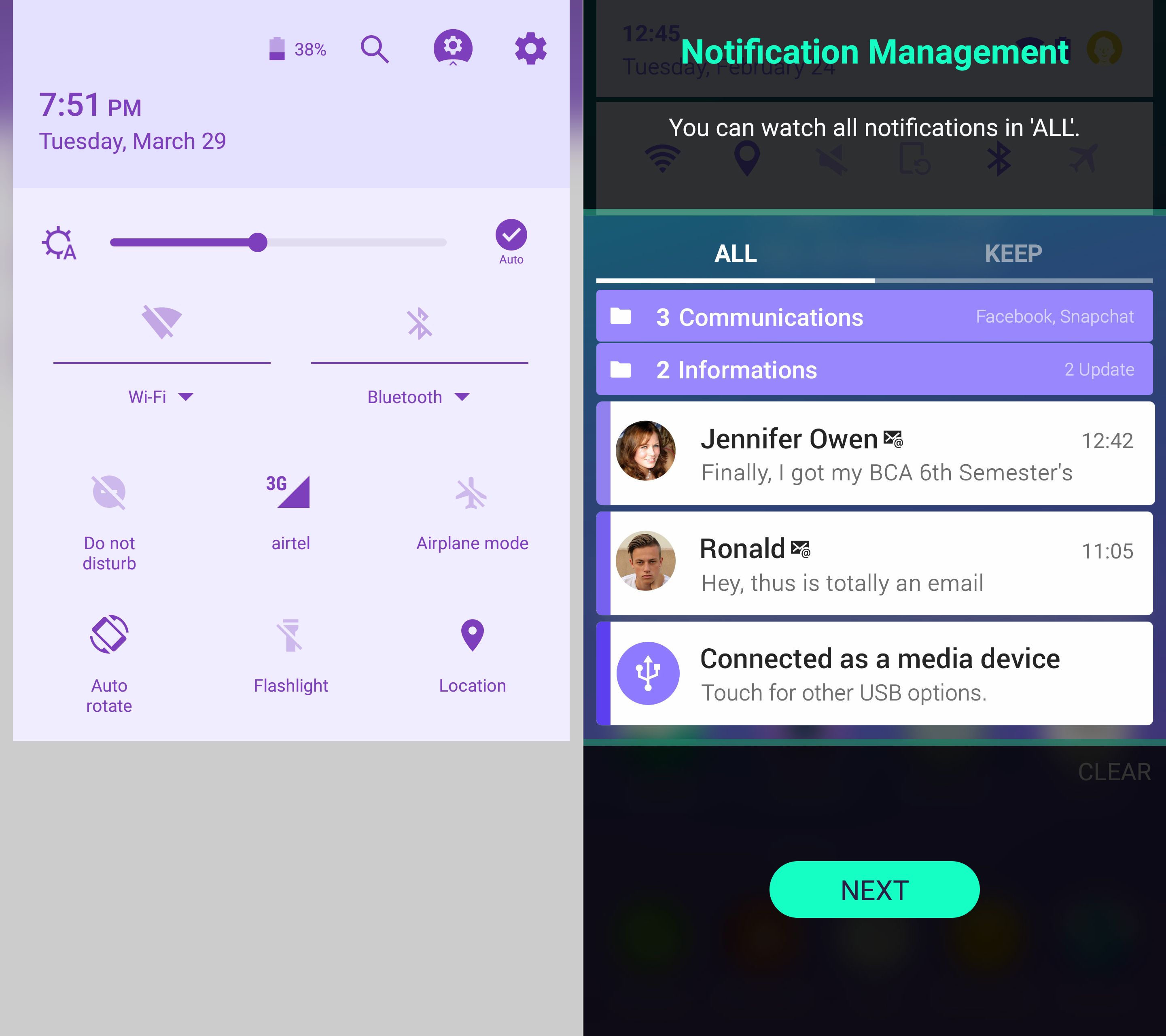
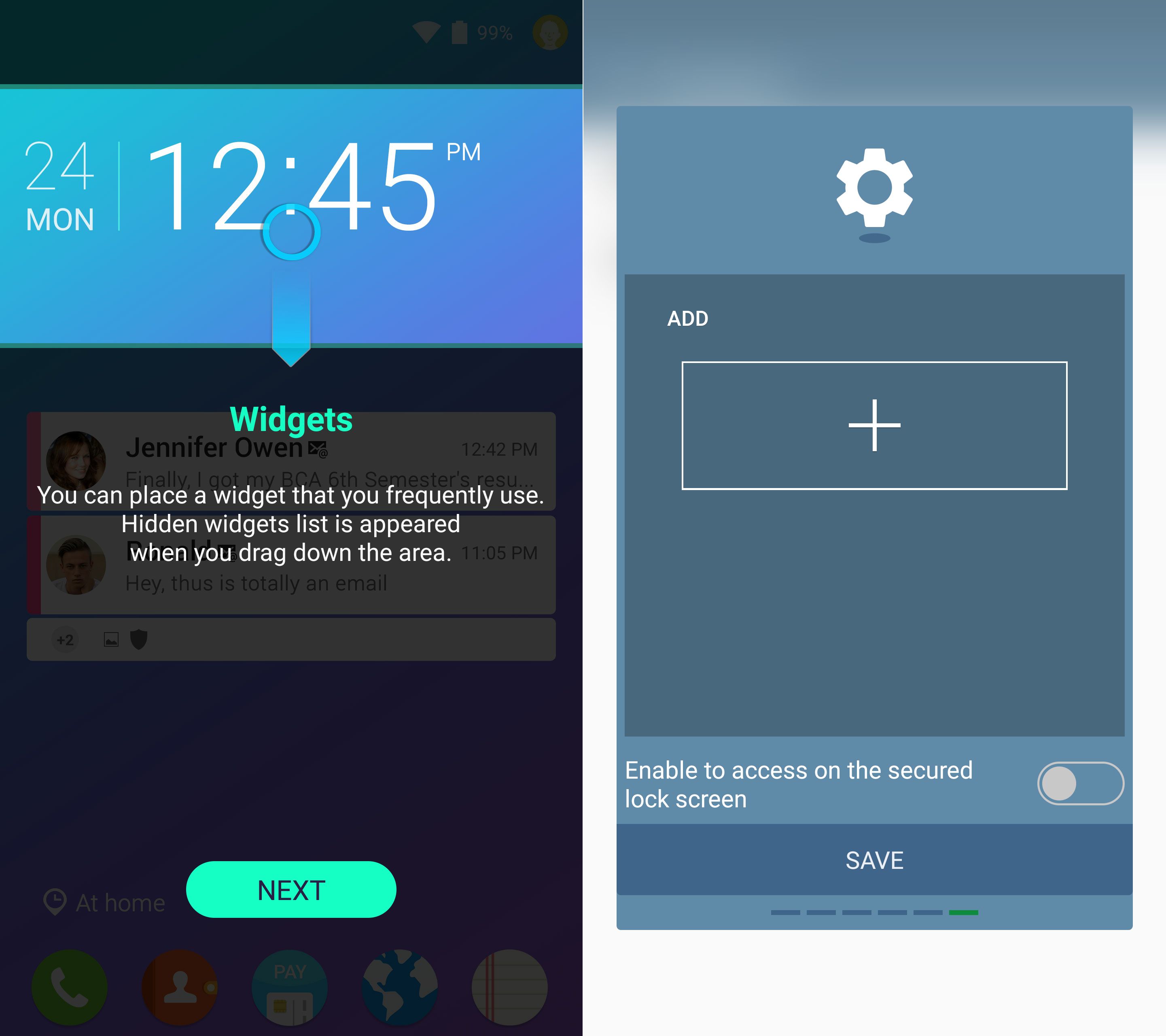
From being able to keep some notifications in the notification shade for as long as you want to putting widgets on the lock screen for quick access, Good Lock offers a lot of features. It even replaces the notification shade with an interface straight from stock Android – a sign maybe that TouchWiz will one day be closer to Google's version of Android (the removal of Samsung's default music player from the Galaxy S7 and S7 edge is a big example of that possibility).
In fact, if Samsung does remove the app drawer from future iterations of TouchWiz, putting widgets and other advanced functionality on the lock screen would make sense, though whether Good Lock is truly useful in its current state depends on how keen you are on playing around with such customization. Good Lock is only available in the US for now, but we have the APK available for download for anyone who wants to try it out. There's quite a lot inside Good Lock, and we're currently testing it out for a full review.
Grab Good Lock from the Galaxy Apps store if you're in the US or from the link below. In case you want to uninstall the app, you will have to head into its settings and hit the uninstall button as Good Lock replaces the entire lock screen and notification systems and can't be removed like a regular app.
Thoughts on Samsung's latest experiment?

Abhijeet's writing career started with guides for custom firmware for Samsung devices (including the original Galaxy S), and he moved to SamMobile in mid-2013 and worked up the ranks to Editor-in-chief. In addition to phones and mobile devices, his interests include gaming on both PC and console, PC hardware, and spending countless hours on YouTube watching videos on tech, movies, games, politics, and internet dramas.












