Cyber week deals! Galaxy Watch8 Classic, Fold 7, S25 Ultra. Follow us on YouTube, TikTok, or Instagram
Last updated: January 15th, 2016 at 10:41 UTC+01:00
SamMobile has affiliate and sponsored partnerships, we may earn a commission.
Reading time: 2 minutes
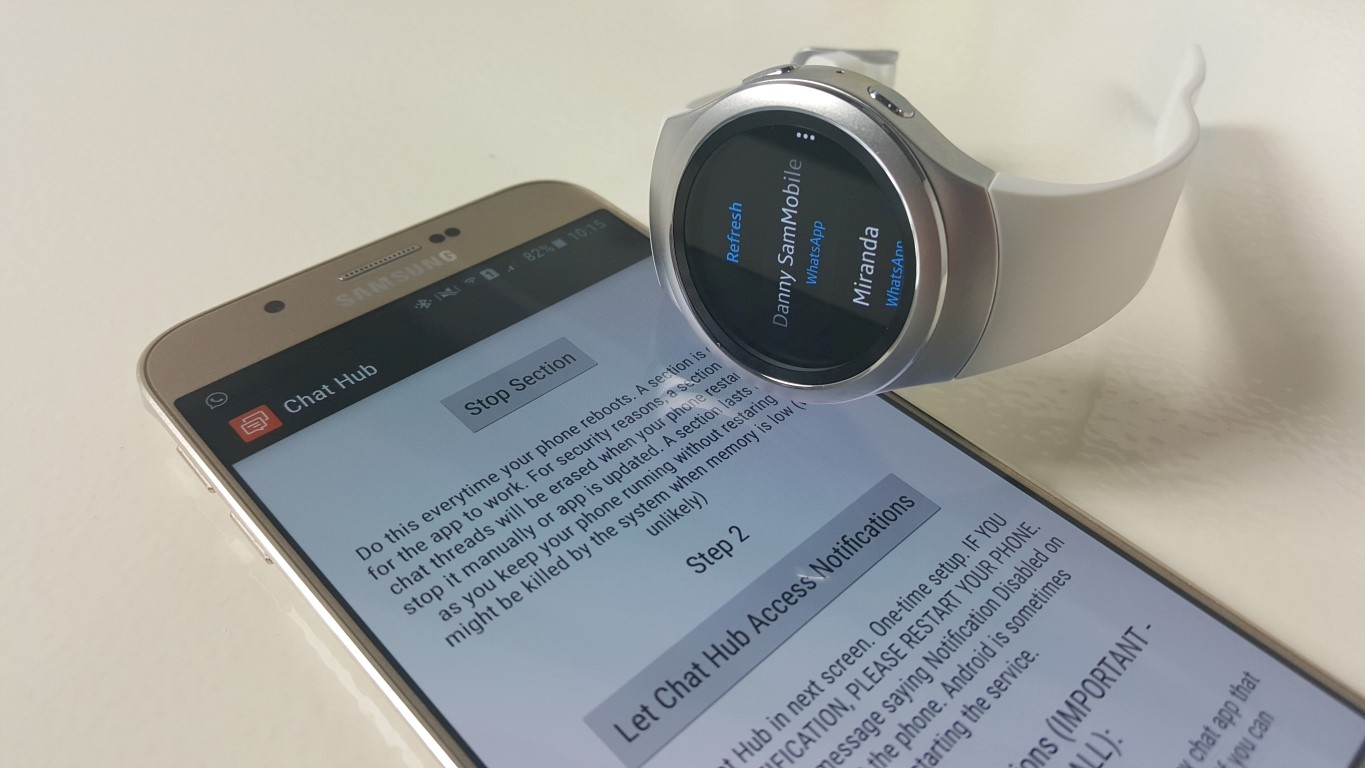
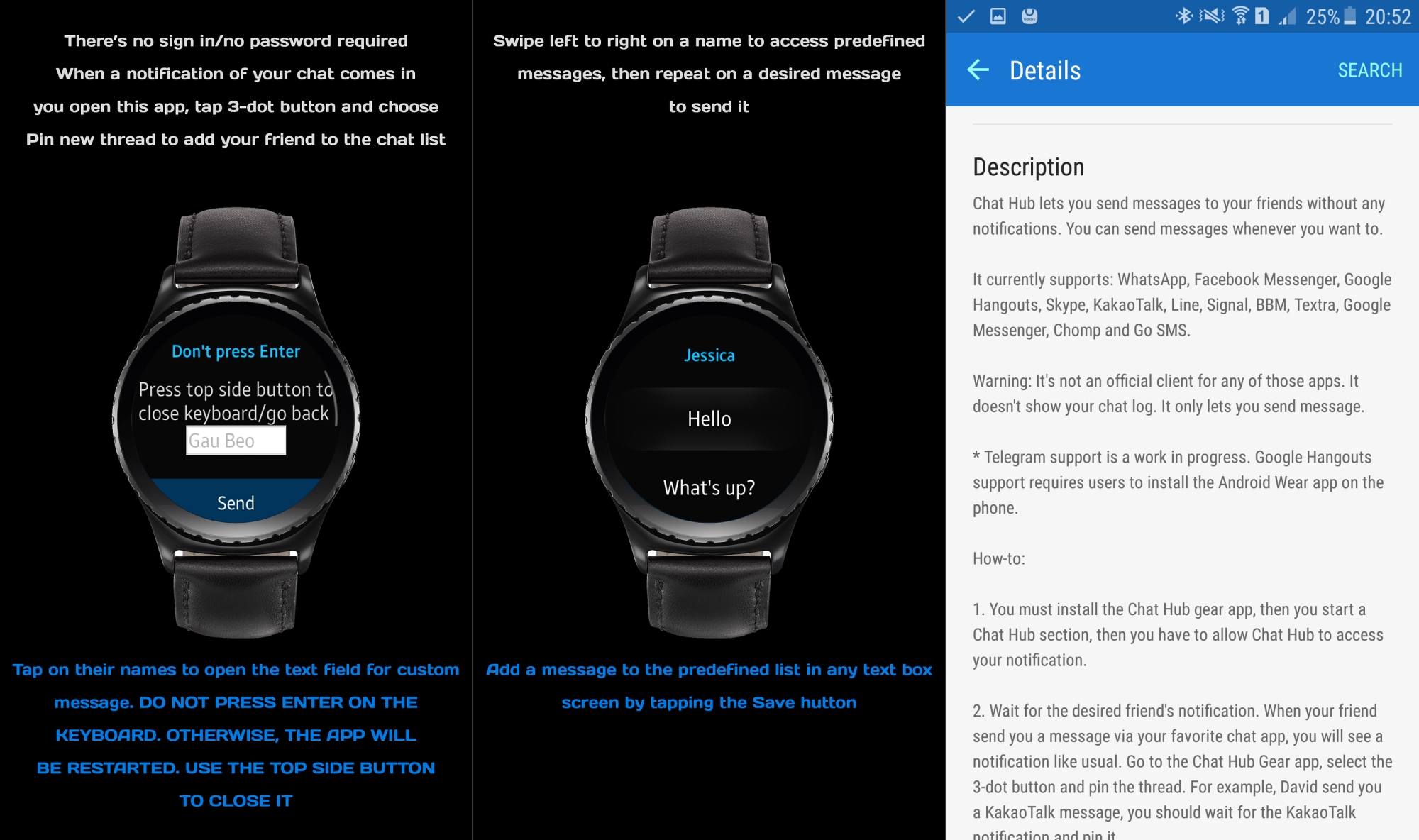
To remind you of why this app is so nice: With Chat Hub, you can think of your smartwatch as your smartphone itself and send messages to your friends via an array of social network apps (Facebook Messenger, Viber, WhatsApp and more are included), without touching your actual smartphone. It gets around a major limitation of smartwatches – these watches are simply extensions of your smartphones, so by default you can only reply to messages sent by your friends after a notification arrives on your wrist. You can either type in manual messages, or select from predefined ones for quick replies.
Chat Hub doesn't require you to log in to any messaging app from the watch itself, so all you need to do is install Chat Hub from the Gear Apps store and its companion app from the Play Store on your phone to get going. If you're into a lot of chatting, don't forget you can pin the app to your Gear S2's home button for instant access at all times from the Settings » Double Press Home Key option in the Samsung Gear app on your phone.
Abhijeet's writing career started with guides for custom firmware for Samsung devices (including the original Galaxy S), and he moved to SamMobile in mid-2013 and worked up the ranks to Editor-in-chief. In addition to phones and mobile devices, his interests include gaming on both PC and console, PC hardware, and spending countless hours on YouTube watching videos on tech, movies, games, politics, and internet dramas.