Last updated: December 16th, 2014 at 06:32 UTC+01:00
SamMobile has affiliate and sponsored partnerships, we may earn a commission.
Reading time: 2 minutes

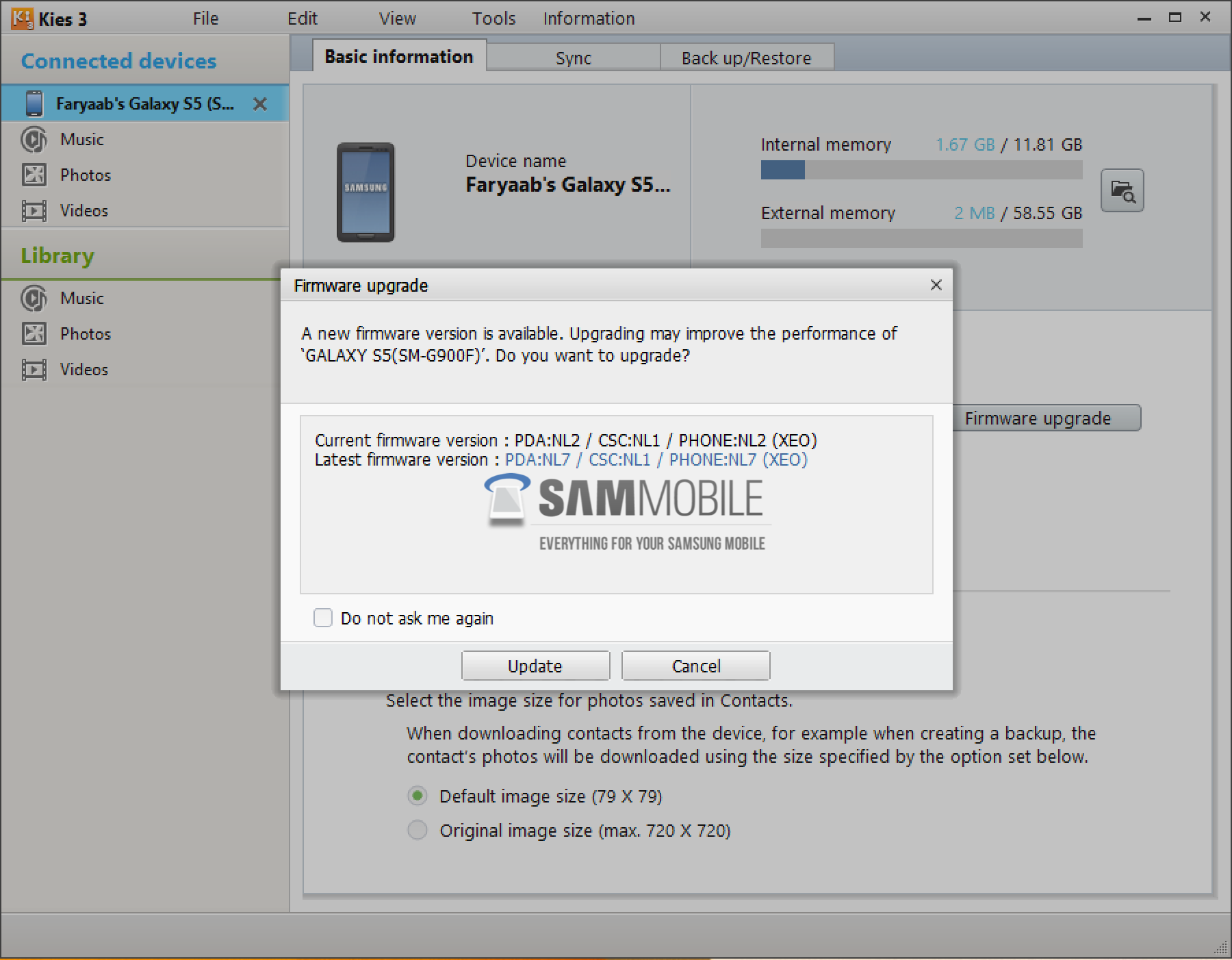
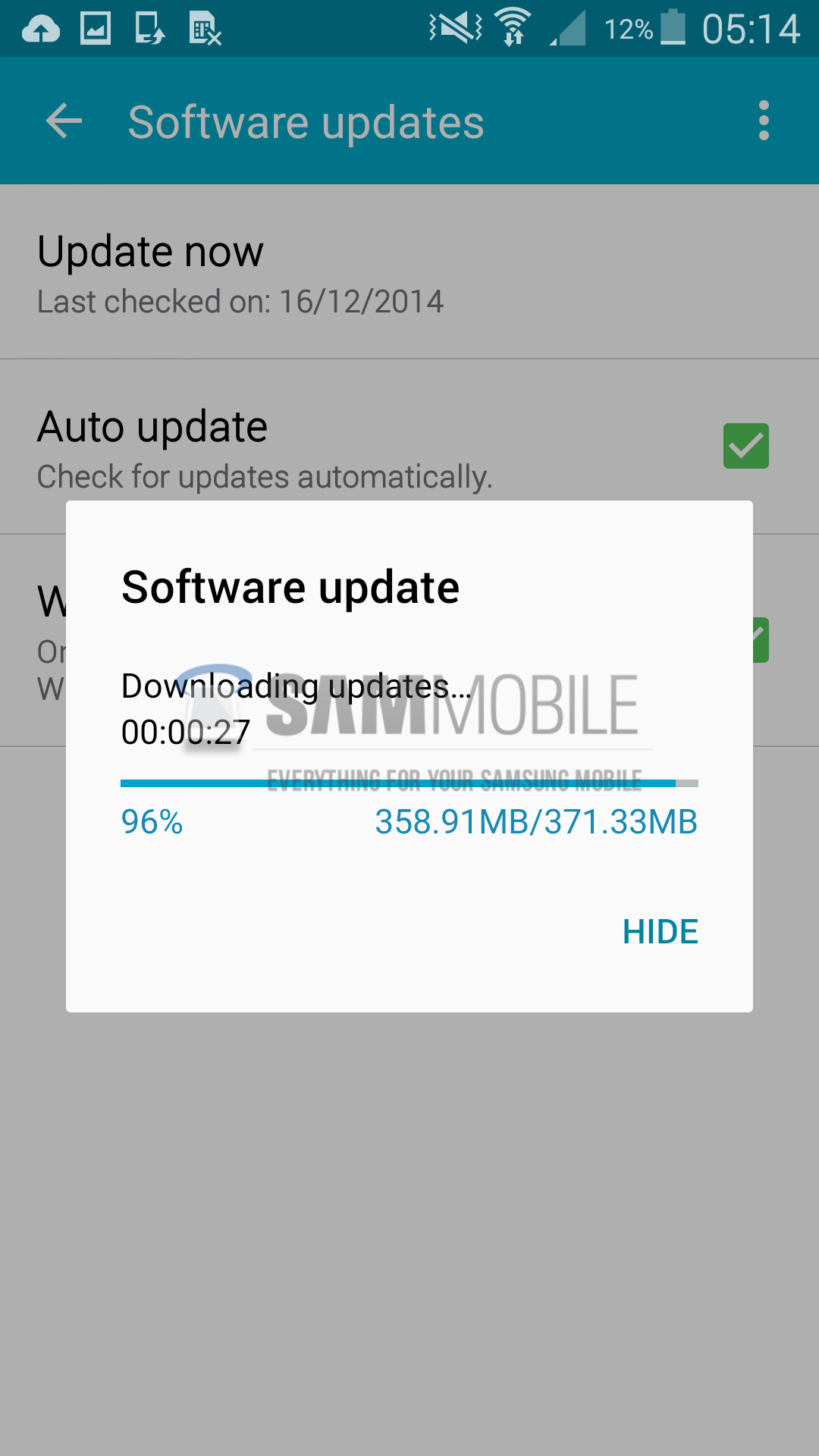
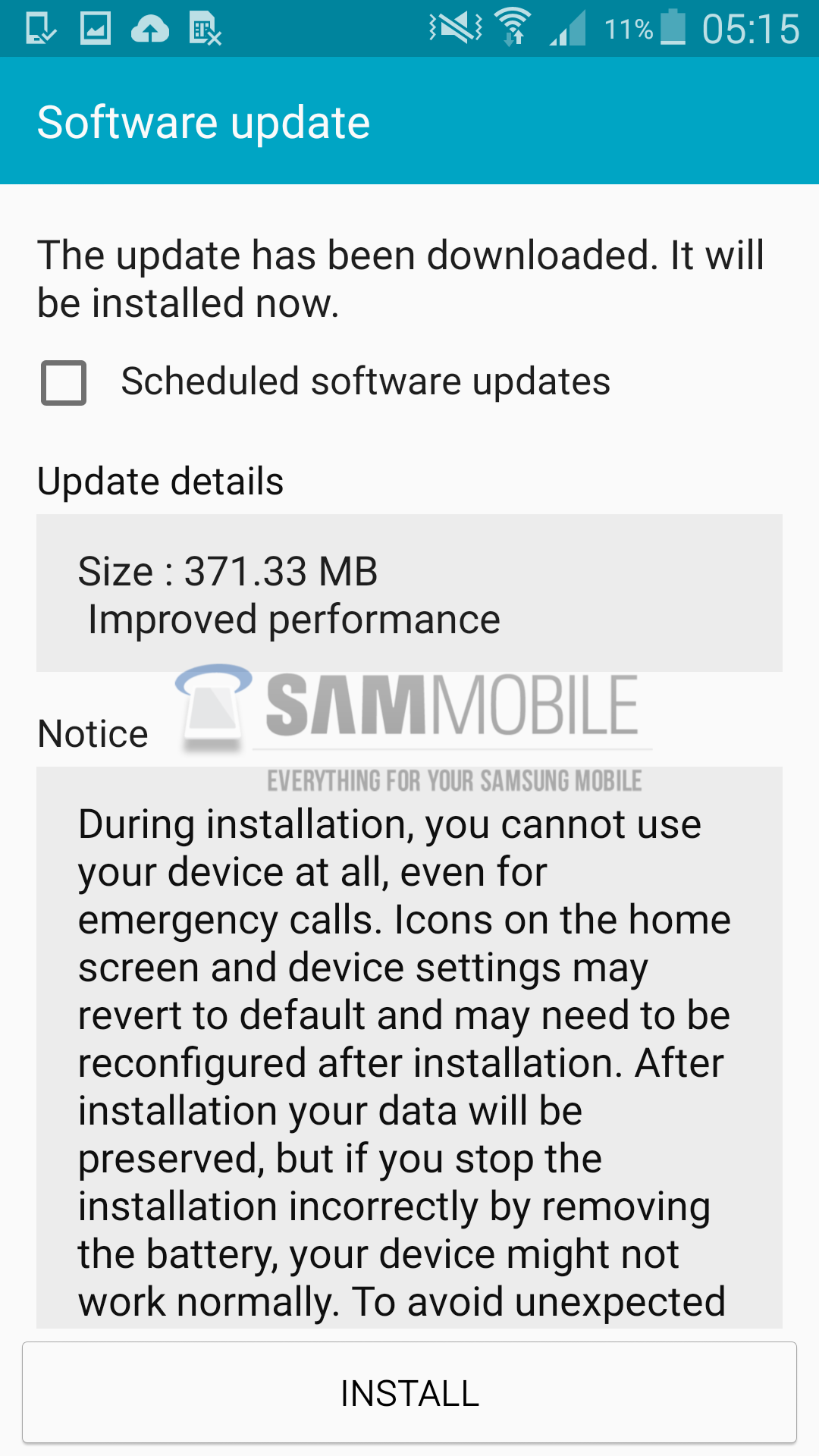
To update your Galaxy S5 (SM-G900F) to the latest Android 5.0 Lollipop update, connect your device to your computer and use Samsung Kies 3. You won't be able to update it via OTA, because Samsung has not yet pushed the new firmware to its FOTA servers. UPDATE: Now available via OTA! To download and install the firmware via FOTA, go to Settings > System > About Device > Software update > Update.
Firmware Details:
• Model: SM-G900F
• Model name: GALAXY S5
• Country: Poland
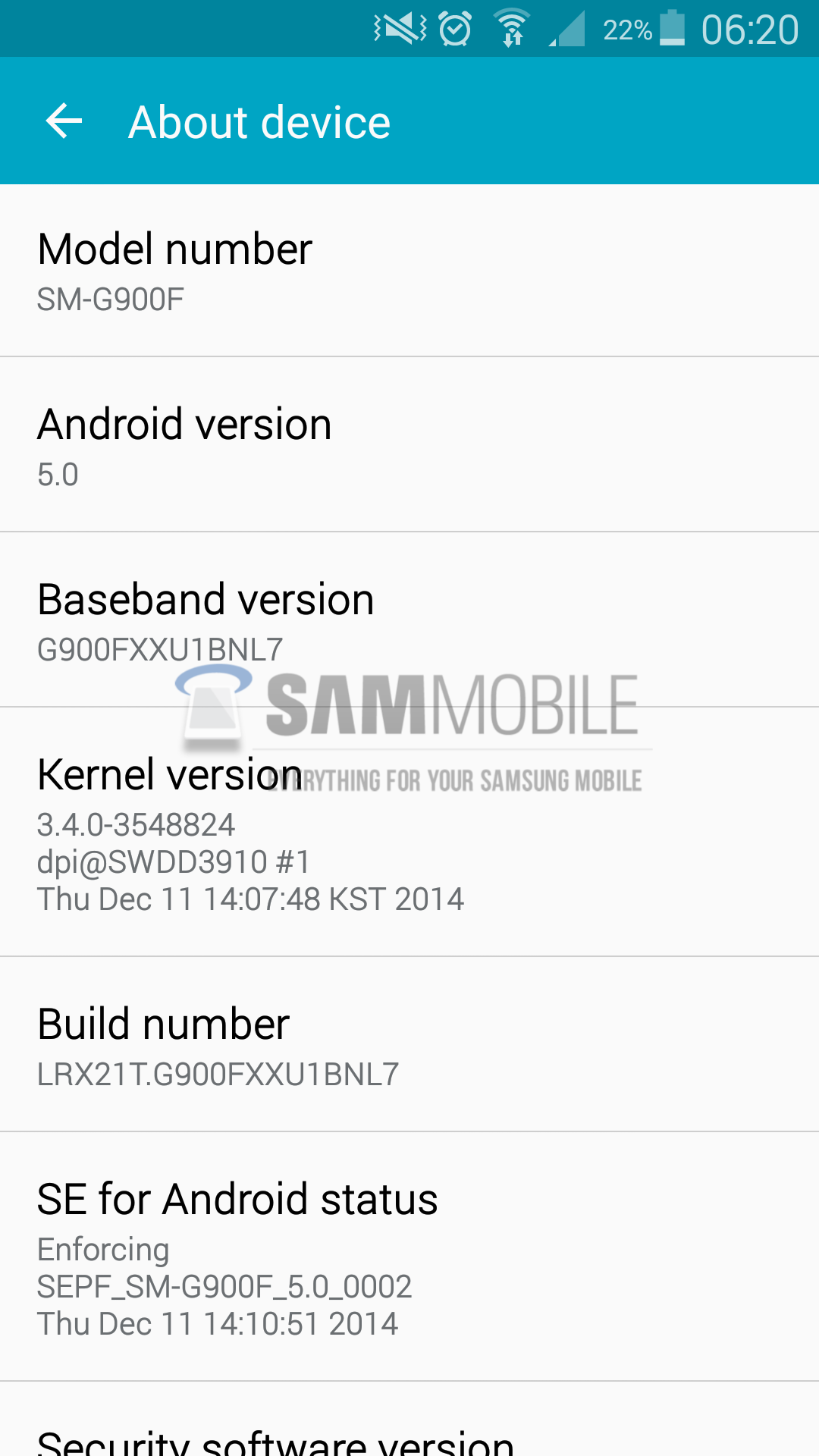
• Version: Android 5.0
• Changelist: 3548824
• Build date: Thu, 11 Dec 2014 05:12:37 +0000
• Product Code: XEO
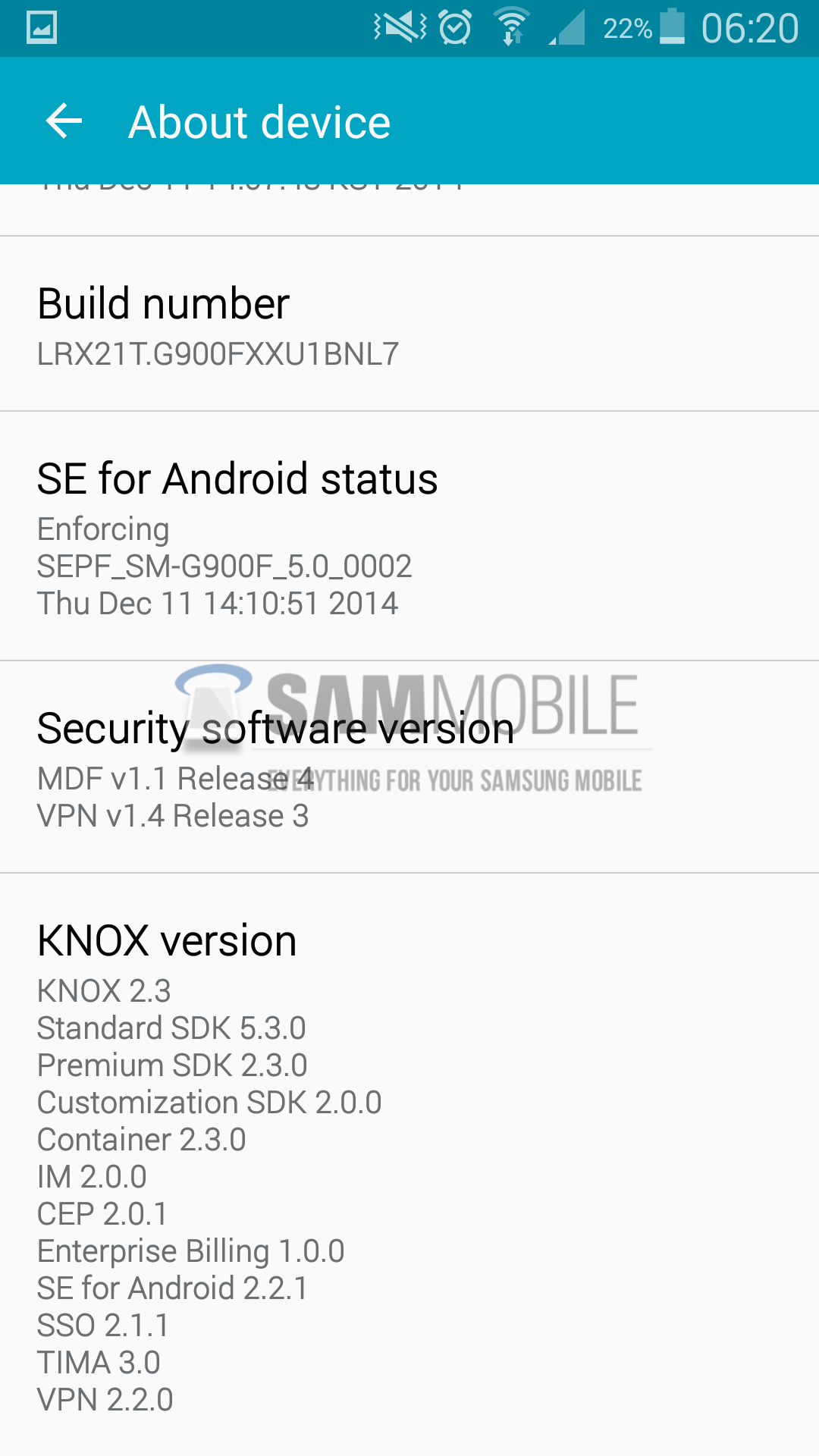
• PDA: G900FXXU1BNL7
• CSC: G900FXEO1BNL1
• MODEM: G900FXXU1BNL7
• Download: G900FXXU1BNL7_G900FXEO1BNL1_XEO.zip
All new Android 5.0 Lollipop firmwares for the Galaxy S5 (SM-G900F) are available for download on our Firmware Portal as well. You can use our Firmware Portal to manually update your device, if for some reason you can't officially update your device via Samsung Kies or via OTA as you might be running a custom ROM or if your country has not yet received the Lollipop update.
NEW ANDROID 5.0 LOLLIPOP UPDATE SCREENSHOTS
KIES FW UPDATE SCREENSHOTS