Last updated: November 10th, 2015 at 11:18 UTC+01:00
SamMobile has affiliate and sponsored partnerships, we may earn a commission.
Reading time: 4 minutes

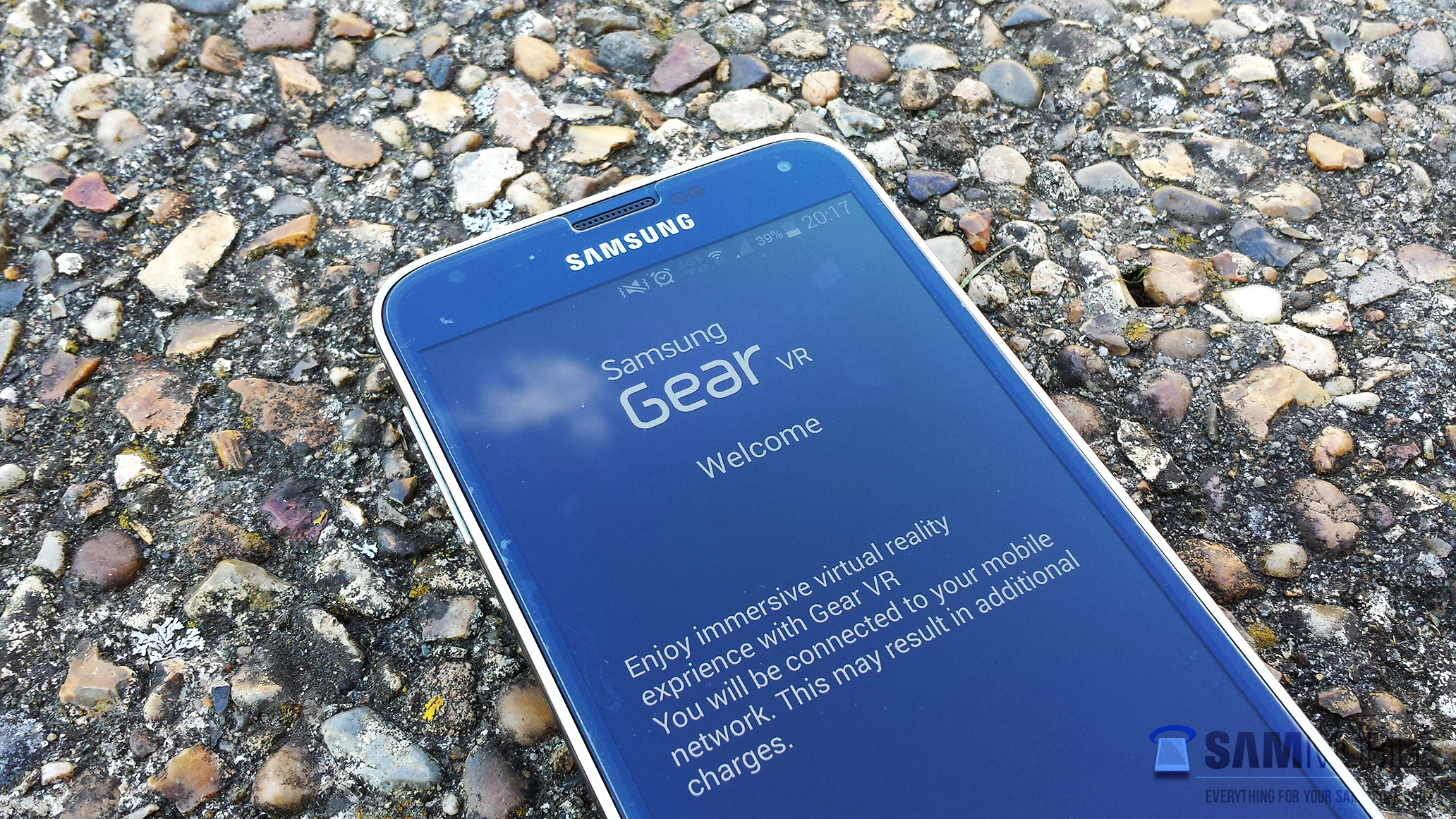
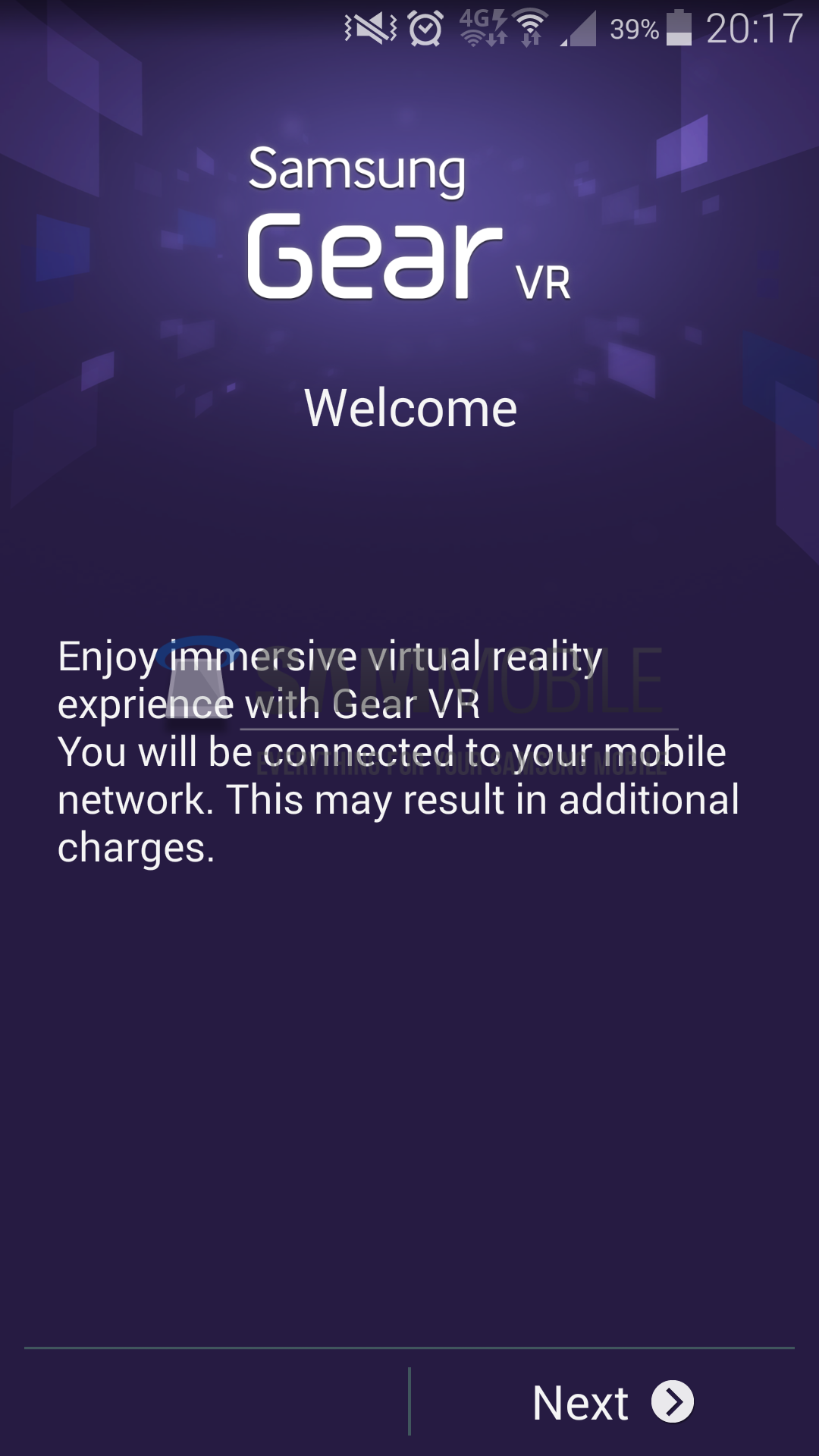
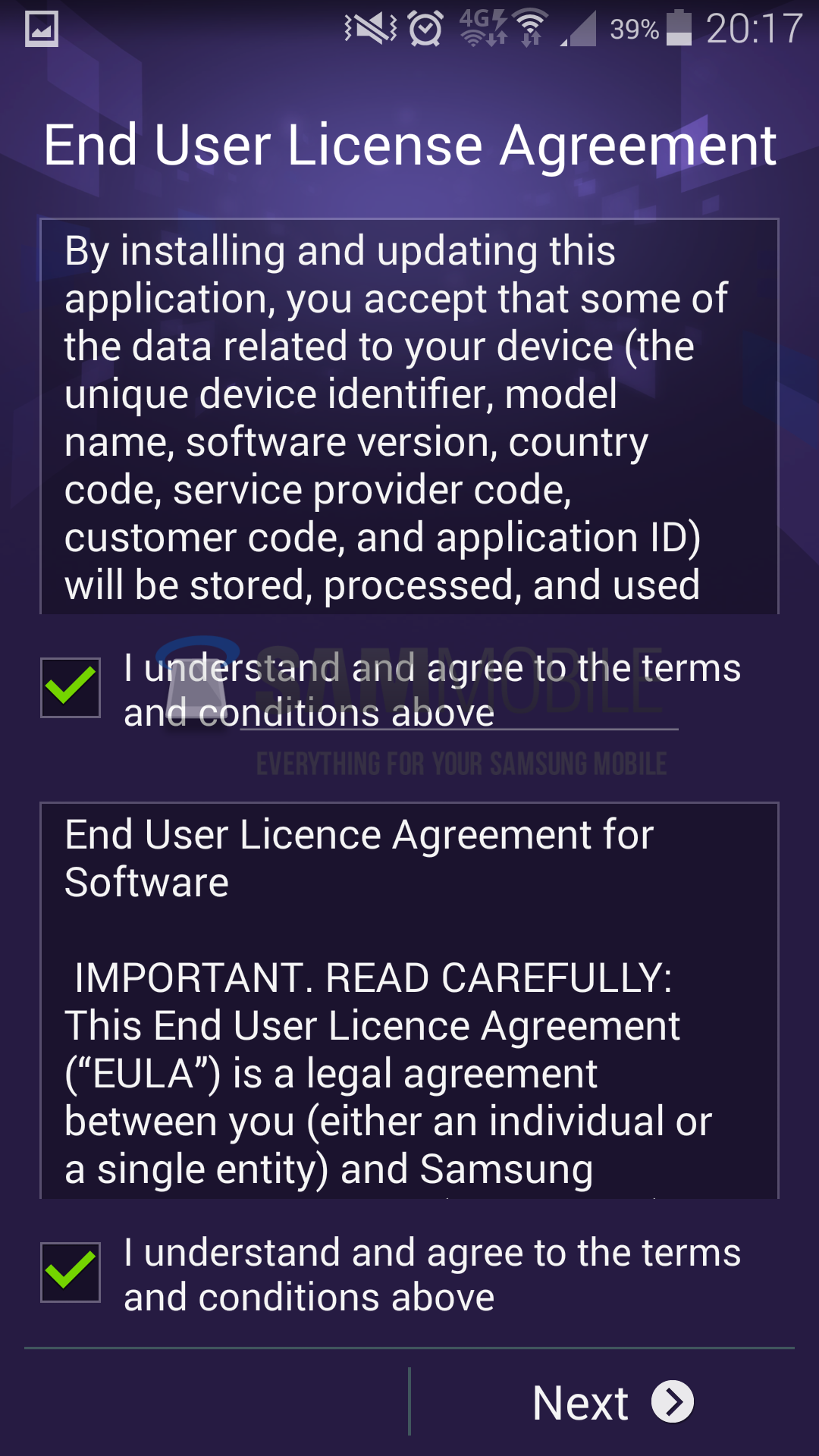
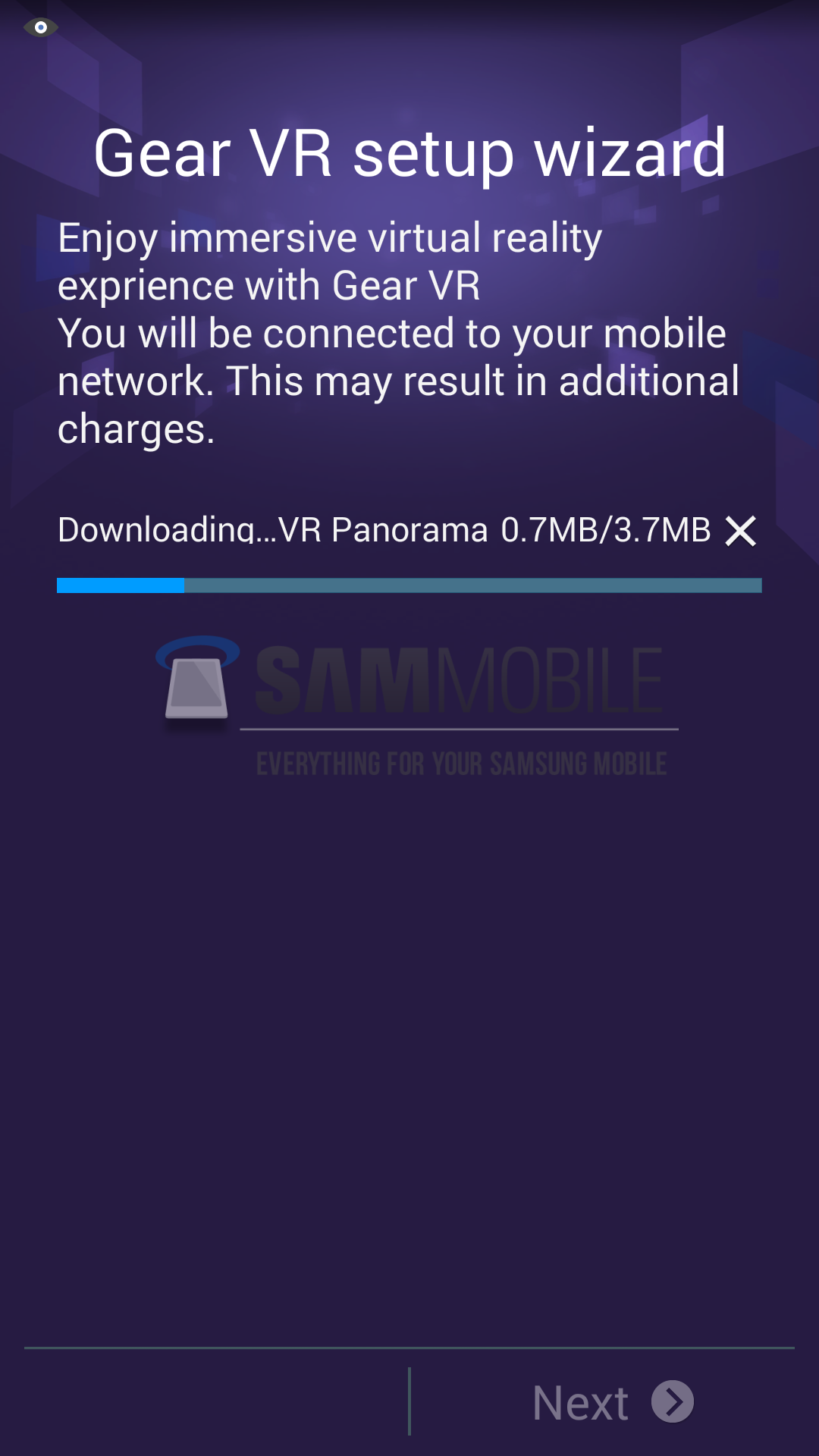
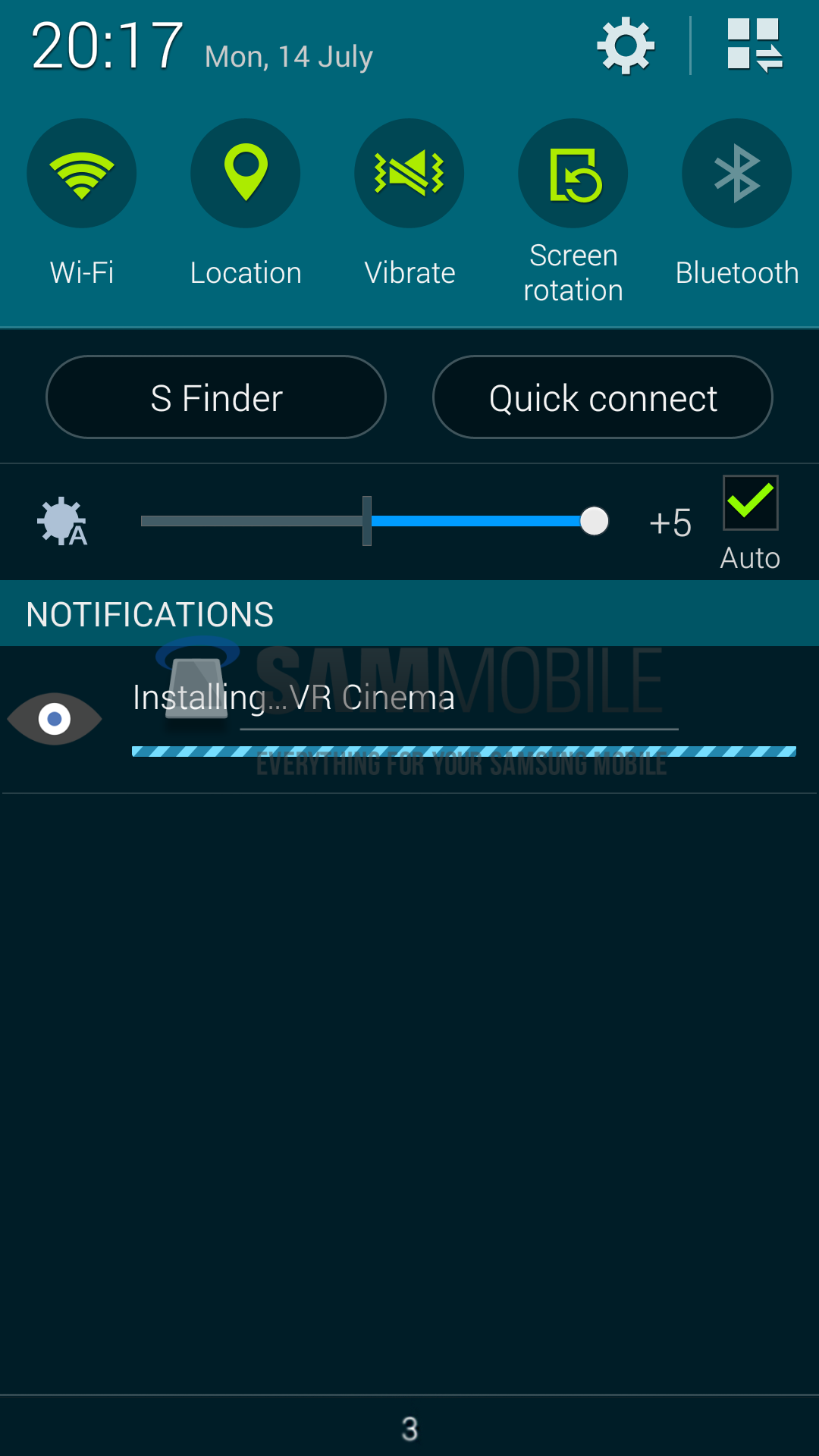
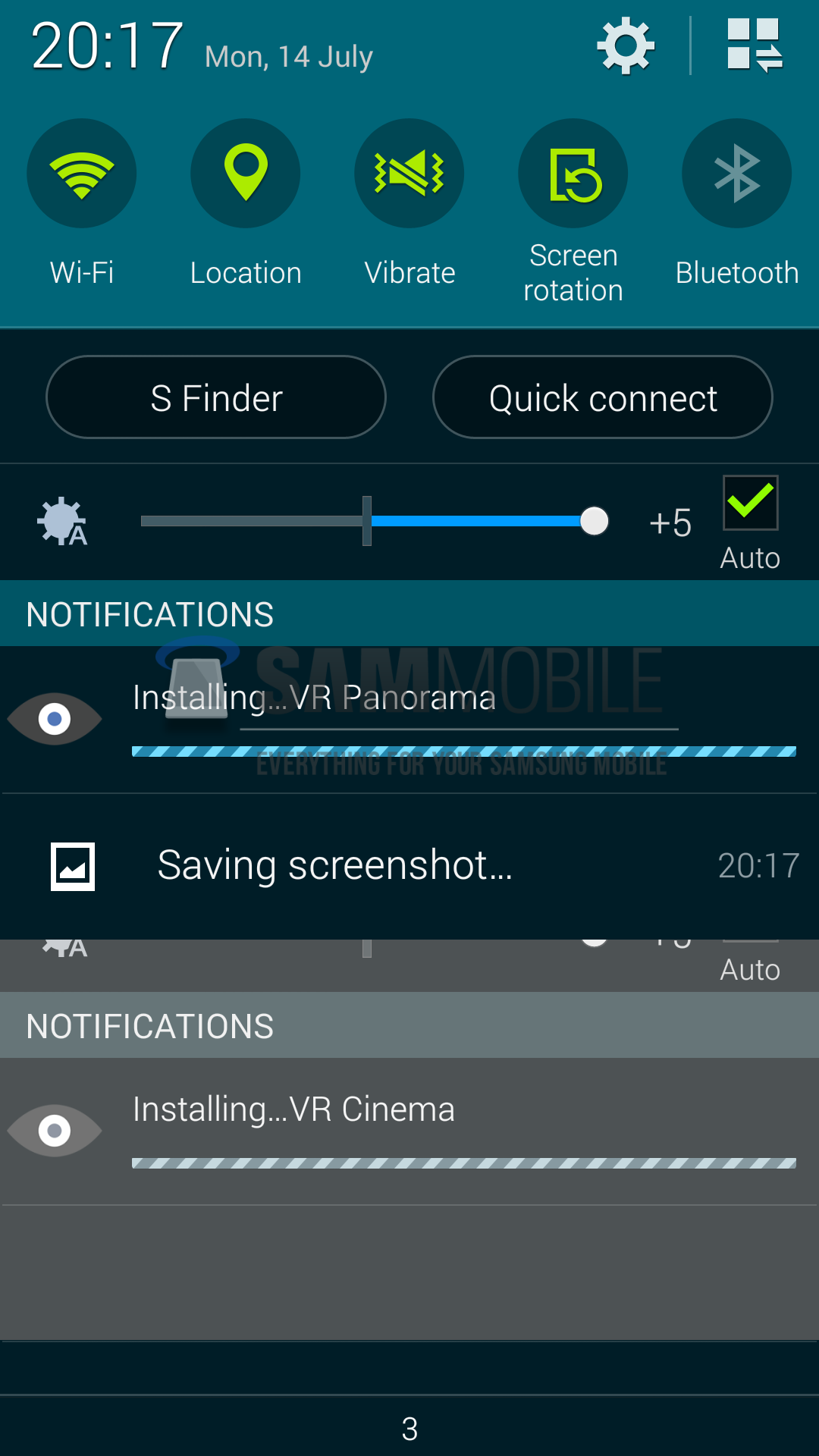
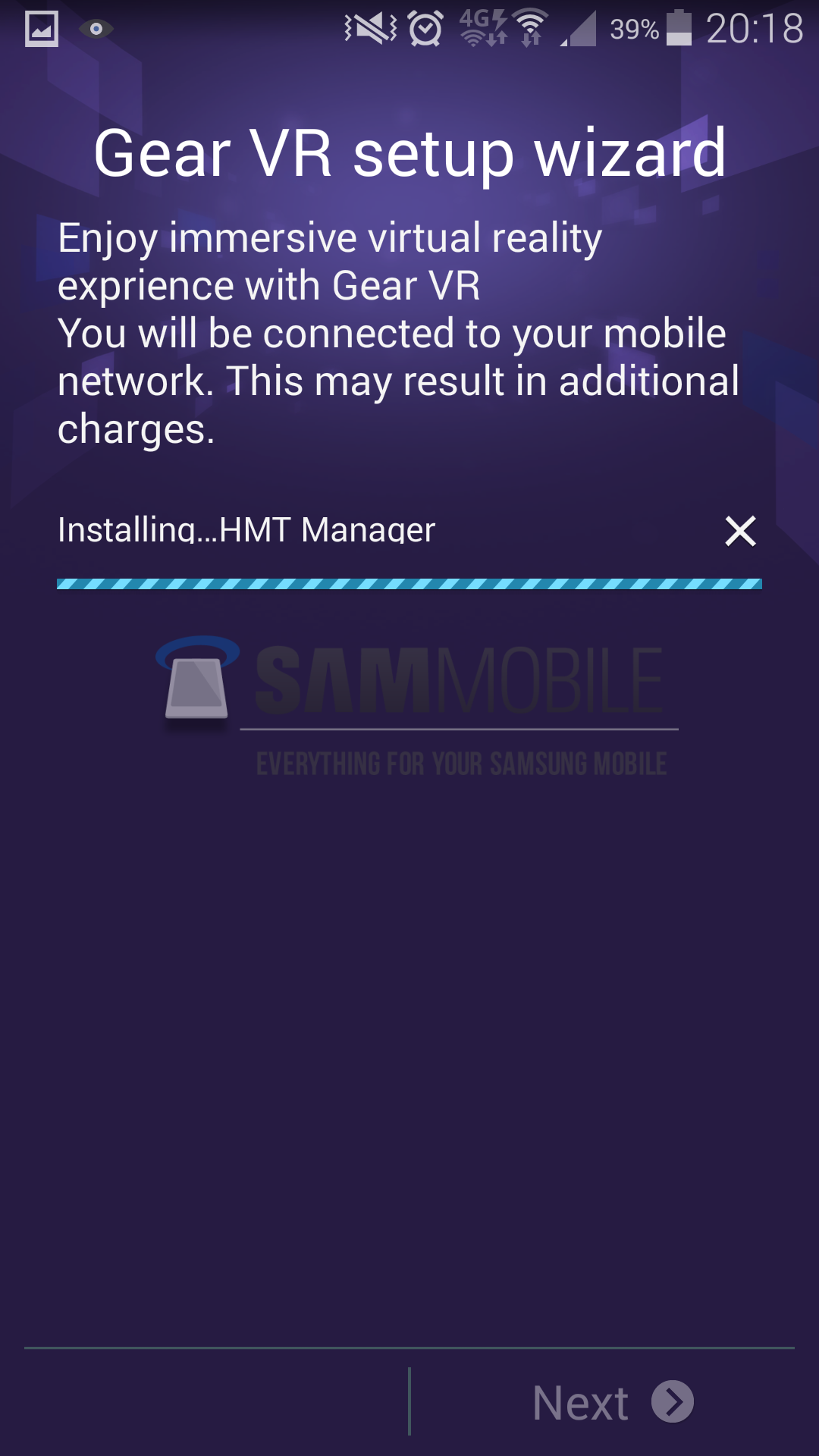
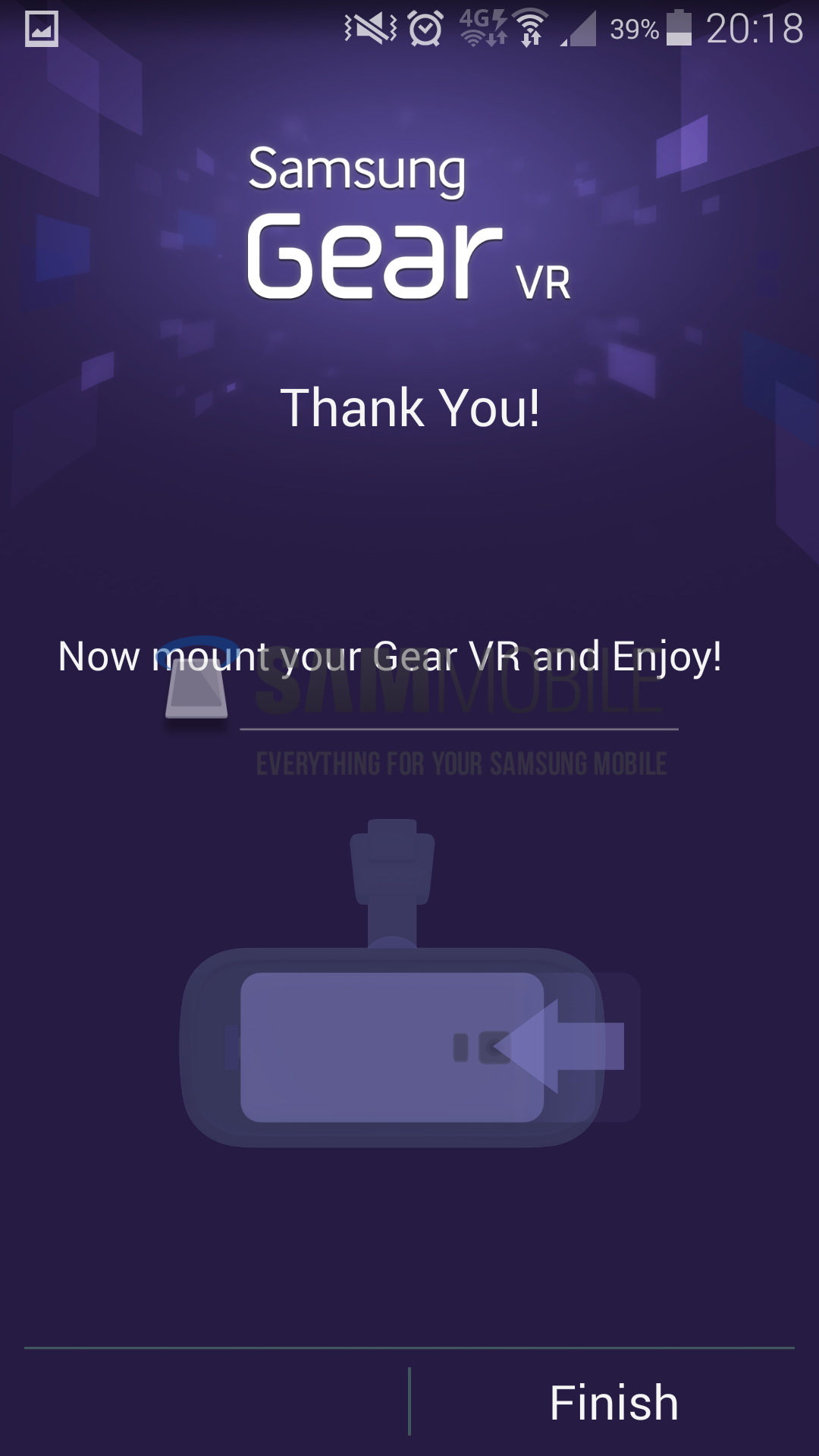
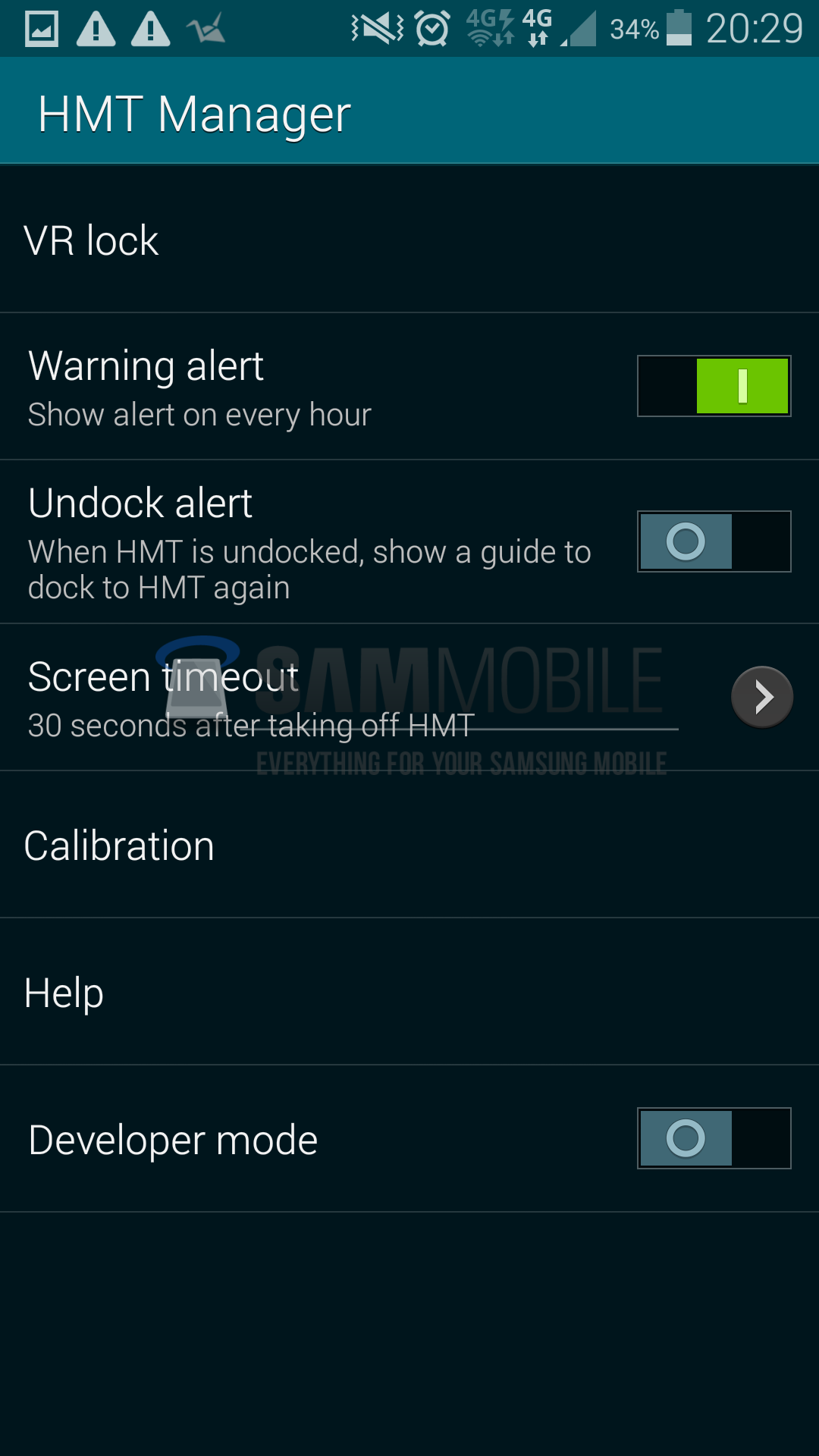
We were unable to make much use of the VR Panorama and VR Cinema apps, as we don’t have the actual VR headset yet. However, we were able to launch the HMT Manager (early version of Gear VR Manager) without needing to connect the Gear VR. HMT Manager includes numerous basic functionality. There’s VR Lock, which allows the user to setup a security lock while wearing the headset, and Warning Alert, which alerts the user every hour while the headset is connected, reminding the user that he is in the virtual world.
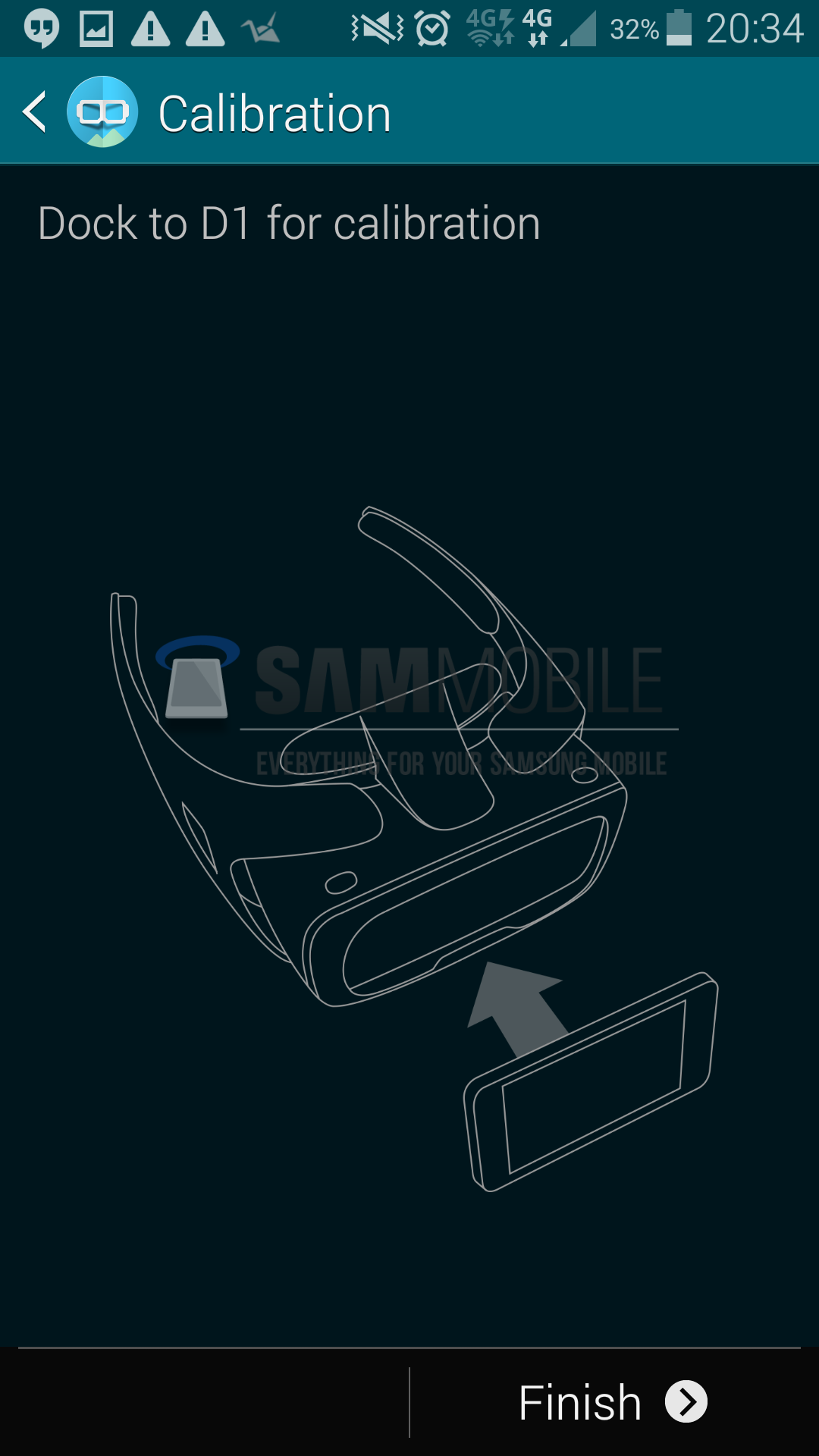
Then there’s Undock Alert – whenever the user undocks the mobile device, a guide to dock it back in appears. Screen timeout allows the user to set a screen timeout value, while Calibration allows to calibrate the Galaxy device’s sensors and display according to the Gear VR’s requirements. Rounding off the basic feature list are Help and Developer Mode, which guide the user through the Gear VR’s basic functionality and give developers to some advanced options respectively.
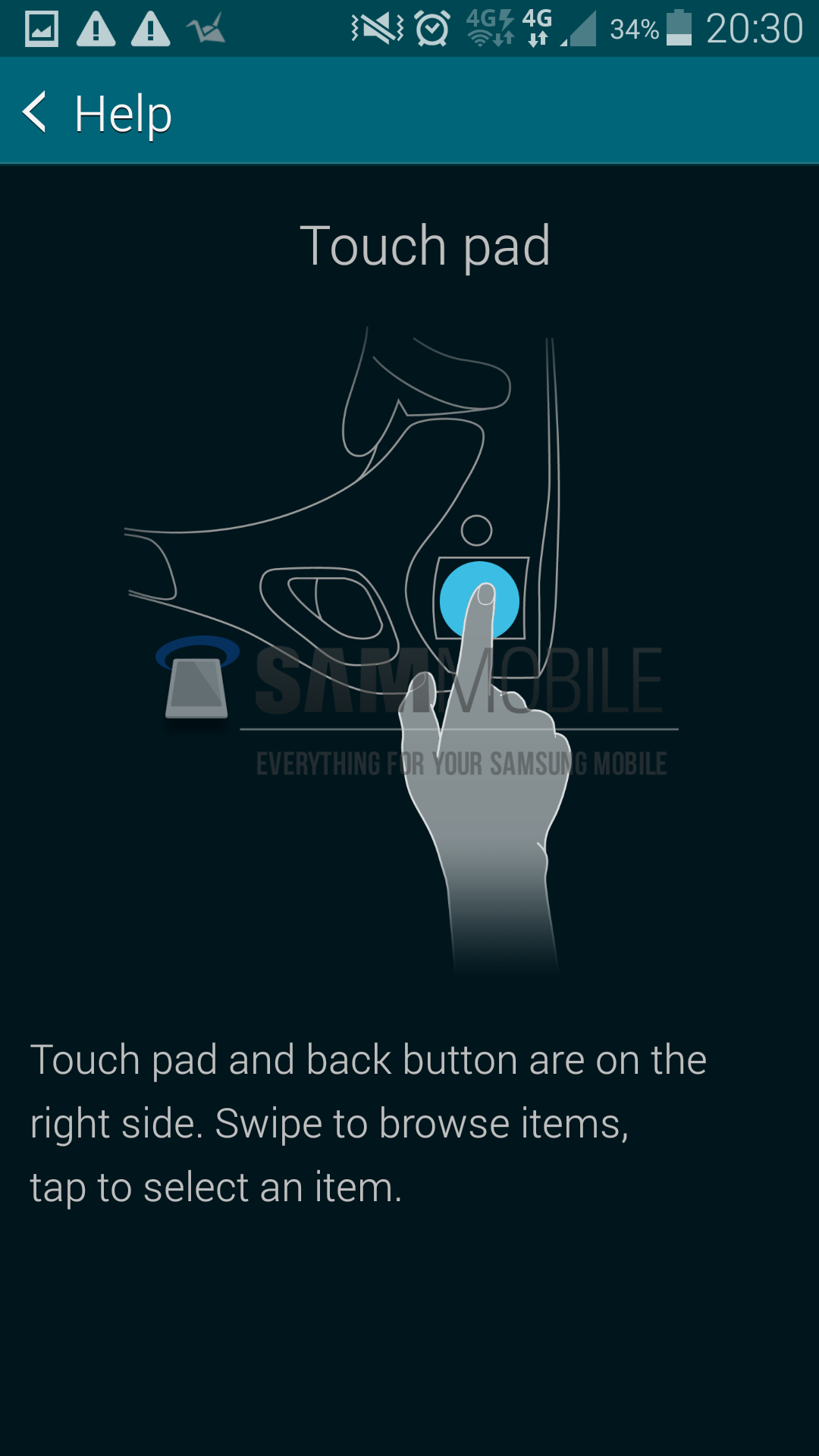
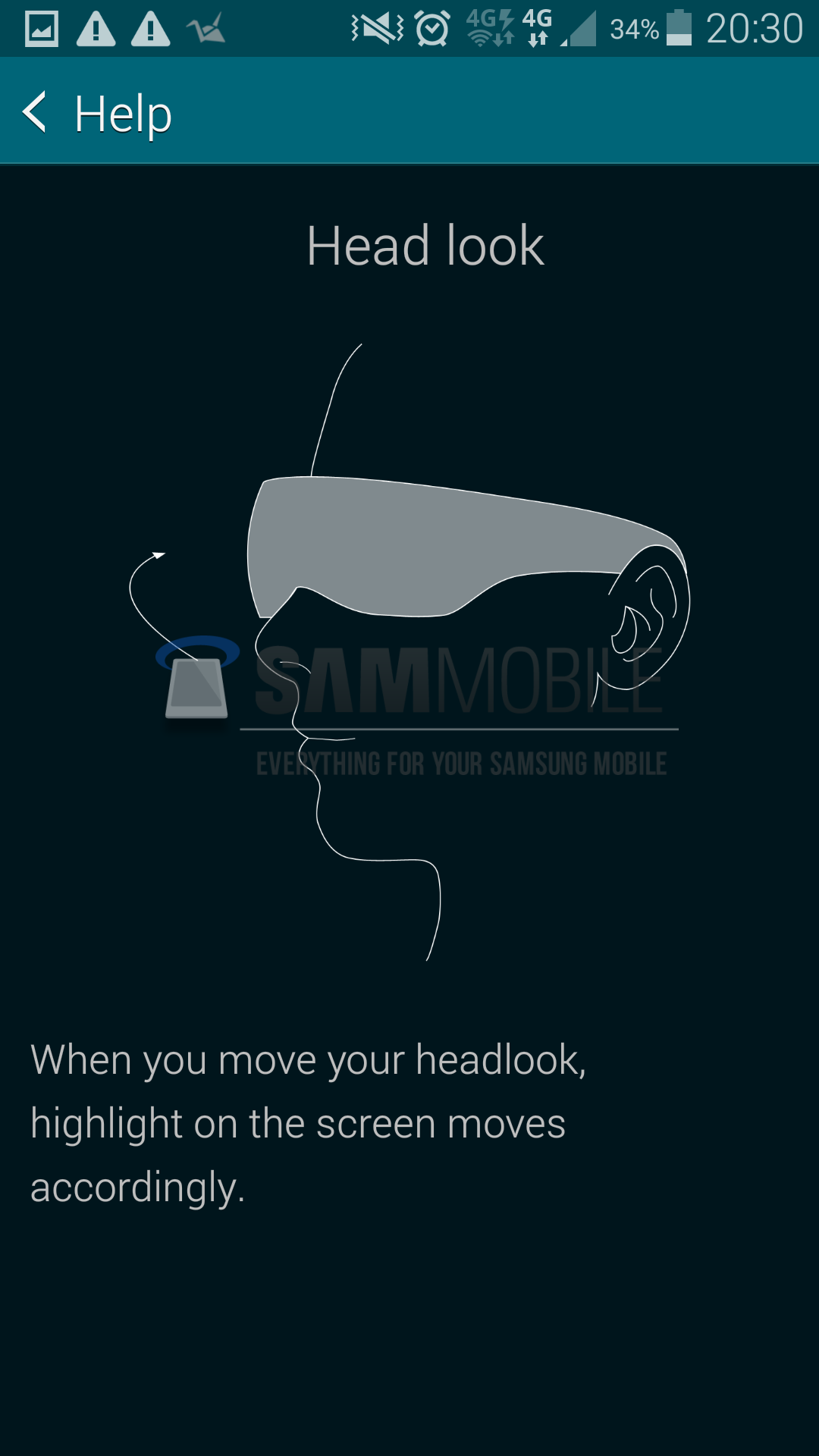
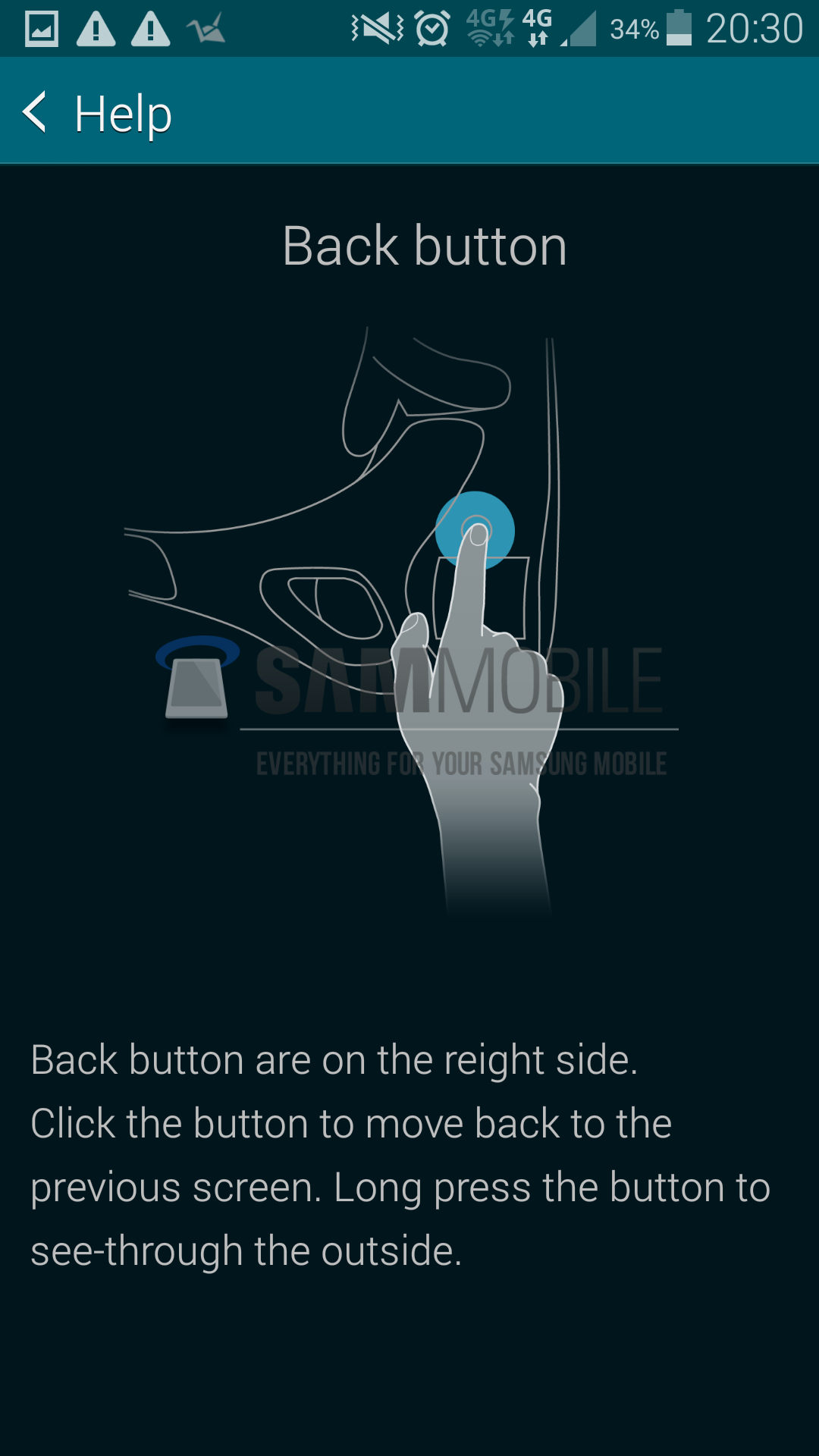
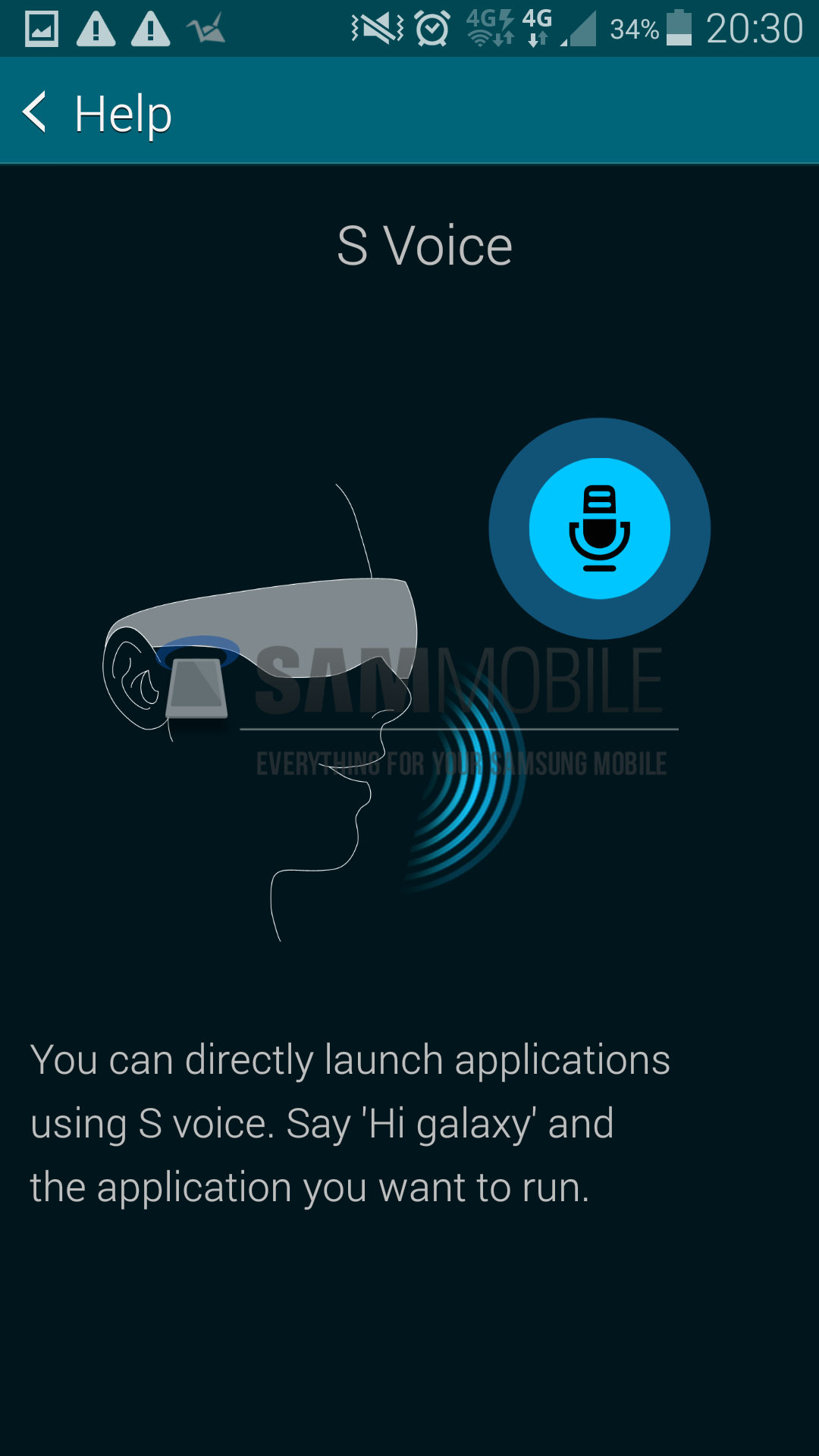
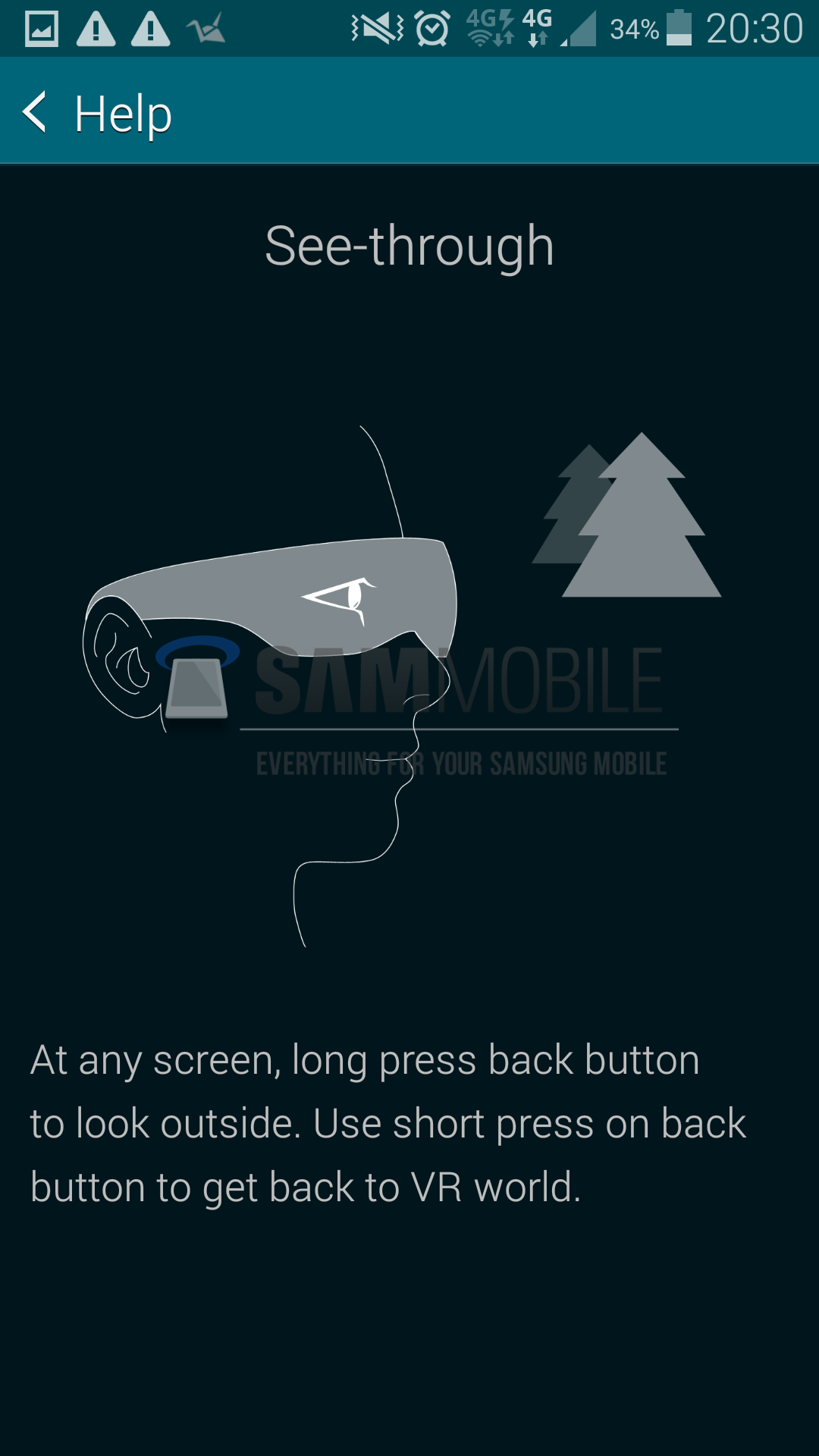
The HMT Manager’s help guide confirms our earlier reports on the Gear VR, including the render we published of the actual device. As you can see in the screenshots below, there is a touchpad and a back button located on the right side of the VR headset, as exclusively reported by us previously. Once the Galaxy device gets docked into the Gear VR, the user isn’t able to use the device’s touchscreen, nor the physical buttons. So, the touchpad and the back button will allow users to navigate through the user interface on their Galaxy smartphone. The back button also doubles as a see-through button; this action is done by long-pressing the back button. This then activates the smartphone’s rear-facing camera sensor to supply the user with a video feed of the real outside world, and a short-press on the back button gets the user back to the VR world. Samsung is also making use of its S Voice app to allow users to directly launch applications using voice commands.
As reported earlier, the hardware of the device is being developed by Samsung, while the software is being developed in cooperation with Oculus VR, makers of the Oculus Rift VR headset. Samsung will be opening up Gear VR’s SDK to developers soon after the launch at IFA 2014, alongside the Galaxy Note 4, and will also be dedicating an entire section of Samsung Apps for Gear VR.
All in all, the Gear VR looks like the best implementation of VR tech to date, thanks to its modular design. Virtual reality has been hyped as the next big thing for decades, but it never really took off. However, Samsung has the potential to take virtual reality mainstream (along with Oculus VR), especially if they price it right and get developers’ attention.













