Cyber week deals! Galaxy Watch8 Classic, Fold 7, S25 Ultra. Follow us on YouTube, TikTok, or LinkedIn
Last updated: December 23rd, 2013 at 11:33 UTC+01:00
SamMobile has affiliate and sponsored partnerships, we may earn a commission.
Reading time: 2 minutes
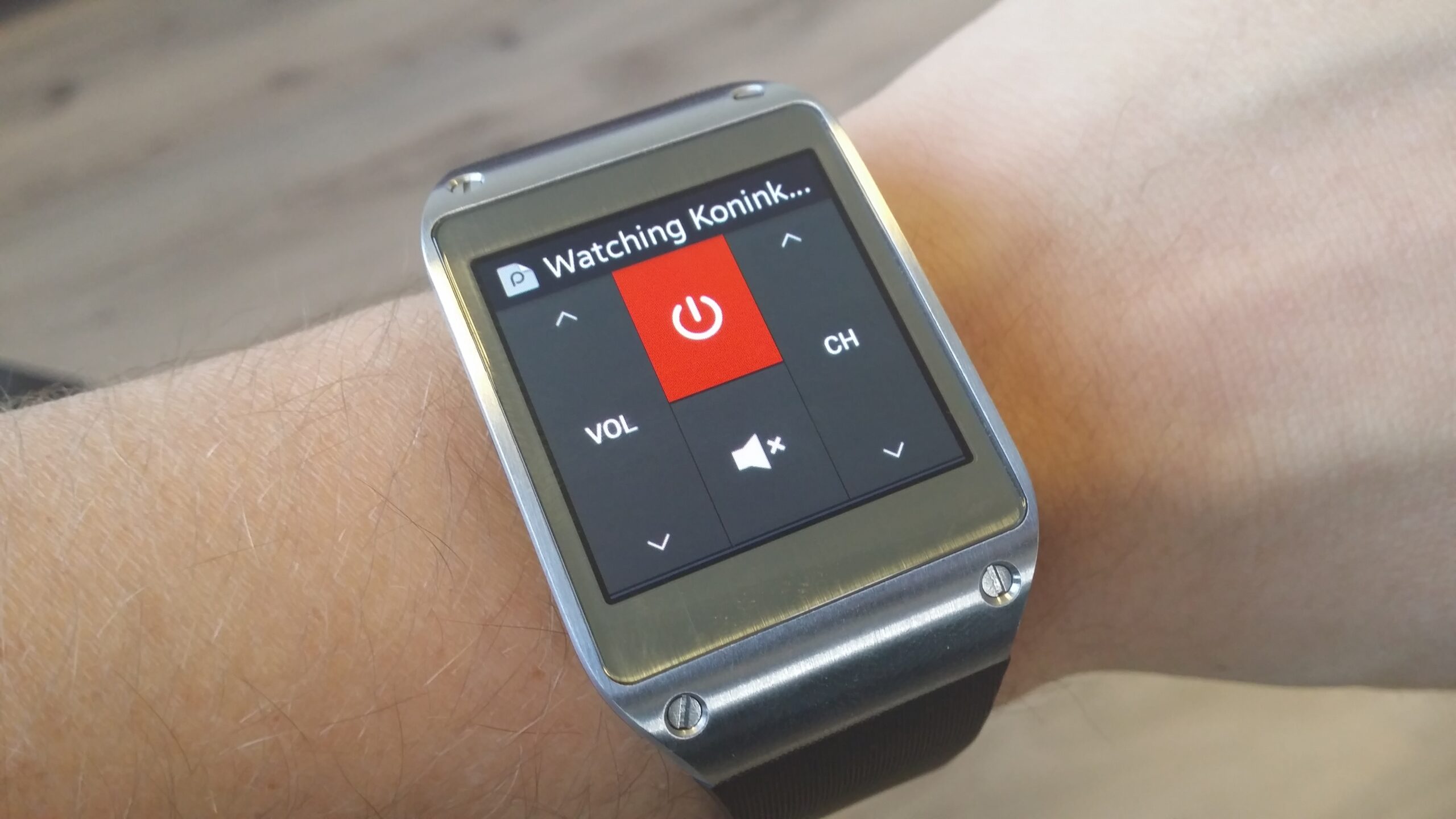
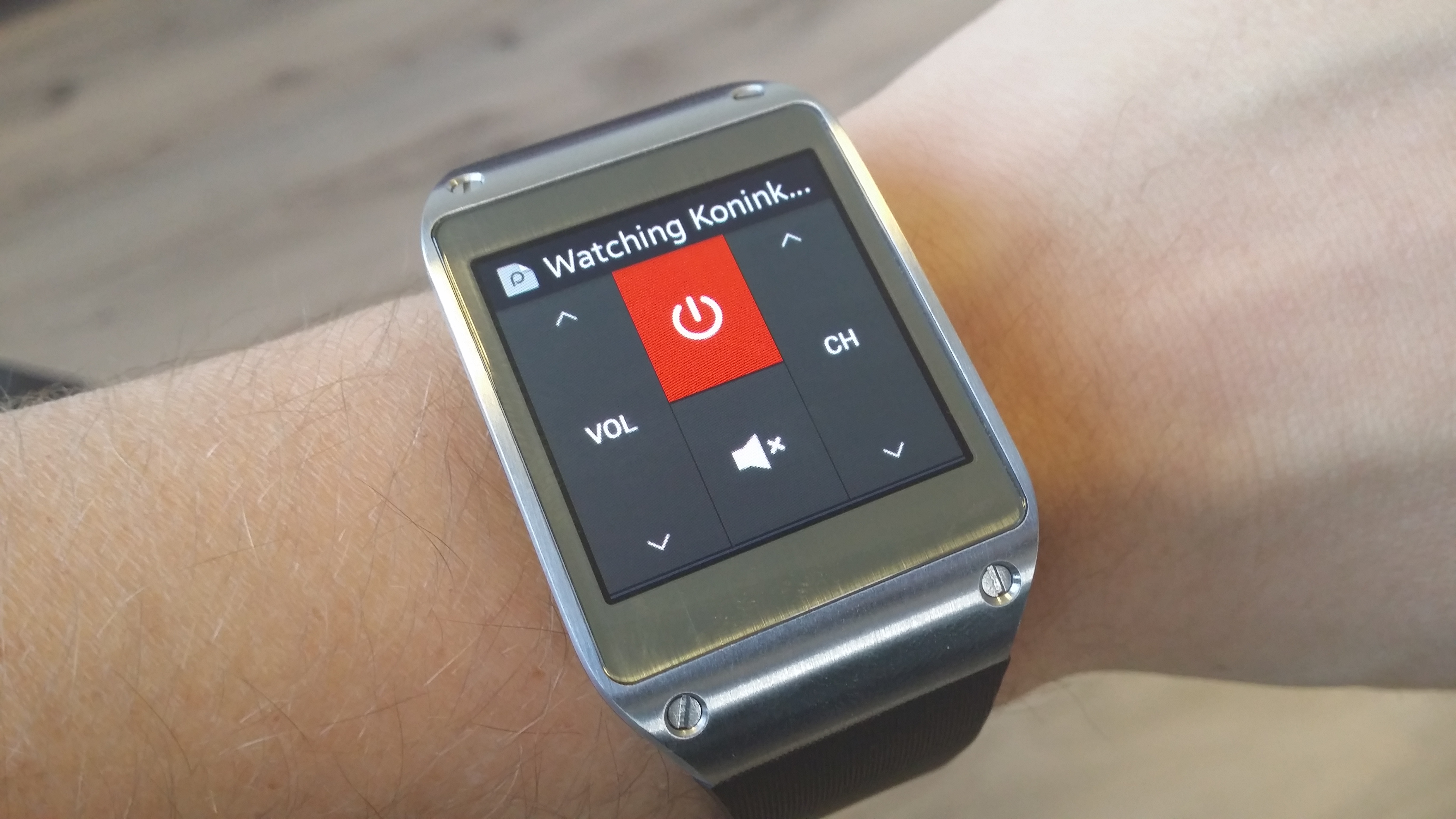
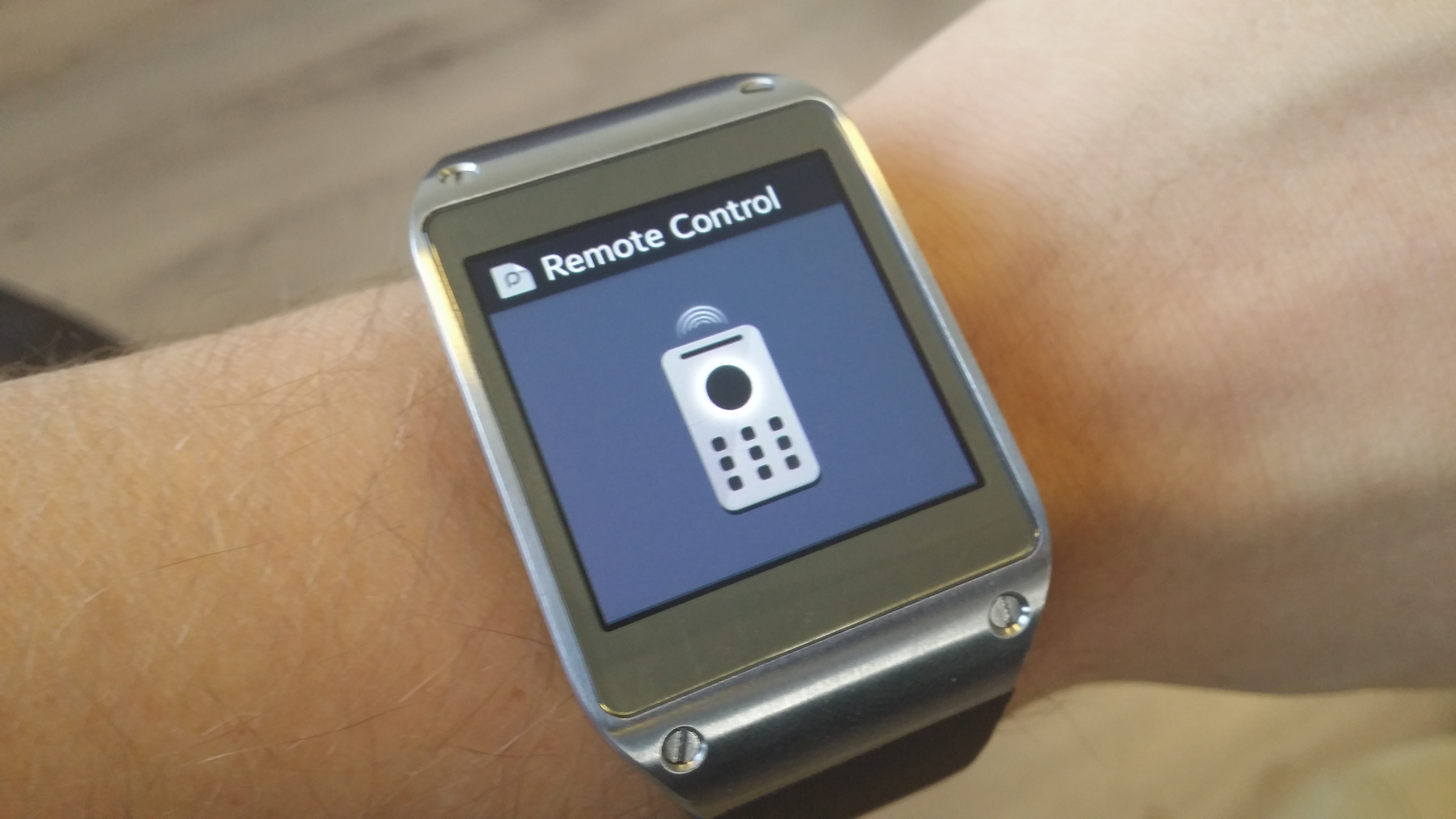
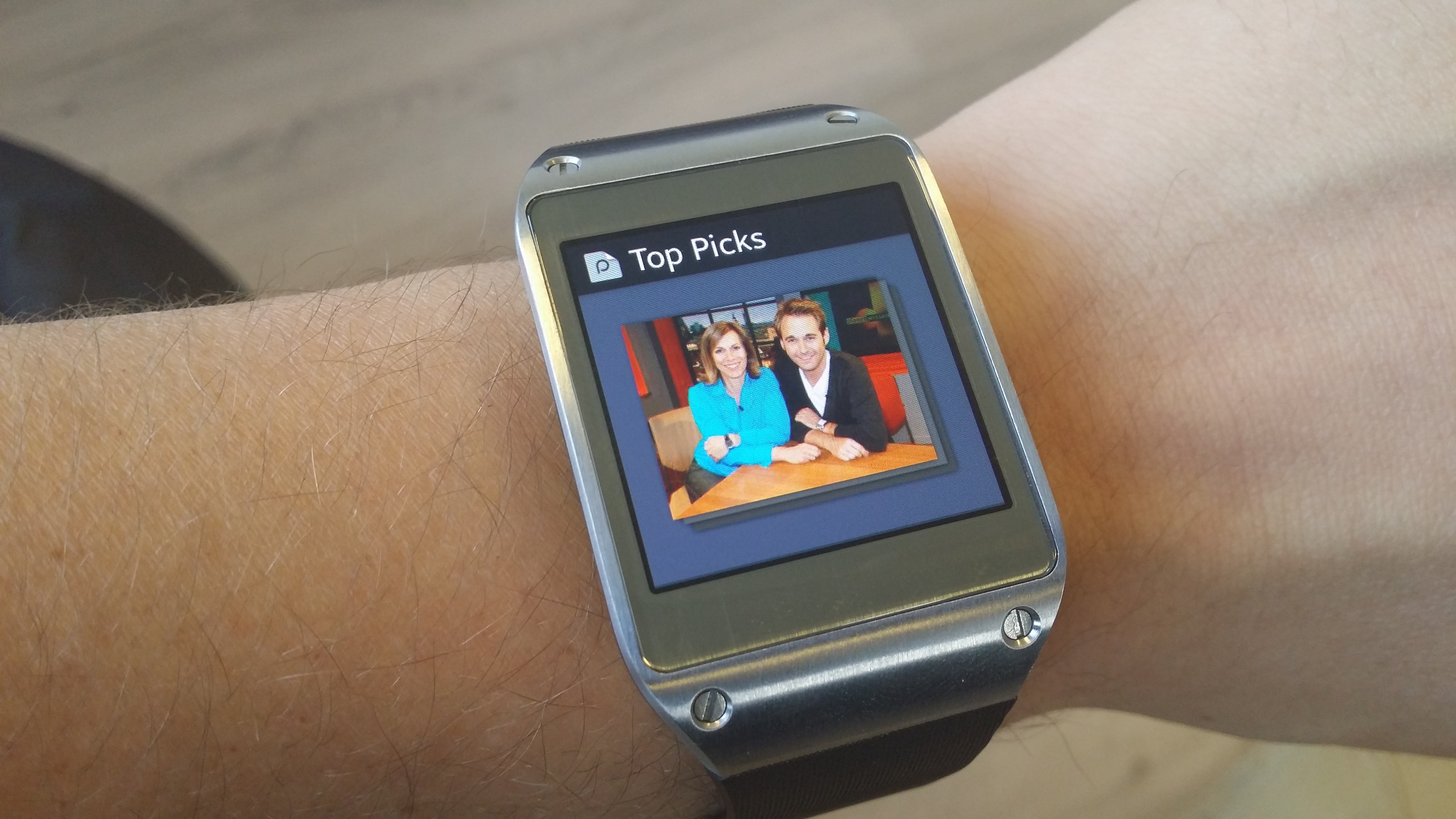
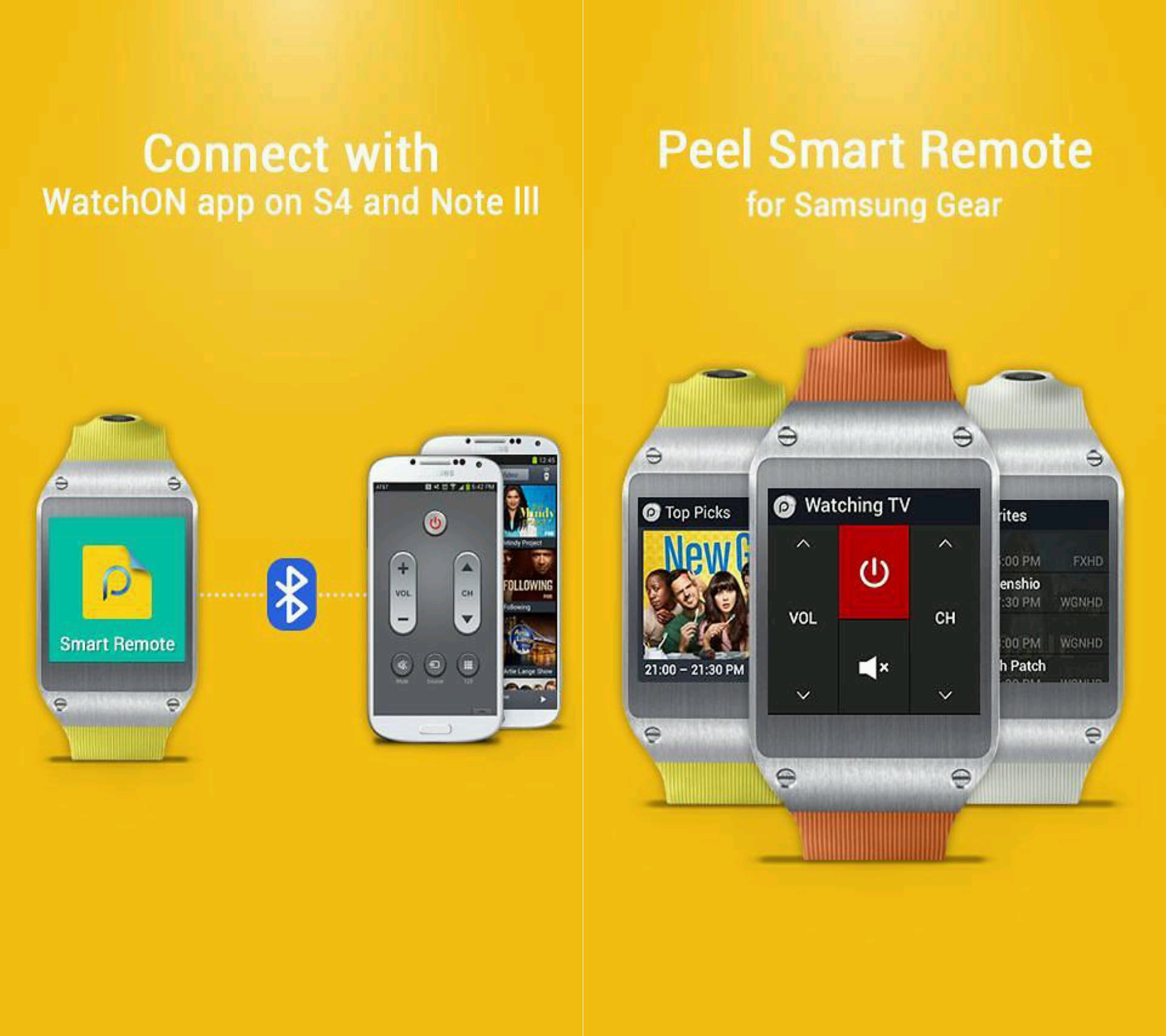
Of course, since the IR port is on your phone, you'll still be using it to change channels or adjusting the volume of your TV, but with the Smart Remote app, you can simply leave your phone lying on your table (with its IR sensor pointed towards the television) and control it all with the Gear instead, making things more convenient and giving yet another example of how a smartwatch might be put to use in offloading some tasks from a smartphone to your wrists.
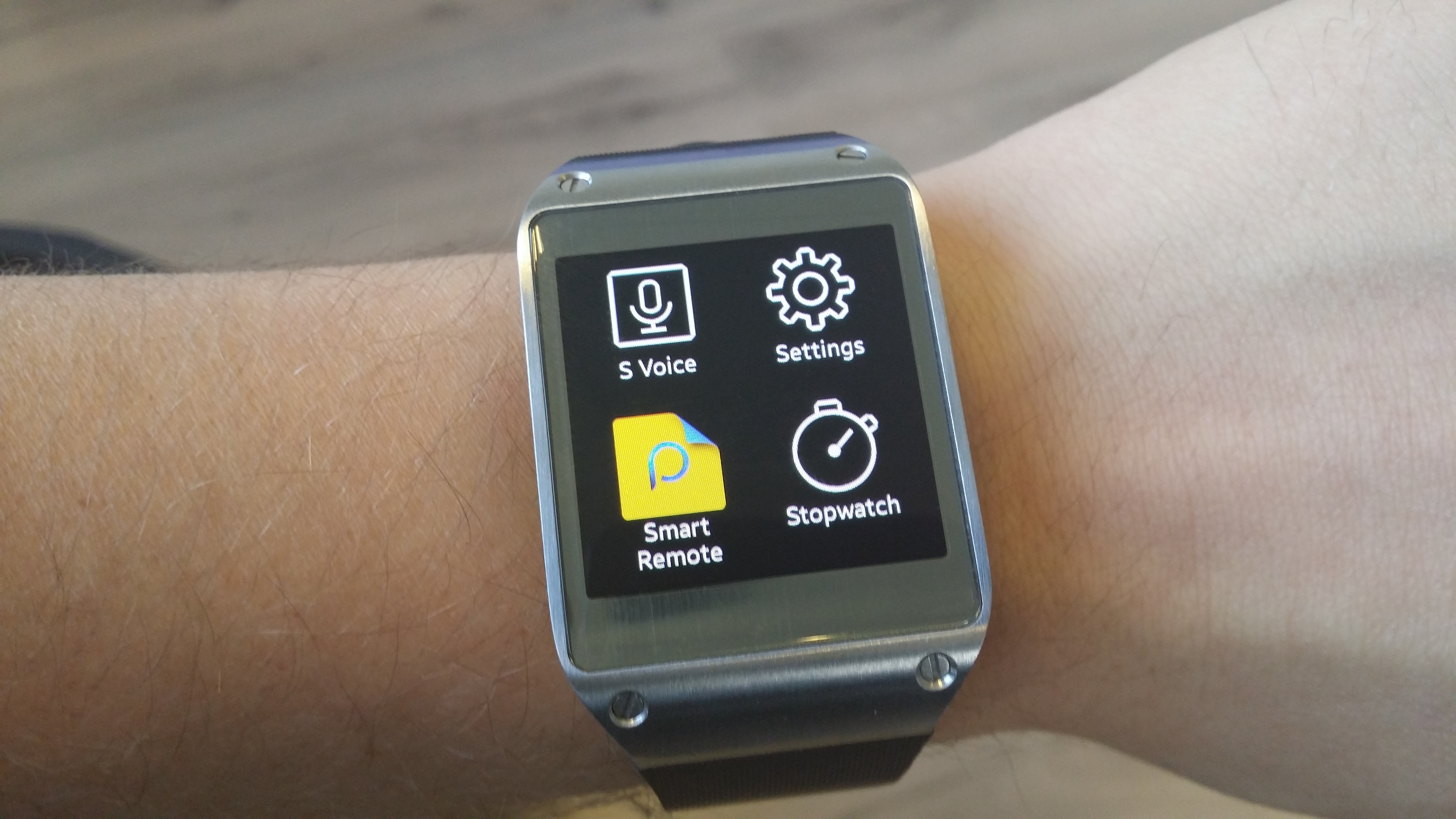
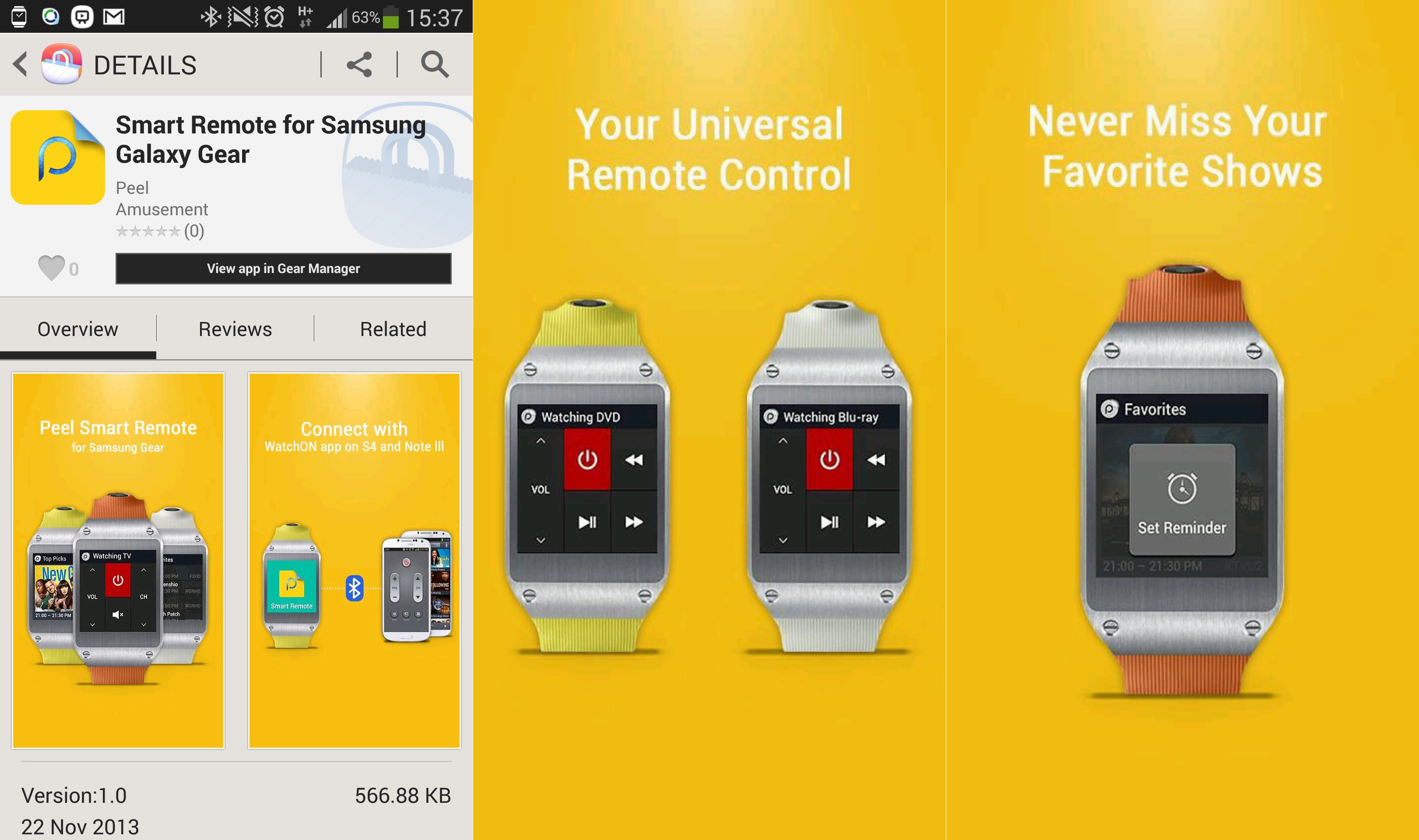
To use Smart Remote, you'll need to install the app on your Galaxy Gear from the Gear Manager app on your paired smartphone (the full name of the app is Smart Remote for Samsung Galaxy Gear, here's the Samsung Apps link for it), and things are as simple as they can be after that – place that phone in front of your TV somewhere and then take control from the watch. Nice, right?
Johan lives in the beautiful country of Sweden where he enjoys a cold home brewed IPA on his porch whenever he gets the time. Johan is a tech enthusiast to the core and always thrives to know how things work. When he’s not pushing code and news at SamMobile, he works as lead Android developer for a popular app in Sweden.