Cyber week deals! Galaxy Watch8 Classic, Fold 7, S25 Ultra. Follow us on YouTube, TikTok, or Instagram
Last updated: November 15th, 2013 at 21:38 UTC+01:00
SamMobile has affiliate and sponsored partnerships, we may earn a commission.
Reading time: 2 minutes
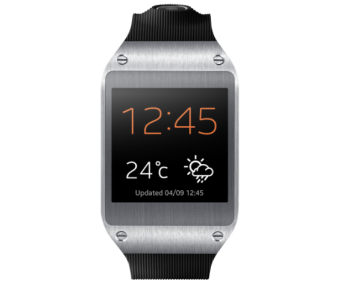
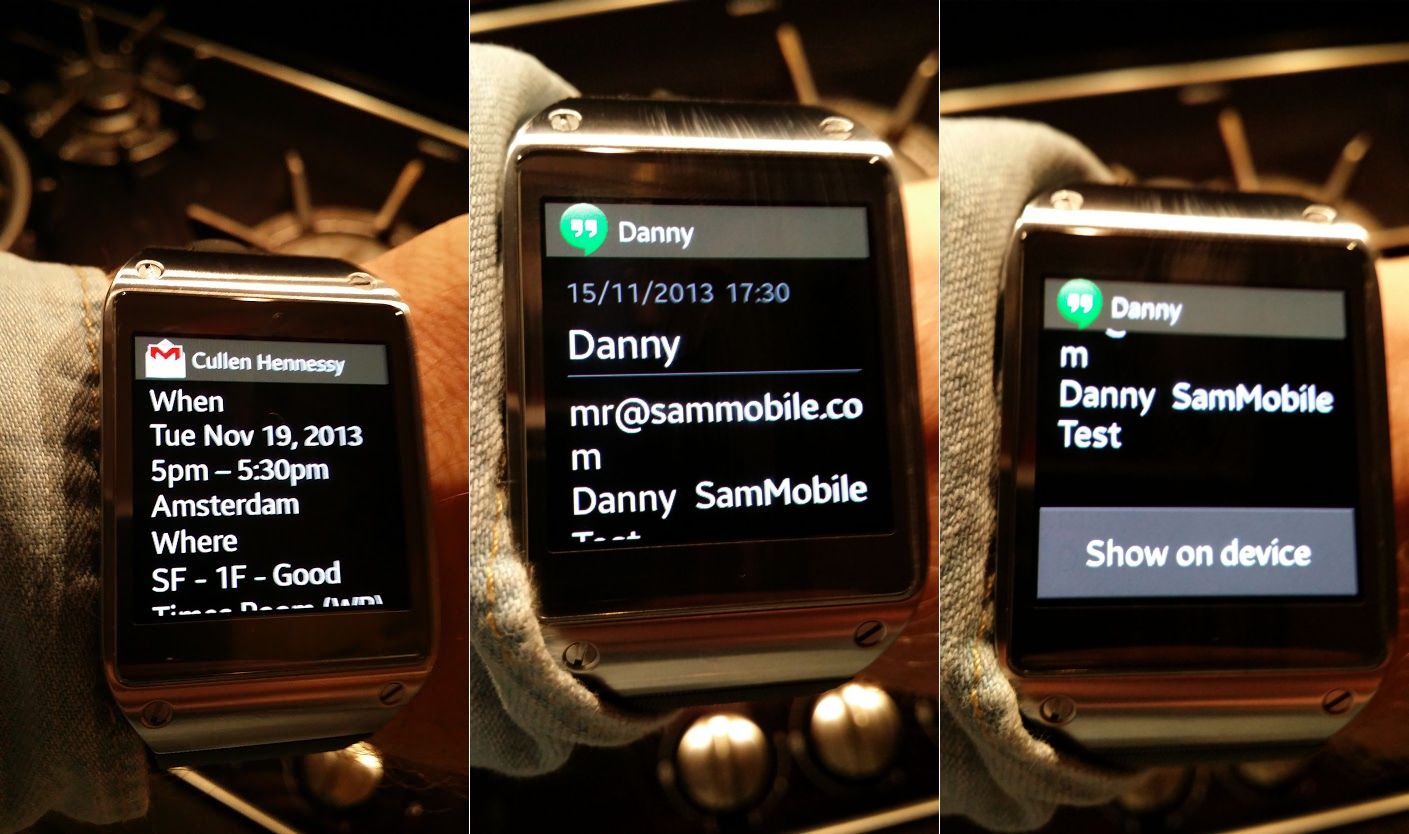
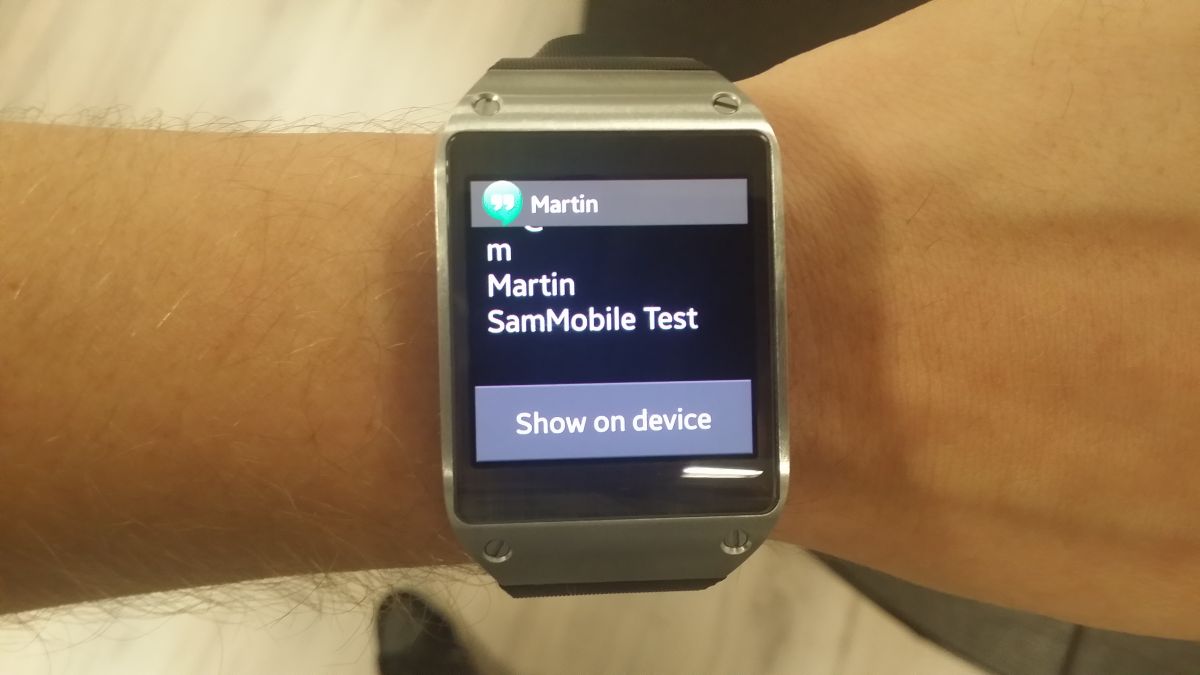
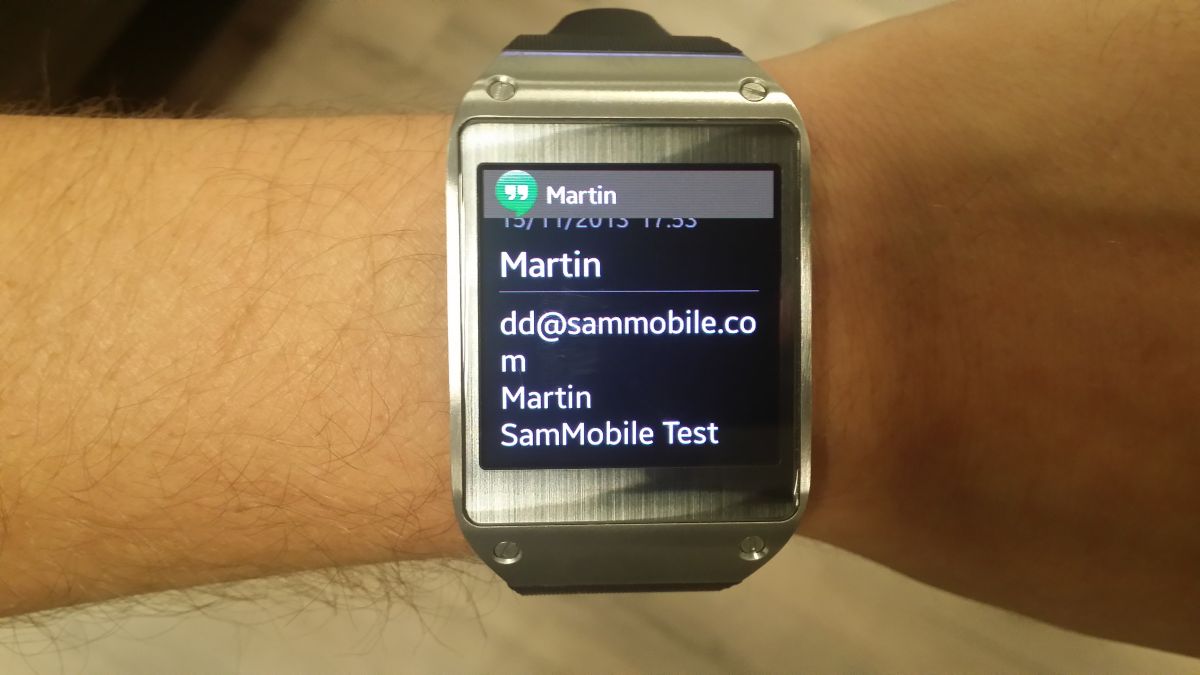
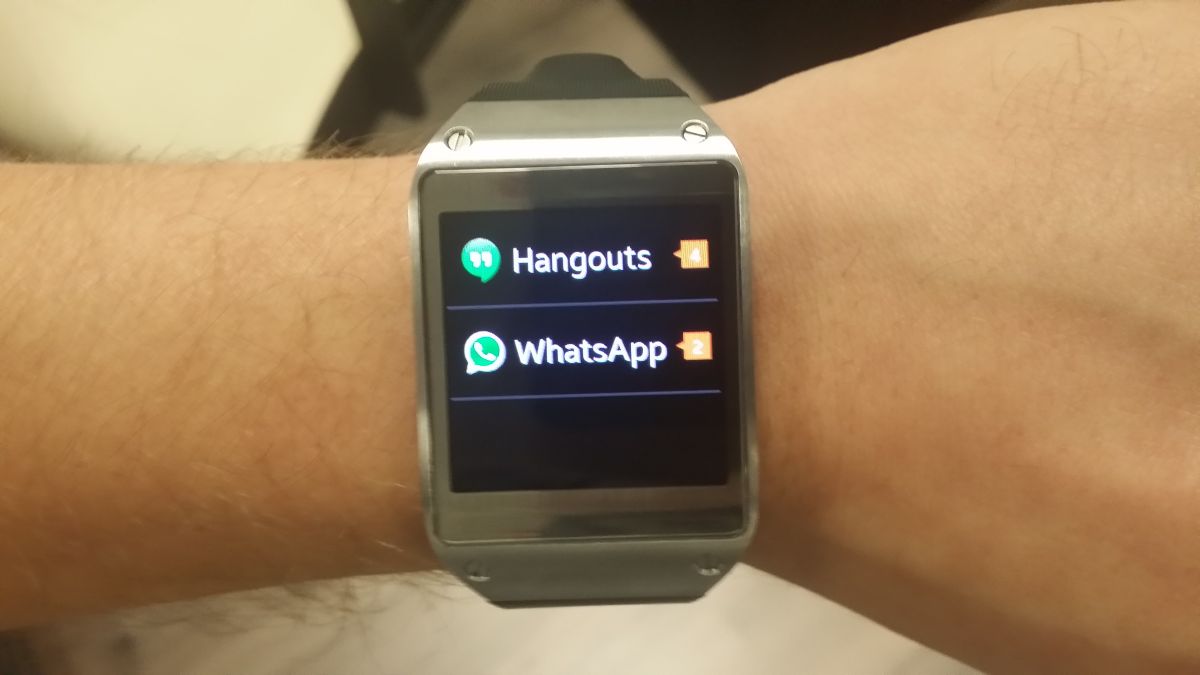
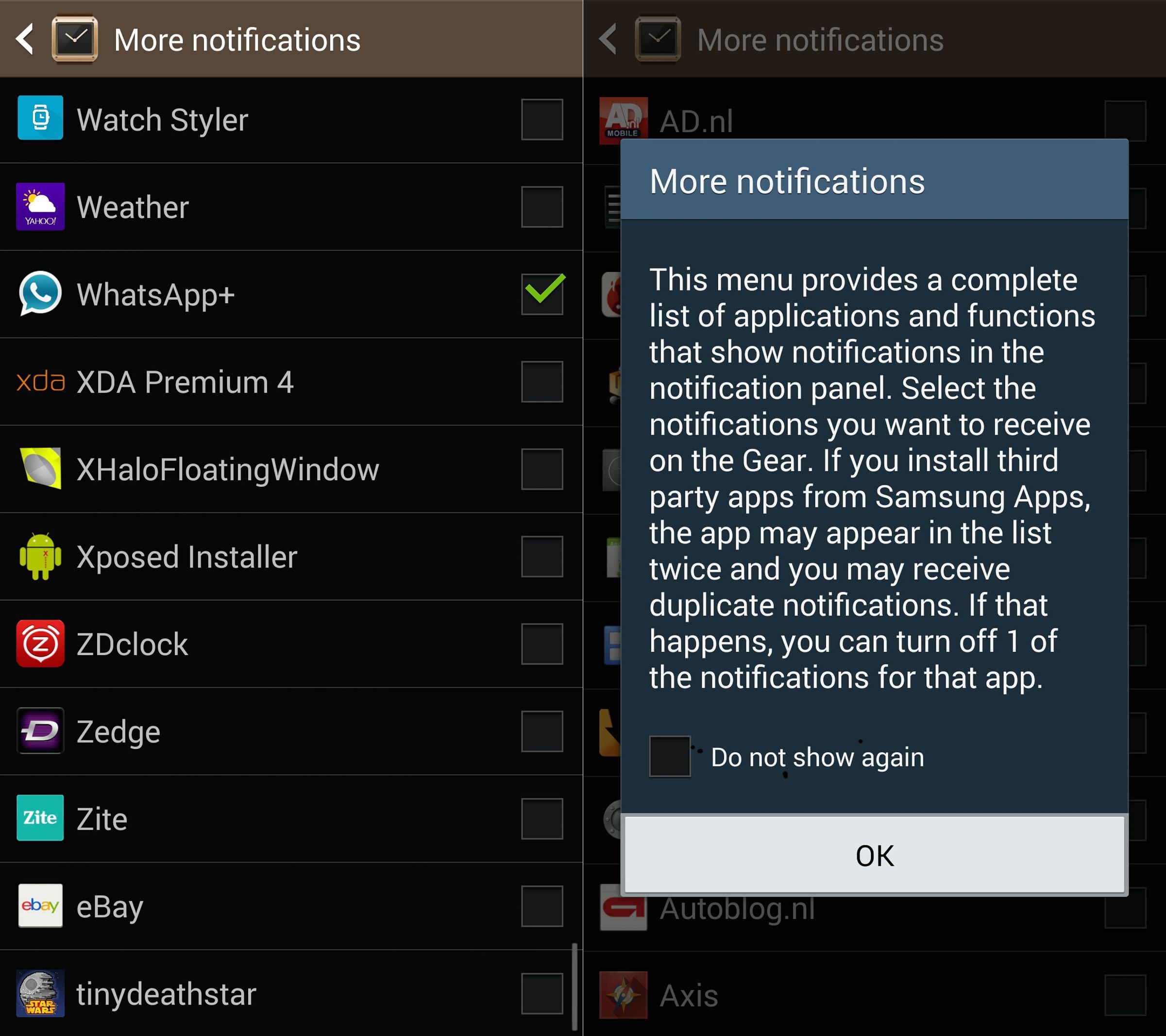
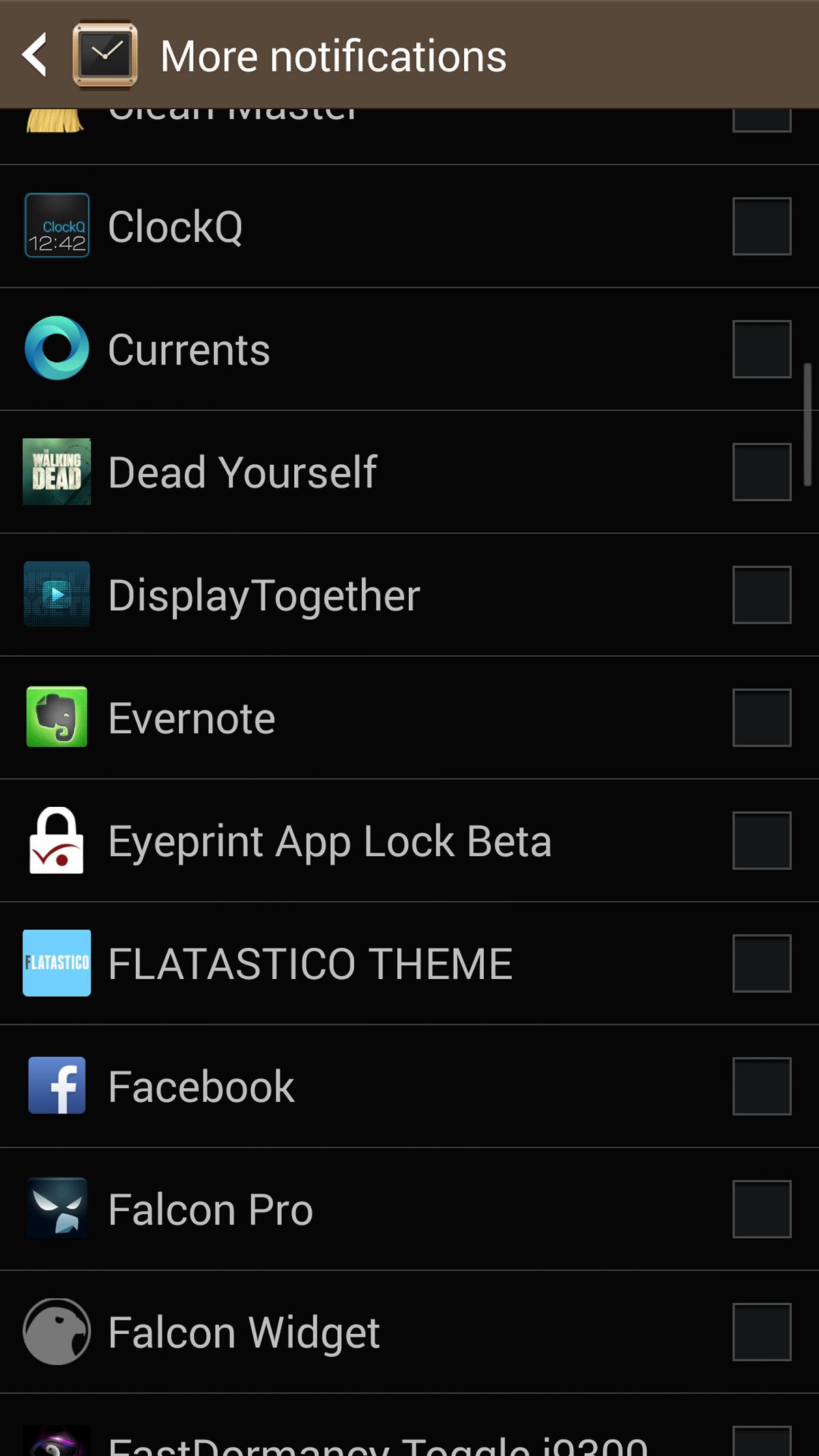
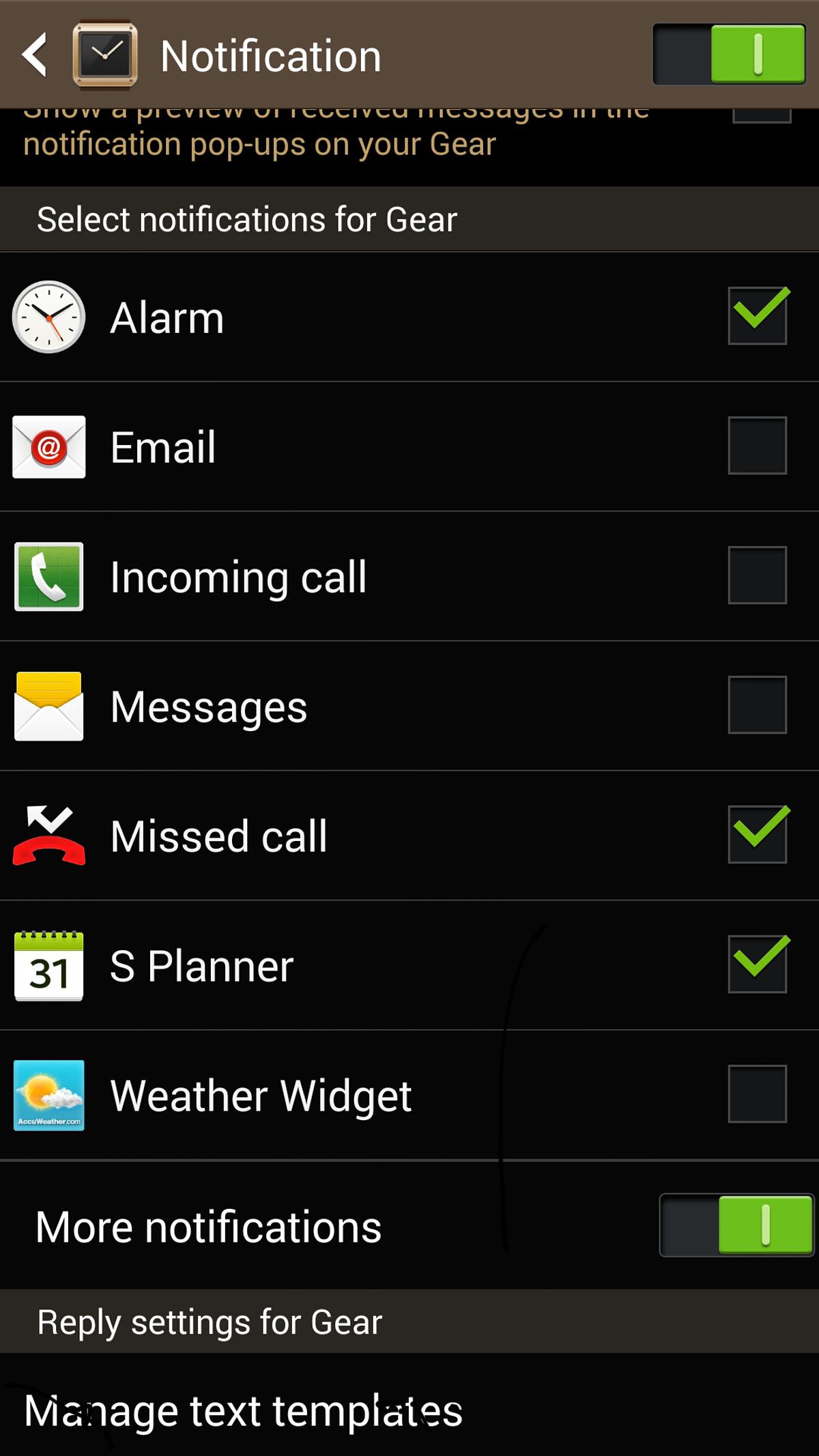
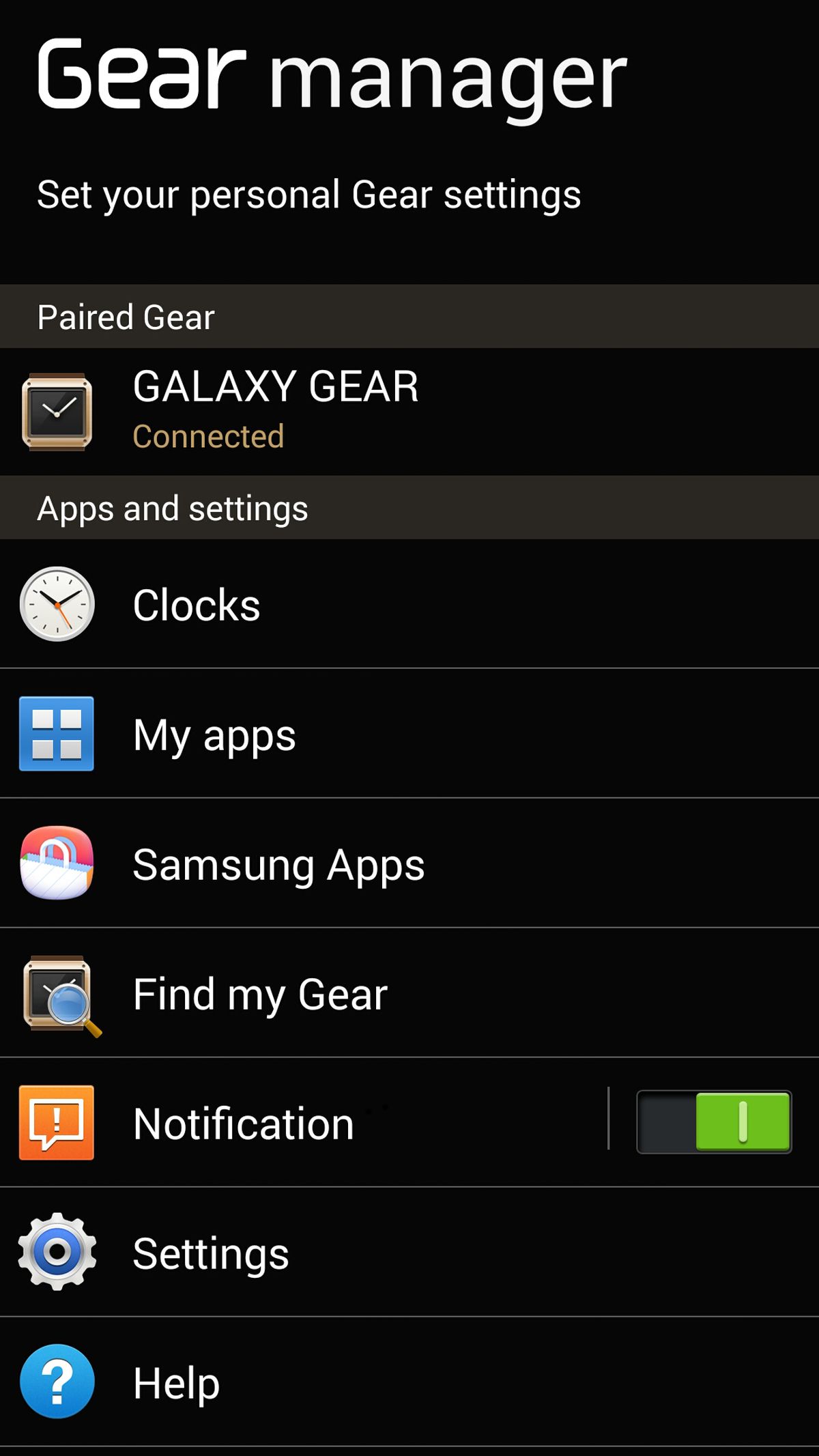
The Gear Manager update will work in tandem with a software update that is rolling out for the Gear today (build V700XXUAMK7, you'll need to wait for this update before you can use the new notification functionality), and will now let you select which app sends a notification to the watch. From standard texts and emails to notifications for your note-taking app or Twitter app, you can now enable or disable each individually from showing up on the watch (with the option to press a button to view the particular notification on your phone), and view a list of all notifications from a dedicated notification center.
The Galaxy Gear has been criticized for not offering too many features or functions, but it's clear Samsung is working hard and fast to make it better, and the latest update is an awesome one that every Gear use will welcome with open arms. The Gear Manager update should be available for you on the Samsung Apps store, so go ahead, update and take your Galaxy Gear one step closer to being that smartwatch we had hoped it would be from the start.
Abhijeet's writing career started with guides for custom firmware for Samsung devices (including the original Galaxy S), and he moved to SamMobile in mid-2013 and worked up the ranks to Editor-in-chief. In addition to phones and mobile devices, his interests include gaming on both PC and console, PC hardware, and spending countless hours on YouTube watching videos on tech, movies, games, politics, and internet dramas.