Last updated: March 17th, 2016 at 11:52 UTC+01:00
SamMobile has affiliate and sponsored partnerships, we may earn a commission.
Reading time: 2 minutes
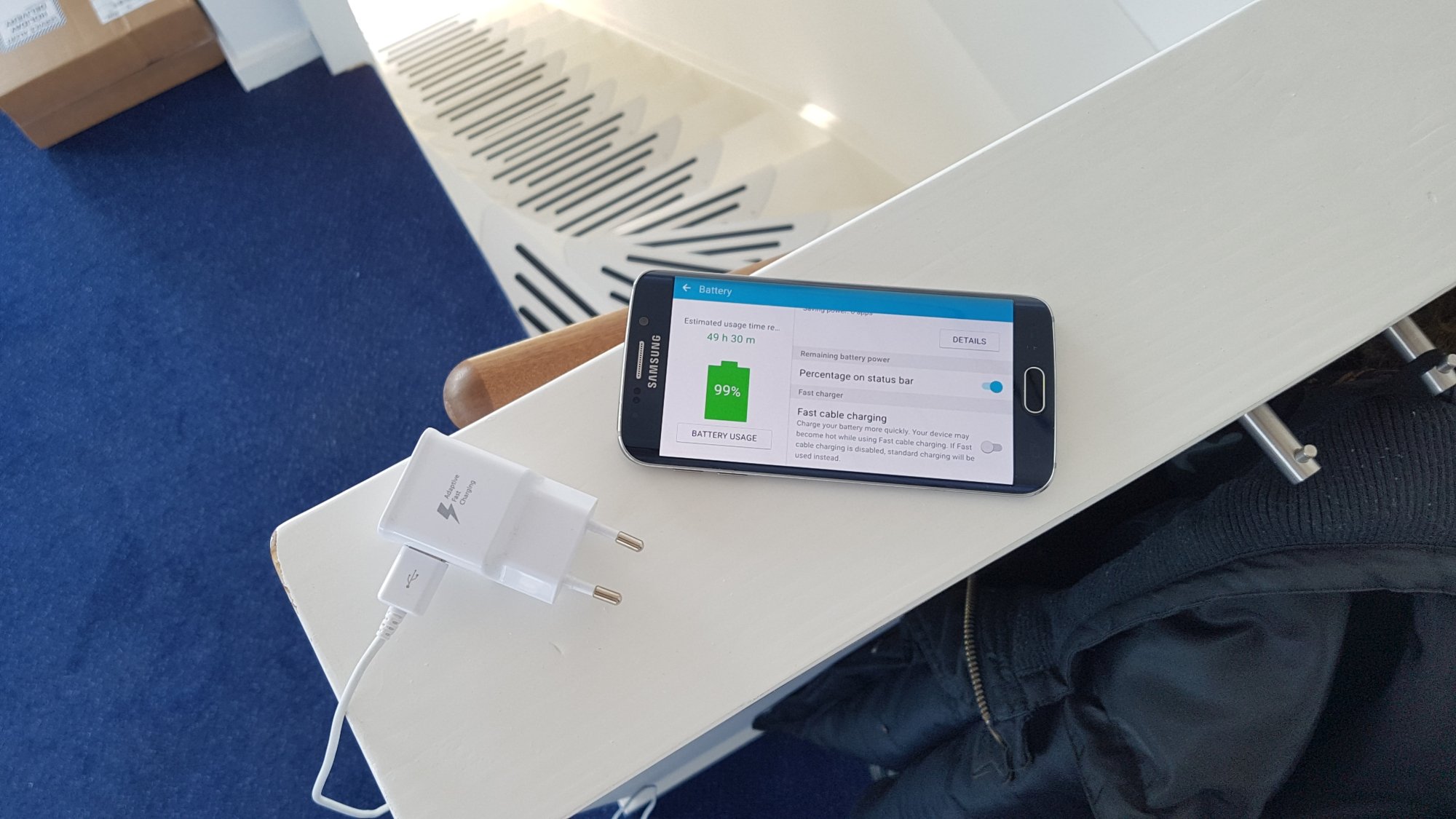
Now, there isn't exactly any reason one would want their phone to charge slow, especially as fast charging in its current form isn't supposed to harm batteries. But phones can get rather hot with fast charging, and heated batteries are bound to see their longevity reduce over a long period of time. Furthermore, it's not always comfortable to use smartphones when they are hot to the touch, which is one reason you might want to turn off fast charge. Of course, you can also turn it off if you mostly charge your devices overnight.
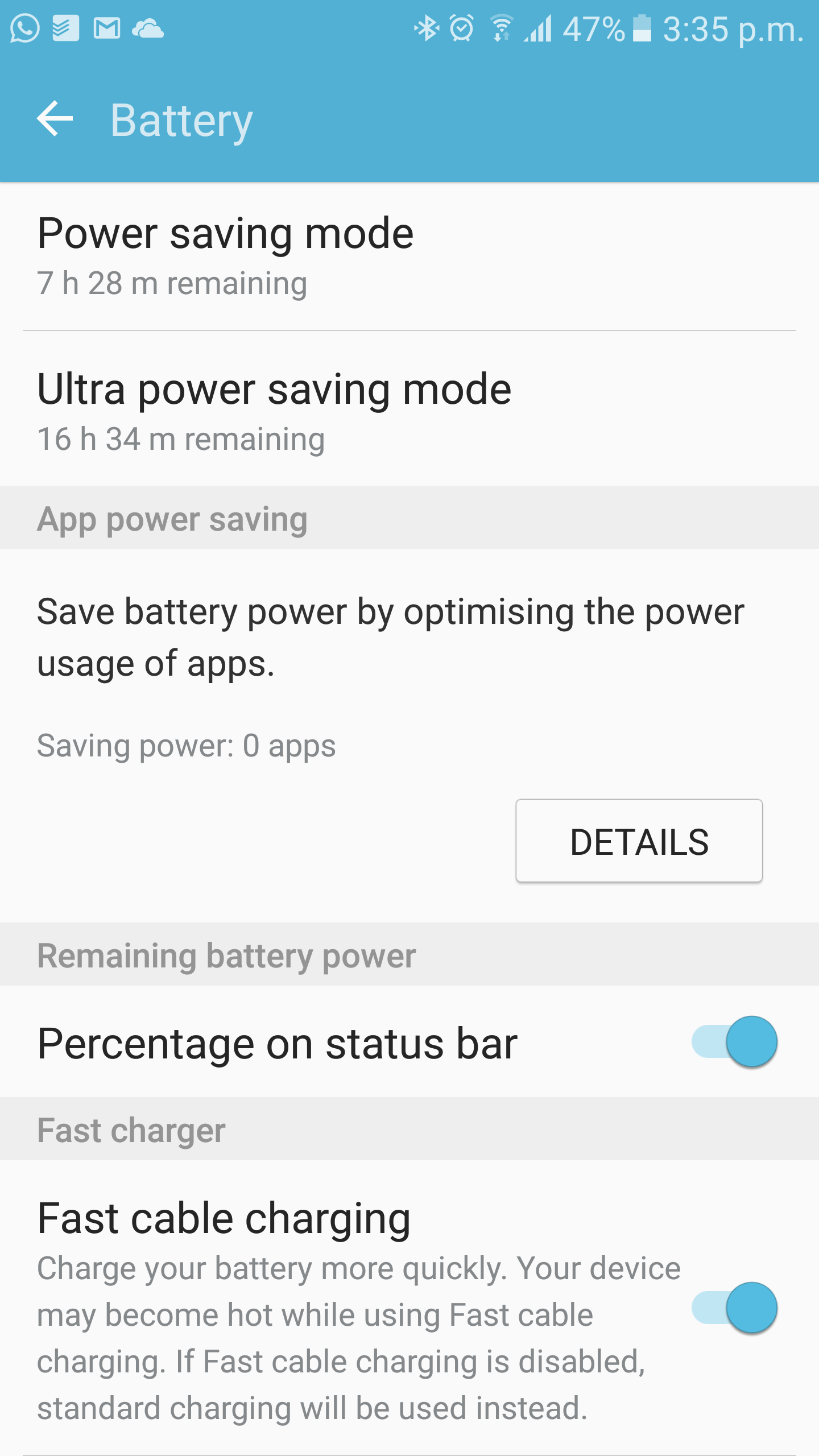
In any case, you can disable fast charge from the Settings » Battery menu on your Samsung device if it's running Marshmallow. Let us know what you think about turning off fast charging – is it a feature you don't require, or do you think it's good to at least have the option?

Abhijeet's writing career started with guides for custom firmware for Samsung devices (including the original Galaxy S), and he moved to SamMobile in mid-2013 and worked up the ranks to Editor-in-chief. In addition to phones and mobile devices, his interests include gaming on both PC and console, PC hardware, and spending countless hours on YouTube watching videos on tech, movies, games, politics, and internet dramas.












