Last updated: April 11th, 2015 at 11:12 UTC+02:00
SamMobile has affiliate and sponsored partnerships, we may earn a commission.
Reading time: 1 minutes
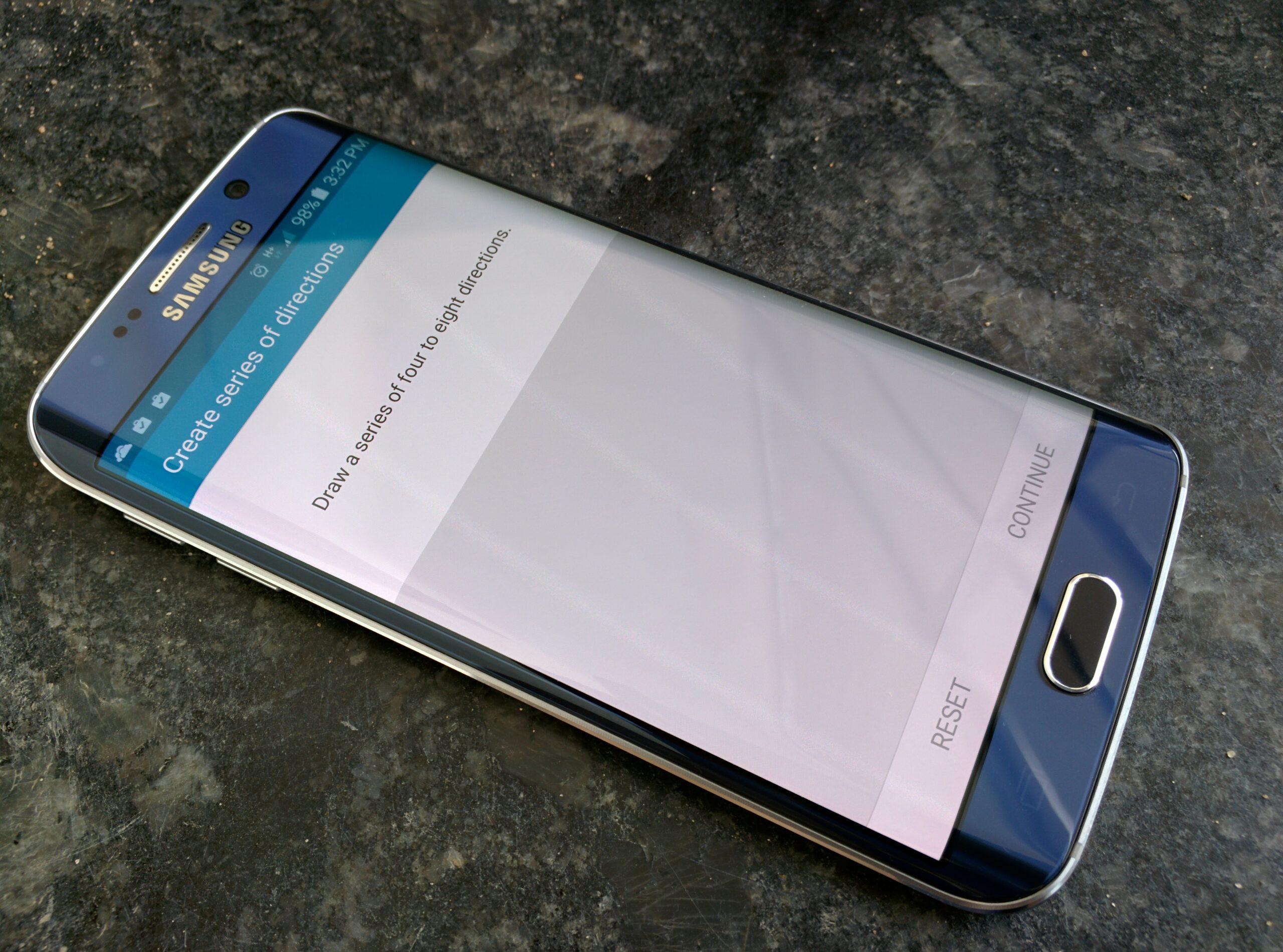
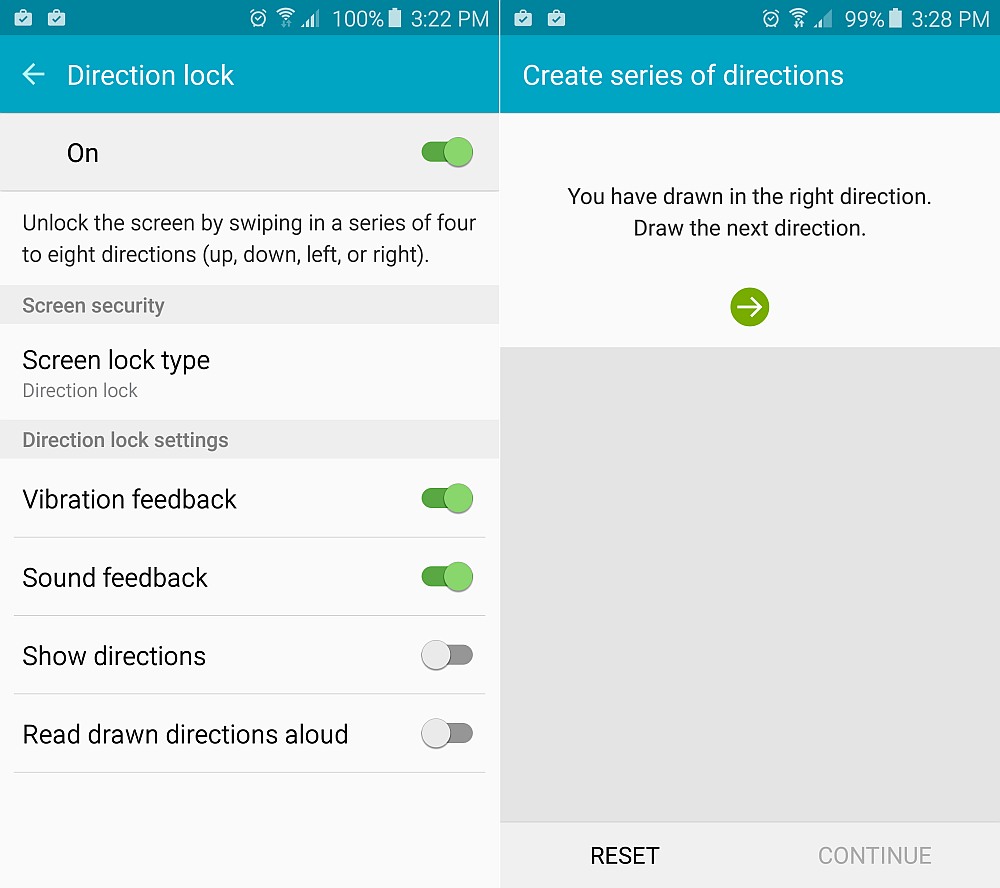
It's a pretty convenient way to unlock a device, and it shouldn't be long before you're swiping away on the screen without giving it a second thought, should you decide to use the feature. Unfortunately, it's not the fastest, as our Galaxy S6 edge took almost two seconds to unlock once we had entered the right, er, directions, but again, it's a nice alternative to traditional smartphone unlocking methods.
You can access Direction Lock from the Settings » Accessibility menu on your Galaxy S6 or S6 edge. Still not decided if you should buy either of Samsung's latest flagships? Check out our review, it might help!
Thanks, Abdullah!

Abhijeet's writing career started with guides for custom firmware for Samsung devices (including the original Galaxy S), and he moved to SamMobile in mid-2013 and worked up the ranks to Editor-in-chief. In addition to phones and mobile devices, his interests include gaming on both PC and console, PC hardware, and spending countless hours on YouTube watching videos on tech, movies, games, politics, and internet dramas.













