Last updated: January 13th, 2015 at 05:38 UTC+01:00
SamMobile has affiliate and sponsored partnerships, we may earn a commission.
Reading time: 3 minutes
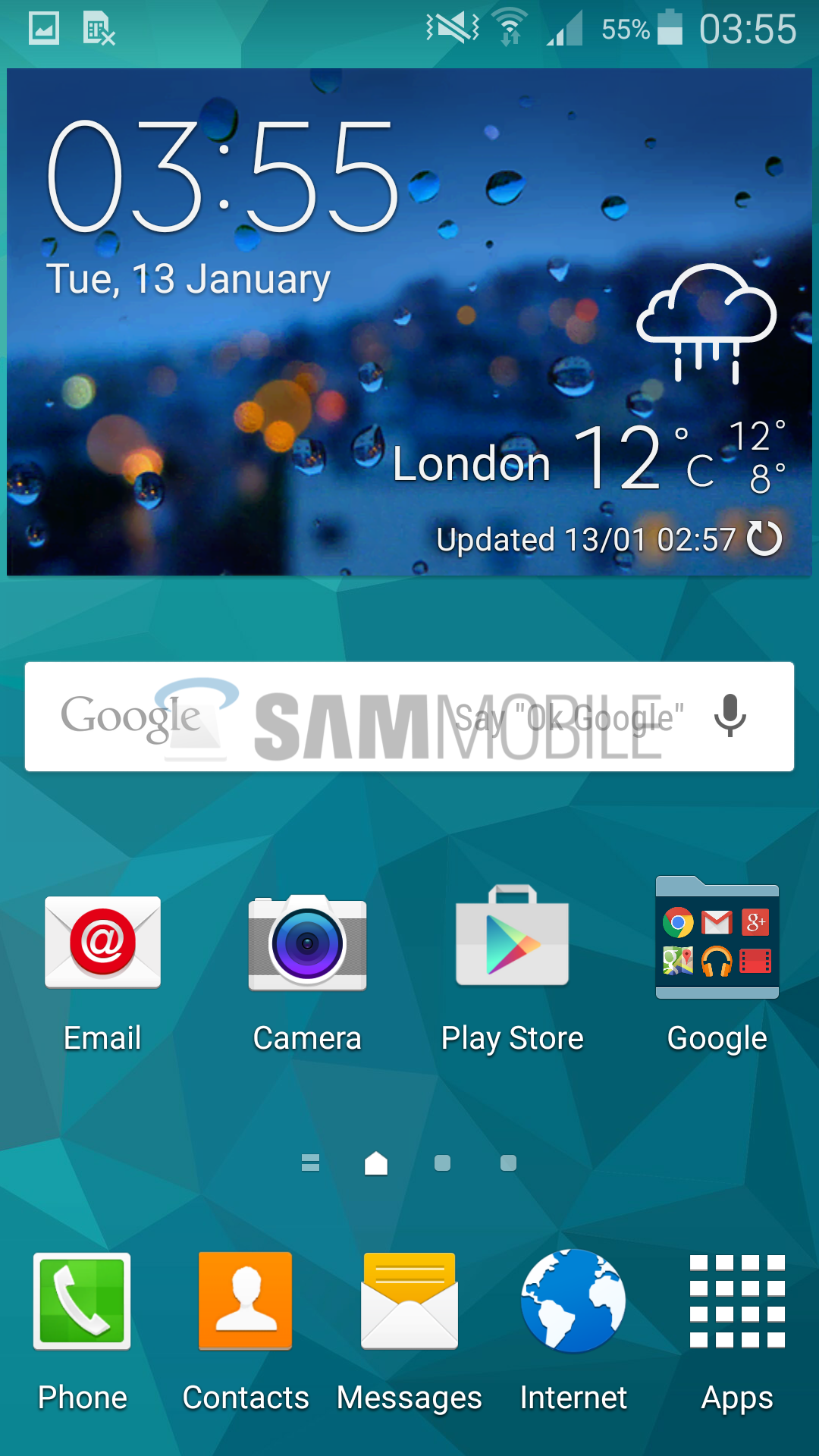
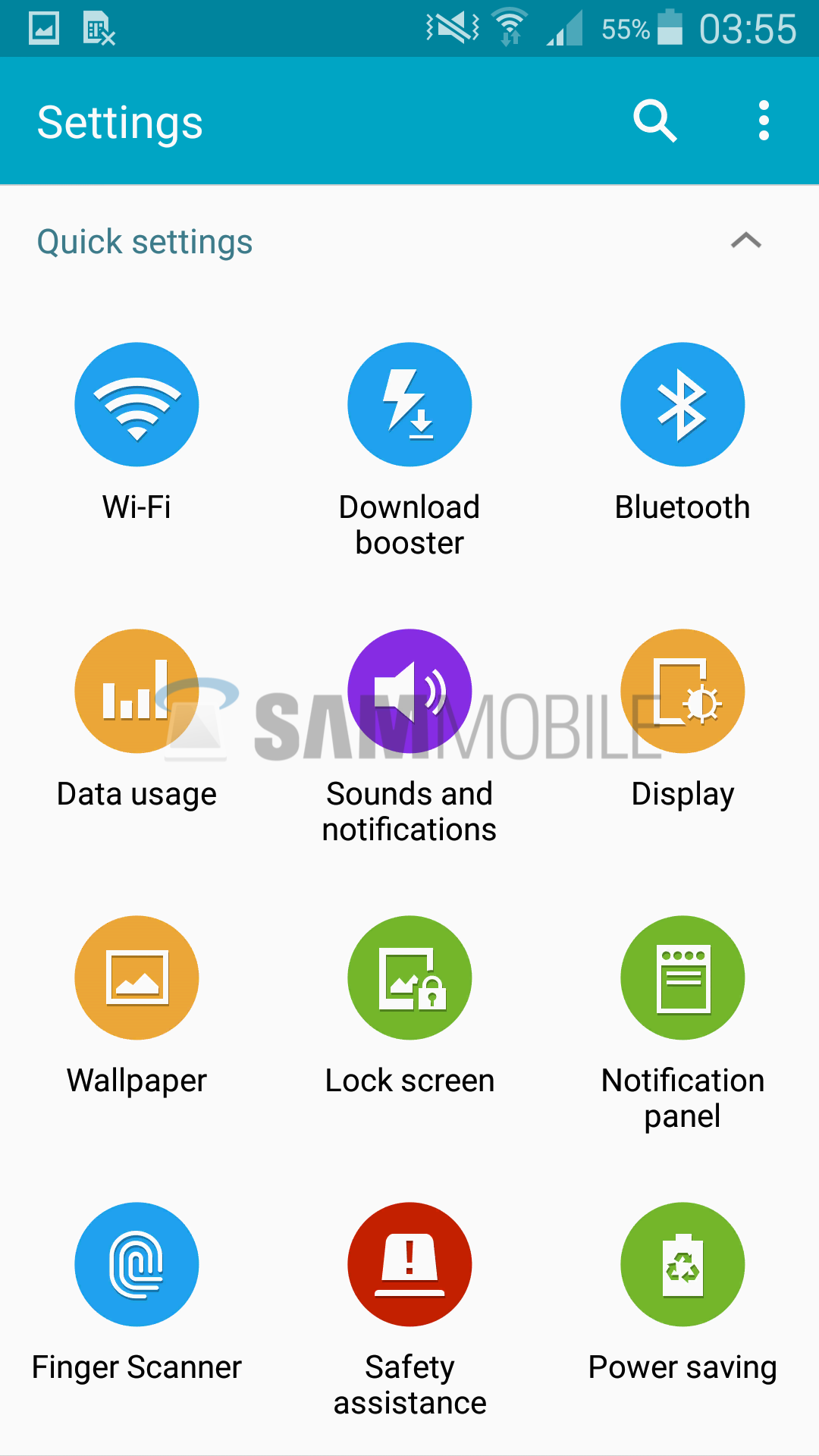
Nevertheless, Android 5.0 is still Lollipop and it brings in a plethora of new features and enhancements. With Lollipop, Google introduced new design guidelines, which forced Samsung to completely redesign its proprietary applications (dialler, messaging, calculator, clock, S Health, etc) from scratch – they are also a bit inspired by Google's new Material design as well – and improve its core user interface. The update also brings features like lockscreen and heads-up notifications, MirrorLink support, Tap & go (automatic setup assistant), ART runtime, and more. The Korean firm has also improved fingerprint sensor by using a new driver, and has also ported Note 4's fingerprint lockscreen to the Galaxy S5.
All-in-all, it's a major upgrade and we would recommend every Galaxy S5 owner in the UK to update the device to the latest version of Android for an enhanced user experience.
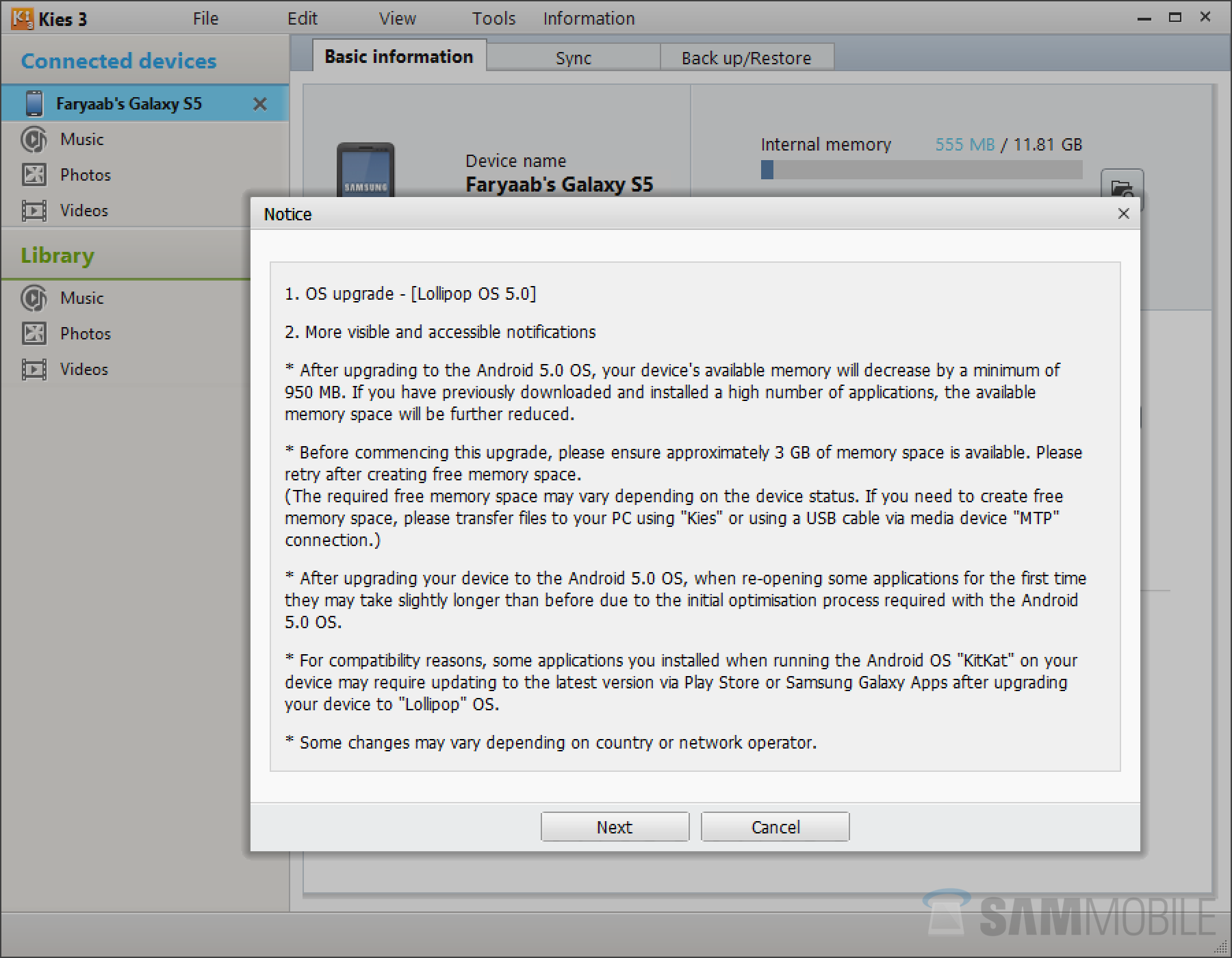
You can update your Galaxy S5 using two methods: Kies or Samsung's FOTA (Firmware-Over-The-Air) service. To update your device via Kies, connect your device to your computer and use Samsung Kies 3. If you don't like wires and stuff, you can use the FOTA method. To download and install the firmware via FOTA, go to settings > system > about device > software update > update. For advance users, all latest Android 5.0 Lollipop firmware files are available for download on our firmware section.
Firmware Details:
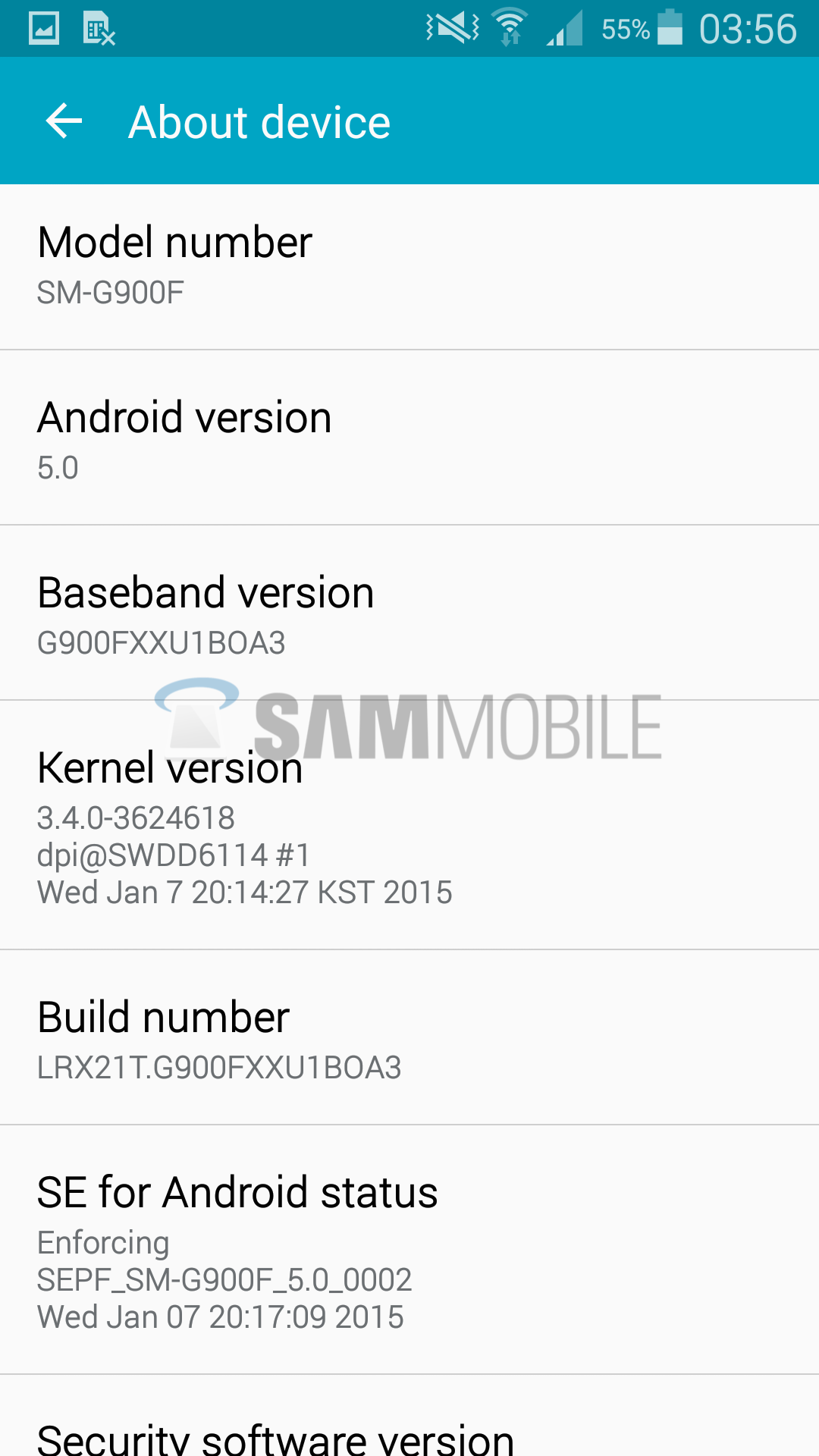
• Model: SM-G900F
• Model name: GALAXY S5
• Country: United Kingdom
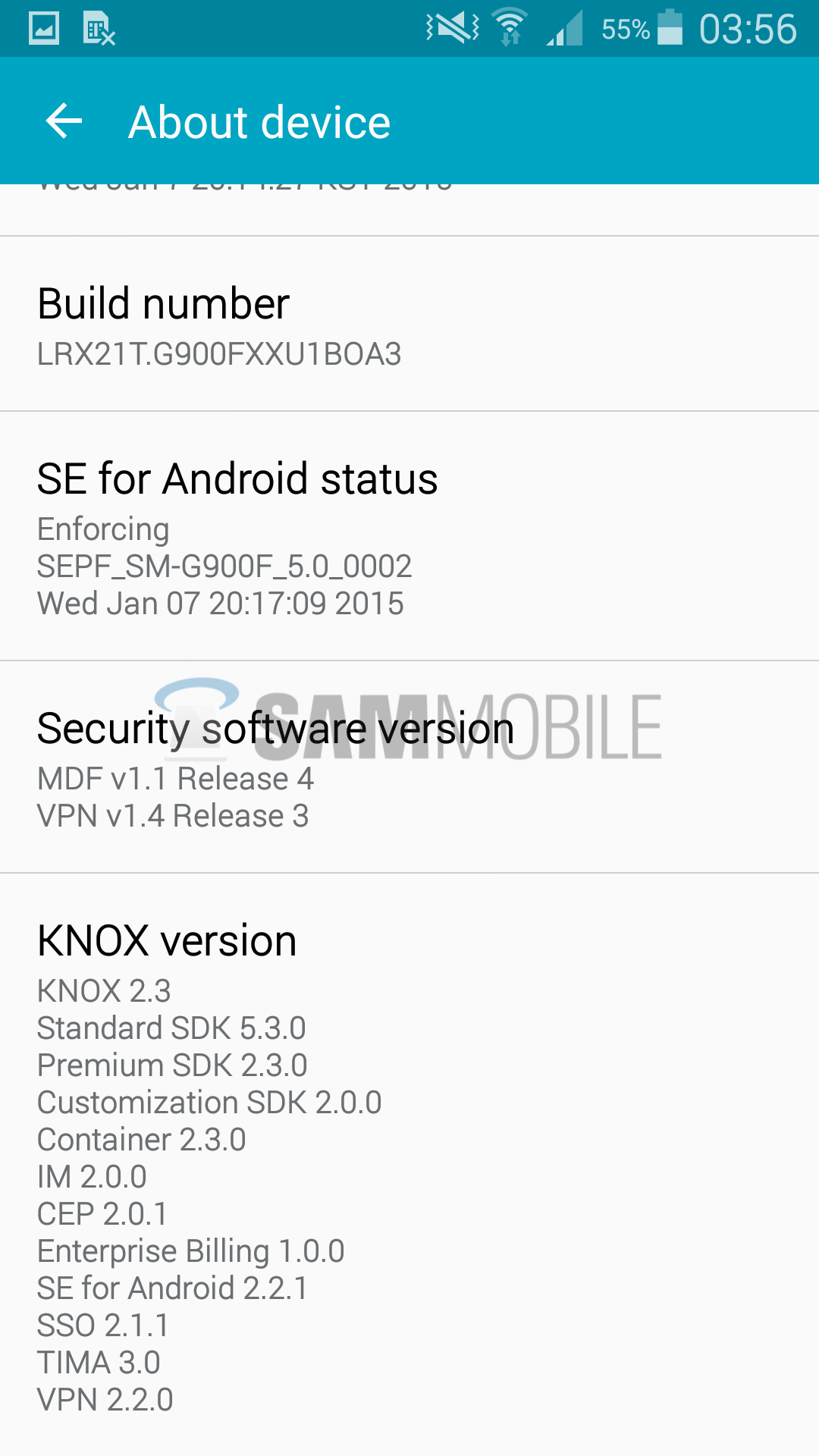
• Version: Android 5.0 – LRX21T
• Changelist: 3624618
• Build date: Wed, 07 Jan 2015 11:18:56 +0000
• Product Code: BTU
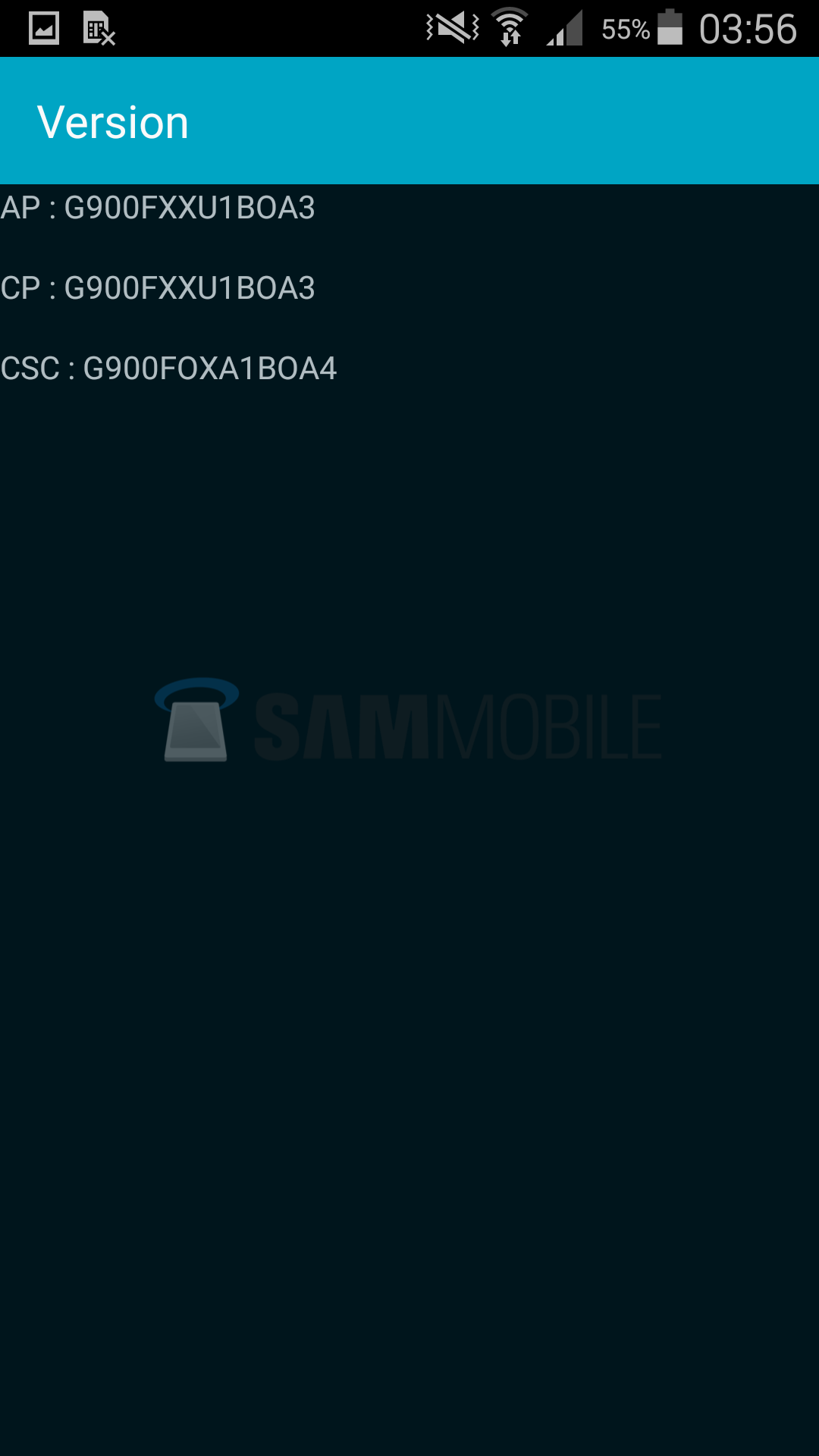
• PDA: G900FXXU1BOA3
• CSC: G900FOXA1BOA4
• MODEM: G900FXXU1BOA3
• Download: G900FXXU1BOA3_G900FOXA1BOA4_BTU.zip
ANDROID 5.0 UK UPDATE SCREENSHOTS


ANDROID 5.0 UK UPDATE VIA SAMSUNG KIES