Last updated: August 11th, 2013 at 13:57 UTC+02:00
SamMobile has affiliate and sponsored partnerships, we may earn a commission.
Reading time: 2 minutes
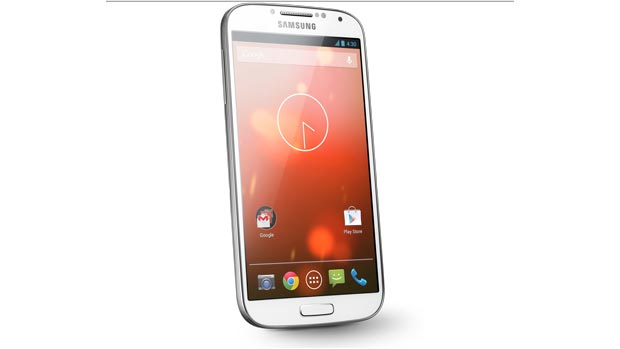
The reason for this is a bit technical and is related to how Unix handles write permissions. Basically, there's a special group that apps must be a part of to be able to write to the external storage, but most apps are yet to be updated to adapt to this change. ES File Explorer is one app that has the correct permissions, and while an official fix might not come any time soon, a temporary fix is available to take care of the problem.
You'll need to be rooted in order to fix the issue, after which you can follow the steps below to let apps write to the SD card again:
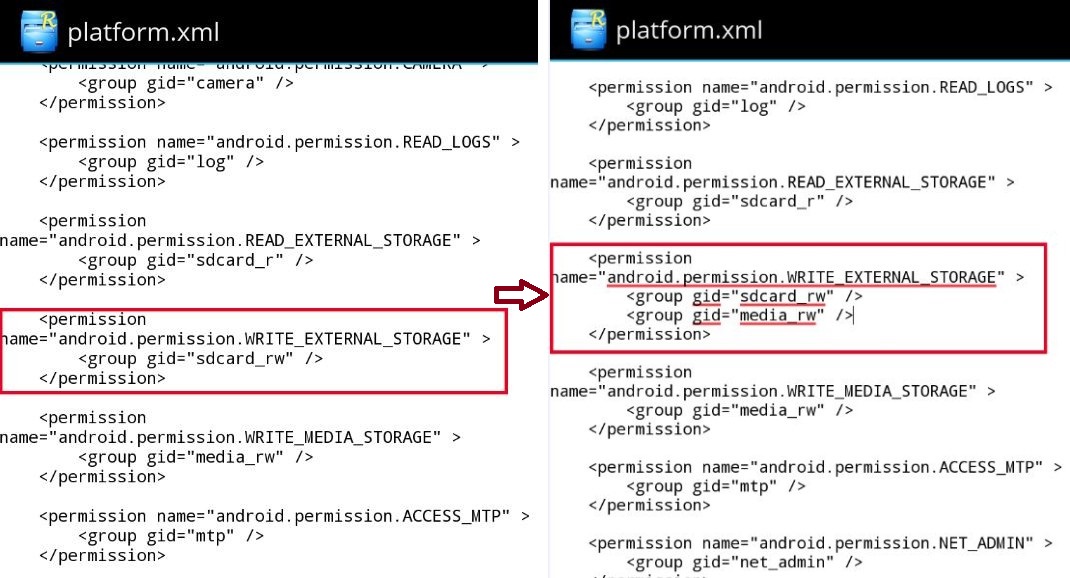
Your phone should now allow apps to write data to the external storage. It's not the solution we would like, but unless Samsung and Google push out an update to fix it themselves or apps are updated accordingly, it's a solution you'll have to live with (tough luck if you're not rooted).

Abhijeet's writing career started with guides for custom firmware for Samsung devices (including the original Galaxy S), and he moved to SamMobile in mid-2013 and worked up the ranks to Editor-in-chief. In addition to phones and mobile devices, his interests include gaming on both PC and console, PC hardware, and spending countless hours on YouTube watching videos on tech, movies, games, politics, and internet dramas.














