Last updated: February 17th, 2013 at 12:44 UTC+01:00
SamMobile has affiliate and sponsored partnerships, we may earn a commission.
Reading time: 2 minutes
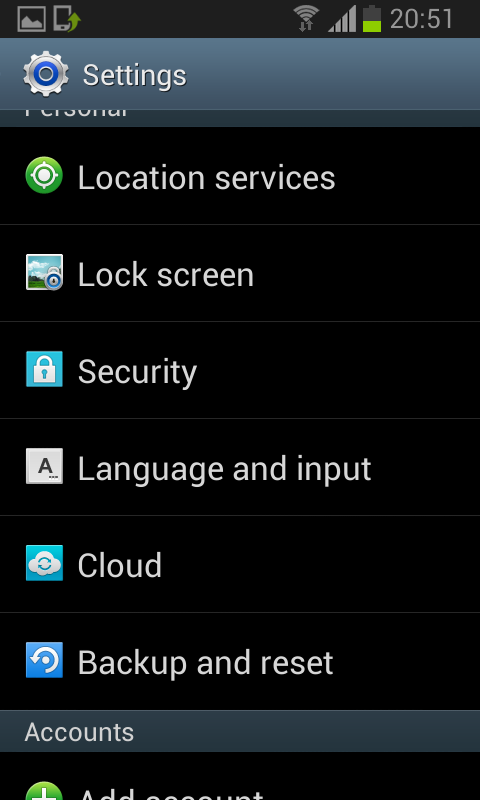
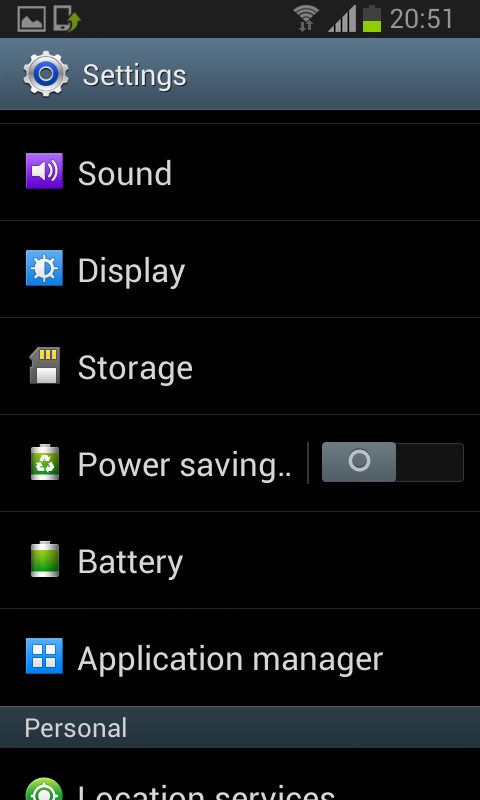
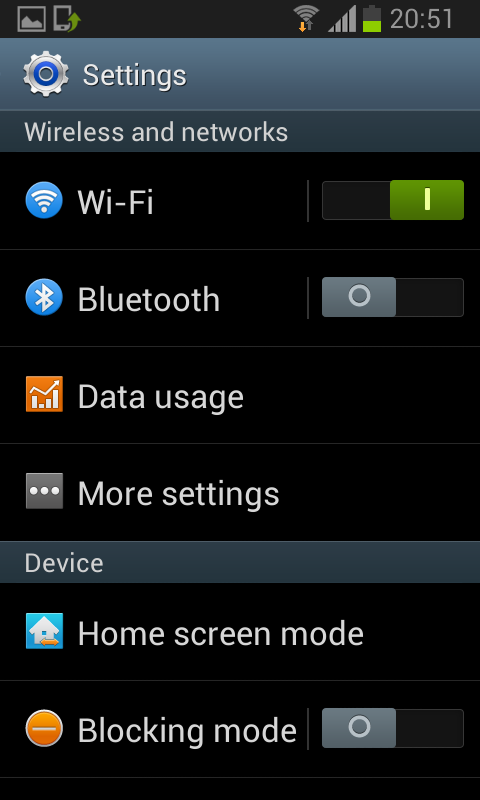
This build is very much near perfect so we believe that Samsung will actually start rolling out the Official Jelly Bean update for the Samsung Galaxy S II very soon. The day Samsung starts to roll out the official update you will be able to install the latest update through Kies or OTA update.
Some of the Enhancements in the new Jelly Bean Update:
– Buttery Smooth Performance & Great Stability (Thanks to Project Butter)
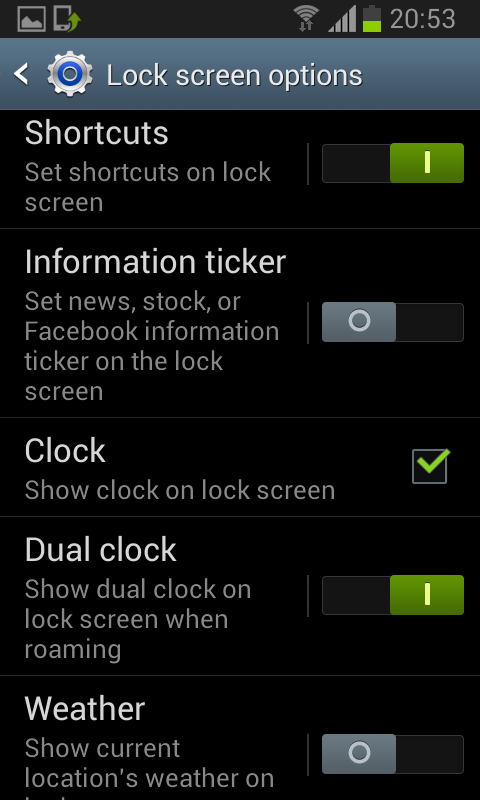
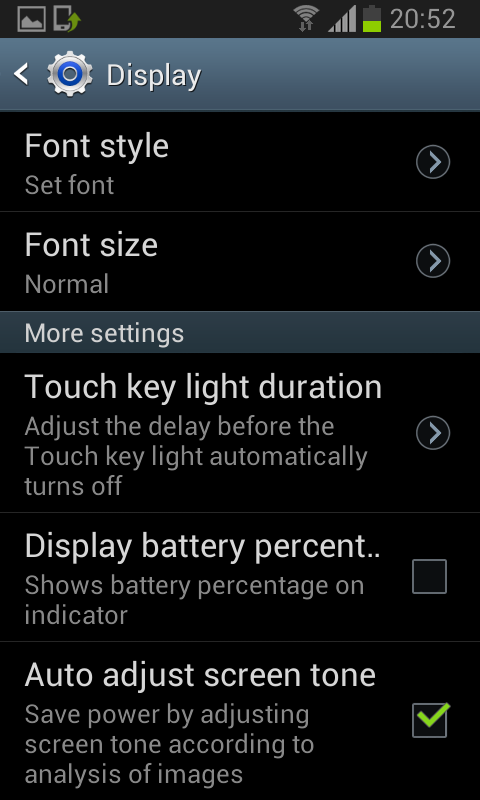
– New TouchWiz Nature UX (Same UI as of the Galaxy S III and Galaxy Note II)
– Samsung's Cloud services
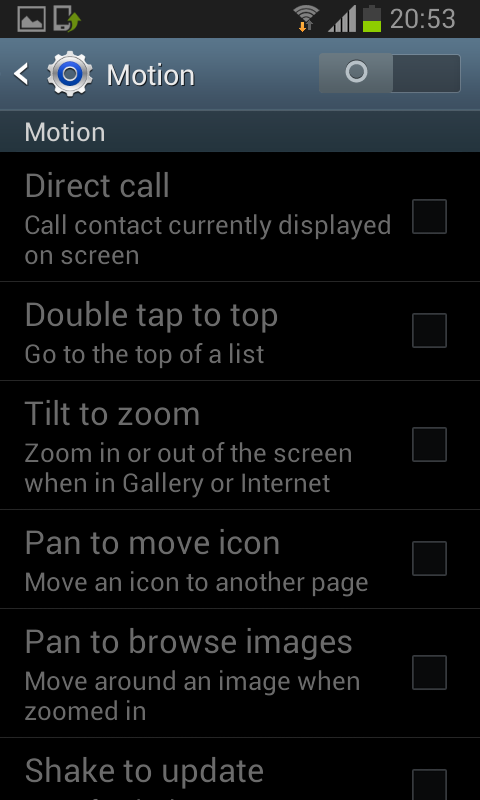
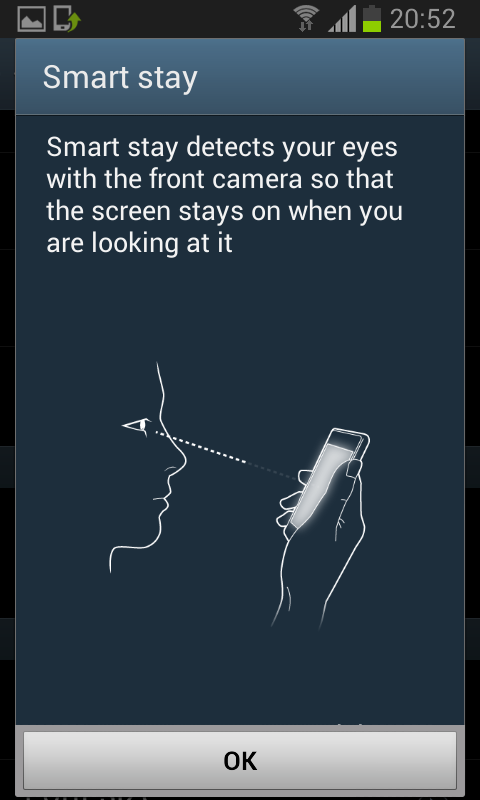
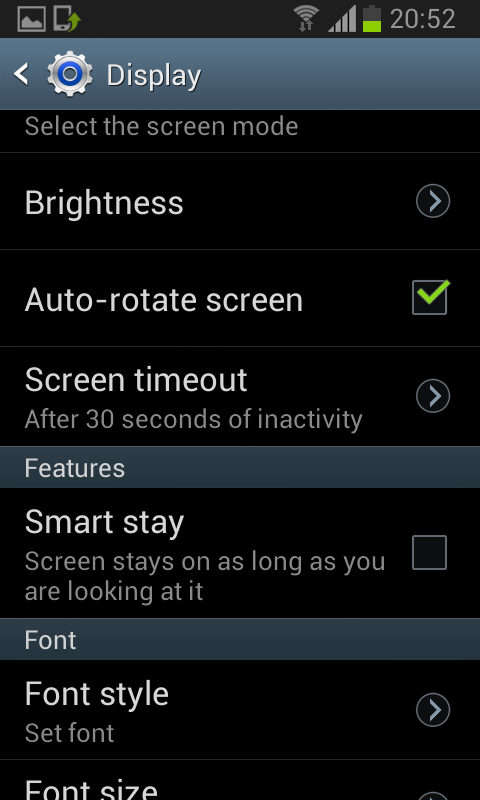
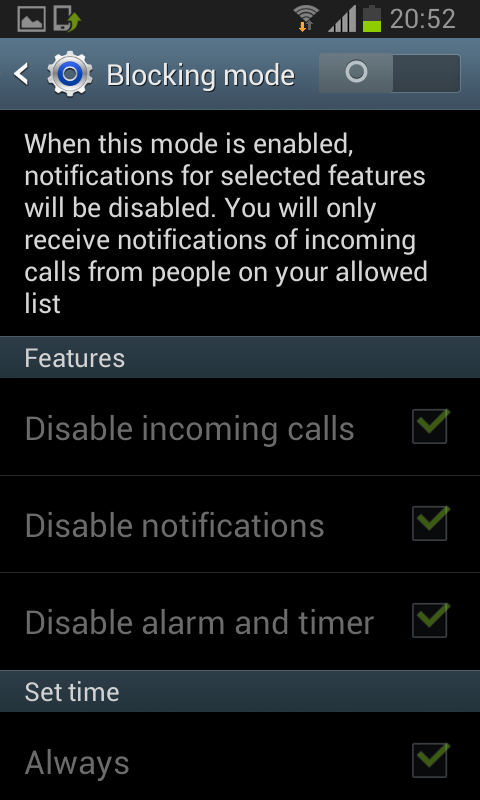
– Direct Call, Smart Stay and Pop-up Play Features
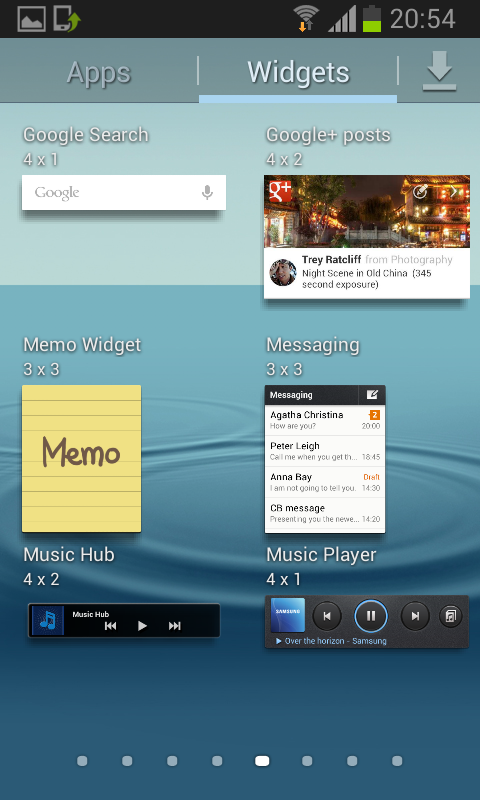
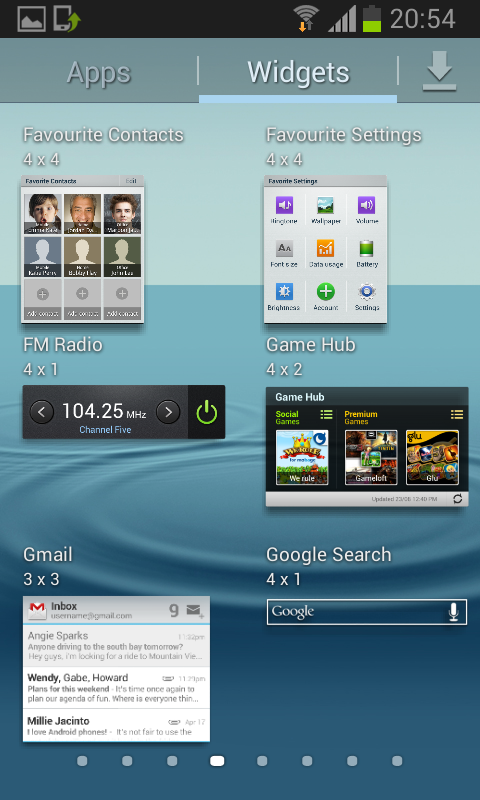
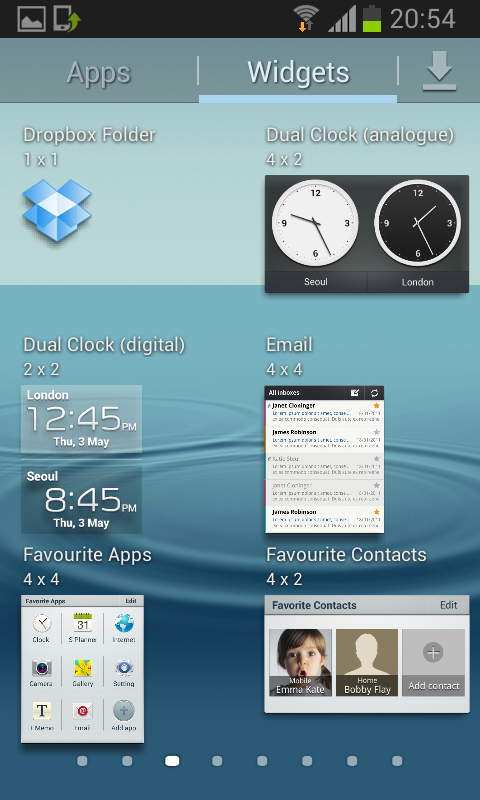
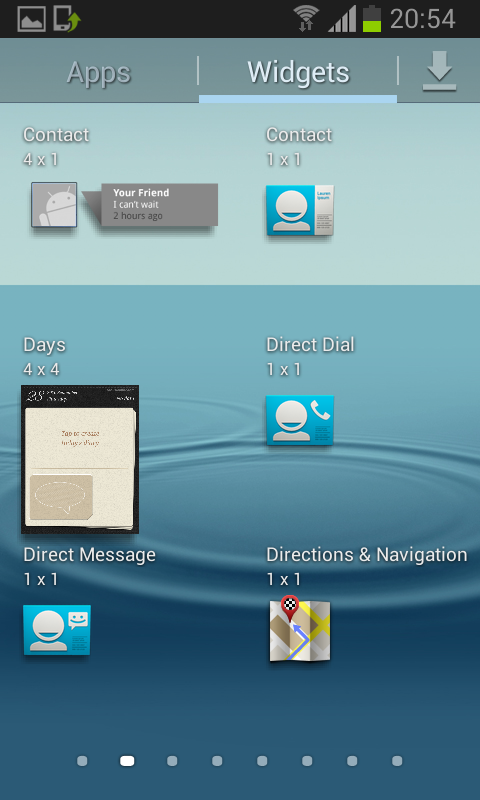
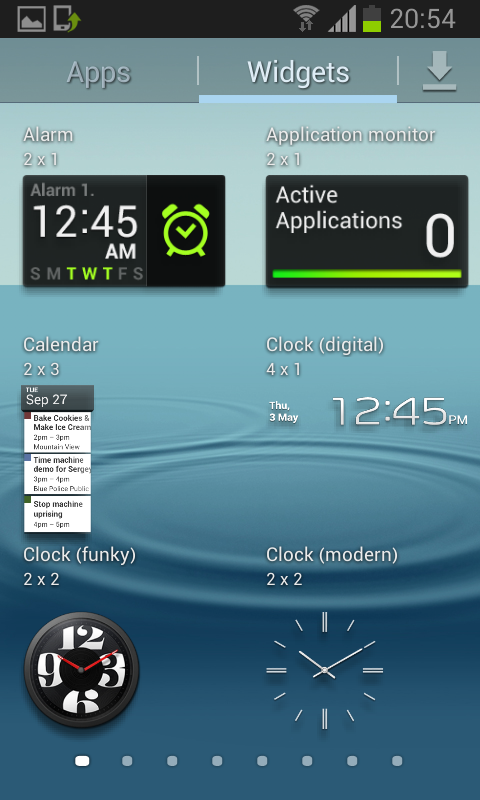
– New Widgets From the Galaxy S III
– 2 Home screen modes
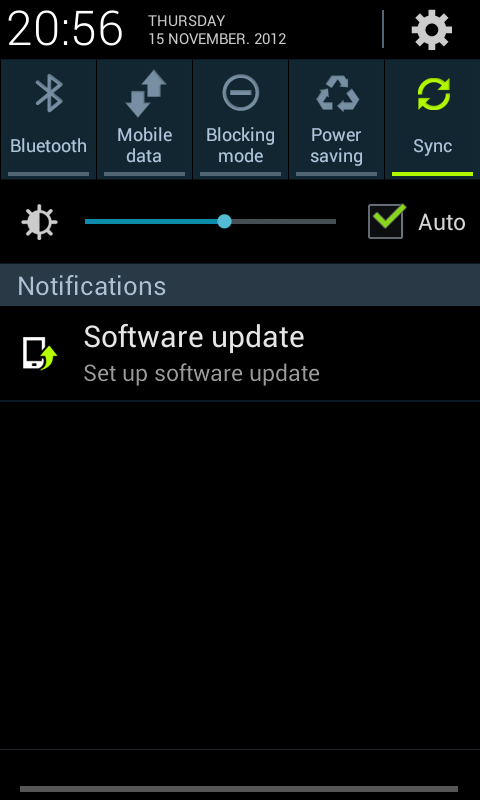
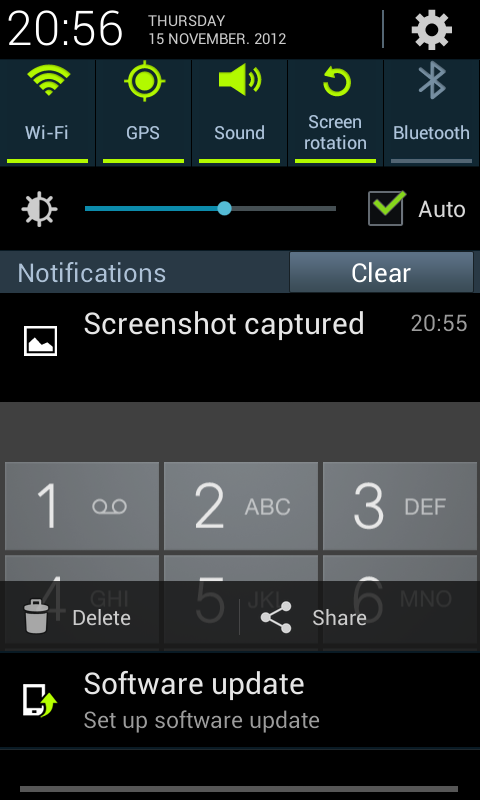
– New Notifications bar
– Google Now
Flashing Instructions:
– Unzip the file
– Open Odin 3.04 (already included in the firmware package)
– Restart phone in download mode (Home+power+vol down)
– Connect phone and wait until you get a yellow sign in Odin
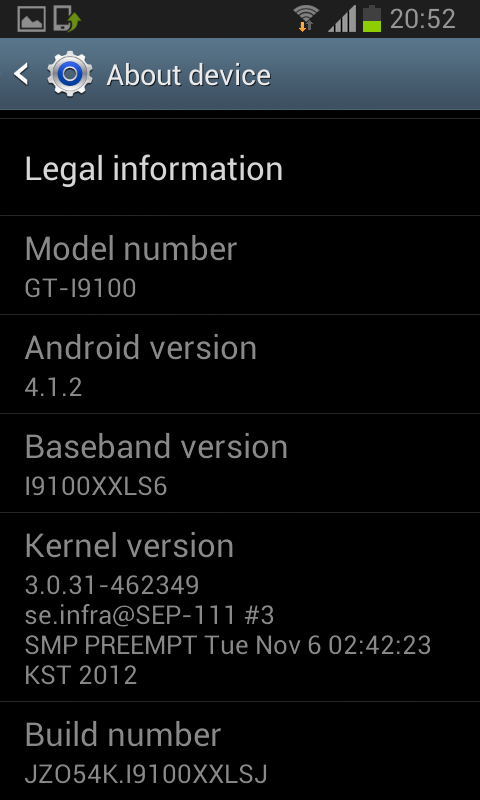
– Add CODE_I9100XXLSJ.tar to PDA
– Add MODEM_I9100XXLS6.tar to PHONE
– Add CSC_HOME_OXX_I9100OXXLS1.tar to CSC
– Make sure re-partition NOT ticked
– Start flash, sit back and wait a few minutes.
(Source: XDA-Developers)
*Better video tomorrow!