Last updated: February 17th, 2013 at 12:40 UTC+01:00
SamMobile has affiliate and sponsored partnerships, we may earn a commission.
Reading time: 7 minutes
Specifications
Network : HSPA+ 21Mbps 850/900/1900/2100
Processor : 1 GHz Dual-Core Processor
Display : 7” WSVGA (1024×600) PLS TFT
Operting System : Android™ 4.0(Ice Cream Sandwich)
Camera : Main (Rear): 3 Megapixel CameraSub
Camera (Front) : VGA for Video Call
Video Codec : MPEG4, H.263, H.264, VC-1, DivX, WMV7, WMV8, WMV9, VP8
Video Format : 3GP, ASF, AVI, MP4, WMV, FLV, MKV, WebM
Video Playback / Recording : Full HD@30fps, HD@30fps
Audio Codec : MP3, AAC, AC-3, AMR, FLAC, MID, WMA, WAV, OGG
Audio Player : Music Player with SoundAlive3.5mm Ear Jack
Connectivity :: Bluetooth technology v 3.0USB 2.0 HostWi-Fi 802.11 b/g/n, Wi-Fi Direct
Memory : 16 GB User memory + 1GB (RAM)microSD (up to 32GB)
Dimension Size : 193.7 x 122.4 x 10.5 mm
Weight : 345 g
Value-added Features & Services : Samsung TouchWiz / Samsung L!ve Panel,Samsung Apps,Samsung ChatON mobile communication service,Samsung AllShare Play* ,Samsung Kies / Samsung Kies air,Polaris document editor,A-GPS, Glonass
Samsung Hub : Readers Hub / Game Hub
Samsung Hub Widget : Samsung Hub
Samsung S Suggest : App recommendation service
Google™ Mobile Services : Android™ Market, Gmail™, YouTube™, Google Maps™, Syncing with Google Calendar™, Google Search, Google+
Design and Packaging
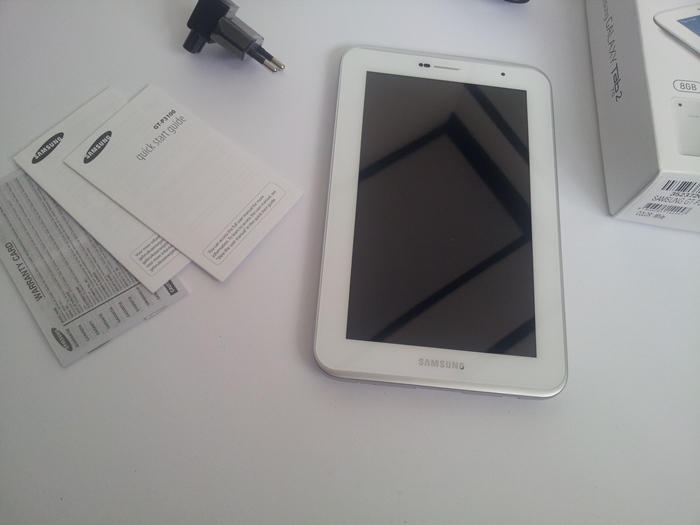
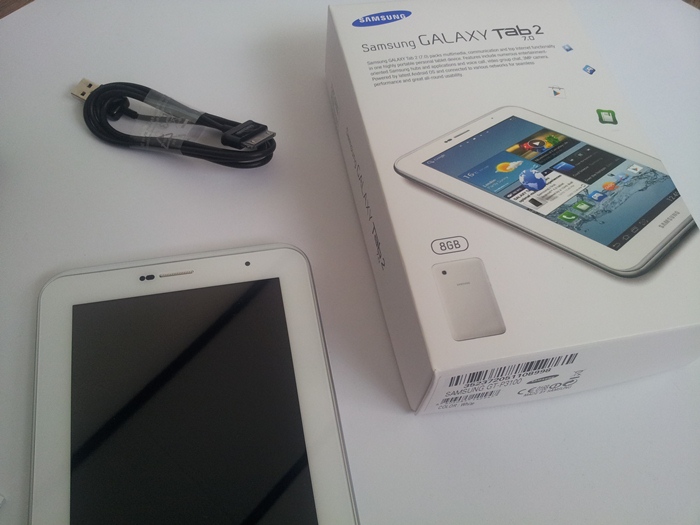
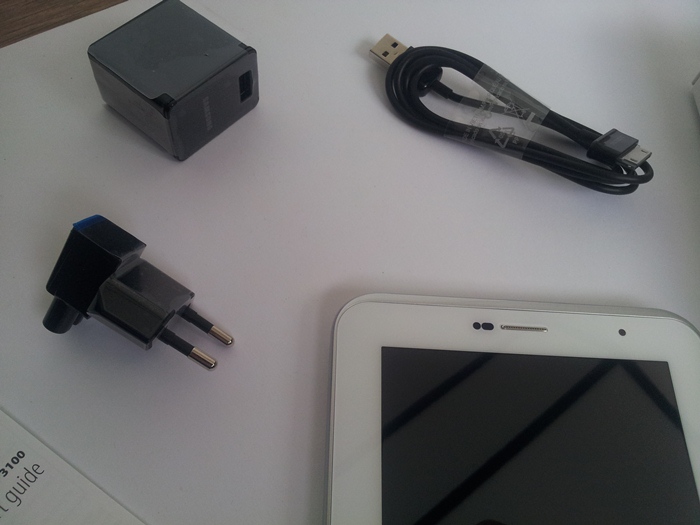
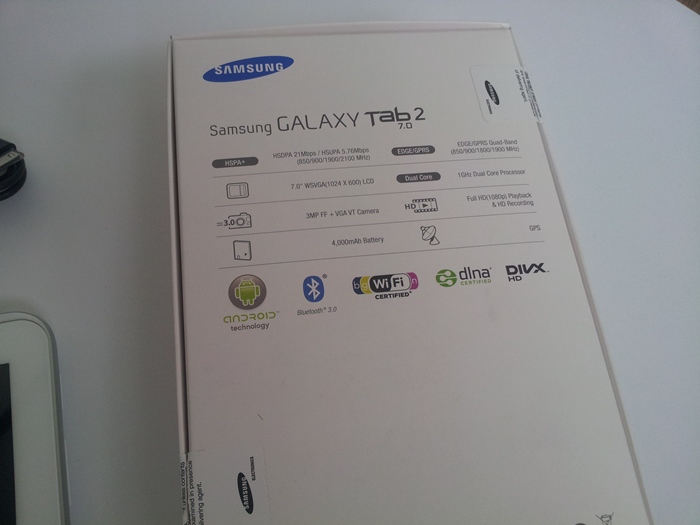
We will start with the packaging, the Galaxy Tab 2 (7.0) comes in minimalistic white box like we are used to from Samsung. On the front we see a picture of the device and its name . And on the back as always we see some specifications. When you open the box you will immediately see the tablet in front of you.
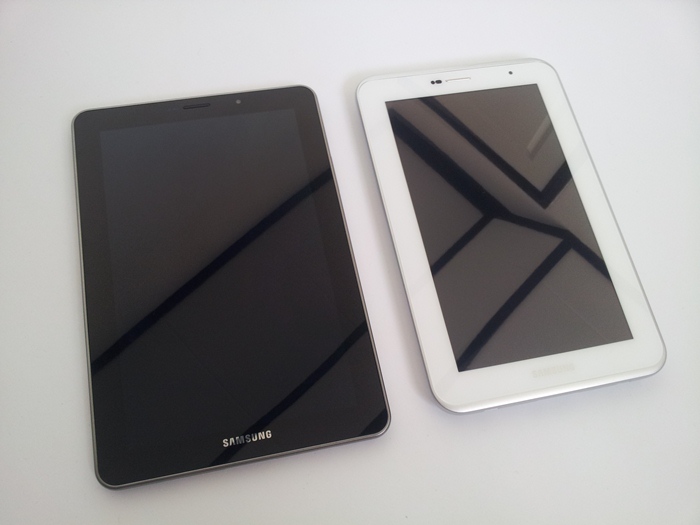
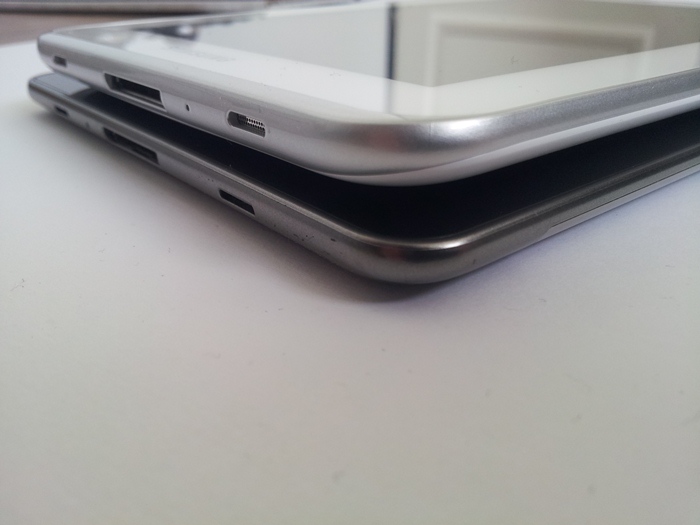
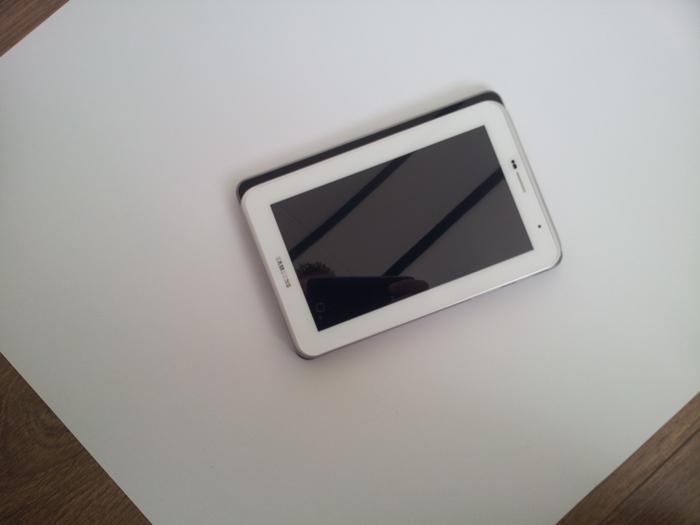
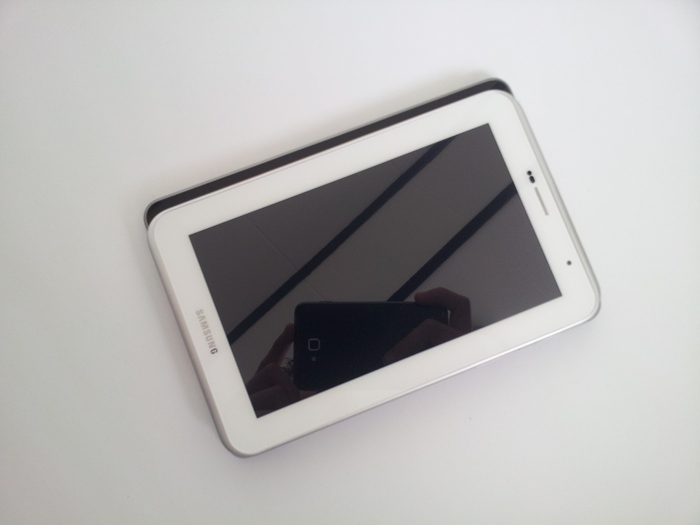
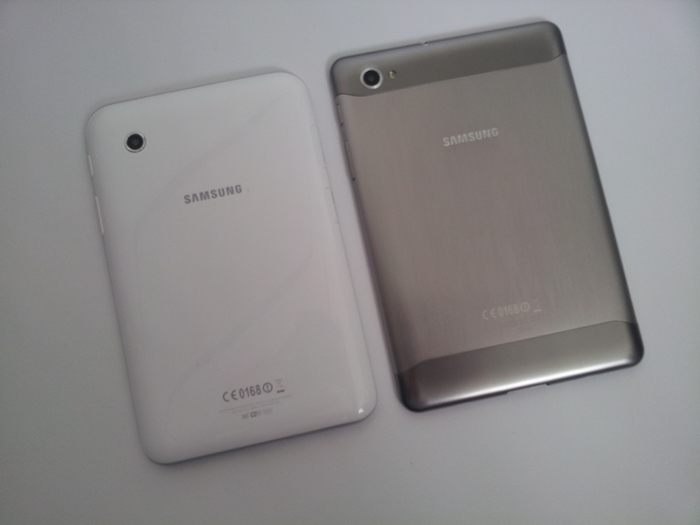
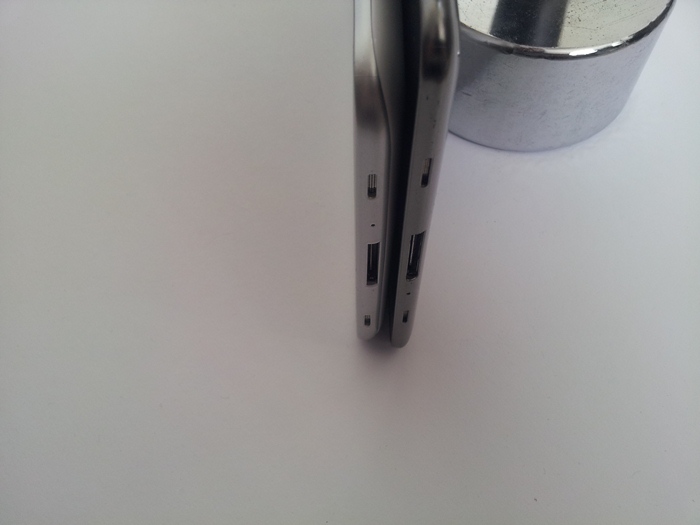
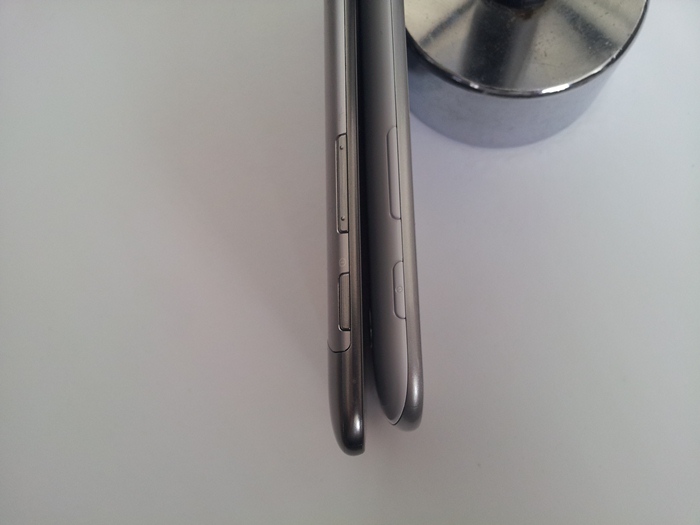
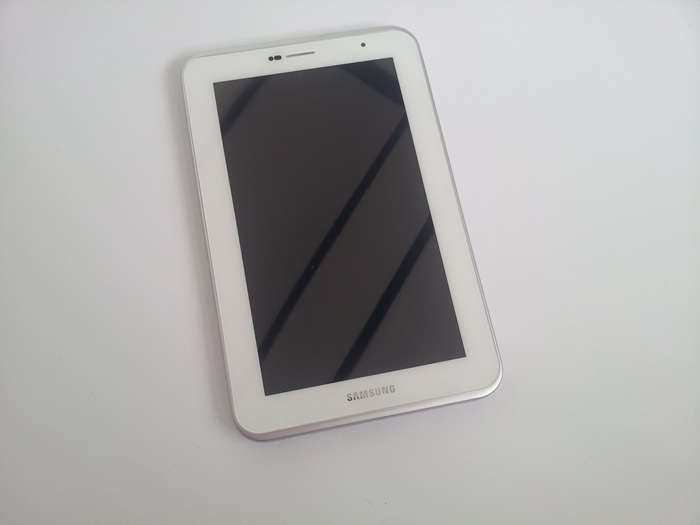
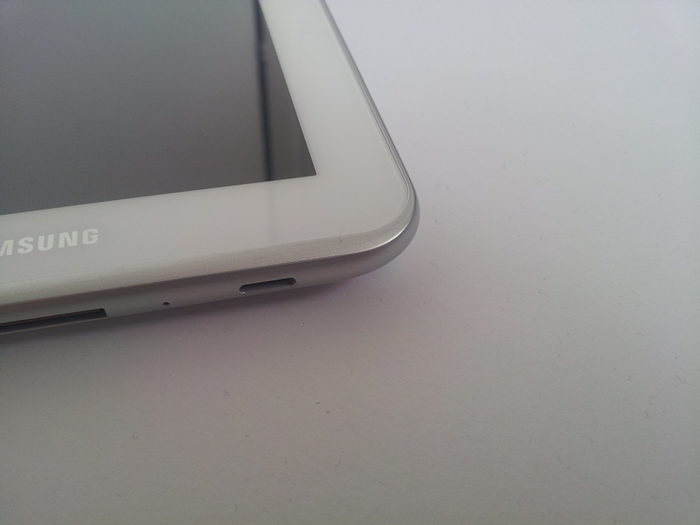
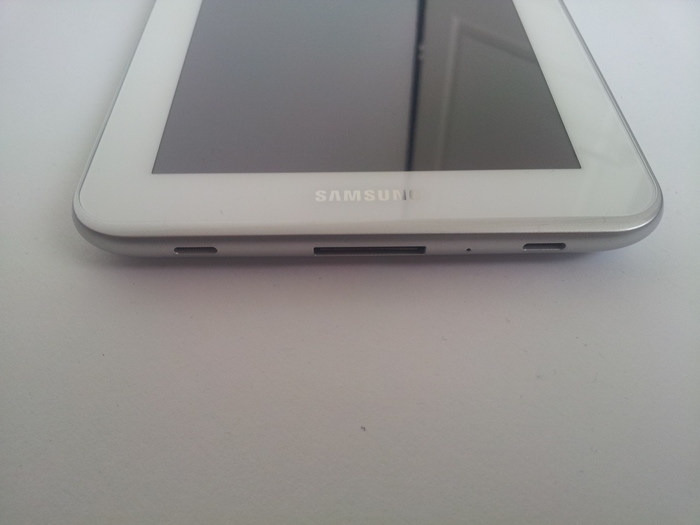
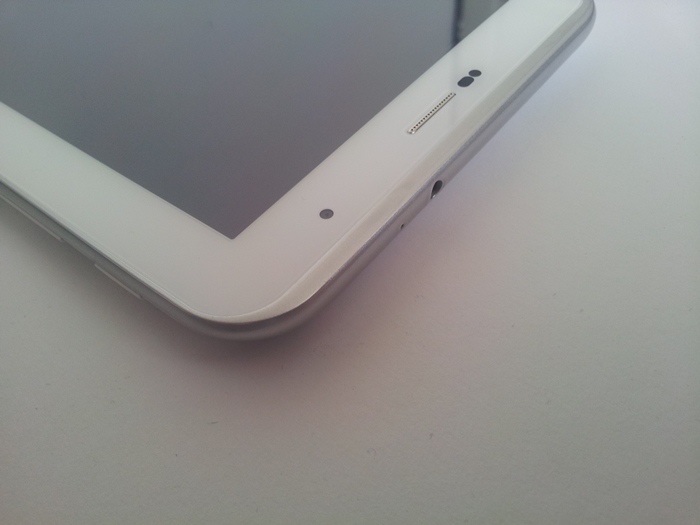
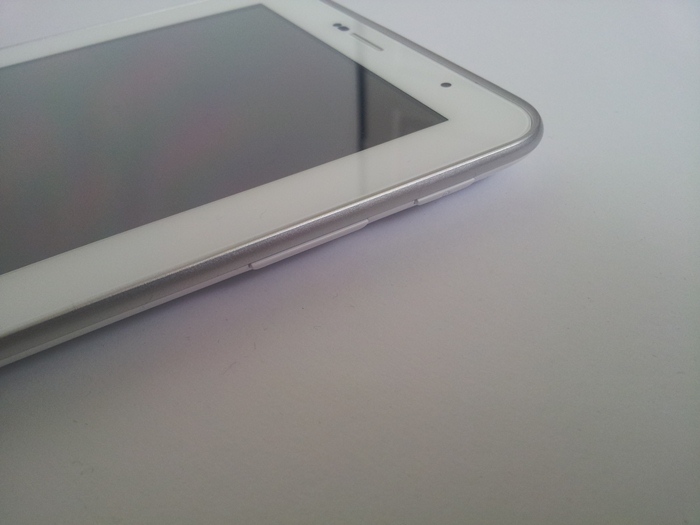
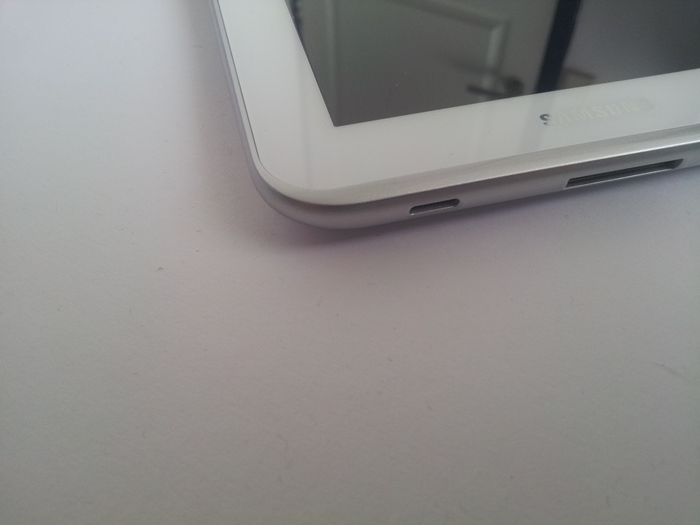
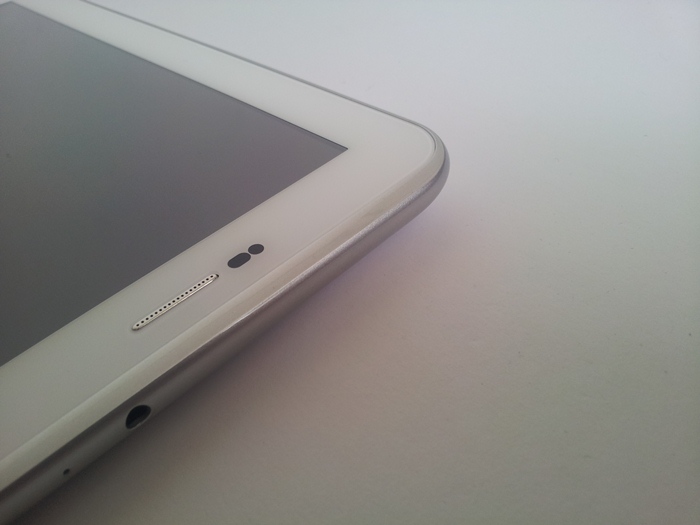
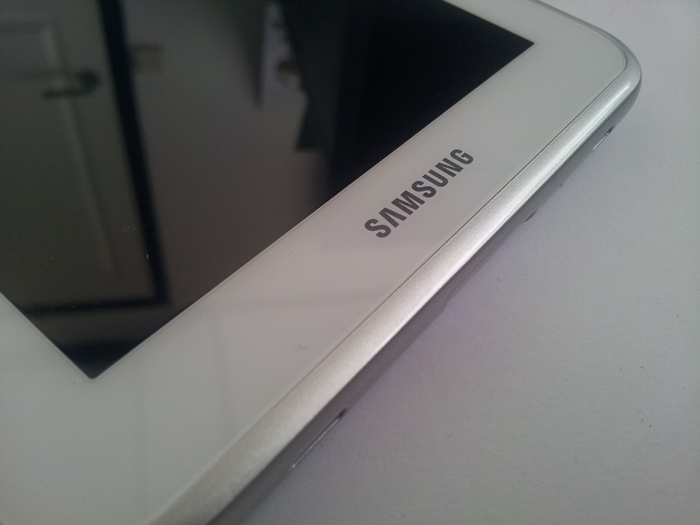
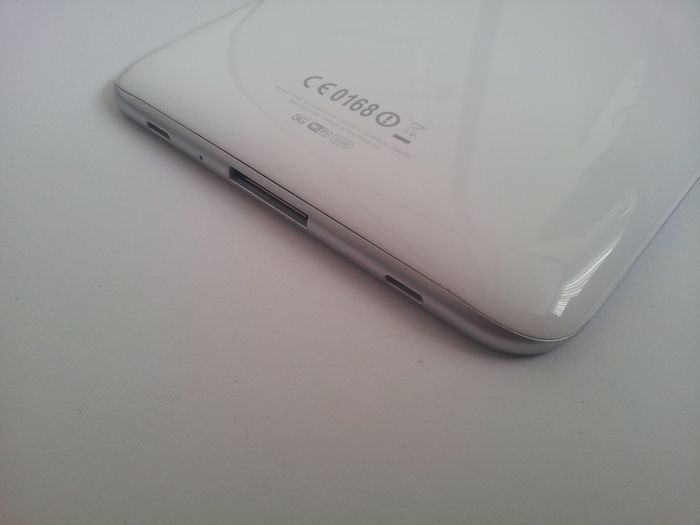
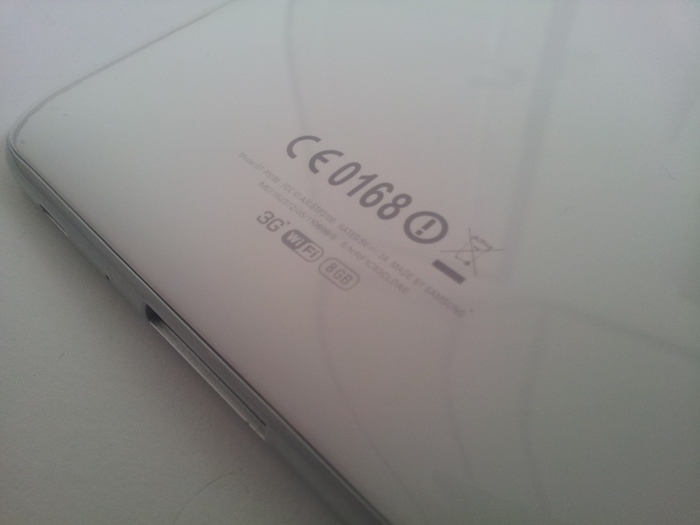
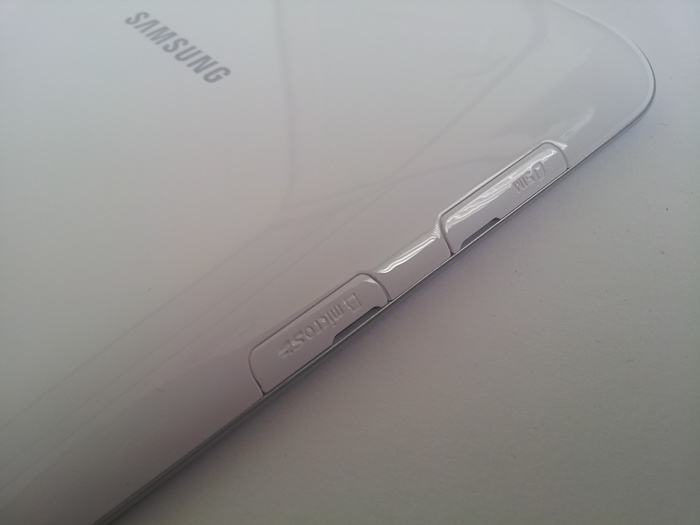
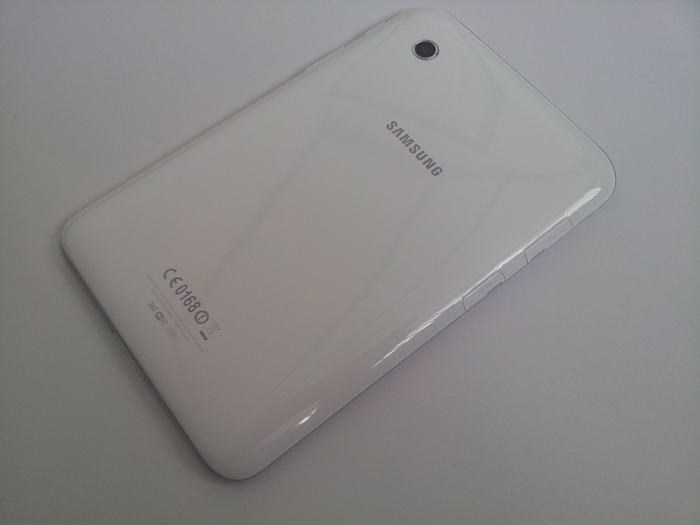
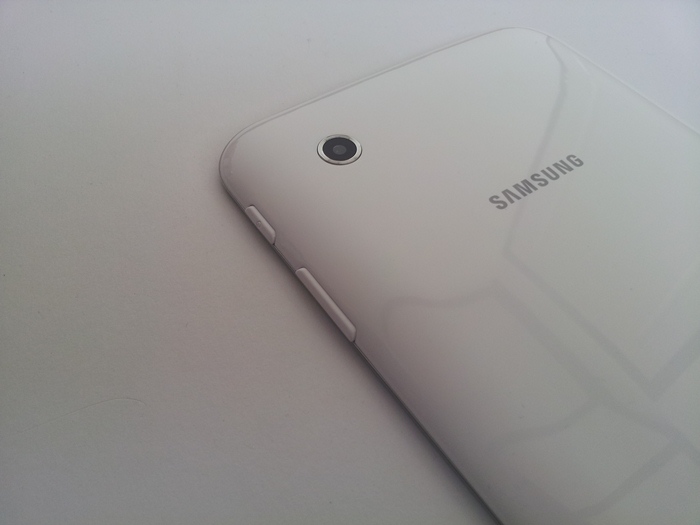
Let’s talk about its design, what is striking is that Samsung has chosen the design that they used for the Tab 10.1N. As you can see that the front isn’t made of a whole front glass plate. You will now see speakers on both sides, and at the bottom of the front you will see the name Samsung. At the top you see a front facing camera (unfortunately only VGA resolution) ,the known sensors and the speaker are also there. And on the sides we see the power/lock button and the volume rocker and places where you can store your sim card and SD card.. At the bottom we see the speakers and a connector to recharge your tablet or to connect to your computer. At the top and bottom we see a microphone. The top also features a 3.5mm audio jack and at the back we see only the camera and the Samsung brand.
Generally the build qualityof the device can be called quite good for this price it just feels really really solid.
Display
This Samsung tablet has evolved into a slightly cheaper model, as you can read later in this review. One of the aspects in which it stands, in addition to the previously mentioned size, is the display. Samsung is known for making excellent touch screens, what we have seen for example in the Galaxy Tab 7.7. The Galaxy Tab 2 (7.0) has a good display, but we can not call it excellent.
The pixel density is a standard 7-inch tablets one and the color, brightness and contrast is of that top quality we know from Samsung. We would definitely not call this screen rubbish, this Galaxy Tab 2 sticks and stands its man against the most budget tablets (usually under 200 euros).
But we noticed that this screen, as with other Samsung tablets, is clearly visible from the sides. If you turn the tablet almost on its side then the screen display is still clearly readable.

Sound
First, the positive part of the audio test. The sound produced by the two speakers on the side of the short side of the tablet is excellent. The volume achieves a very high level, if you compare it to other 7-inch tablets. The quality is good, considering the small size of the two speakers.
That is, in fact, the only positive component of the audio-rating. The positioning of the speakers is really really bad. In spite of the stereo sound it will be heard as a mono-audio due to the placement of the speakers.
We should note that you often hold your hands on one or two speakers when you hold the tablet. As a result, the sound gets distorted (for 1speaker) or to a large extent removed (at 2 speakers covered). If you want to correct that by removing your hands away to keep space between them, it creates a unwanted fuzz of sound.
Take the first advantage and disadvantage together and you understand that it is still annoying as the speaker vibrations can be felt on your hands as you place them near them. This is only the case on high volumes.

Performance
The performance we encountered were more than enough. It is noteworthy that, compared with a budget tablet, the performance was clearly better. We used it all week and had no lockups, while running a dozen of applications. However, we noticed that the dual-core processor fairly quickly got in trouble with multitasking. With some big applications at work and with multiple browser tabs open it felt a little bit slower. This problem is not insurmountable but a striking detail that should be listed and if you have many widgets on your homescreen, Touchwizz got significantly slower.
Battery life
The battery lifecan be calles quite good .we could use it all day with a little bit surfing on the web,listen to music and watching movies. Let us say for this kind of Tab it is just excellent.
Usability
It runs Android 4.0.3 called Ice Cream Sandwich which is really a good follow up on HoneyComb. To control the current Android software without hardware keys is always a little bit getting used to but ultimately all the important features can be used efficiently with the on screen buttons. You can also use all the Google applications like Gmail, Google Maps and YouTube.
In terms of software, the Galaxy Tab 2 (7.0) runs Android 4.03 Ice Cream Sandwich, covered with the Samsung TouchWiz interface. The TouchWiz interface makes Android 4.0 almost invisible and pushes Samsung's own stamp on this device. Thus the home screen gets filled with interesting widgets and you get a large amount of applications developed by Samsung or Samsung partners.
Examples these are the Samsung Apps portal with Samsung's own range of applications, a Gamers Hub for downloading all kinds of games, a Readers Hub for downloading e-books and the S Suggest application for finding interesting applications that also your friends have downloaded. Samsung also introduces so-called Small apps to the system tray at the bottom that can be called by pushing on the little arrow on the dock. These small applications can be used for running applications in a small window.
Pro’s and Cons
The price is one of the biggest plusses of this Galaxy Tab 2 (7.0). You already have a Galaxy Tab 2 (7.0) buy for around 230 euros. So with this in mind and looking back at the original 7 inch Tab we can say that this is a worthy follow up.
For this money Samsung has delivered a great device, it’s biggest enemies are the Nexus7 from Google and the Kindle fire from Amazon.
Pro’ s
Solid feel and a nice design
MicroSD slot
LOW PRICE
Cons
Great screen, but not what we are used to from Samsung
BAD positioning of the speakers
No HDMI port, no direct USB port (cable for connection to computer).
Conclusion
The Samsung Galaxy Tab 2 (7.0) is an above average 7-inch tablet PC with excellent performance, good software and a very attractive price. For around 230 euros it is a well-functioning tablet PC from one of the best players on the Android tablet market. Are you looking for a cheap 7-inch tablet PC with some more features than a budget tablet for under 200 euros. Then this 7-inch Galaxy tablet is an excellent option!!
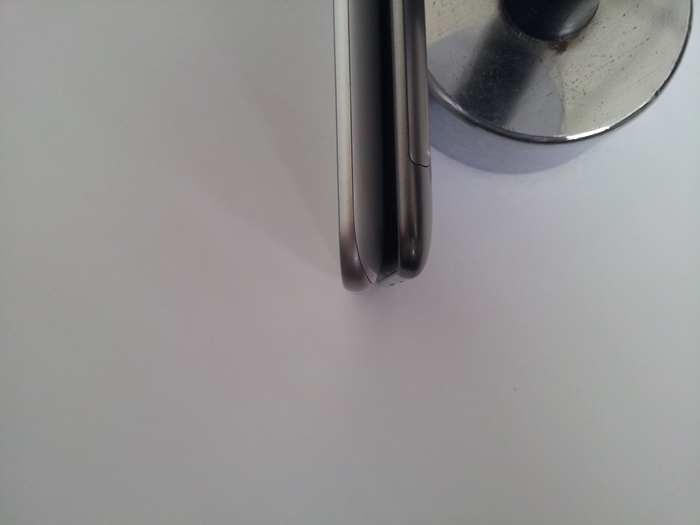
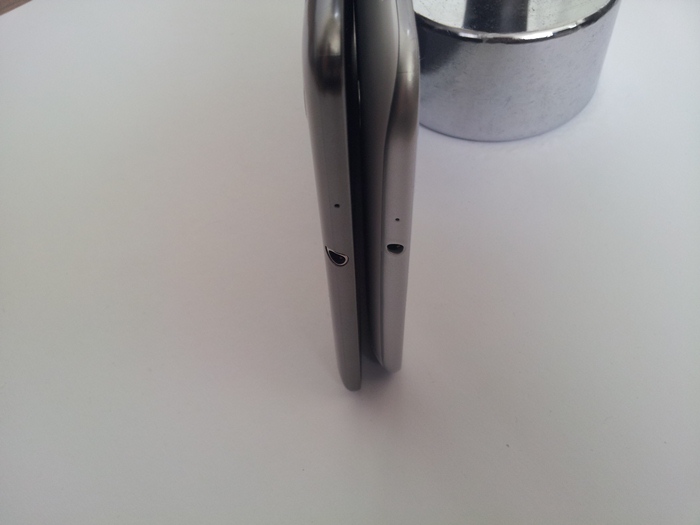
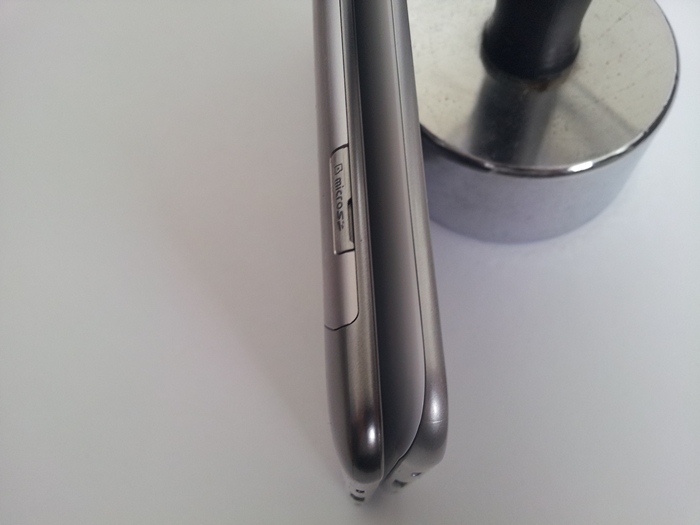
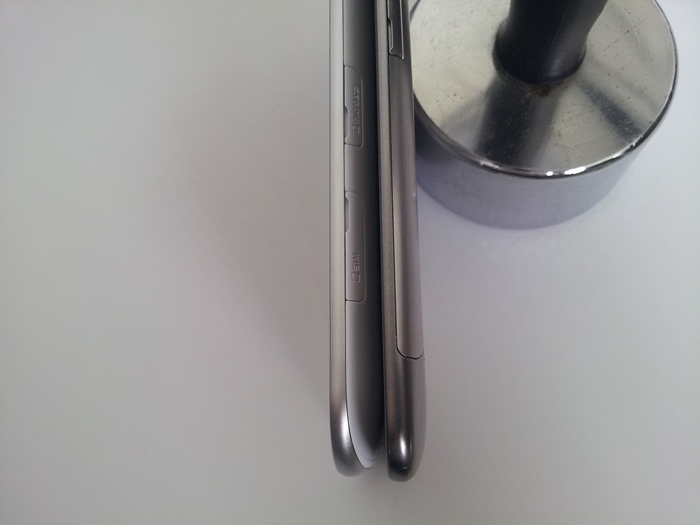
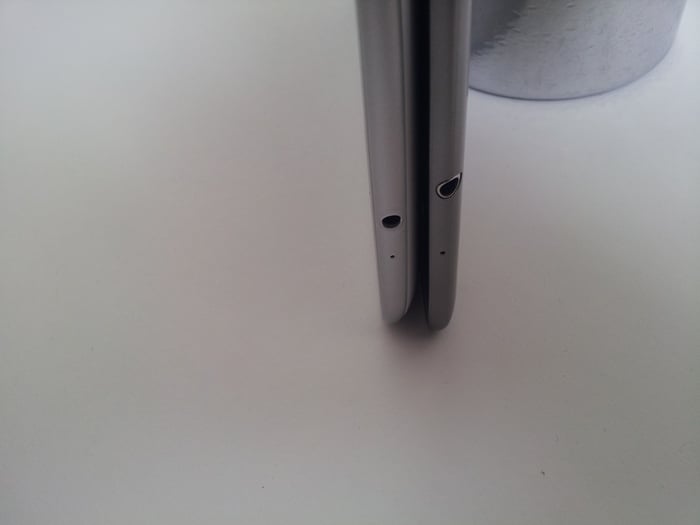
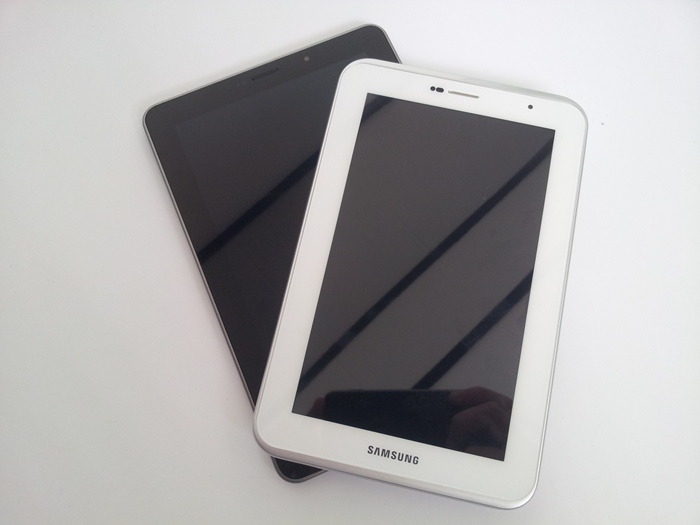
Galaxy Tab 7.7 vs Galaxy Tab 2 7.0